
Lightning Vine: Sending a File Across the Room Without Going Through the Internet
Summary
Lightning Vine is a free local network file transfer tool for Android, iOS, Windows, macOS and Linux: devices on the same network find each other, transfer directly, and never need the internet.
- Name
- Lightning Vine
- Version
- 2.3.1
- Pricing
- Free
- Open source
- Open source
- Updated
- 2026-10-06 12:08
The detour nobody thinks about
Lightning Vine is a free file transfer tool that works over a local network, available for Android, iOS, Windows, macOS and Linux, and it is a descendant of an existing open-source local-transfer project, with the interface and interaction rebuilt around how its users actually work. The problem it addresses is easy to state and easy to stop noticing: two devices sitting a metre apart, on the same network, sending a file to each other through a data centre on another continent.
That detour is normal now, and it costs more than latency. A file uploaded to a service and downloaded again has been copied twice, may have been recompressed, may have been resized, and will have been counted against a quota somewhere. For a photograph that is acceptable; for a large archive, a disk image, or a file nobody else should see, it is a strange way to move something five feet.
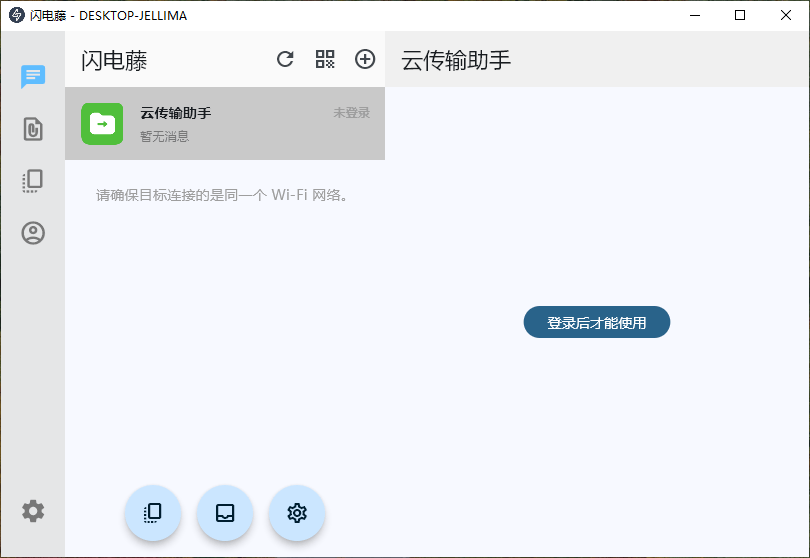
Direct transfer requires no internet, but it does require a network
The app works by having devices on the same network discover each other and open a connection between themselves. No account, no upload, no server in the middle: the bytes travel over the wifi or the cable that is already in the room. That is why the internet is not needed, and also why the phrase local network is doing real work rather than marketing.
The practical consequence is that the arrangement succeeds or fails on the network. Many office and public networks isolate clients from one another precisely to stop this kind of traffic, and a guest network may refuse it outright. Two devices on the same router usually cooperate; a phone on mobile data and a laptop on wifi are not on the same network at all, and no amount of trying will make them neighbours. Knowing this in advance turns a mystifying failure into a predictable one.
Peer to peer is a statement about the path, not a promise about speed
Peer-to-peer transfer means the two devices talk to each other rather than to a middleman, and the honest implication is that the limit becomes the slower of the two network links — usually the wifi — rather than an upload allowance. On a modern wireless network that is fast enough to move a film in the time it takes to make coffee, which is a different order of experience from watching a progress bar negotiate with a quota.
Comparisons of speed are worth reading carefully, in this category more than most. A claim of being many times faster than the traditional method is a comparison against a specific traditional method, under specific conditions; it is not a property of the software. What can be said without qualification is narrower and more useful: the transfer does not compete with anything else for bandwidth leaving the building, and it does not stop because a service decided the file was too large.
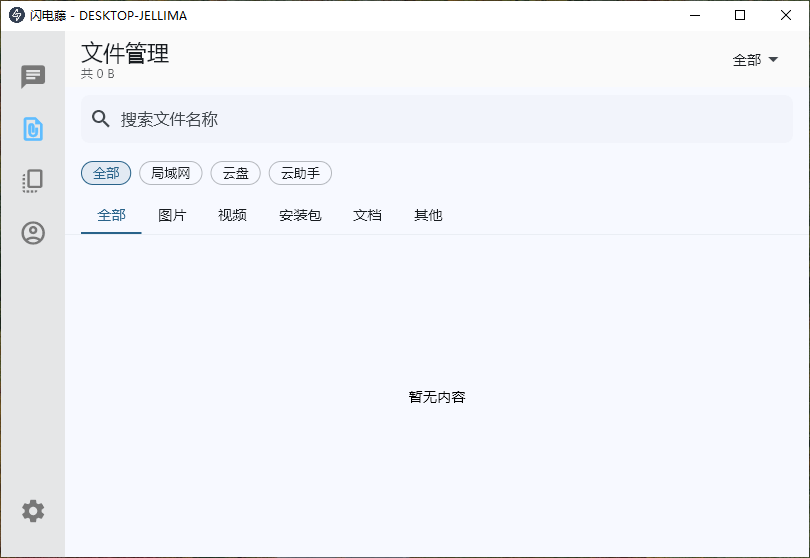
Encryption, and why pairing matters more than the network
Transfers are encrypted, which matters most in exactly the environment this tool is aimed at: a shared network where the traffic passes through equipment nobody in the room controls. The interesting part is not the cipher but the pairing. Before two devices can exchange anything they have to establish that they are the two devices the person intends, and that verification step is what prevents a stranger on the same network from being treated as a trusted neighbour.
This is the part users skip and the part that deserves a moment. A local network feels private because it is physically close, which is a feeling rather than a fact; a café, a hotel and a conference are all local networks full of strangers. Pairing once, deliberately, and then relying on the established relationship is the difference between using the feature and believing in it.
No size limit is a software claim, not a hardware one
Removing the file size limit is a genuine improvement over services that cap uploads, and it moves the constraint somewhere less obvious. A transfer of a very large file is now limited by the free space on the receiving device, by the battery in the sending one, and by whether the wireless link stays up for the whole duration. Those are real limits and they are worth knowing before starting a transfer that will take an hour, because the failure mode — running out of space at ninety per cent — is annoying in a way that a refusal at the start is not.
Pause and resume exist for the same reason, and they are more valuable than they look. Wireless links drop; devices sleep; a laptop lid closes. Being able to continue rather than restart is what makes a large transfer practical in a building where nobody sits still.
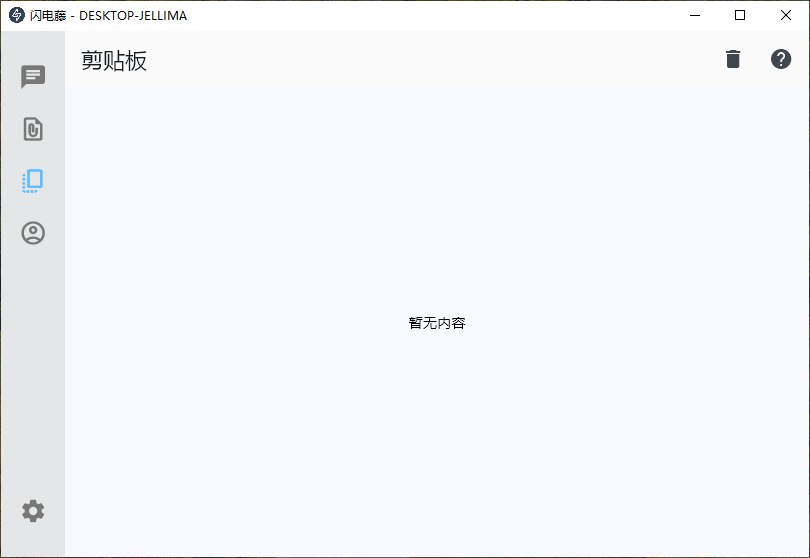
Clipboard sync is a small feature with a large effect
Copying text on a phone and pasting it on a paired computer sounds like a footnote and changes the texture of a working day. The usual alternative is to send yourself a message, which works but leaves a trail of fragments in a conversation; the clipboard route keeps a short piece of text where it belongs, which is in transit.
It is also the feature that most clearly requires the trust relationship described above. The clipboard is where passwords and private notes briefly live, which is why this is one of the few features where pairing only with devices you actually own is not pedantry but the condition of using it at all.
Five platforms is a protocol problem before it is a design problem
Supporting Android, iOS, Windows, macOS and Linux means the interesting work is not the five interfaces but the single conversation between them: the same discovery, the same handshake, the same encryption, the same chunking of a large file, behaving identically on a phone that restricts background activity and a desktop that does not. That is why building on an existing open-source transfer project is a sensible decision rather than a shortcut — the protocol is the hard part, and a protocol that others can read and test is more trustworthy than one that cannot be inspected.
The visible half is the interface, rebuilt around the habits of the people it is for, which in practice means borrowing the logic of a chat window: pick a device, pick files, watch them go. Whatever one thinks of the reference, it is a shape people already know, and recognising a shape is most of what makes a utility feel effortless.
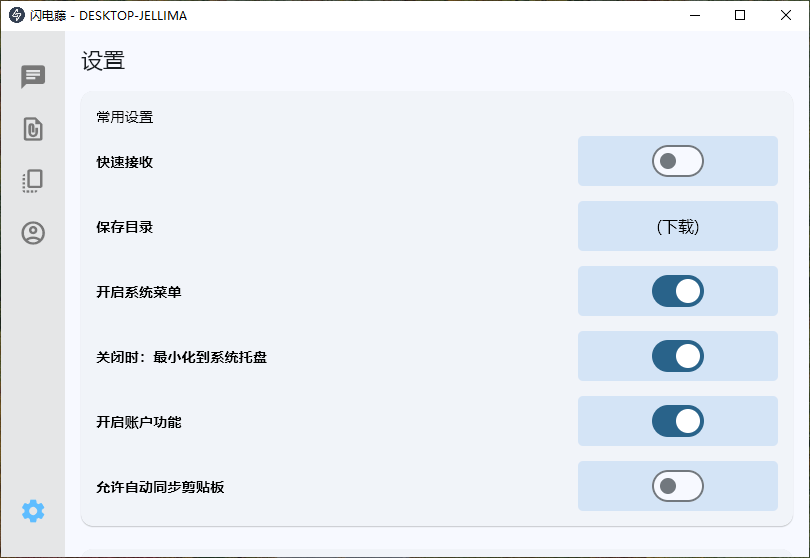
Where it fits, and where it does not
It fits the desk with a phone and a laptop on it, the studio moving photographs from a camera-adjacent phone to an editing machine, the office where the network is locked down and the cloud is not an option, and the household where two people want to hand each other a file without a cable. It does not replace a shared drive, it does not work across the internet, and it is not a backup. Free and without advertising, with a small footprint, is the right shape for something that should be installed on every device once and then forgotten until the moment it saves a walk down the corridor.