
Weatherling 1.6 puts real rain, snow and fog on the Mac desktop
Summary
A small menu bar app that rains on the windows you already have open, now with a switch that maps the local forecast onto the desktop, fog, and VoiceOver throughout; a single purchase at 1.99 dollars, for anyone who sits indoors all year.
Recommend- Name
- Weatherling
- Version
- 1.6
- Pricing
- Paid
- Open source
- Proprietary
- Operating system
- macOS
- Website
- https://weatherling.app
- Updated
- 2026-11-03 23:00
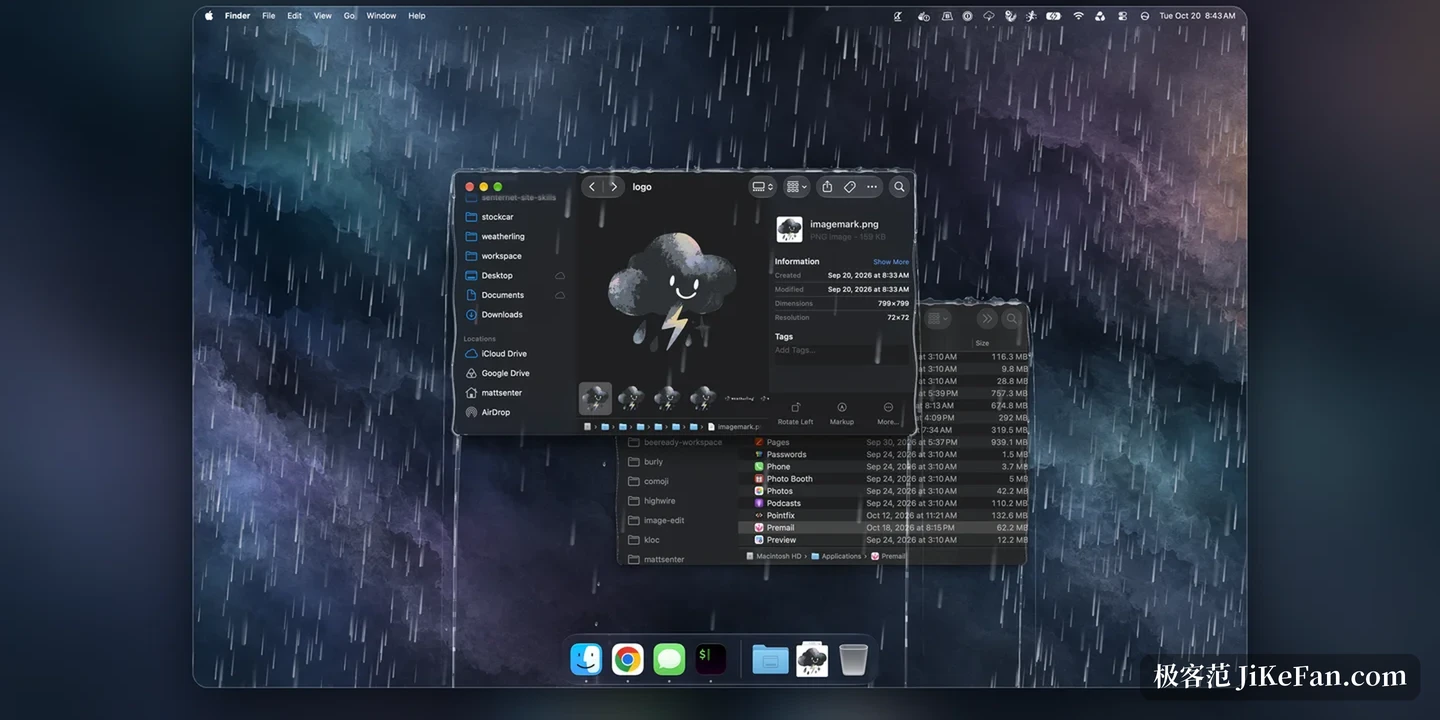
This is less a weather app than a pane of glass that rains. Drops land on the frames of the windows you already have open and run down the corners. From version 1.6 the rain can also follow the sky outside your window.
First, what it is
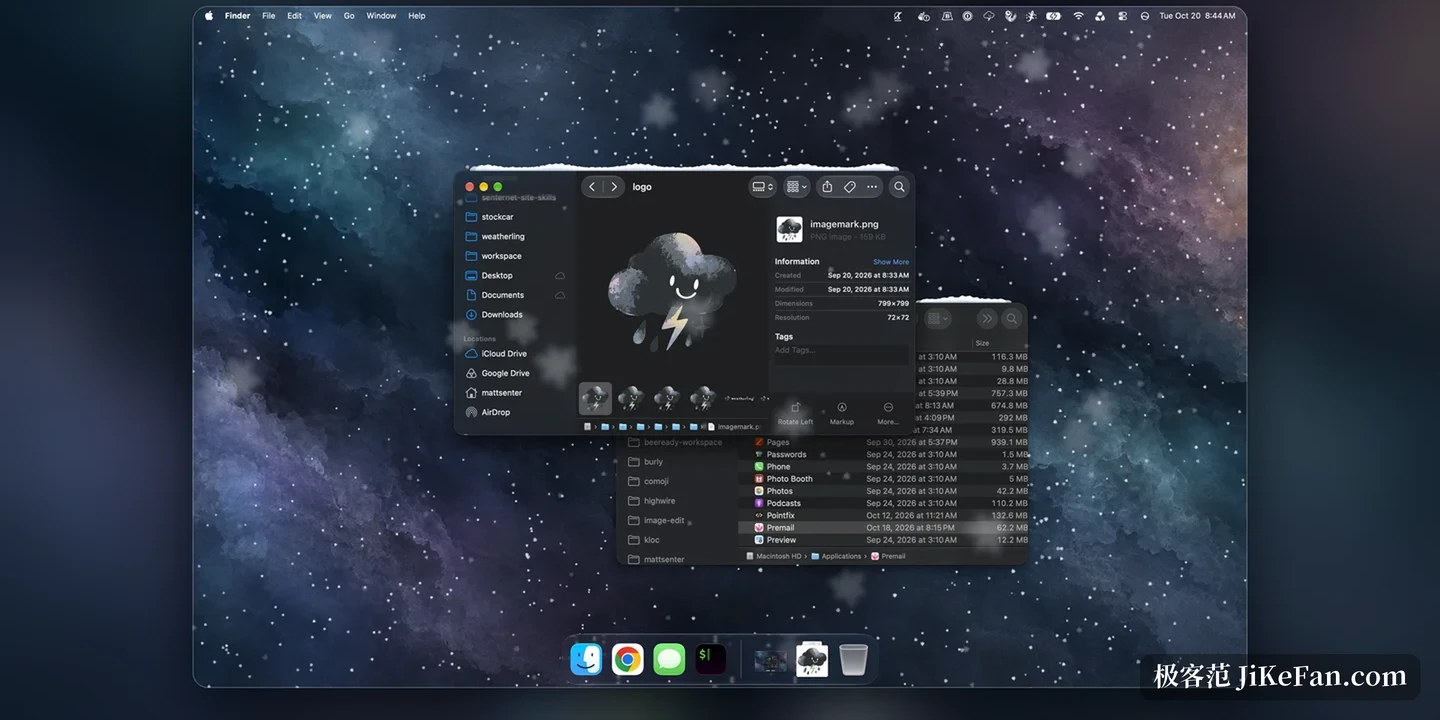
Weatherling is a small menu bar app for macOS, and its whole field of action is one place, the windows you have opened. Rain falls from the top of each screen, lands on whatever surface is exposed, gathers along the edge of a title bar, spills out of the corners and runs down both sides of the window. Push the intensity up and the edges begin to pour; slide towards snow and it piles on top of the windows.
It deliberately refuses to forecast. No radar, no seven day trend, no temperature. You decide whether it rains and how hard, and the rest is its job. That placement matters: treat it as a weather tool and it disappoints, take it as a layer of atmosphere over the desktop and it holds up.
Why the rain looks real
The key is that it knows the order of the windows. The app reads the window position information that macOS already shares with every program, works out which window is in front and which is behind, and a single drop can therefore fall in front of the nearer window and behind the one further back. That is what makes it read like weather in a room rather than an animation pasted onto the screen.
Water landing on a title bar travels along the top edge, pools in the corners and runs down the side. Drag the window and the standing water finds its way again. The whole effect is click through, so buttons work, typing works, files drag as usual and the rain stays out of the way. On default settings the developer's own measurement of the cost is three to four percent of a single core, a limited figure rather than a battery promise, but at least it says the effect is not bought with frame rate.
The most solid thing in 1.6: following the local weather
This version adds a sync with the local weather. Switch it on and the rain, snow, fog, sunshine and wind where you are get mapped onto the desktop, with data from Apple Weather. It is off by default and only works once you turn it on; while syncing it checks the weather about every half hour, and only while syncing is on and an effect is running.
Using the approximate location of the Mac means the sync follows the device, so the desktop weather changes when you travel. A city or a postcode can be typed in as well, without handing over a location. There is a reverse switch too: rain outside and clear sky inside, fine weather outside and rain on the desktop, dry heat turned into snow.
One detail of the design deserves a mention. Dragging any slider that is under sync, or switching on random mode, pauses the sync so that your change survives; one click restores the live weather. Automatic and manual are not built as two exclusive modes, manual simply outranks automatic.
Fog, and an interface rebuilt
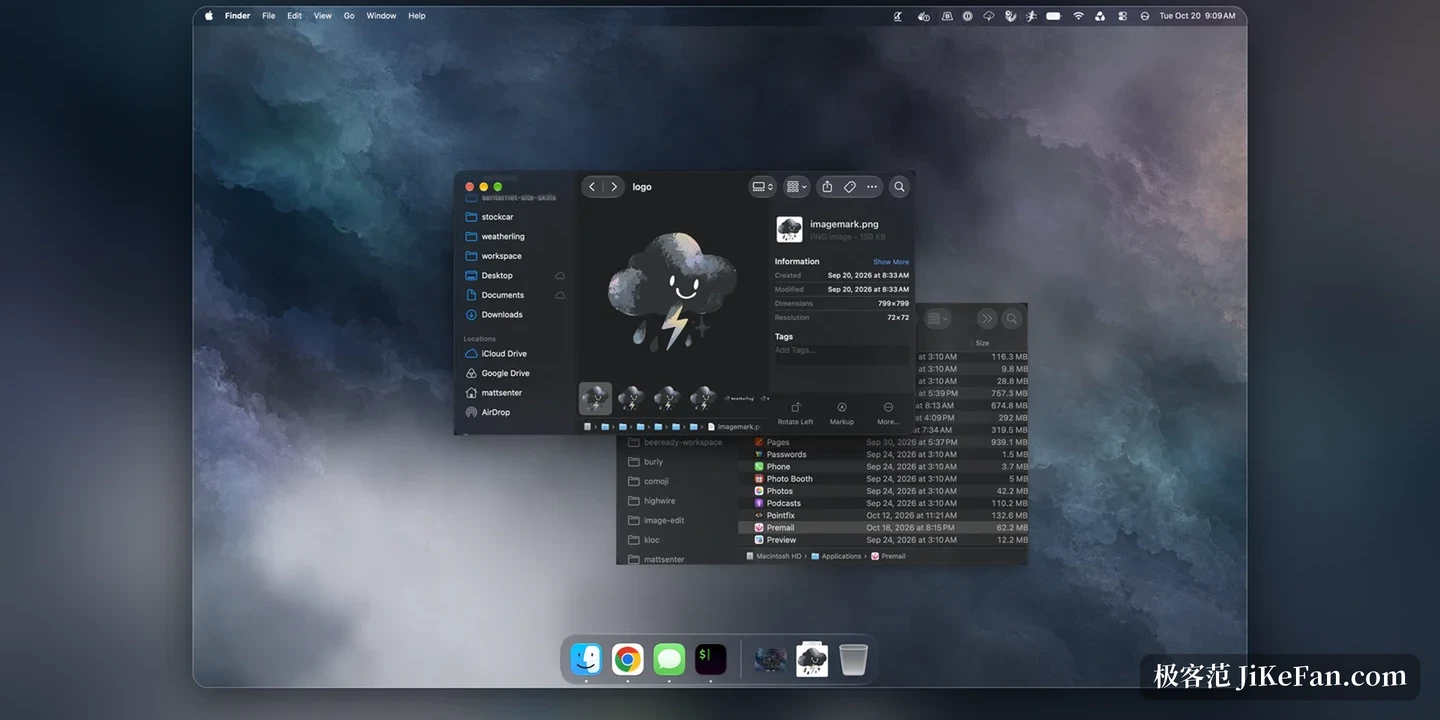
Version 1.6 adds fog, with its own slider and its own random setting. With sync on, fog, haze, smoke or dust outside triggers fog on the desktop; without sync it can be set by hand. Fog is the lightest of these effects, and running only sunshine or fog costs less than rain or snow.
The menu bar panel was rebuilt entirely around cards for weather, extras, advanced, Lings and performance, with the slider for each effect always visible, a random switch beside each one, and a master randomise switch that takes over every parameter at once. A help panel walks through each section.
Accessibility is the change most easily missed. The menu bar panel, the settings and collecting Lings can all be operated with VoiceOver, from start to finish. Turning on collect without dragging turns the collecting action into a button, and that option switches itself on whenever VoiceOver is active.
Permissions and resources
An effect laid over the desktop usually raises a question about permissions. Weatherling stays away from screen content: it never needs screen recording or accessibility permission, reads only the position of windows and not what is inside them. The app runs inside the Apple sandbox and does not modify other programs; Lings respond to the mouse only after interaction is turned on by hand.
With several displays, each screen gets its own layer, and the one you do not want to be disturbed by can be switched off. A full screen app makes the weather step back by default, so the screen stays clean during a film or a presentation, and the settings can keep it raining if you prefer.
The price: one dollar ninety-nine
On the Mac App Store it is a single purchase at 1.99 dollars, with no subscription and nothing sold inside. The price fits the placement: a small tool that solves no productivity problem and only carries atmosphere would be odd as a subscription. The developer says on the performance page that no battery figure is claimed yet because it cannot be measured reliably, and that phrasing is more credible than a handsome number.
Who it suits, who it does not
For anyone who spends the year indoors with a Mac on the desk, and happens to like the wrapped up feeling of a rainy day, the value is direct: no need for real rain, no need to open a window. It also works as a visual anchor for concentration, easier to sit with than a plain white background.
The reverse holds as well. If what you need is real weather data, a system wide theme, or a count of the battery cost of every frame, this solves a different problem. There is no trial either, and the draggable window demo on the front page is the whole preview: whether that is enough depends on how sure you are about wanting atmosphere.
Weatherling does one small and useless thing properly, letting rain fall where rain should fall. Version 1.6 connects that atmosphere to real weather and adds fog and accessibility. It still solves nothing, but it satisfies the wish for a little rain more completely.