
Tencent Marvis puts an agent inside the desktop and lands on UnionTech UOS
Summary
Marvis is Tencent's assistant at the operating system level: one sentence changes system settings, sorts files by content and takes over software installs and browser work, with a local mode that uploads nothing. On November 3 it reached the UnionTech UOS app store, with ten million free tokens a day per account.
Recommend- Name
- Marvis
- Version
- 1.3.4
- Pricing
- Free
- Open source
- Proprietary
- Operating system
- WindowsmacOSAndroidiOSHarmonyOS
- Website
- https://marvis.qq.com/
- Updated
- 2026-11-03 23:00
What should an AI at the system level actually look like? Tencent's answer is not one more chat window. The AI moves into the operating system instead: you say one sentence, and it changes settings, digs through files and runs scheduled jobs. When it reaches something irreversible, a deletion or an uninstall, it turns around and asks.
From answering questions to catching tasks
Marvis is Tencent's assistant at the operating system level, and the positioning is stated plainly: turn the whole computer into an agent you can talk to. Where it differs from ordinary AI tools is not the size of the model but the boundary of its permissions. A conventional product answers inside a dialog box, while Marvis is handed system settings, local files, the browser, installed applications and the link between devices, and the task is to break the work down, carry it out and hand the result back.
In the September 24 release it was renamed from AI assistant to AI butler, the sidebar gained an entry for the butler team, and the capabilities were folded into four lines: computer, files, software and browser. The naming gives the target user away: not people writing code, but people who get stuck on system settings, on scattered files and on software that will not install properly.
Four butlers, each with its own beat
The computer butler covers system cleanup, changes to settings, hardware checkups and performance tuning, along with troubleshooting at the system level. Behind it sits a repair knowledge base built up by enterprise IT teams and more than a hundred shortcuts, and the company puts the task completion rate at about 92 percent. The everyday pattern is to describe the outcome you want, receive an execution plan, and let it work through that plan step by step.
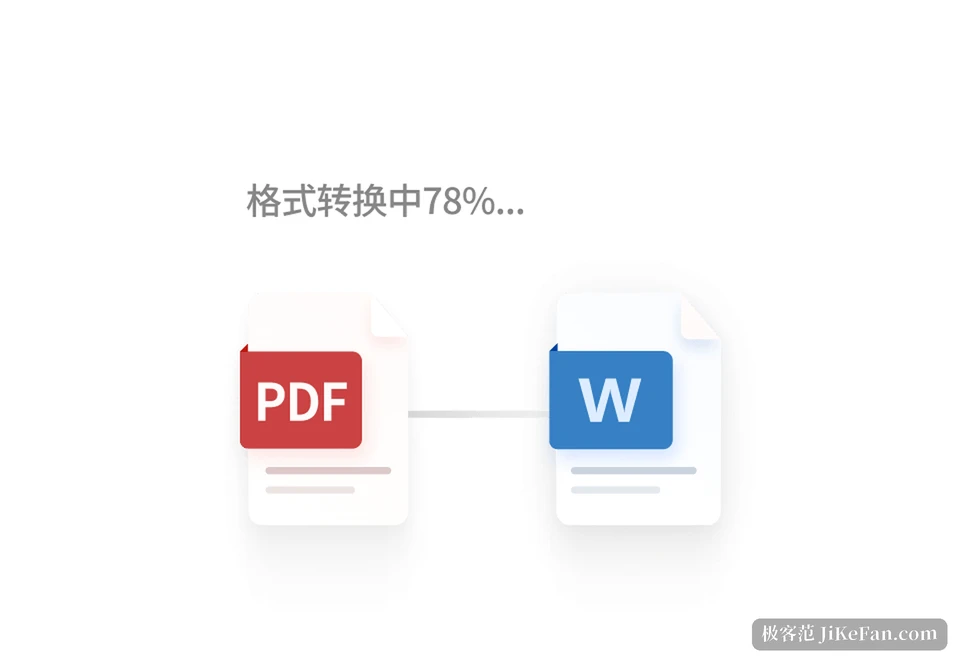
The file butler is the biggest change in this release. It no longer searches by file name alone: it reads the content of local files, tags and clusters them, and turns them into virtual folders of a knowledge base. Those collections find new files on their own, update themselves, and can be maintained jointly with other people; a document service is already connected, so cloud material can come in too. For anyone who has spent years piling up invoices, contracts and papers, stacking by content is far less work than keeping a directory tree in shape.
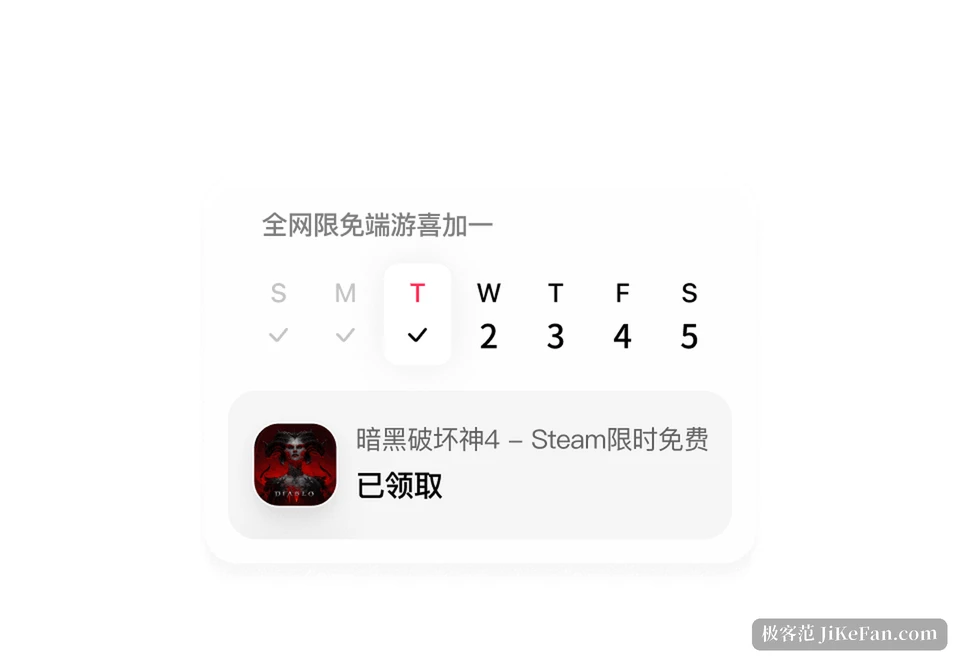
The software butler handles installing, updating, uninstalling and getting more out of applications. Uninstalling something under Windows usually means clearing several hurdles: finding the uninstaller, sweeping the leftovers, digging through the registry. This one takes those over, and it also watches limited-time free offers, reminds you when the clock runs out and can claim them for you. The browser butler attaches to the local browser through an extension, reuses the existing login state for searching, downloading and filling in forms, and ties web work to local files and applications.
Local mode: files need not leave the machine
Marvis works in two ways. Efficiency mode is device-cloud: the understanding and planning of difficult questions goes to the cloud, file handling and action execution stay local as far as possible, and this is the channel the daily free quota is mostly spent on. Local mode uses on-device models only, uploads nothing, and keeps working with the network off, which suits material from finance, legal and HR that should not leave the building.
The price is a gap in capability. On-device inference is weaker than the cloud, long documents and deep analysis slow down noticeably in local mode, and the system suggests switching back once a document gets too long. The trade is easy to read: keeping data on the machine is bought with your own compute. The published minimums say the same thing, a quad-core processor and 8 GB of memory or more on Windows, an Apple chip on the Mac side.
Six agents divide the work, and deletion asks first
Marvis arrives with six resident agents: one lead agent that plans and splits the work, and five that take files, computer, applications, browser and search. The user only has to state the goal; assigning work and chaining the steps is the system's business. That is also where it differs most from tools that expect you to build the flow and configure skills yourself: it works out of the box.
With permissions this deep, the safety boundary becomes the central question. Marvis grades them: irreversible actions such as deleting files, uninstalling software or changing core system configuration need human confirmation before they run, while payments and similarly sensitive acts are simply not opened and must be done by the user. Uninstalling also starts with a read-only scan and a list, and only acts once that is confirmed.
The phone takes over the desktop, even when it is locked
Cross-device work is the other capability that keeps coming up. With the client installed on a phone under the same account, you can watch the task running on the computer and take over the operation, and the connection holds even while the computer is locked. Two situations benefit: remembering, while out, that something on the computer was left unfinished, or walking an older relative through a computer problem remotely, with no guessing over the phone about where to click. It does not stream the desktop as an image; the task keeps running on the computer, and the phone only takes over the entry point for watching and intervening.
What arriving on UnionTech UOS means
On November 3, Marvis reached the app store of UnionTech UOS, with packages for x86-64 and ARM64 published at the same time, and it can also be found in the deepin community store. The supported range covers domestic chips from Phytium, Kunpeng, Hygon and Zhaoxin, and the general platforms from Intel and AMD as well. Before this it had already landed on HarmonyOS and Kylin; UOS is the third, which closes a round across the main domestic systems.
For ordinary users the most direct change is being able to use it on whichever machine is at hand. When terminals in government and enterprise move to a domestic system, a common application often has no matching build, and a system-level assistant that steps over that gap weighs more in practice than one extra app. The company also confirmed that every user, new or existing, receives ten million free tokens a day, shared across the account and not split by device.
Who it suits
If you already live in a command line and write your own scripts, most of what Marvis does can be assembled by hand and the appeal will be limited. Its value is compressing the small, frequent annoyances into the distance of one sentence: wanting to change a setting and not finding where it lives, remembering a document but not where it went, an application that will not uninstall cleanly. Its limits deserve the same attention: local mode is slower, sensitive actions ask first, and the bigger the task the more it leans on the hardware. Treat it as a butler that lives inside the system rather than a universal add-on, and it goes down more easily.