
Axolotl Launcher keeps Minecraft mods, shaders and skins in one window
Summary
Installing Minecraft is the easy half. Mods, shaders, resource packs and skins normally need four different tools, and Axolotl Launcher pulls all of them into one client. The v1.11 beta adds a banner designer and a set of MCP tools that let an outside assistant drive the launcher.
Recommend- Name
- Axolotl Launcher
- Version
- 1.11.0-beta.1
- Pricing
- Free
- Open source
- Open source
- Operating system
- WindowsmacOSLinux
- Website
- https://axlmc.org/
- Updated
- 2026-11-03 23:00
Getting Minecraft to start is the easy half. Keeping it usable is four jobs at once: the game itself, the mods, the shaders and the skins. Most players end up with a browser tab parked on a mod page, a second tab on a resource pack list, a folder window on the game directory and a separate editor for skins. Axolotl Launcher takes a modest position on all of this: it belongs in one client.
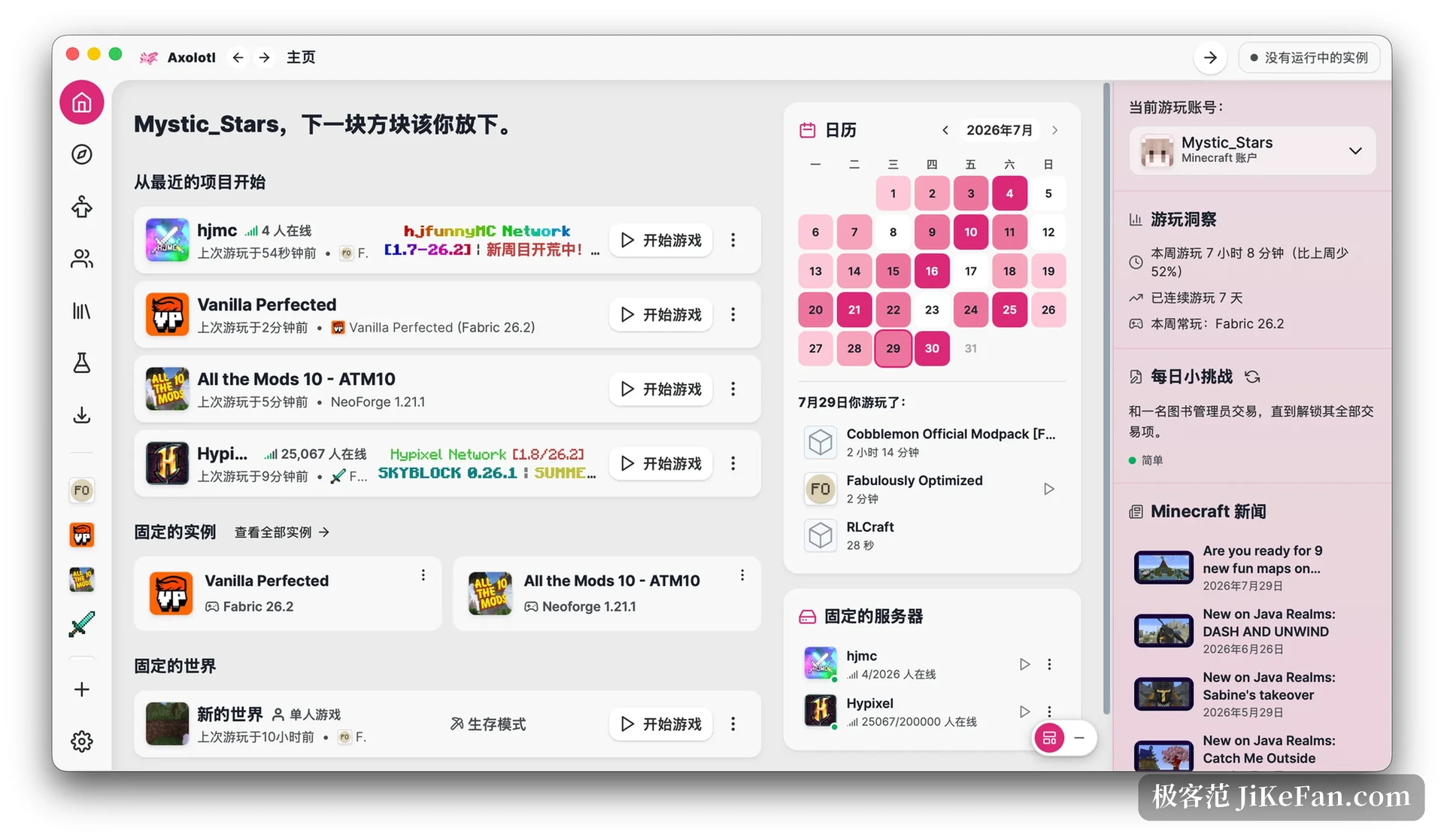
Content management gets a window of its own
Axolotl Launcher is a free, open source, cross-platform third-party launcher for Minecraft Java. Its Chinese name translates as axolotl, which explains the mascot. What separates it from a plain launcher is that the content sources live inside the client: mods, modpacks, resource packs and shaders are searched, browsed and installed without leaving the window, and every entry can be checked for updates and lifted to the newer build from the same list. Dependencies are resolved during the install, and whatever arrives is filed under an instance. A survival world with a light mod set and a technical pack with a hundred mods can sit side by side without touching each other, because each one carries its own folder.
The lab gathers the tools around the game
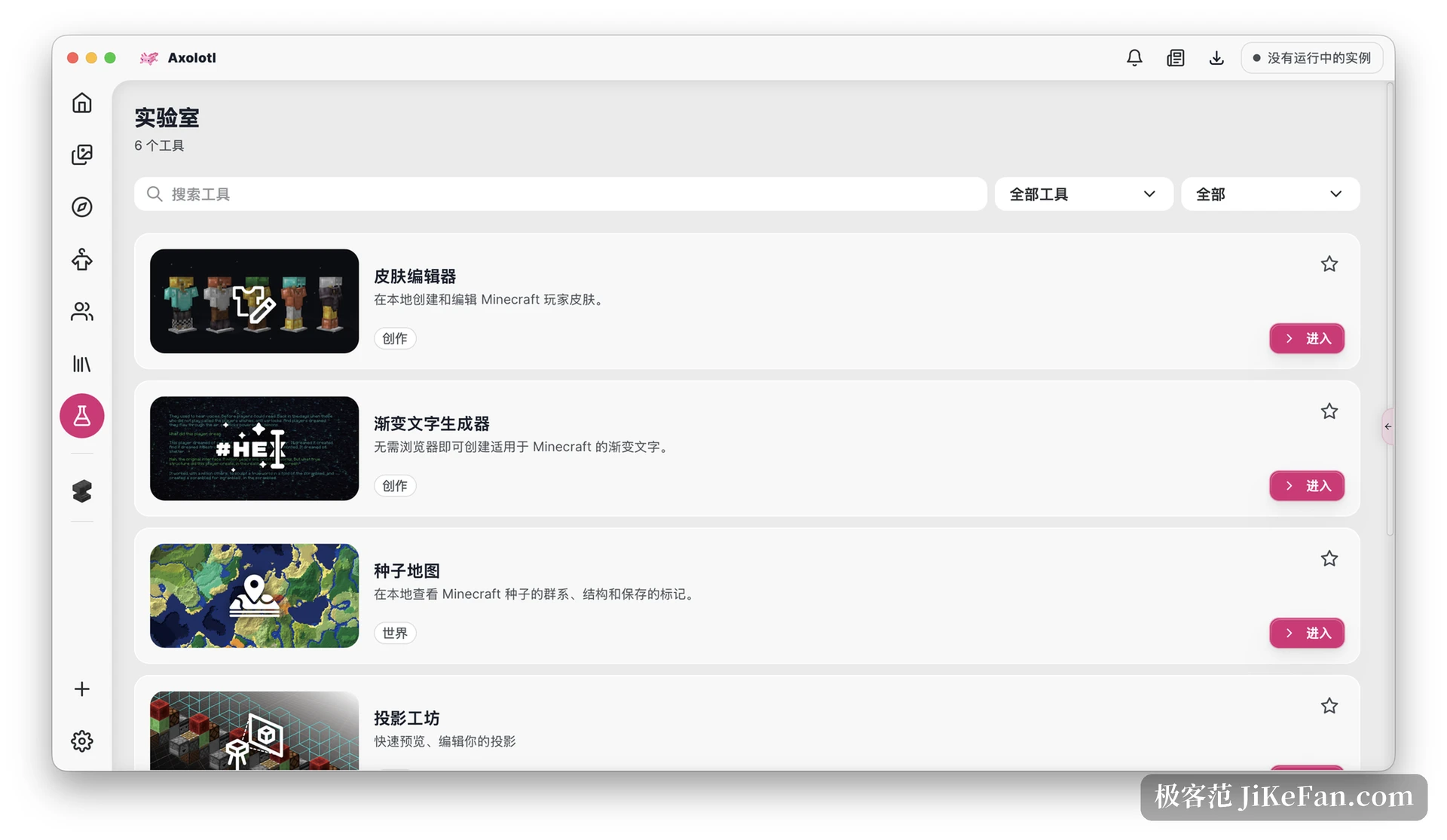
One section is called the lab, and it collects the jobs that usually send you hunting for a separate utility. A seed map is readable without leaving the launcher. The projection workshop manages building schematics and structure files, and its preview shows the details that decide whether a build will work: which way water will flow, how a lava slope will settle, where waterlogged blocks sit and how a bubble column rises. The v1.11 beta adds a banner designer, where patterns stack in layers, dyes can be swapped, undo and redo are there when a layer goes wrong, and the finished design exports as data, as item data or as a give command, with both the older and the current syntax covered. Browsing for projections and structures is wired in too, so a file can be inspected, previewed and dropped straight into the instance that needs it.
Skins and accounts
The skin editor gains draft autosave in this release. The interval is configurable, a warning appears if you walk away with unsaved edits, and the draft is waiting when you come back. A new lookup finds a skin by Java player name or by UUID, and the result can be downloaded as an image or pushed into the saved list. On the account side there is Microsoft sign-in, support for third-party authentication services and offline skin handling, which matters on a shared machine where signing in and out for every session gets old quickly.
The interesting part is that it can be called
What the v1.11 beta really changes is the launcher's surface area. It ships a set of MCP tools that reach instance launching, resource installation, downloads, the Java runtime, backups, worlds, accounts, dedicated servers and launcher maintenance. In plain terms, an outside assistant can act on the launcher rather than only talk about it. Alongside that comes interface observation: in full access mode the launcher can be screenshotted, navigated, clicked, typed into and scrolled. A request like open this instance and add that resource pack becomes technically reachable today. The feature is early, and how steady it proves to be depends on the releases that follow, but the direction is not ambiguous.
The foundation is new
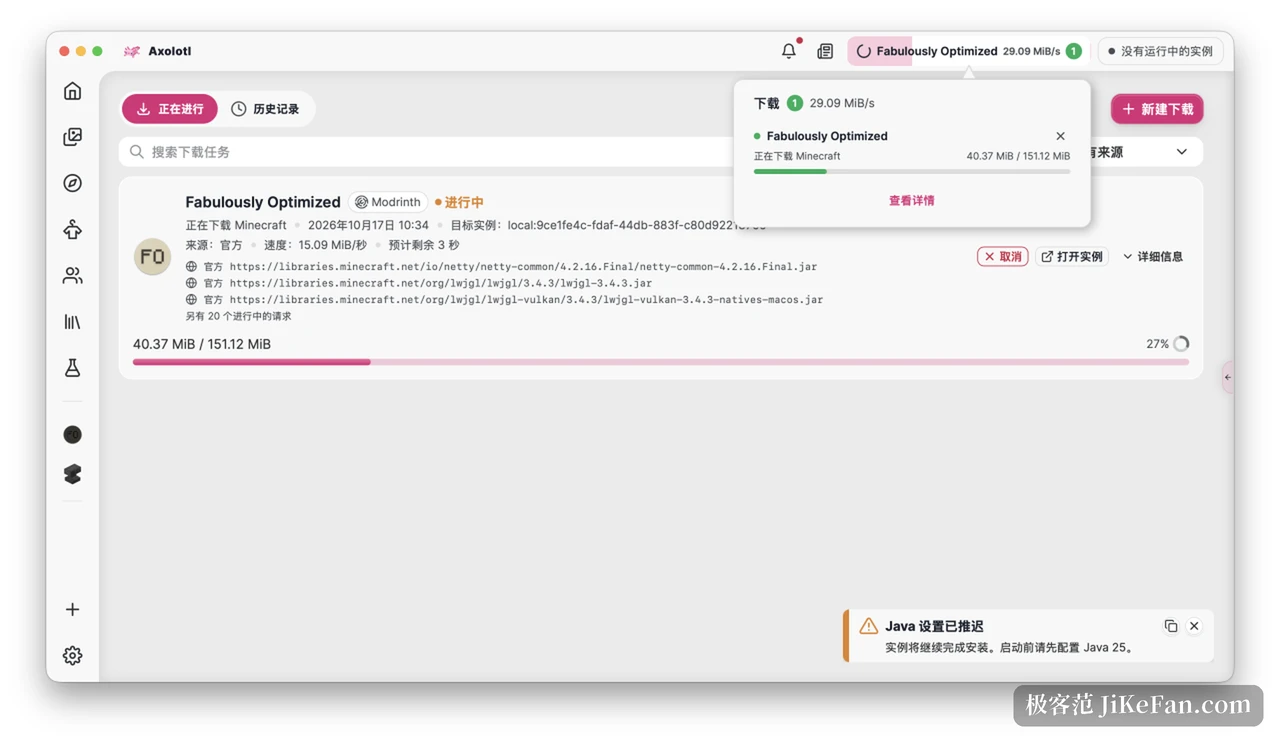
None of this sits on the framework older launchers inherited. The desktop shell is Rust with Tauri, the interface is Vue 3 with Nuxt 3, and the two share one design system. The practical gain is that a cross-platform build no longer means writing the product several times: Windows gets an installer, macOS gets a universal image that runs on both Intel and Apple silicon, and Linux gets AppImage, deb and rpm packages. The download engine runs concurrent threads, and this release moves the launcher's own update to parallel chunked requests, which also cleared up the repeated retries that used to pile up at the end of an update.
The security fixes are not small print
Archive imports now validate paths properly. That closes off directory traversal, reserved device names, alternate data streams and ambiguous file names, four tricks that matter because a modpack is an archive somebody else packed, and a loose import step is hard to undo afterwards. Third-party account linking moved to an authorization flow with validation. Importing dangerous settings first shows the old and new values side by side, and the import can be skipped or cancelled. Projection installation checks the target path before writing, so an existing file is not quietly overwritten.
Whether to use it now
The v1.11 beta is a pre-release, and the project's own advice is that anyone who wants reliability should stay on the v1.10.5 stable build. If a launcher that installs mods, keeps instances apart and looks presentable is all you need, the stable build already covers it. If banner design, projection previews or handing the launcher to an assistant sounds worth trying, the beta is where those live, with the usual caveat that a pre-release can break.