
Agent Desktop reads the accessibility tree so an agent can actually click
Summary
An agent fails at desktop work less often because it misreads the screen than because it misses the pixel. Agent Desktop, an open-source tool and C library from Vercel Labs, reads the accessibility tree, addresses elements by reference and leaves the mouse and keyboard alone by default.
Recommend- Name
- Agent Desktop
- Version
- 1.0.2
- Pricing
- Free
- Open source
- Open source
- Operating system
- WindowsmacOSLinux
- Updated
- 2026-11-03 23:00
Set an agent loose on a computer and the failure is rarely that it cannot understand the screen. The failure is that it cannot hit the right pixel. Reading a screenshot and turning a shape into coordinates works until the resolution changes, the window moves or the color scheme shifts, and then every stored coordinate is garbage. Agent Desktop takes the other route: skip the pixels and read the structure the operating system already hands to applications.
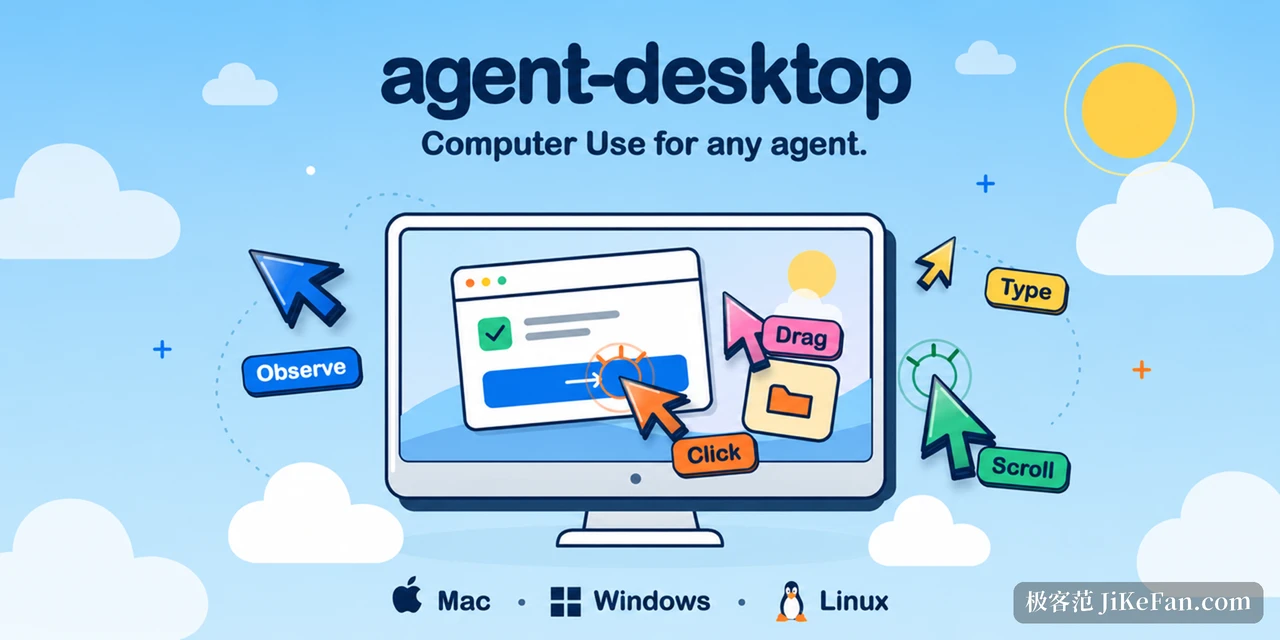
What it reads is the accessibility tree
Agent Desktop is an open-source desktop computer-use tool from Vercel Labs, shipped as a command line plus a C library under the Apache-2.0 license. The idea is easy to state: it does not take screenshots. It asks the accessibility interfaces that every major system already offers to assistive technology for the current structure of the application, which buttons exist, which fields accept text, which list items are there, and what each element can do. Anything a person could reach with a keyboard or a screen reader is reachable here.
The gain is stability. Elements are located by structure, so resizing a window, changing the display scale or switching the color scheme leaves the same element in place. The cost is that it only sees applications with a complete structure. A program that paints its own interface and exposes no accessibility information looks to this tool like a blank page.
Snapshot, action, snapshot again
The working loop has three steps. Ask for a snapshot and get back structured data in which every actionable element carries a reference identifier. Issue an action against one of those references: click, type, set a value, toggle a check, scroll. Then take another snapshot and compare what the interface actually did. Nowhere in that loop is there a coordinate click, which means there is no coordinate guessing to go wrong.
References are tied to the snapshot they came from, and the design is careful about it. An identifier from the previous snapshot may be stale in the new state, and when that happens the action returns a reference expired or a target not unique error instead of clicking whatever sits at that spot. Multiple windows get the same treatment: the tool lists the candidate windows and waits for one to be named.
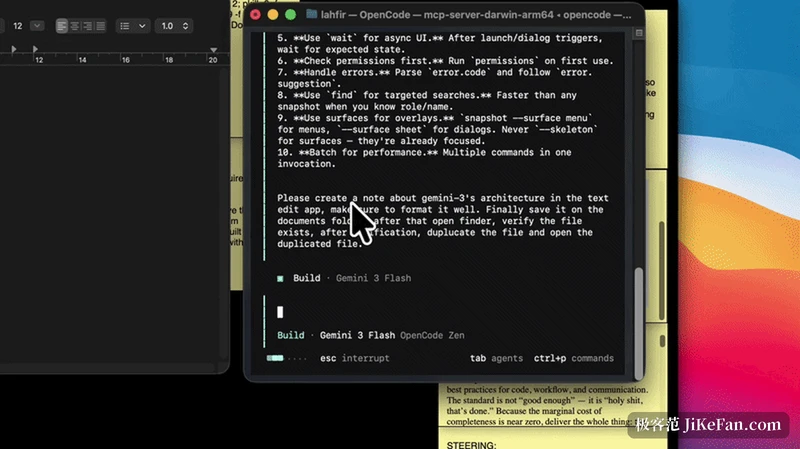
By default it does not take your mouse or keyboard
This detail deserves its own section. The default mode is headless: actions are dispatched through the accessibility interfaces, the pointer never moves and the window is never pulled to the foreground. A person can keep working on the same machine while an agent drives some application in the background. Simulating real physical input is possible, but it needs a switch turned on explicitly, and only then does the pointer move and do keystrokes get injected.
Each command line invocation also runs in its own process. Nothing stays resident, no background service is installed, and the process ends when the work is done. For the pattern this enables, where an outside orchestrator splits a task into steps and calls the tool repeatedly, that stateless shape is easier to wire up than a daemon.
Three platforms, three backends
macOS, Windows and Linux are all supported, and each sits on a different interface underneath. macOS goes through the system accessibility channel, and the first run needs the permission granted by hand. Windows handles ordinary applications without extra authorization as long as the terminal runs at the same integrity level. Linux depends on the graphical session and the accessibility bus, and X11 and Wayland do not cover exactly the same ground. Capability differs too: reading notifications works on all three, while areas such as the system tray and menu bar icons are supported to different degrees on each.
Command coverage is broad: sixty command names in total, fifty-six of which execute directly. The remaining four involve holding a key or a mouse button down, and they are only allowed once the background service can guarantee the release. Snapshot, find, read a value and screenshot belong to observation; click, type, set, check and scroll belong to action; window management, clipboard, notifications, waiting and batching sit alongside them.
The output format is meant for programs
Every command emits a single uniformly shaped payload. Success carries the result; failure carries an error code, a disposition and a suggestion. One field says specifically whether this failure can be retried safely, which is what lets the caller decide between retrying, aiming at another target or stopping to report. For anyone writing automation, that convention is the useful part: it turns what to do after a failure from a guess into a field to read.
The same interface is also published as a C library with dynamic libraries for each platform, so a program can call it inside its own process instead of spawning a subprocess per action. The project also ships documentation written for agents to read, so an agent can pick up the loop on its own.
Who it is for
This is not software for ordinary users. There is no interface, and no button that finishes the job in one go. It is aimed at people who need to put desktop operations into an automated flow: processing a client in bulk that only accepts manual clicks, adding a programmable entry point to an internal tool, or walking an agent through a real interface in a test environment. If the goal is simply to have an assistant tidy up some files, this sits too low in the stack. If what you need is desktop automation that can be reproduced, verified and diagnosed when it fails, this is that layer.
The project published version 1.0.2 at the end of October, with native packages for both x64 and ARM64. As an experimental open-source project from Vercel Labs its interfaces may still move, but the direction is clear: take the question of whether an agent can operate a desktop and turn it from a probabilistic vision problem into a deterministic structural one.