
Sunlogin V16.8 turns a HarmonyOS PC into the controlled end of a remote session
Summary
Sunlogin V16.8 lets a HarmonyOS PC be controlled rather than only control others, moves Chinese input mapping to the controlling side so candidates stay visible, and uses the assistive access permission in HarmonyOS 7 to reach unattended sessions.
Recommend- Name
- Sunlogin
- Version
- 16.8
- Open source
- Proprietary
- Operating system
- WindowsmacOSLinuxAndroidiOSHarmonyOS
- Website
- https://sunlogin.oray.com/
- Updated
- 2026-11-03 23:00
Remote control shows what it is worth when the two ends run different systems. Windows talking to Windows has been comfortable for years, but the moment the far side is a domestic system the chain tends to break. Sunlogin V16.8 brings a native HarmonyOS PC into the controlled side, and fixes two long-standing irritations along the way: Chinese input across systems, and unattended access.
What this release adds is the controlled end
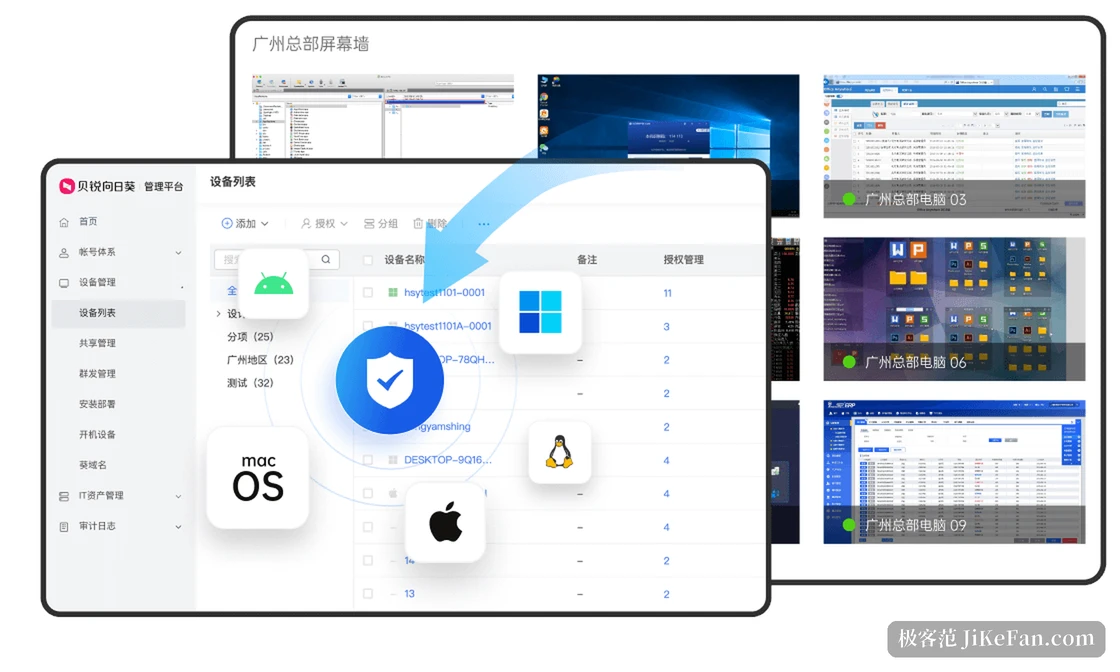
Sunlogin is a remote-control product from Oray, and the figure on its site is more than fifteen billion stable connection minutes a month across Windows, macOS, Linux, Android and iOS. V16.8 concentrates on the HarmonyOS PC. Until now a HarmonyOS device could start a remote session; now it can also be the one that gets controlled, with the desktop picture, the files and the camera all reachable. Both the controlling and the controlled end have to be on V16.8 or above for the path to open.
The hard part is not the picture but the permissions. The microkernel architecture of a HarmonyOS PC keeps a tight grip on low-level rights: screen transmission, file access, camera use and clipboard reads and writes each need their own authorization, and each only holds while a session is running. This release splits them into separate switches, so the user turns on what is needed and can leave the rest off permanently.
Chinese input no longer has to be guessed
This is the most practical change in the update. In a cross-system session the candidate window of the controlled side's input method usually does not appear in the transmitted picture, so a user types pinyin without seeing the candidates and types Chinese from memory, correcting a sentence three or four times. This release changes the approach: instead of depending on the input method on the far end, the controlling side takes over input mapping, shows the candidates locally and sends the finished characters across.
It sounds like swapping one input method for another, but it moves the whole interaction chain. The most common remote tasks, editing a document, answering a message, filling a few cells in a sheet, all rest on Chinese input, and once that works a HarmonyOS PC can actually be worked on remotely rather than merely watched.
Unattended access: authorize once, then connect directly
What remote support fears most is nobody being on site. The machine is on, the system is online, but no one is there to approve, and the connection stalls at the last step. HarmonyOS 7 adds an assistive operation permission that lets an application hold screen access over the long term, and Sunlogin builds its unattended mode on that: the first session still needs one approval click on the controlled end, after which connecting through the device list, or an ID plus verification code, goes straight through.
The boundaries should be stated as clearly. The controlled machine has to be powered on with the client online, and HarmonyOS PCs cannot be woken remotely for now. The controlled end must not let the screen sleep, since that cuts the picture. The system has to be HarmonyOS 7 or newer, and without the permission granted it falls back to manual confirmation. In other words it removes the need for a person at every connection, not the safety confirmation itself.
How far the toolchain now reaches
Beyond the picture, this release ties together the moves remote work actually uses: clipboard sync between devices, screen sharing, session recording and screenshots, calling the camera remotely, and browsing and transferring files across the whole disk. The picture engine adapts to bandwidth dynamically, reaching 4K at its best on a good network and favouring smoothness when the network is poor, so it does not turn into a slideshow.
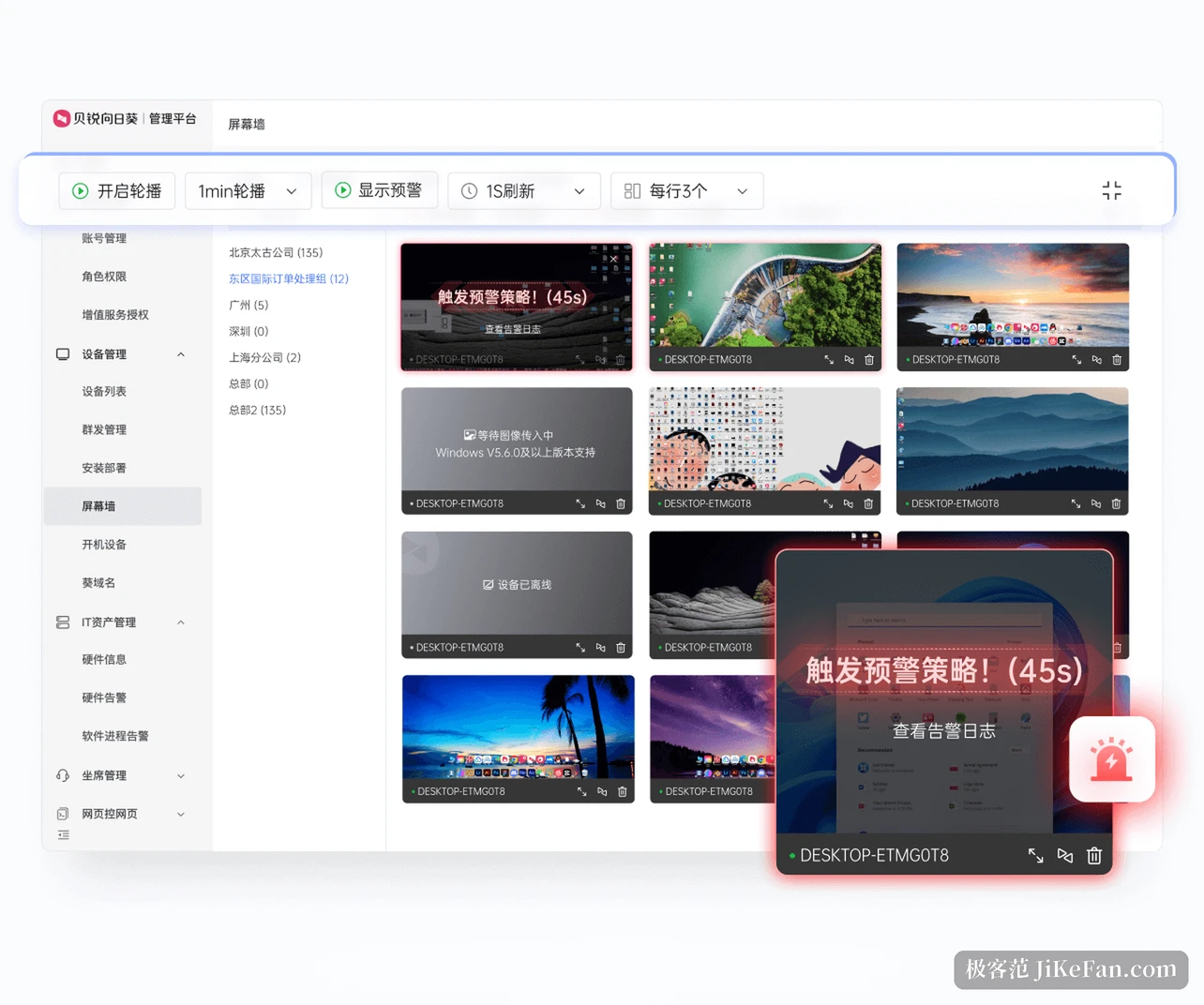
The enterprise features carry over: bulk deployment, device grouping, fine-grained authorization, multi-factor verification, access allow and deny lists, full session recording and audit logs. Remote command debugging, dual-screen to dual-screen and privacy screen, all of them aimed at support work, sit in the same client that now covers a controlled HarmonyOS machine, and the logic stays as close to identical as the platforms allow so switching systems does not mean learning again.
Seen next to the domestic software stack
Sunlogin moved early on domestic compatibility. At the operating system level it has completed certification with the main domestic systems, among them UnionTech UOS, Kylin, NeoKylin and deepin; at the chip level it supports Loongson, Phytium, Kunpeng, Hygon and Zhaoxin. With native HarmonyOS added, the wall between Windows, the older domestic systems and HarmonyOS is largely gone: one administrator, using one method, can reach terminals of different generations and different architectures.
That matters more for government and enterprise users than for individuals. During a transition in which several systems coexist, the trouble is not a shortage of tools but that every system switch demands a different way of working, splitting the staff into pieces. One entry point covering every terminal saves the duplicated cost of adaptation.
Who needs it
If your work includes a HarmonyOS PC that has to be looked after remotely, the one in the office, the one in the server room, the one at a relative's home, this version is worth installing: it turns a case that could not connect at all into one that connects. Anyone who regularly handles Chinese documents over a remote session gains just as directly. For someone who only moves a file between two Windows machines now and then, the upgrade changes little.
Two reminders. Upgrade both ends together, since one side alone will not connect. And do not roll unattended mode out everywhere at once: run the authorization flow on one or two non-critical devices first, confirm it is steady, and then widen it, which is far less work than diagnosing it afterwards.