
OpenMausBot manages a whole team of AI agents from a chat window
Summary
OpenMausBot is an Apache-2.0 desktop application that runs several local AI agents through a chat-style interface, giving each one its own model and cloud computer and holding shell commands and file edits behind an approval card.
Recommend- Name
- OpenMausBot
- Version
- 0.1.139
- Pricing
- Free
- Open source
- Open source
- Operating system
- WindowsmacOSLinux
- Website
- https://www.openmausbot.com/
- Updated
- 2026-11-03 23:00
Anyone who runs several AI agents at once has met the same annoyance: each one lives in its own terminal window, and who is running what, how far along it is and whether it needs a human all has to be watched by hand. OpenMausBot answers with a different interface: treat every agent as a contact in an address book, a row of avatars down the left, click one and you are in a conversation.
What it is
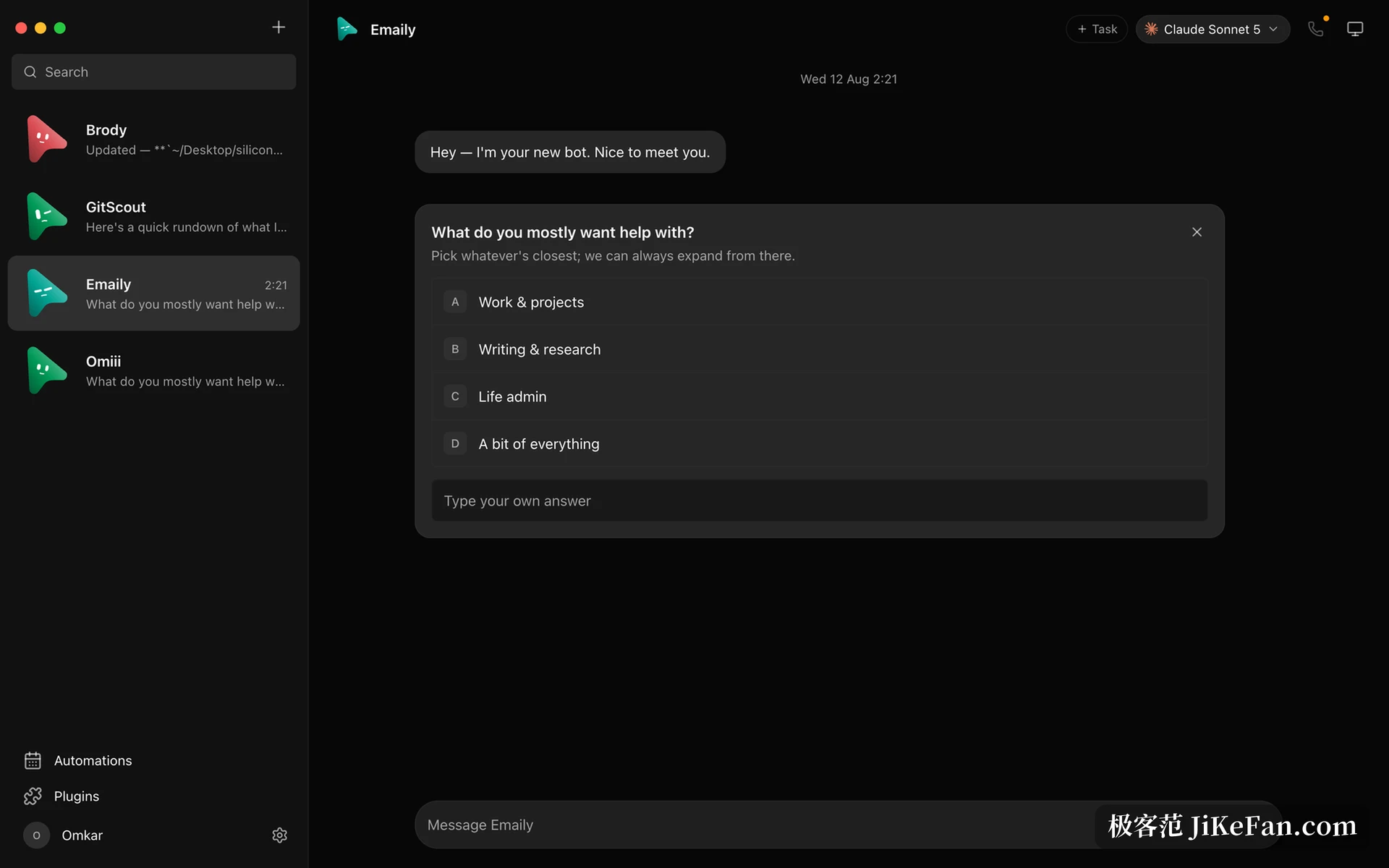
OpenMausBot is an Electron desktop application with a React front end, Apache-2.0 licensed, public on GitHub and currently past eleven thousand stars. Its approach is to give every agent its own configuration: its own name and avatar, its own model, its own cloud computer, its own connected applications, and then pack all of that into an interface shaped like a chat client.
The gain is that there is almost nothing to learn. Anyone who has used a messaging app knows the moves already: unread counts, pinning, context menus, folder grouping. The only difference is that the other side is not a person but an agent that can read files, open a browser and run commands.
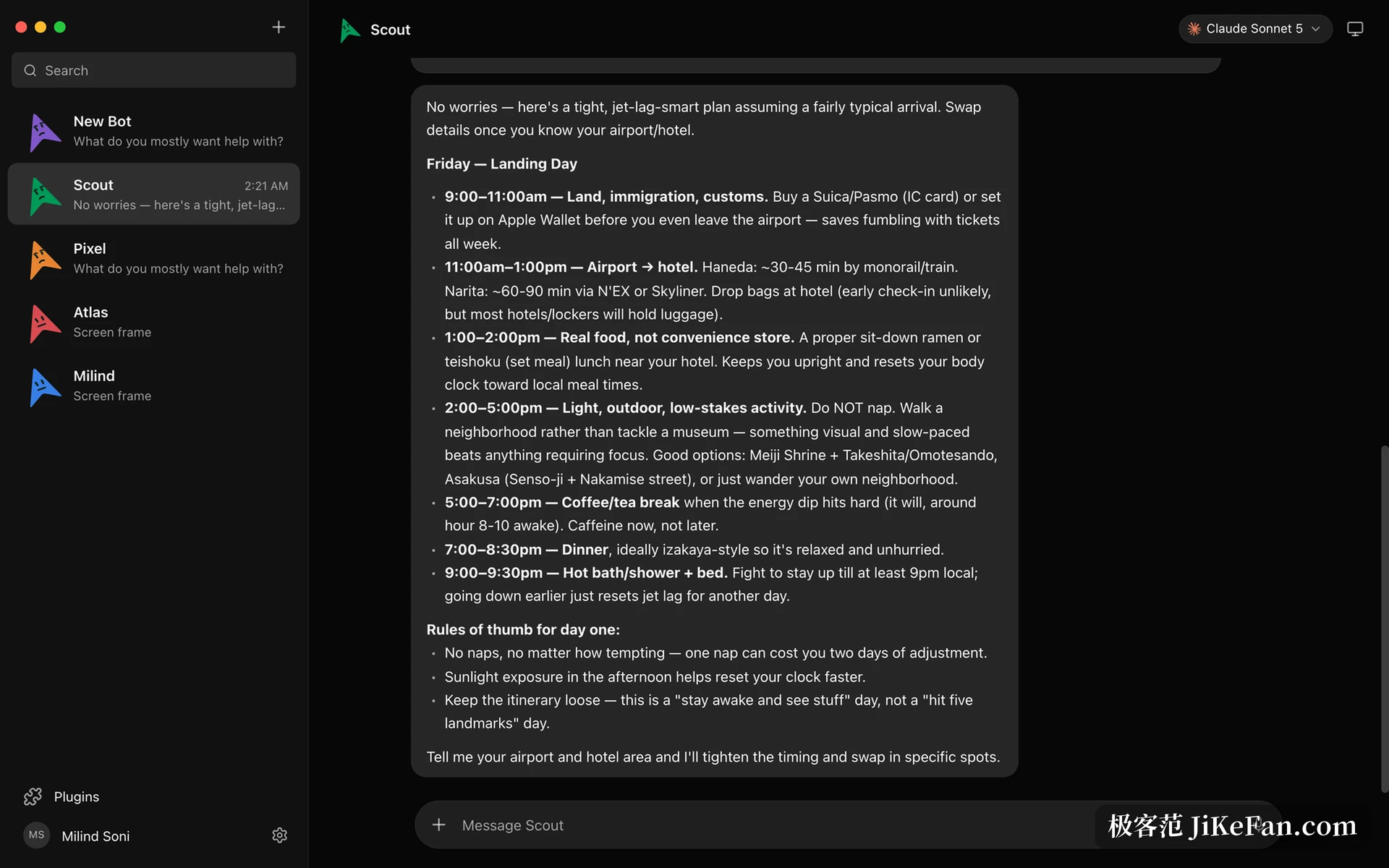
Every agent gets a computer of its own
This is the largest difference from an ordinary chat client. Open the computer panel for an agent and a cloud desktop starts for it, with a live preview while it works; when a human needs to take over, one click puts you in control inside the browser, or the agent can be pointed at the machine you are sitting in front of instead.
The point of one machine per agent is isolation. The one writing a crawler can install dependencies and change its environment however it likes without polluting the environment where another is running data analysis; when a risky operation needs trying, the damage stays inside that temporary machine. For anyone running several jobs at once, that is cleaner than opening more terminal windows.
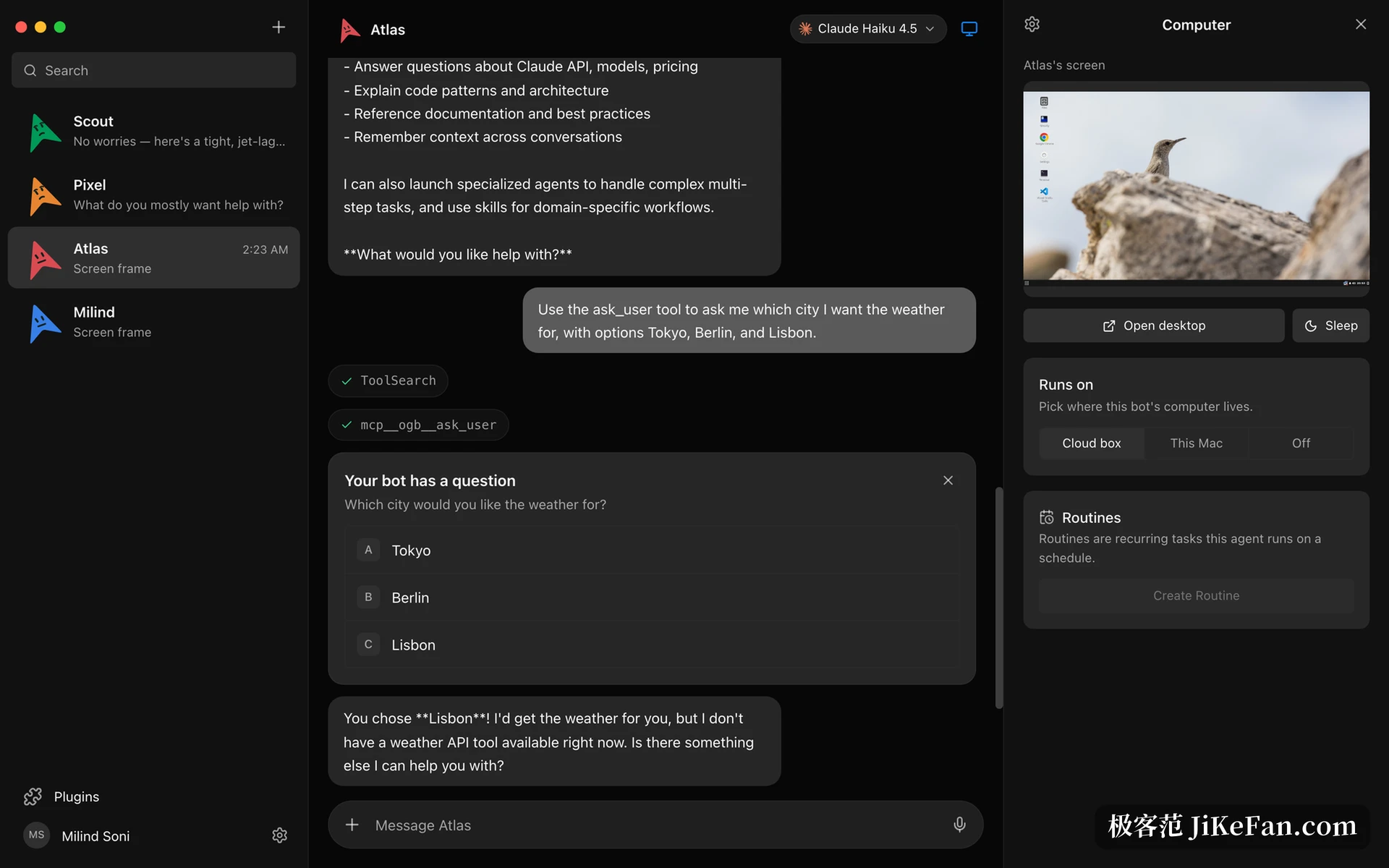
It asks before it acts
What unsettles people about letting an AI drive a computer is that it might quietly do something. OpenMausBot turns that into a permission layer: running a shell command, changing a file or asking you a question all appear as cards in the conversation, and you can allow, refuse, or simply answer in chat. Cloud computers and the local machine go through the same approval logic.
Note that this is not an after-the-fact log but a block before execution: without your permission the action does not land. For anyone who keeps important material on the same computer, that design is more real than any promise of traceability afterwards.
Triggers: from being told to starting work
There is a trigger page, and it governs the rule that when something happens, a given agent does a given thing. A scheduled task can run once, on chosen weekdays, or repeat at an interval from five to one thousand four hundred and forty minutes; interval tasks align to a start time, and when the previous run has not finished the new one is skipped so the work does not pile into a queue. Beyond schedules, a trigger can be an external request, or an event from a connected application, such as drafting a reply when mail from a particular person arrives.
The value is that an agent stops being something you prod and starts being on duty. A morning digest, a periodic check, a form that needs handling when it lands, once those sit on a trigger the person only shows up at the decision point.
Connected applications and team reuse
A marketplace of connected applications is included: authorize once and every agent can call those services as tools, covering the usual categories of mail, calendar, code hosting, document collaboration and project management. Keys are stored locally and the interface only ever shows configured, never echoing them, which matters on a machine several people share.
The team design is interesting too. An agent team can be packed into a Markdown file; importing it runs a review screen that lists the members, channels, flows and connection list before anything is created. A whole department can also be exported into a single file and handed over, but chat history, keys and model choices do not travel with it: whoever imports gets fresh agents, with skills switched off and routines paused. Carrying the structure without the data is a safer trade than exporting configuration alone.
Limits and fit
The project is candid about its own state: early but usable, with the chain from sending a message through execution, streaming replies, tool calls, approvals and computer use all working. macOS and Windows have official builds; the Ubuntu 24.04 version is still in testing and comes with capability trade-offs; hosted and mobile connections are still being built, and external request triggers currently depend on a local receiver; calls work only on macOS. The current build is 0.1.139, and because it runs on Electron its size and memory use will not feel as light as a native application.
Who should look at it? Anyone already running several agents and feeling that managing them is scattered will see the value of this interface at once, and anyone who needs a different model, a different computer or different permissions per task will save a good deal of manual switching. If you only ask an AI a question now and then, the weight and the concepts are too much: this is a workbench for people running several jobs at the same time.