
Photopea: a professional image editor that lives in a browser tab
Summary
Photopea runs a full image editor inside the browser, opens PSD, XCF, Sketch, XD, CorelDRAW, AI, EPS, SVG and camera RAW directly, and processes everything locally without uploading a single file.
Recommend- Name
- Photopea
- Version
- 20260922
- Pricing
- Free
- Open source
- Proprietary
- Operating system
- 网页版
- Website
- https://www.photopea.com/
- Updated
- 2026-10-06 15:14
When a PSD file simply will not open
A designer sends over a PSD file, a downloaded template turns out to be in Sketch format, or a poster has to be changed by the end of the afternoon, and the machine in front of you has no design software installed at all. Installing a professional package that runs to several hundred MB is not an answer in that situation, because the download alone outlasts the deadline. Photopea exists for exactly these moments. You open a browser, type an address, and three seconds later a professional image editor is on screen with an interface familiar enough to use without reading anything. Drag the file in and work begins.
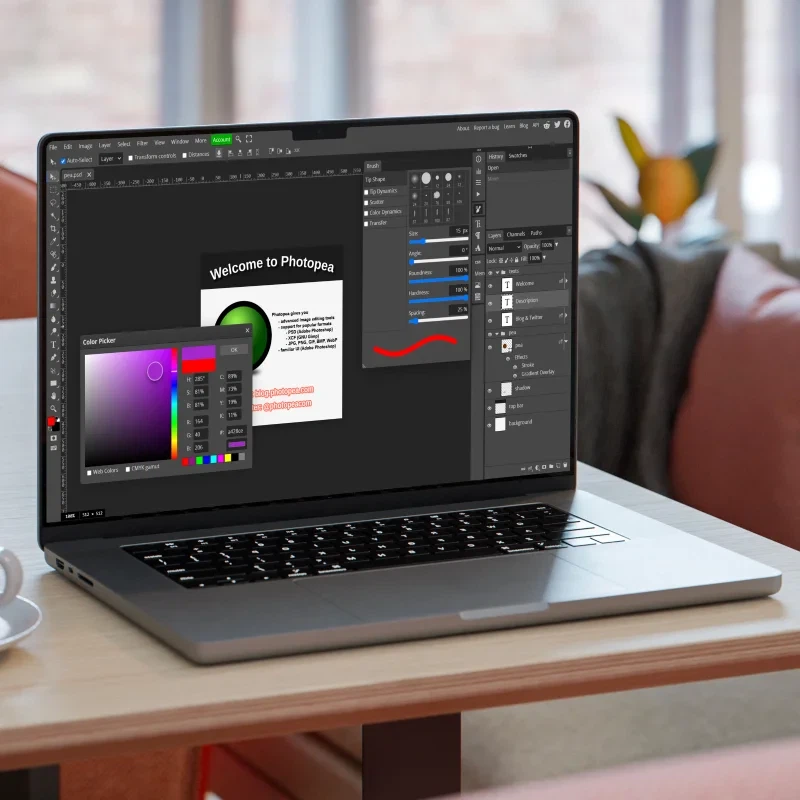
That is the whole proposition, and it is worth separating from the general run of browser tools. Nothing is installed, nothing is registered, and the file does not have to be sent anywhere before it can be looked at. The browser tab is the application.
An interface close enough that switching costs nothing
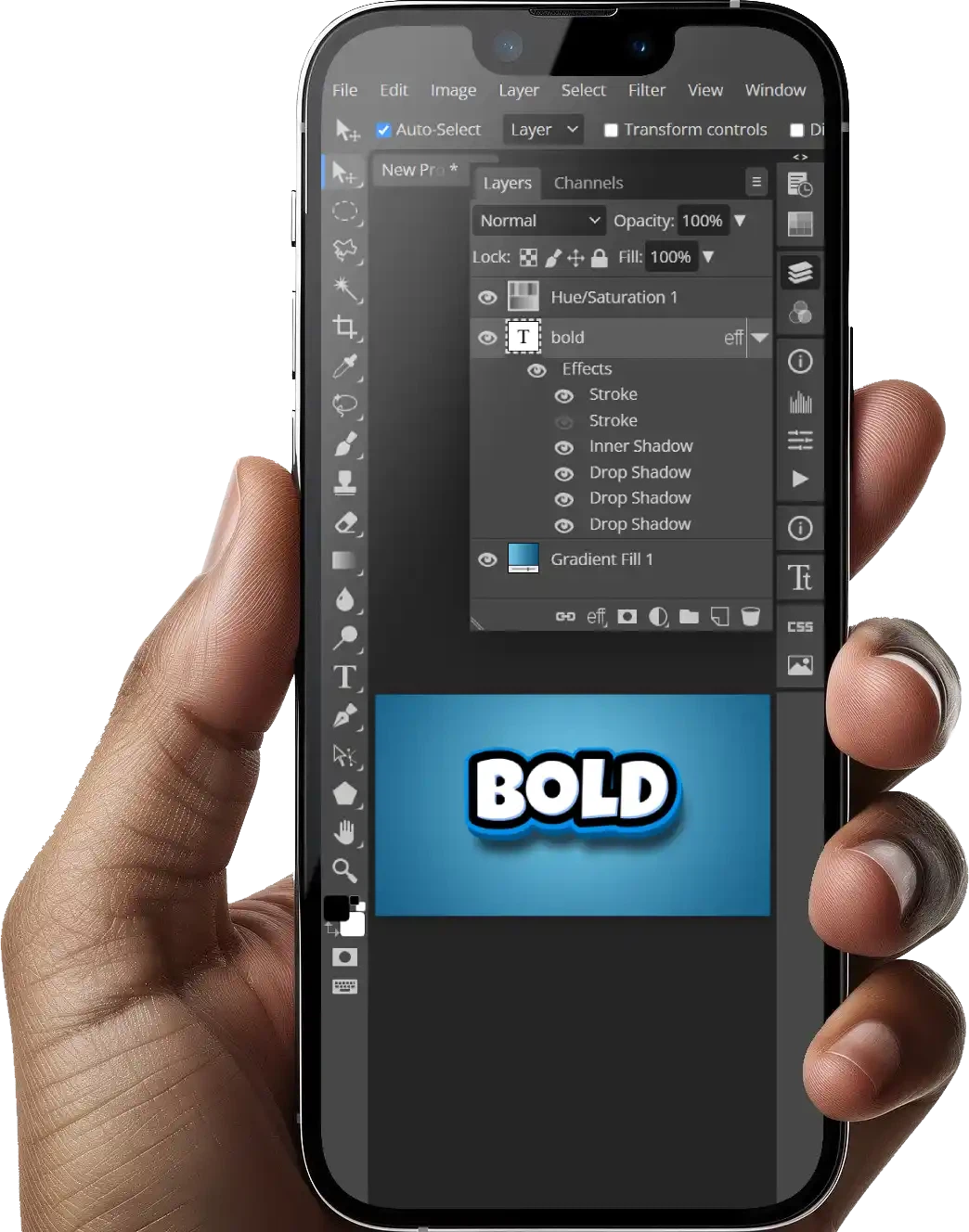
The layout follows Photoshop almost exactly, with the tool column down the left side, the layers panel on the right and the menu structure along the top. The keyboard shortcuts keep the same habits too, so anyone who has used Photoshop pays no learning cost at all. Layers, masks, smart objects, blend modes, filters, curves and levels are all present, and the text tool and shape tool are built in as well.
Format compatibility is the hardest part of the whole thing. PSD, XCF, Sketch, XD, CorelDRAW, AI, EPS, SVG and camera RAW all open directly in the browser and can be edited there, then written back to the original format or exported to the common image types. A file does not have to be converted to something lesser before it can be touched, which is the detail that makes the tool usable in real work rather than a demonstration.
Local processing, so the file is never uploaded
Plenty of people are uneasy about handing work to an online tool, and the answer here is local computation. The entire editor runs in the browser through JavaScript and WebAssembly, image processing takes place on your own machine from start to finish, and the file never reaches a server at all. There is no upload step to trust and no copy sitting somewhere else afterwards.
The free version is supported by advertising, and a membership removes the ads and unlocks stronger performance. Set against subscriptions that run to several hundred per year, the cost of emergency edits and light creative work falls close to zero, which is the point of keeping the tab open.
The ceiling is real and worth stating plainly. Very large project files still run into the performance limits of a browser, and heavy production work belongs on desktop software. What the browser gives you is not a replacement for a full studio setup but a working capability everywhere else.
Where it earns its place
The pattern is a borrowed laptop, a machine in a laboratory, a tablet, or an office desktop locked down against installations. Those are the places where a tab that opens a PSD, lets you inspect the layers, fix a headline or export a web-ready image is worth far more than a professional suite that cannot be installed. Nothing is left behind on the machine afterwards either.
It also settles a smaller but frequent annoyance. Every graphic that arrives by message or mail arrives as a format somebody else chose, and the usual response is to look for a converter. Opening it here and exporting what is actually needed takes one step instead of three, and the original stays untouched on the way through.
Photopea belongs to the category of tools people doubt before using and bookmark afterwards. It does not try to replace Photoshop. It supplies a complete substitute at zero cost, with zero installation and controllable privacy, for the moment when no professional software is at hand. Kept in the bookmarks bar, it rescues the afternoon.