
PCMark 10: a free ruler for whole-machine performance on Windows, from office work to creation
Summary
A composite benchmark suite that runs workloads resembling a modern office day and turns them into one total plus sub-scores, so the limit can be traced to processor, graphics or storage. The basic edition is free, and the current build is 2.3.2912.
- Name
- PCMark 10
- Version
- 2.3.2912
- Open source
- Proprietary
- Operating system
- Windows
- Updated
- 2026-10-05 06:21
One ruler for a whole machine
After a processor swap, more memory, or a move from a spinning disk to solid state, the obvious question is how much faster the machine actually feels. A single number from a single benchmark rarely answers it. PCMark 10, published by UL Solutions, approaches the question from the other side: instead of pushing hardware to its limits it runs workloads that resemble a modern office day, starting applications, handling documents, browsing, video calls, photo editing, rendering an export, and turns them into a comparable set of scores. The current build is version 2.3.2912, a maintenance release that does not disturb the comparability of results.

Three groups of work, one total
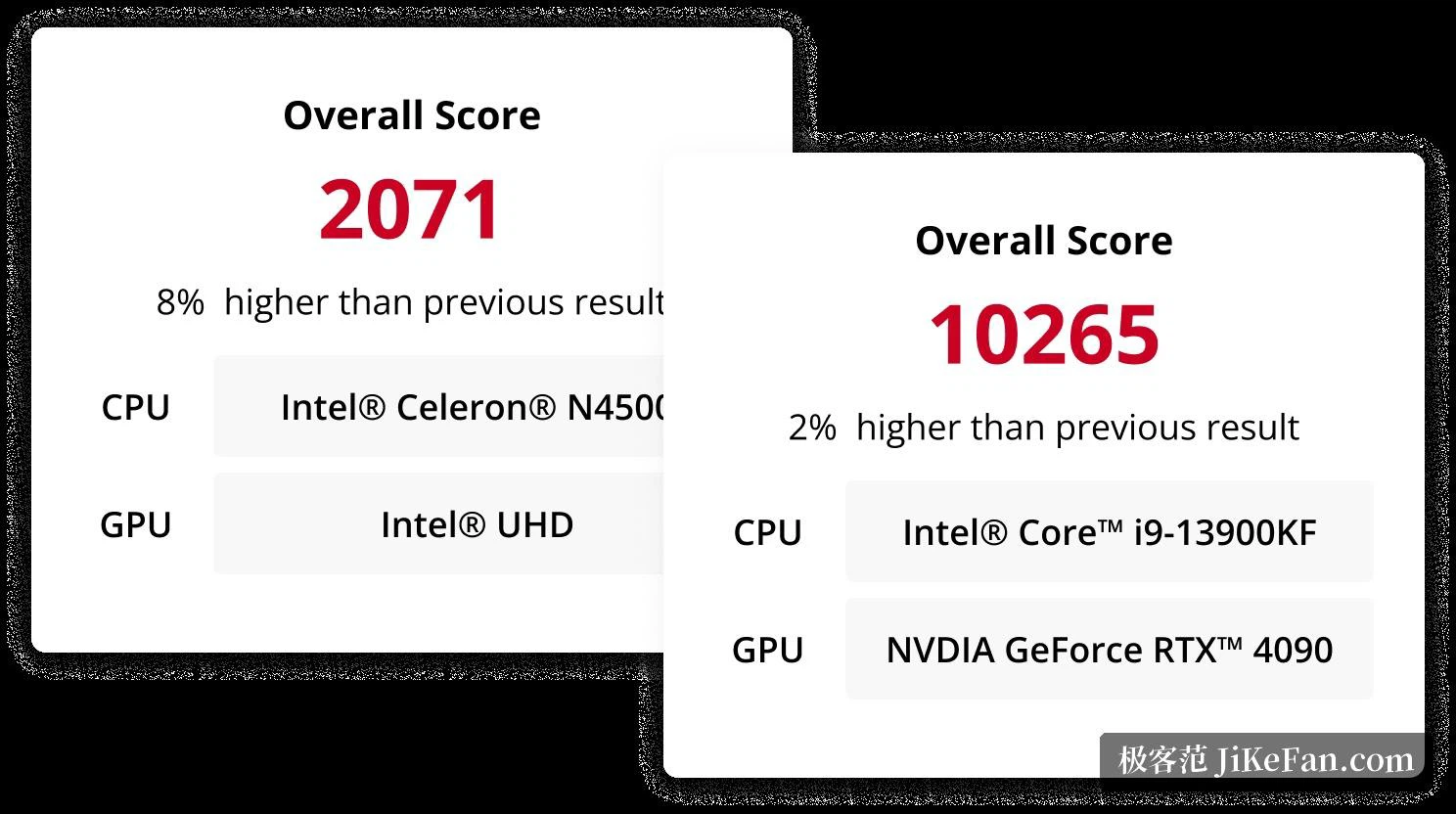
The main test sorts daily work into three groups. Essentials covers starting applications, browsing and video calls; Productivity concentrates on spreadsheets and writing documents; Digital Content Creation takes in photo editing, video cutting, rendering and visualisation. A run ends with one total plus a score for each group, which is what makes it possible to say whether the limit sits with the processor, the graphics card or the storage. Because every result comes out of the same standard, a comparison across machines and configurations is more trustworthy than an impression.
What the suite does not do is chase extremes. It measures how quickly a computer answers inside real software, so the figure sits closer to what happens after the machine is switched on than to a position on a leaderboard.
More than one test line
Beyond the main test the suite offers several specialised lines, chosen by need. An express line shortens the basic office run, which suits evaluating machines bought in batches. An extended line brings graphical work such as games into the picture for a fuller assessment. An applications line times real programs rather than synthetic loads, so the result sits nearer to what a person actually feels. A battery line, aimed at notebooks, simulates office work, video and games to measure endurance. A storage line reports transfer bandwidth and access latency on solid state and spinning disks alike.

Editions and what a run needs
Three editions exist. The basic edition is free and contains the standard main test, with a licence limited to personal non-commercial use. The advanced edition is aimed at ordinary users at 29.99 US dollars and unlocks further run options together with result comparison. The professional edition serves commercial testing, starting at 1495 US dollars for a single machine on an annual subscription, and adds result export and the automated driving of tests.
The entry requirements are modest: 64-bit Windows 7 with the first service pack or newer, Windows 11 included, a dual-core processor, 4GB of memory, a graphics card that supports DirectX 11, a display of 1920 x 1080 kept at 100 percent scaling, and roughly 6GB of free space.

Who it suits
For somebody who has just assembled a machine and wants the result confirmed, or who has to compare two office purchase options, the answer this suite gives is whether daily use stutters, not which extreme number tops a chart. One thing worth knowing: the publisher is steering new customers towards a newer benchmark family, while promising at least 12 months of notice before support for the enterprise benchmarks ends, so for the near term this remains a common ruler for office performance on Windows.
Results can also be read item by item, which means the same machine measured before and after a hardware change or an adjustment to the power mode shows the difference plainly. That is useful to anybody who likes to tinker, and it is the reason a machine can be followed across a few upgrades instead of being judged once. The edition differences are laid out in the official notes, where the working range of each one is easy to check.