
MiniTool Partition Wizard 13.9: partitions, formats and encrypted drives
Summary
MiniTool Partition Wizard 13.9 carries partition resizing, file system conversion and encrypted drive management in one window, with the free tier priced at zero. Version 13.9 was released on 2026-07-07 and adds a BitLocker manager.
Recommend- Name
- MiniTool Partition Wizard
- Version
- 13.9
- Open source
- Proprietary
- Operating system
- Windows
- Website
- https://www.partitionwizard.com/
- Updated
- 2026-10-03 07:50
A system drive running out of room, a new disk that needs splitting up, an old one that should change file system: three jobs that used to require three separate tools, and sometimes a fourth to clean up afterwards. MiniTool Partition Wizard gathers the partition side of that work into one interface. Its page introduces the free edition as a comprehensive partition manager for Windows users, and names the purposes as organising storage, optimising disk space and maintaining drive health. This article covers V13.9, the newest entry in the official upgrade history, released on 2026-07-07.
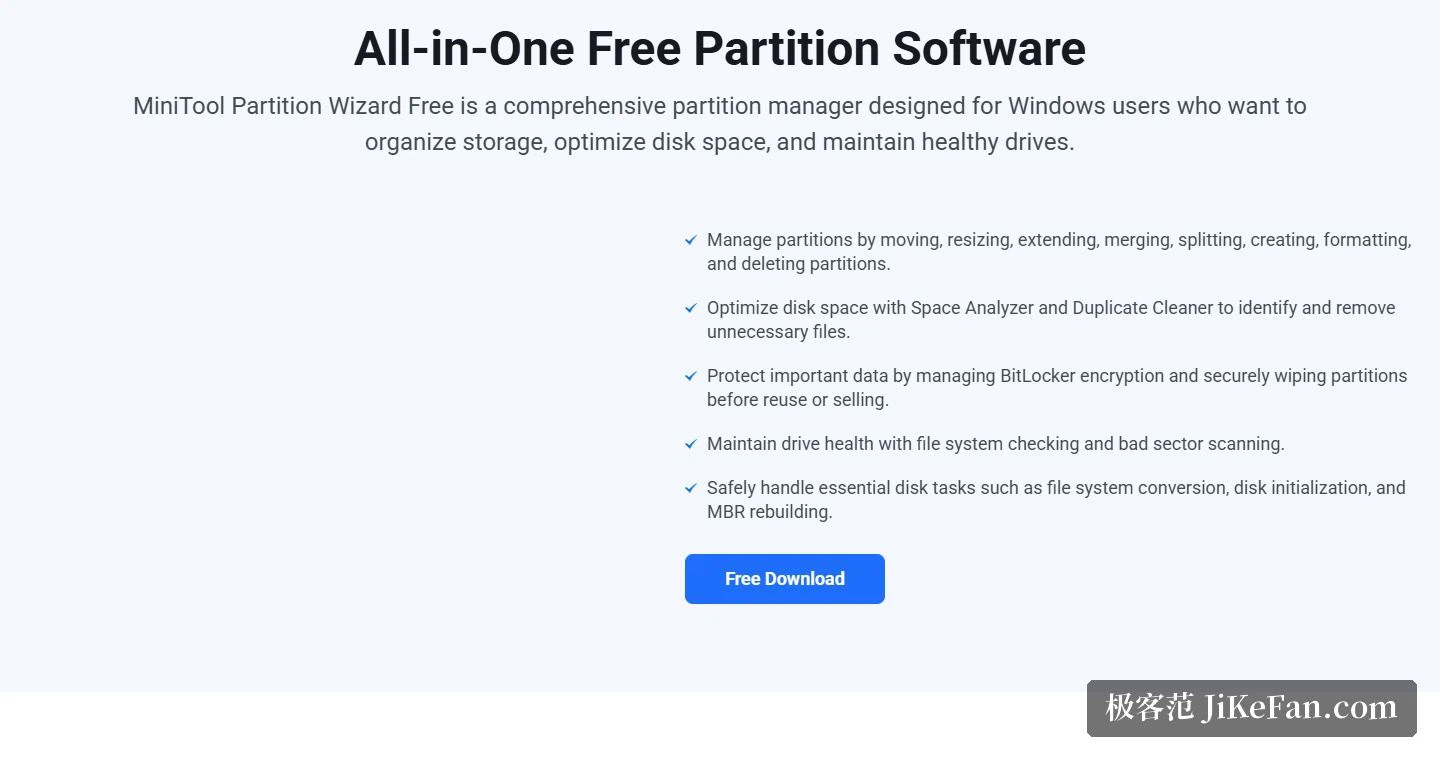
Partition work, from moving space to changing format
The everyday set is short and predictable: move a partition, resize it, extend it, merge two into one, split one into two, plus the basics of creating, formatting and deleting. The interesting part is what happens when the built-in Windows tool refuses. When the extend volume entry is greyed out in the system utility, the page states that the extend function here can still borrow free space from elsewhere on the same physical disk and finish the job. Two adjacent NTFS partitions can be merged into a single larger one. Formatting offers NTFS, FAT32, exFAT and others directly, and a FAT32 partition can be converted to NTFS without formatting first, which per the page is what unlocks the larger files and the additional Windows features that the older file system cannot address.
The two disk layouts convert in both directions as well. The home page states that a disk can be switched safely between the older and the newer partition scheme, and that the file system can move between FAT32 and NTFS without losing a single file. Cluster size is adjustable too, as a lever on storage efficiency rather than a curiosity.
BitLocker management is the headline of 13.9
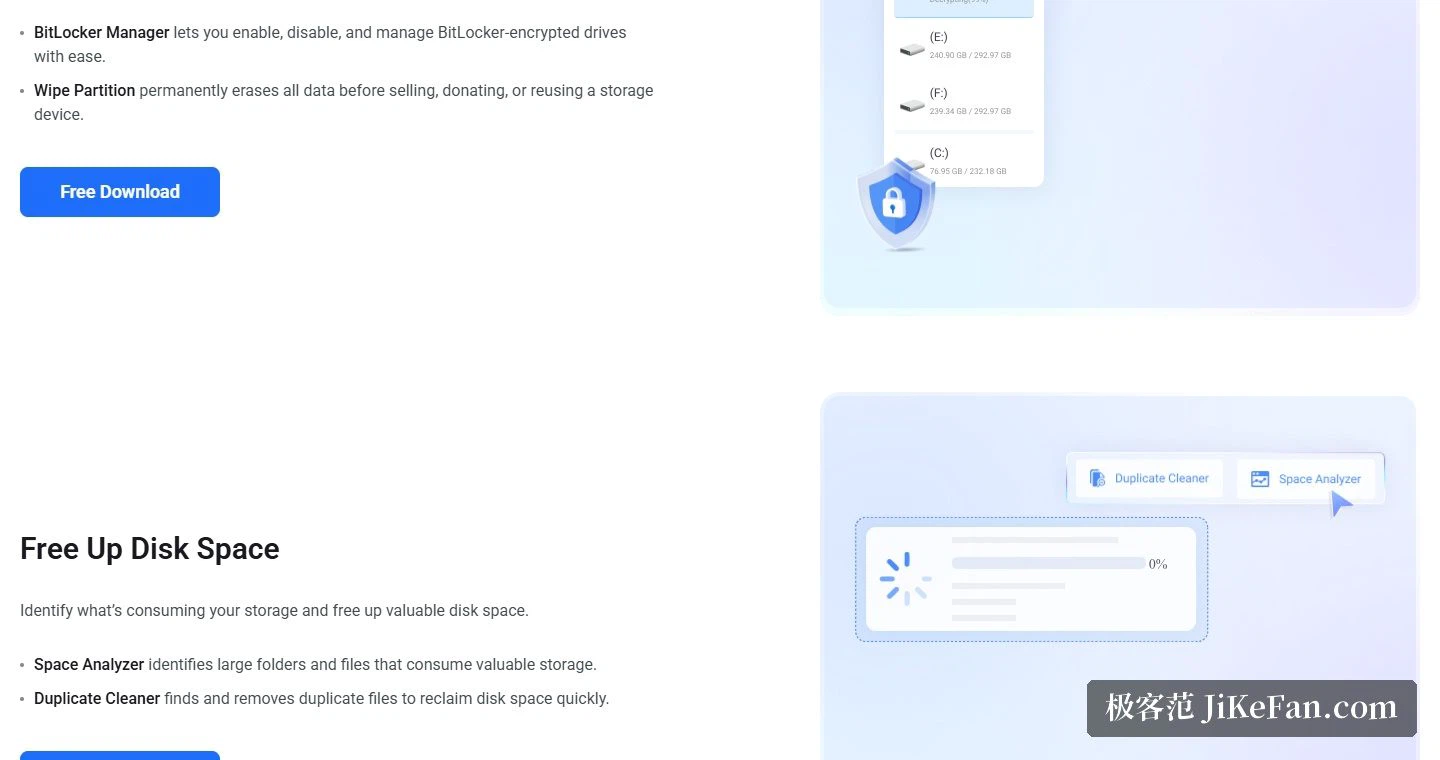
The most visible addition in this release is a BitLocker manager. The upgrade history lists it first: full control over BitLocker encryption arrives as a new module. The second entry strengthens BitLocker support inside partition operations, covering move, resize, split and copy, with more careful handling underneath. On the free edition page the wording is plainer: enabling, disabling and managing encrypted drives can all be done inside the software, and the feature highlights on the first screen name both encrypted drive support and advanced disk management.
Several more engineering-flavoured changes ship in the same version. Creating a partition, formatting and adjusting cluster size now accept clusters up to 2MB. The logic behind resizing NTFS partitions was tuned, aimed at the situations that can appear after shrinking a system drive. Disk cloning became more stable, with every partition guaranteed to be included in the copy. Disk numbering was aligned with the Windows disk index, so it starts counting from 0 as the operating system does.
Free tier against the paid ones
The edition split is set out clearly in the comparison area. The free column is priced at 0 US dollars and its button is simply a download. Pro is 59 dollars as an annual subscription for a single computer, above which sit Pro Platinum and Pro Ultimate, an annual subscription for three machines and a perpetual licence for five. In other words, everyday partition work is covered by the free edition, and it is recovering lost data and partitions, cloning a system disk or partition, and migrating the system to a solid state drive that move up into the paid tiers.
Which systems and devices are covered
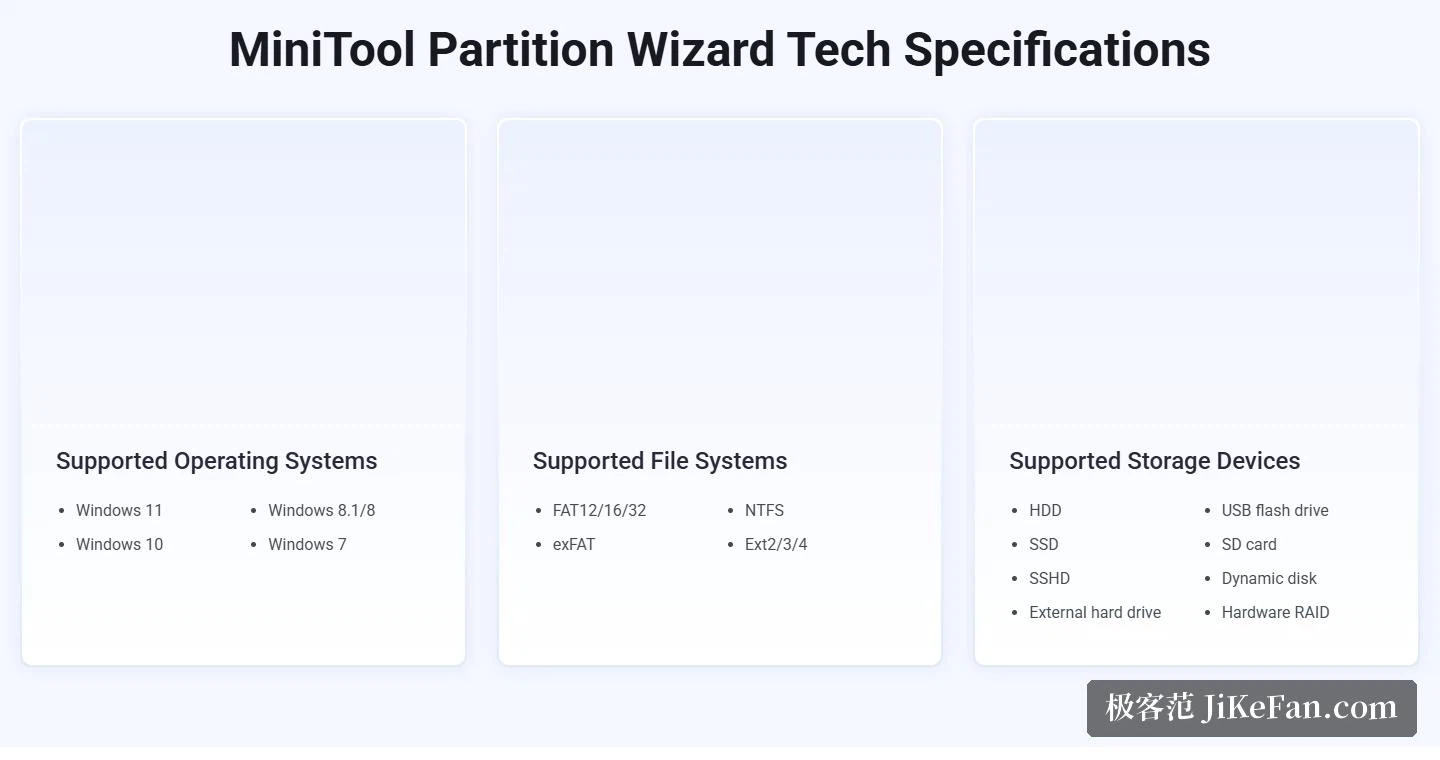
The technical specifications area is unusually specific. Operating systems run from Windows 11 and Windows 10 down through Windows 8.1 and 8 to Windows 7, and the download page adds that every edition supports both 32 bit and 64 bit. File systems cover FAT12, FAT16, FAT32, exFAT, NTFS and Ext2, Ext3 and Ext4. Storage devices include internal mechanical drives, solid state drives, hybrid drives, external drives, USB sticks, SD cards and dynamic disks. The file system check follows the same range, scanning mechanical drives, solid state drives, USB sticks and SD cards for file system errors and repairing them automatically.
Read as a whole, the free edition covers the three things most people actually need: adjust a partition without losing data, change a file system without a reformat, and now manage an encrypted drive without leaving the window. Anyone who only wants a tool that moves partitions reliably and occasionally switches a file system can start with the free download and find out whether the paid tier is ever needed.
Partition resizing, format conversion and encrypted drive management in one interface, with the BitLocker piece added in 13.9: if the goal is simply to move partitions safely and change a file system now and then, starting from the free edition is the cheapest way to find out.