
AOMEI Partition Assistant 10.12.1: the free tier already covers the basics
Summary
AOMEI Partition Assistant 10.12.1 is the version in the official changelog. The Standard tier is free for personal and household use, covering Windows 7 through 11, MBR to GPT conversion and FAT32 to NTFS.
Recommend- Name
- AOMEI Partition Assistant
- Version
- 10.12.1
- Open source
- Proprietary
- Operating system
- Windows
- Website
- https://www.diskpart.com/
- Updated
- 2026-10-06 23:00
Operating on a hard drive has one nightmare scenario: the operation does not finish and the data is already gone. AOMEI Partition Assistant sets its own tone accordingly, describing itself as a simple and safe partition software and disk manager for managing, optimising and protecting a drive. The first screen names the supported systems as Windows 11, 10, 8.1, 8, 7 and the server editions, and the current version is the one in the official changelog, 10.12.1.
The things partition work consists of
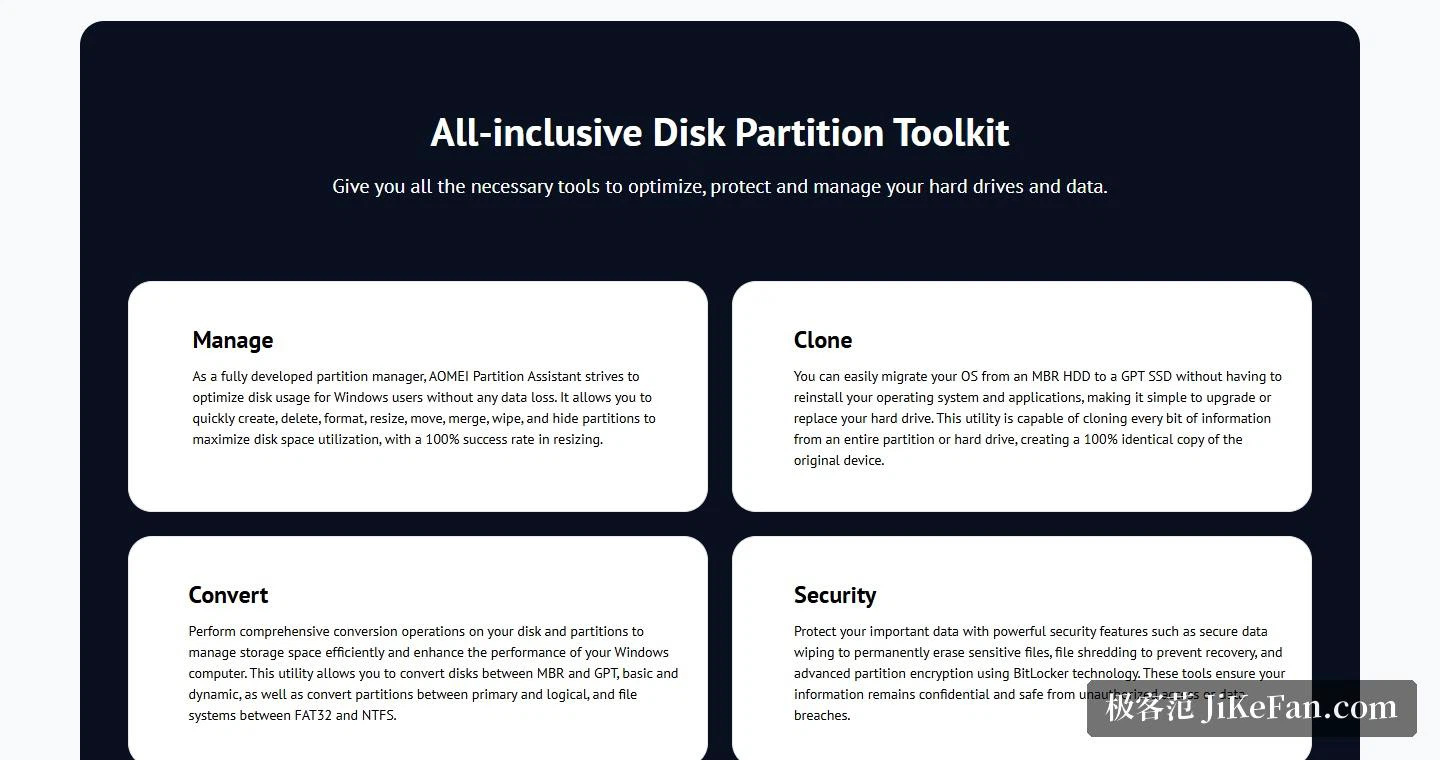
On the basic layer, the page lists quick creation, deletion, formatting, resizing, moving, merging, wiping and hiding of partitions, all aimed at using the available space as fully as possible. The feature list for the Standard tier goes a step further and states that resizing, moving, extending, shrinking and merging partitions cause no data loss. Put plainly, when the system drive runs short, borrowing a slice from the partition next door is the most typical thing this tool is used for.
Conversion is the other block. The page states that a disk can move between the older and the newer partition scheme and between basic and dynamic, that a partition can change between primary and logical, and that the file system converts between FAT32 and NTFS. The benefit of the newer scheme is spelled out in the Standard introduction without decoration: it is what lets a disk address more than 2TB of space.
Swapping in a solid state drive without reinstalling
Cloning gets a section of its own. The operating system can be migrated from a mechanical disk using the older scheme to a solid state drive using the newer one without reinstalling the system and the applications, which turns an upgrade or a drive replacement into a simpler job. The granularity is described as every single bit, meaning an exact copy of an entire partition or an entire disk. For anyone planning to replace an ageing mechanical drive with a solid state one, this is probably the least troublesome route on offer.
Data safety and drive health
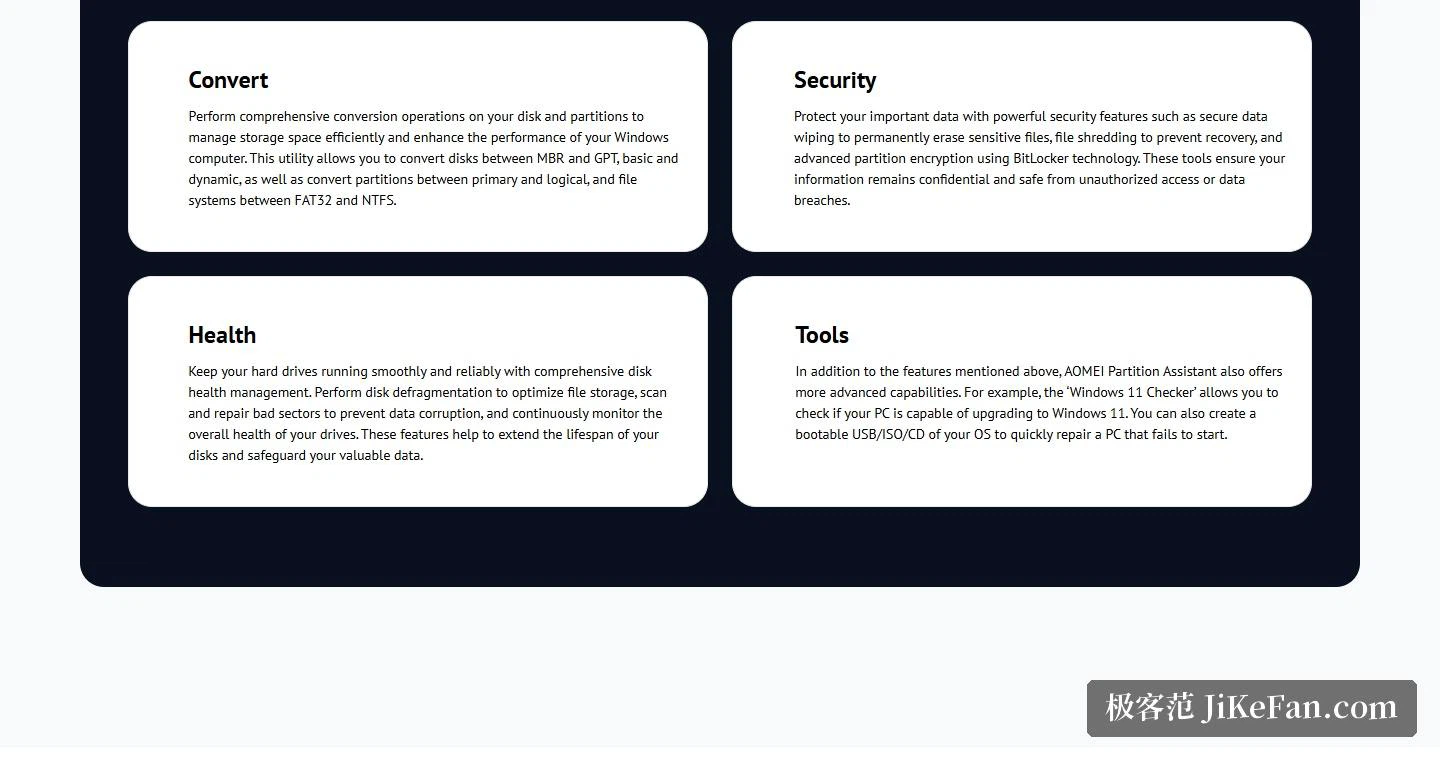
The safety section lists three capabilities: secure erasure of data, file shredding, and advanced partition encryption built on BitLocker technology, all aimed at keeping information private. The health section follows a different line of thinking: defragmenting the disk to optimise how files are stored, scanning and maintaining the state of the sectors, and keeping a continuous eye on how the drive as a whole is behaving.
A few scenario-shaped extras sit in the same toolbox. A Windows 11 check reports whether a given computer can be upgraded. Bootable media can be produced on USB, as an ISO image or on a CD, so the machine can be started from outside its own disk when that becomes necessary.
Choosing an edition
Five editions exist: Standard, Professional, Server, Unlimited and Technician. Standard is positioned as a free partition manager for personal and household users, and everyday resizing, disk cloning, converting to the newer partition scheme and creating a portable Windows workspace all sit inside the free scope. Professional addresses individuals and commercial users, Server addresses small and medium businesses, Unlimited addresses large organisations that want to install it on any number of machines internally, and Technician addresses service providers selling paid technical support. The download centre offers Free, Professional and Server entries under the Windows partition manager heading, and a separate build for Windows on ARM64.
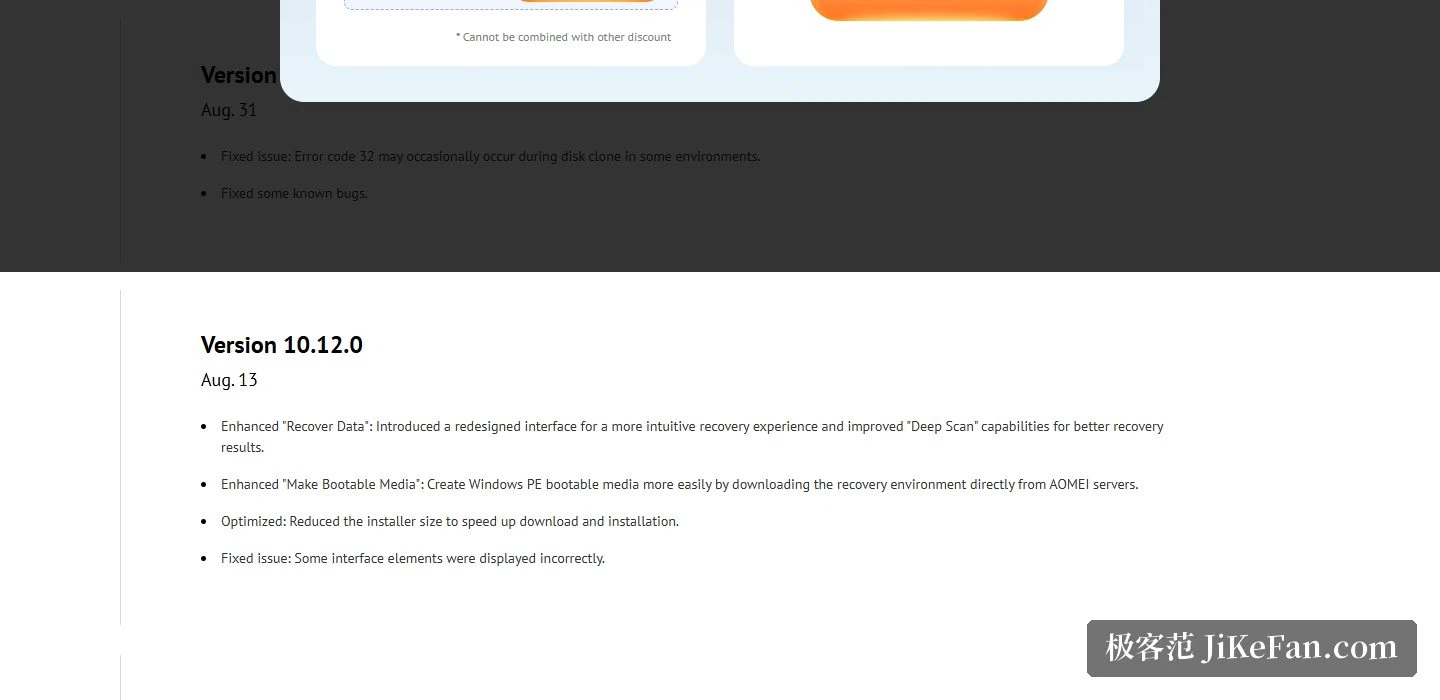
The update rhythm has been reasonably brisk as well. Against the changelog, 10.12.0 strengthened data recovery, arrived with a redesigned interface and a deeper scanning ability, and trimmed the size of the installer. 10.11.0 added a virtual machine creation function that spins up a virtual machine and deploys an operating system into it, and extended file system recognition to APFS, HFS, XFS and swap partitions.
What the free tier leaves open is the useful part: resizing, cloning, format conversion and encryption are all reachable without paying, and the path from an old drive to a new one without reinstalling anything is the most convenient item on the list. Someone who only wants the space on a disk arranged sensibly can install the Standard edition and find out at no cost whether anything more is needed.
The free edition releases the frequent operations, partition resizing, disk cloning, format conversion and encryption, and the migrate without reinstalling route makes a solid state upgrade almost dull. If the goal is simply to get disk space into order, installing the Standard edition costs nothing to try.