
Interaction prototypes without a line of code: a first run through Origami Studio
Summary
Origami Studio pairs a layout canvas with a patch-based visual logic editor, so transitions and gestures can be built without code and demonstrated on a real phone. It is free, and Mac only.
Recommend- Name
- Origami Studio
- Version
- 226
- Open source
- Proprietary
- Operating system
- macOS
- Website
- https://origami.design/
- Updated
- 2026-10-06 19:12
A prototyping tool polished inside a large social platform, then opened up
Most of an interaction designer's toolbox is good at drawing flows and moving between screens, and runs out of road the moment an animation gets complicated or a real sensor has to be involved. Origami Studio is a free prototyping tool that grew out of the design team of one large social platform, where it was used for years to test interaction ideas on the company's own products before being opened to everyone. Drawing, animation and logic live in a single workspace, personal use costs nothing, and by September 2026 the build had reached version 226 on a rhythm of a release every two or three weeks.
Canvas and patches: two legs to stand on
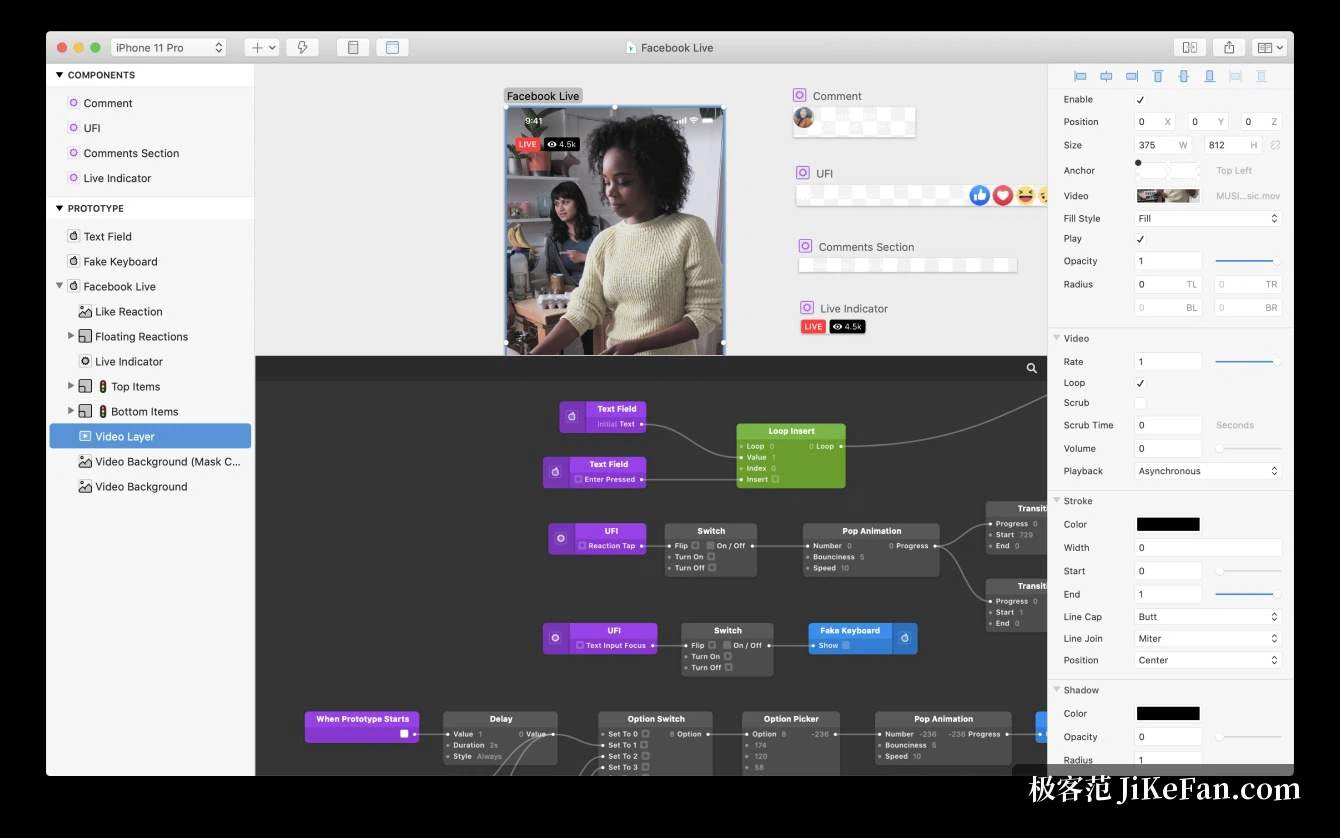
The interface splits into two layers of thinking. The canvas handles what you see, so shapes are drawn freely, text is edited in place, components are placed, and a dynamic layout responds on its own as the canvas changes size. The patch editor is visual programming with building blocks: modules are wired together, the result is fed into the input of an interface property, and the element moves the way it was told to. A designer who does not write code can drag a few modules and get a scrolling parallax or a conditional jump; someone comfortable with logic can reach for the script module and compute harder things. Canvas for the look, patches for the behaviour, and that division is what separates it from a tool that only flips pages.
Real hardware, right inside the prototype
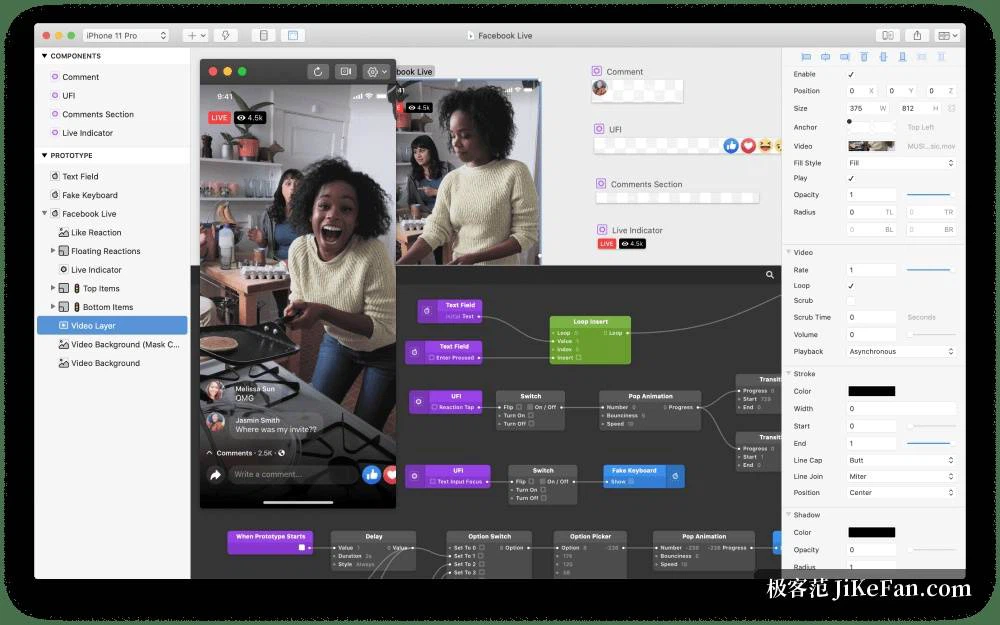
This is the part with the sharpest edge. A prototype can call the native hardware of a phone directly: camera photos, a microphone level meter, vibration feedback, a positioned map, accelerometer and gyroscope readings all have ready-made modules, so a demo is not something that merely looks right, it is a live prototype that can genuinely be shaken, genuinely located, genuinely made to buzz. A companion app on the handset puts the prototype on a real screen for review sessions, where passing a phone around makes a point faster than a slide. The prototype can also be recorded and exported as a video, which is convenient whether it goes to an engineer or into a proposal.
The path from a design file to a working prototype
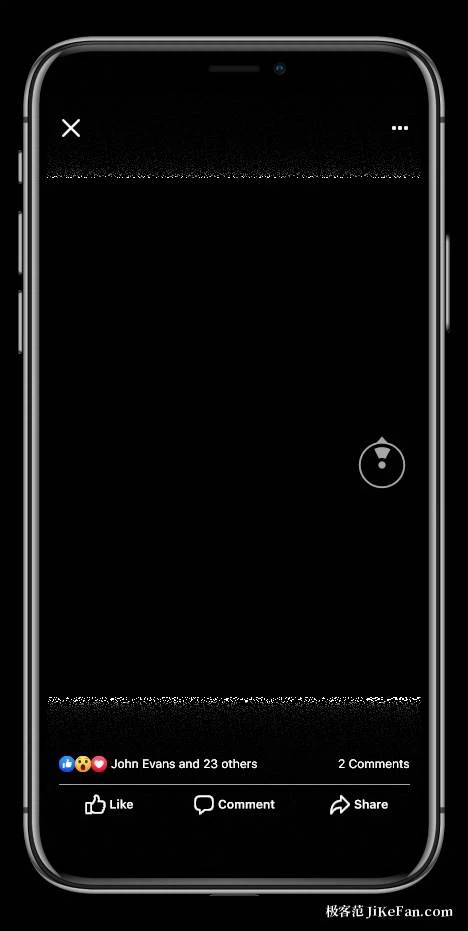
Handover from the usual design tools is smooth. Vector shapes and text layers copied out of a mainstream vector editor paste in as editable layers, so nothing has to be traced again, and files from another common design application import as well. Performance has improved a lot in recent versions, and patch editing and preview respond noticeably faster; shader layers, fluid spring animation and assisted generation of script modules have arrived along the way. Two things are worth knowing before starting. There is a Mac build and nothing else, so Windows users are left outside. And the patch system has a steep learning curve, which suits designers of interaction and motion who are willing to spend a few days with the documentation.

How it gets used on real work
Three patterns come up again and again. When motion is being decided, transitions and the way a gesture follows a finger are tuned in patches and felt on a phone over and over, and only then handed to an engineer to implement, which removes a good deal of rework. When a design system is being built, components become reusable interaction modules, so a team reaches for one shared language of behaviour instead of inventing one per screen. When something has to be presented, a prototype on a real handset persuades far better than a static frame, because a client or a manager can try it on the spot. Learning material is not thin either: the official documentation is organised module by module, and the community has a large stock of patch combinations that can be taken apart and studied.
What a designer gets out of it
The return is concrete. An interaction detail that has been tested becomes a shared vocabulary with the developers, which shrinks the gap between what was imagined and what gets built. A build every couple of weeks keeps new features and device support coming, so a tool adopted now is unlikely to be abandoned later. It asks for time at the start, and it asks for a Mac, but for the class of interaction that a page-flipping prototype cannot express, that trade is easy to defend.