
NordPass: one master password in front of an encrypted vault that never limits the count
Summary
NordPass keeps passwords, passkeys, cards and secure notes in a vault encrypted with XChaCha20 under a zero-knowledge design, and the free tier sets no limit on how many items you store.
Recommend- Name
- NordPass
- Version
- 5.15.7
- Open source
- Proprietary
- Operating system
- WindowsmacOSLinuxAndroidiOS
- Website
- https://nordpass.com/
- Updated
- 2026-10-06 16:28
One master password, and the rest is looked after
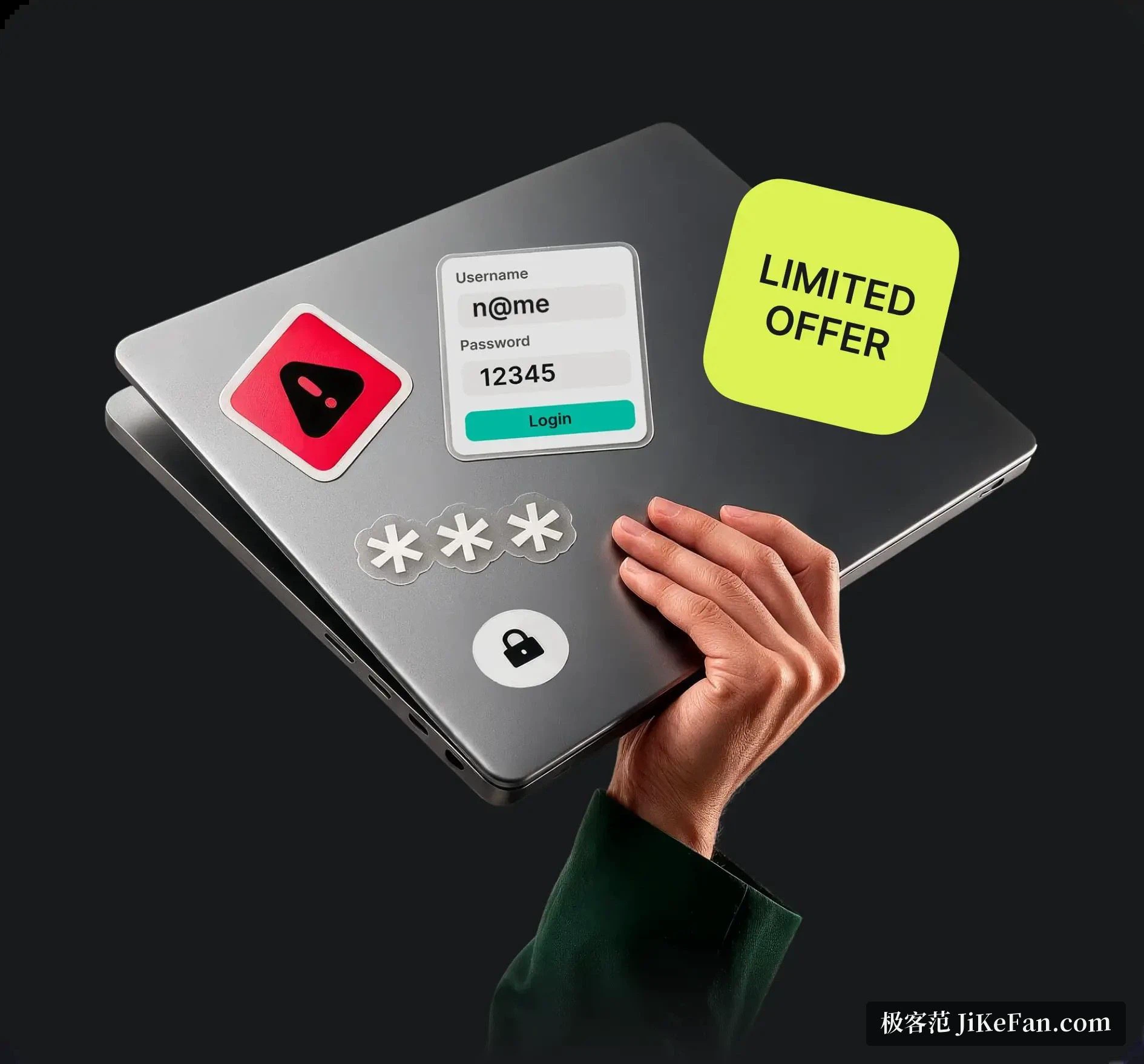
Keeping passwords in your head stopped working some time ago. There are more sites every year, each with its own rules, and one password reused everywhere is a single lock on every door in the building. NordPass comes from a security company that made its name in virtual private networks, went live in 2019 and has passed eight million users worldwide. It gathers passwords, passkeys, bank cards and secure notes into one encrypted vault, so a single master password is all you have to remember while everything else is stored and filled in for you. The personal basics are free, and work on it was still going on in September 2026.
An unusual choice of cipher
Most password managers settle on AES-256. NordPass picked the newer XChaCha20. Both give 256-bit strength, and the difference is in how they fail: the newer construction is more forgiving of implementation mistakes, because a much larger nonce space lowers the risk of a collision and a simpler implementation leaves less surface for side-channel attacks, while software performance is better on older hardware without acceleration. That sits inside a zero-knowledge design, where encryption and decryption happen locally and the master password is never uploaded, so an attacker who took the servers would hold nothing but ciphertext. The architecture has been audited by an independent security firm and the report is public, which is more transparency than most of the field offers.
The daily experience is smooth
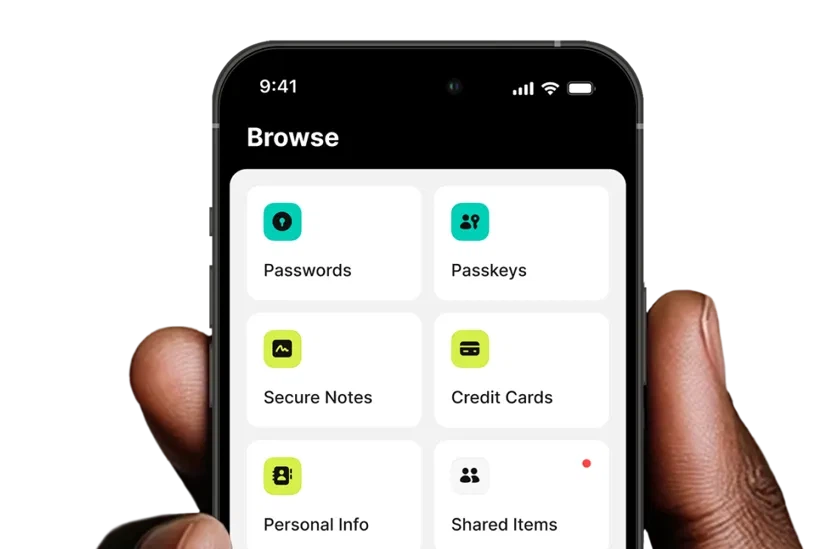
The first job after signing up is bringing the old passwords across, and it accepts an import from dozens of common managers and browsers, entries and icons arriving together. After that the tool mostly disappears. A new account is saved as it is created, a login is filled the next time, and the browser extension puts a small mark in the corner of the form that takes you into the site when clicked. Passkeys arrived in the same vault, stored and filled like anything else, so passwordless logins are managed in one place. Biometric unlock can be turned on for phone and desktop, where a fingerprint or a face opens the vault and the master password is only needed at the moments that matter.
Where free ends and paid begins
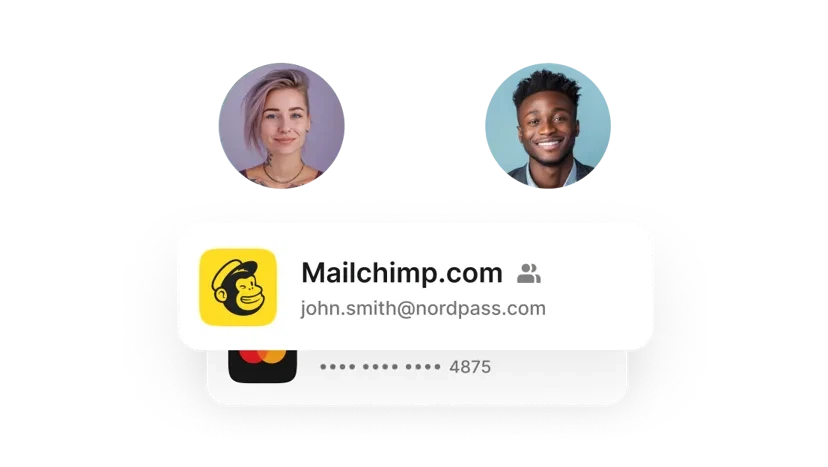
The free tier does not limit how many passwords you keep. The generator, automatic saving, automatic filling and multi-factor authentication are all open, which is a generous offer on paper, and the one hard limit is that only a single device can be signed in at a time, so moving between a phone and a laptop means signing the other one out first. The paid tier runs about one to two dollars a month and unlocks unlimited devices, a password health report, a breach scanner, masked email addresses and secure sharing, while the family plan holds six separate vaults. The breach scanner compares the addresses and passwords in your vault against known leaks and tells you to change a password the moment one matches, which is a genuinely useful edge over the field. If the aim is simply to get passwords under control, the free tier is enough, and upgrading later once the habit has formed costs nothing but a decision.
Security work in the details
A vault can hold more than passwords. Secure notes, bank cards, wireless network details, scans of identity papers and visas can all be filed by type, and important documents can carry an expiry reminder, so a passport that is about to lapse says so before a border does. The auto-lock can be tightened as far as you like, re-locking within minutes of leaving the desk, and sharing sends a single record to a colleague or a family member who opens it in NordPass, so plain text stops wandering through chat windows. The generator is fine-grained too: length and character sets combine freely and the result can be saved straight into the entry that needed it, which removes the copy-and-paste round trip.
What switching over actually feels like
Migration is the step people worry about, and it offers import routes for more than thirty sources, from browser archives to the export files of mainstream managers; a few hundred entries went in without a stumble. The interface is plain, the sidebar is clearly grouped, the search box is always there, and finding an old password takes a couple of seconds. Two habits are worth forming. Put a second factor in front of the master password so the key to the vault has a second lock, and look at the health report now and then, retiring reused and ancient passwords in batches until the ledger reads clean. As a free tool from a large vendor with a brisk release rhythm, it makes a good starting point, and only heavy multi-device users need to think about paying.