
Open WebUI: the interface a self-hosted model has been missing
Summary
Point it at a model server you already run or at any compatible API, and one browser window becomes a workspace with side-by-side models, a document knowledge base, role permissions and single sign-on, able to run with no outside network at all.
Recommend- Name
- Open WebUI
- Version
- 0.11.3
- Open source
- Open source
- Operating system
- Web
- Website
- https://openwebui.com
- Updated
- 2026-10-28 22:00
Anyone who has run a large model at home knows the same scene. The model is humming along happily on the machine in the corner, and the moment a family member or a colleague wants to use it, what faces them is a bare command line, or a chat box built as an afterthought. Setting up a decent shared AI workspace without handing the data to a hosted service is the gap this project has been filling.
Its origin is modest. It started life as a front end for one particular local model runner, took its current name in January 2024, and from the beginning its job was to give that runner a usable graphical layer. Several fast release cycles later, the ambition had outgrown the word front end. The official description is a self-hosted AI platform that is extensible, feature dense and able to run fully offline: you can point it at a local model server, or paste the address of any compatible API, and models served by large providers or by an inference engine on your own hardware all turn up in the same window. One back end, any provider, has been the temperament of the thing since the start.
From a chat front end to something you operate
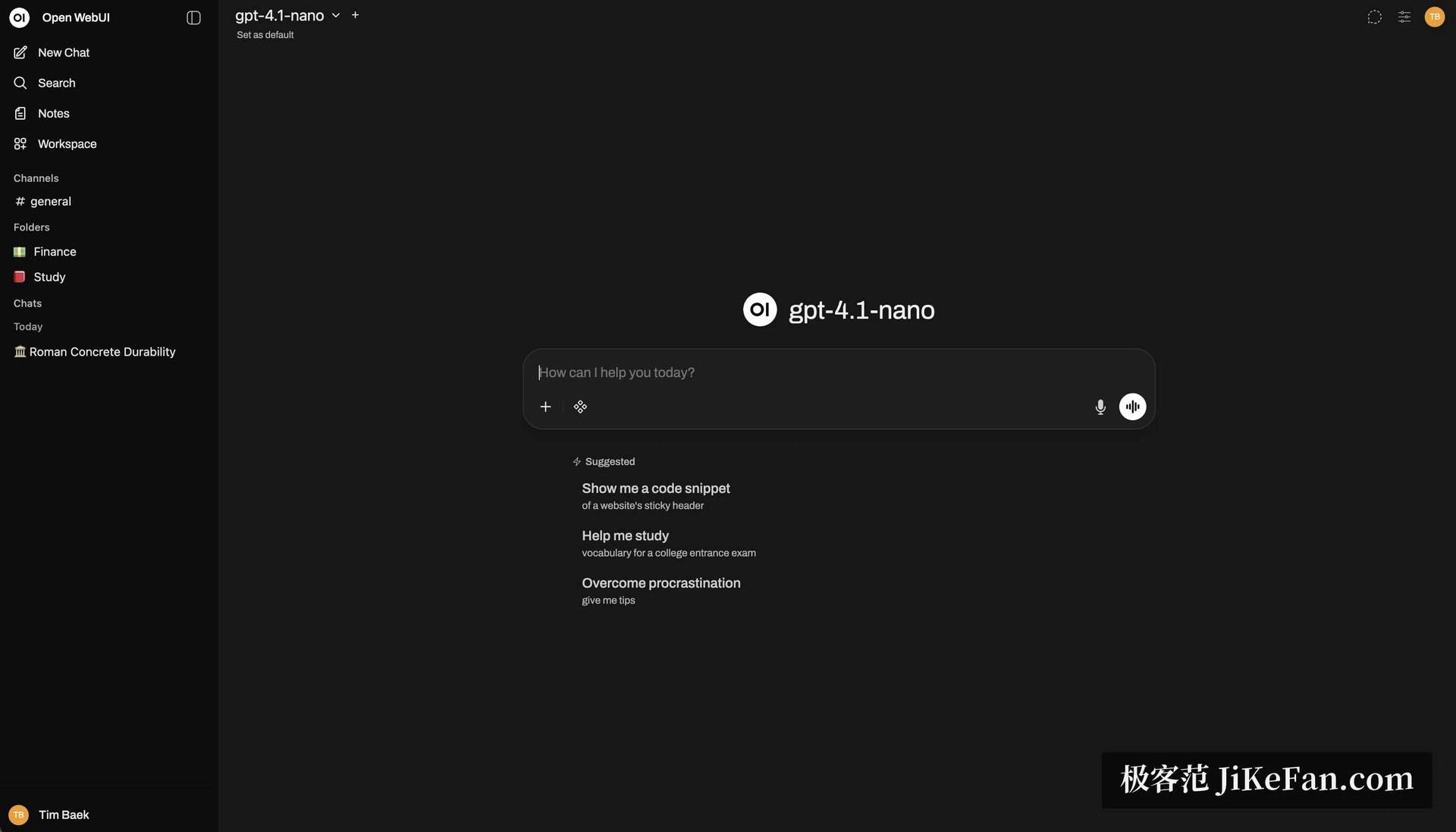
Installation keeps the same logic of one deployment serving everyone. A single container command brings up a complete instance in well under a minute; a package manager install puts it into an existing Python environment; there is even an official desktop build. Open a browser afterwards and the familiar chat layout is simply there, which means people migrating from a hosted assistant have almost nothing to relearn.
Independent testing has measured what the extra layer costs. Running the same seventy-billion parameter quantised model on the same graphics card, the difference in inference speed between a direct connection and a request routed through this interface came out at roughly two percent, streaming output stayed smooth, and an idle server held a couple of hundred megabytes of memory. Those are the numbers that decide whether a convenience layer is worth having.
How much sits inside that chat window
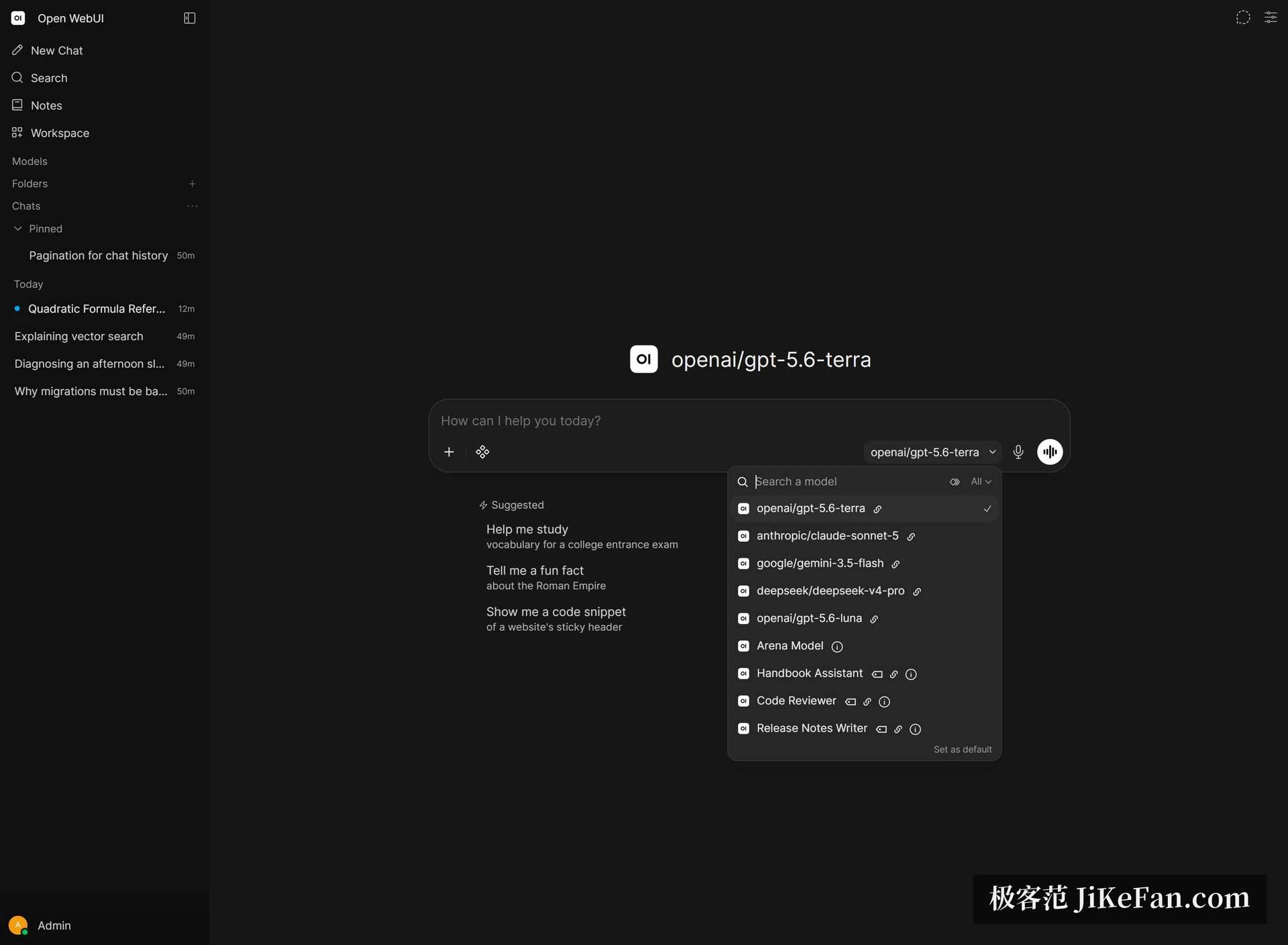
What lifts this above the crowd of chat interfaces is the thickness of the feature list. Two or more models can answer side by side so their output can be compared directly, and switching model mid-conversation keeps the context. Markdown and LaTeX render properly, so technical notes and formulas look the way they should. Speech to text, text to speech and even a video call mode are built in. Image generation can be wired to several different back ends. A message queue lets you keep typing while an answer is still streaming, memory lets a model carry your preferences across conversations, and scheduled automation can fire a prompt on a repeating cycle.
For anyone who works with documents, the retrieval side deserves its own paragraph. Two vector stores are maintained officially, a dozen more integrations exist for other stores, and a similar spread of extraction engines covers the parsing side. Hybrid search combines keyword scoring with vector similarity and then re-ranks through a cross encoder; when precision matters more than cost, a whole-content mode skips chunking and injects an entire document into the context. Building a knowledge base from PDFs and letting the model search it on its own used to mean assembling a stack of components. Here it arrives working.
Team grade, not a personal toy

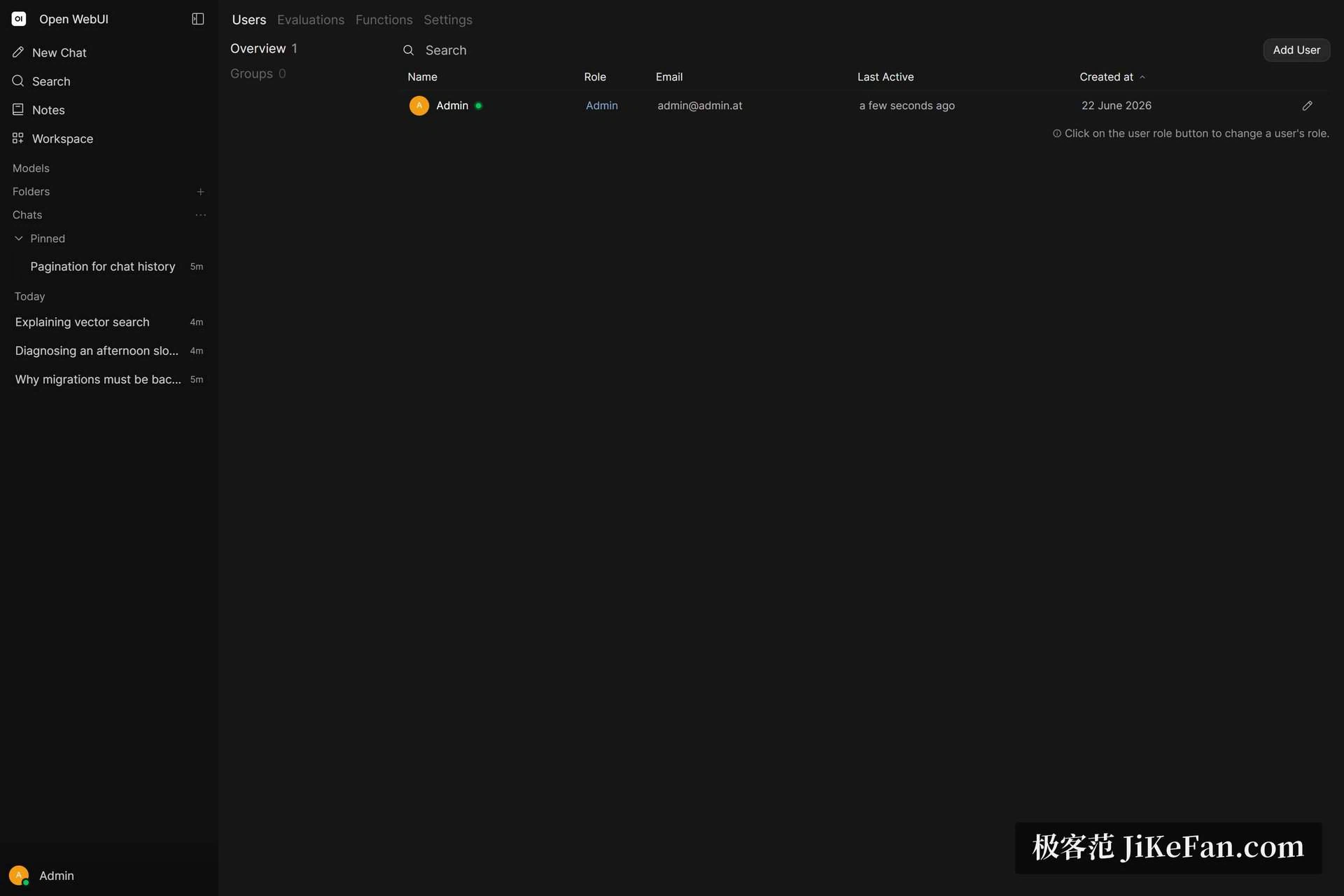
Many open chat interfaces stop at single use. This one puts enterprise functions into the free community edition: role based access control decides precisely who may use which model, single sign-on over OIDC and directory authentication plug into an existing identity system, automated provisioning keeps user groups in sync with that directory, and an audit log records every use. The documentation says plainly that these identity features are free for an unlimited number of users, with no licence key involved.
Collaboration gets its own furniture. Channels put people and models on one timeline, so someone can ask one model to draft an approach and then ask another to attack it. Notes support rewriting in place with a model and can be injected into the conversation as context. For a small team that wants to own its AI middle layer instead of renting it, the combination is generous.
Extension as a second moat
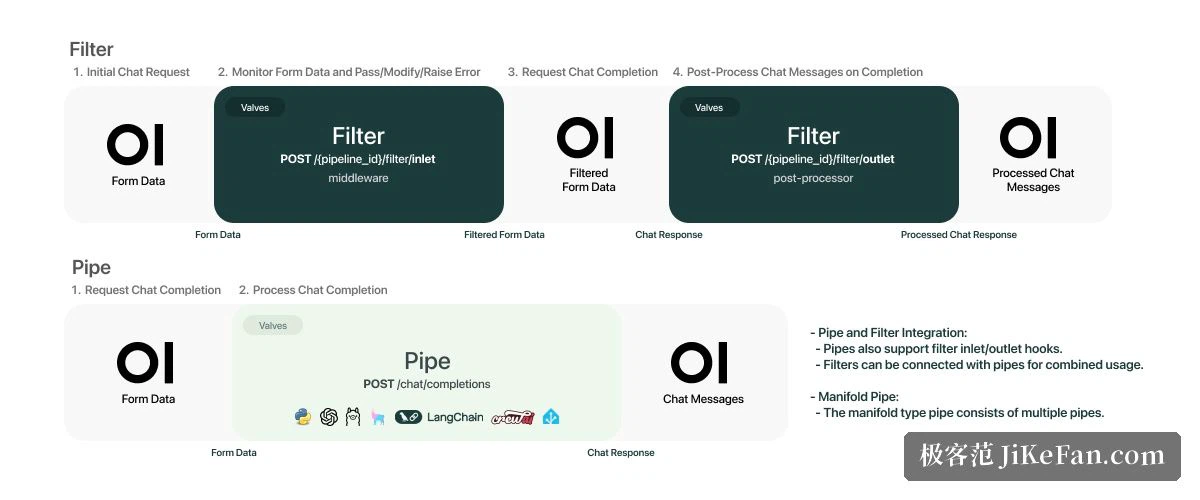
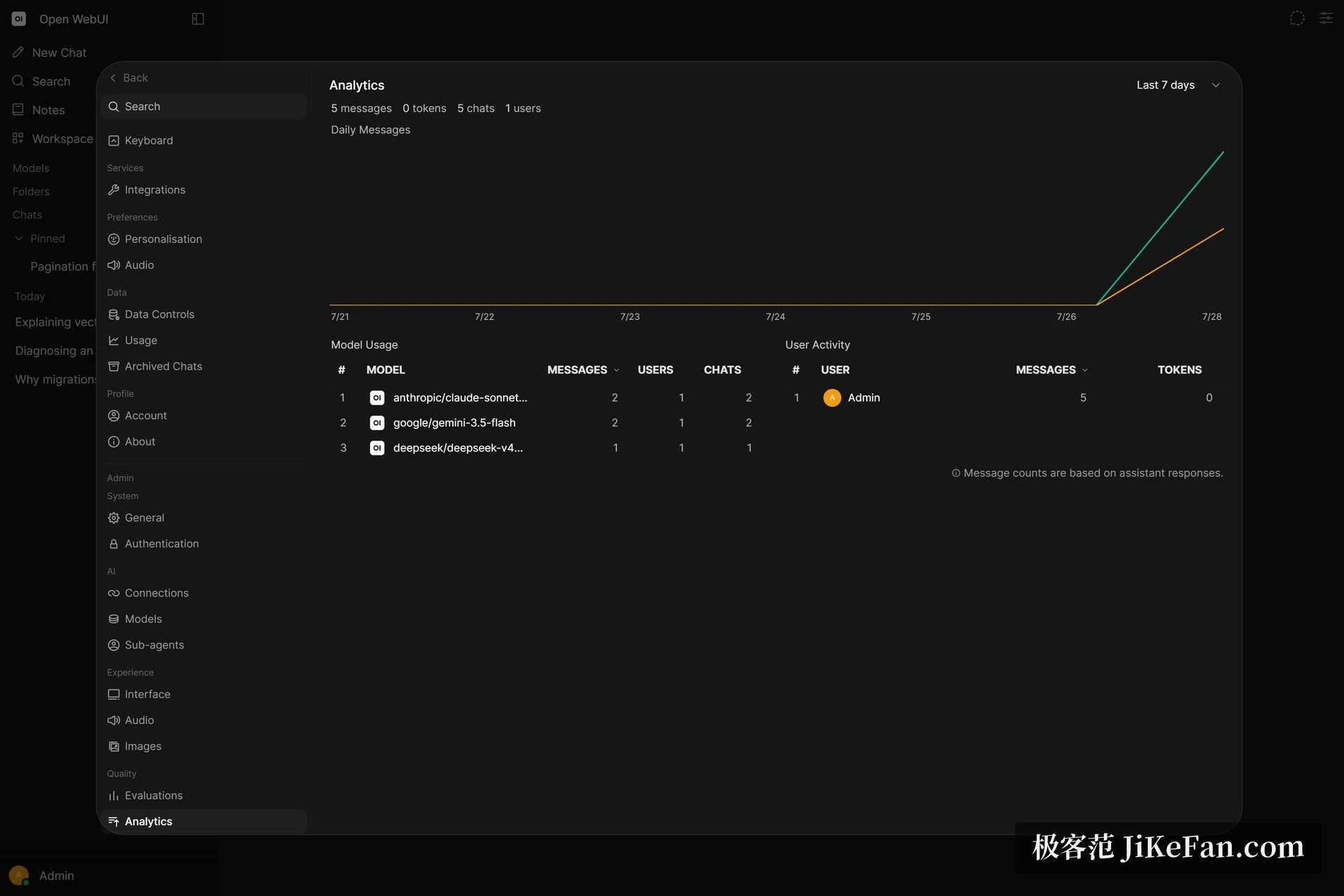
Python tools can be written in the browser and exposed to the model directly. A plugin pipeline can filter and transform every message, which is how rate limiting, moderation or a call out to another service gets implemented. Native support for MCP lets a model connect to external tool servers, and a terminal feature hands the model something close to a real computer: it writes code, runs it, reads the output and fixes its own errors inside the chat. Add a model arena, a usage dashboard and a rating leaderboard, and what you have is closer to infrastructure you operate for years than to an app you try for a week.
Deployment shapes and data sovereignty
The deployment options are wide on purpose. A home storage box or a small virtual server at a few dollars a month is enough at one end; a container cluster is supported at the other. With session state moved into an in-memory store the application scales horizontally across nodes, and pointing file storage at an object store makes stateless instances possible. Tracing, metrics and logs can be exported over a standard tracing protocol into a monitoring stack you already run.
The capability that matters most is running with no outside network at all. On an isolated segment or with the cable physically pulled, a local model plus a local knowledge base still completes the whole loop, which is exactly why clinics, law firms and public bodies with data residency rules are willing to look at it. Data stays on your own disks from beginning to end, and changing model supplier does not change anyone's habits, a freedom no hosted service offers.
The licence is a dividing line
One thing should be checked before deploying. In April 2025 the project moved from a three-clause BSD licence to a custom one. The base terms are still BSD, with a branding clause added: a deployment with no more than fifty active end users in a rolling thirty-day window may remove the project marks freely, while anything larger must keep the marks or obtain written permission. Individuals, families and small teams are unaffected, but anyone planning to distribute a rebranded commercial build should weigh that line carefully first.
Releases remain frequent, the current version is 0.11.3, and the repository has passed one hundred and fifty thousand stars and hundreds of millions of downloads, which is the community voting on the model with its attention.
Pull the view back. If a machine that can run a model is already sitting there, what is missing is the layer that turns it into a platform a team can use. This project fills that with the footprint of one container: interface, knowledge base, permissions and extensibility, with the choice of hardware left to you. For people and teams who care where the data lives and are tired of paying per seat, it is currently the least troublesome route.