
Ocenaudio: Editing the Sound You Can See
Summary
Ocenaudio is a free audio editor for Windows, macOS and Linux whose argument is legibility: a waveform and a spectrogram big enough to read, effects you can hear before applying, and multi-track editing without a digital audio workstation's ceremony.
Recommend- Name
- Ocenaudio
- Version
- 20260418
- Pricing
- Free
- Open source
- Proprietary
- Operating system
- WindowsmacOSLinux
- Website
- https://oceanaudio.com/
- Updated
- 2026-10-14 22:00
Sound editing is mostly looking
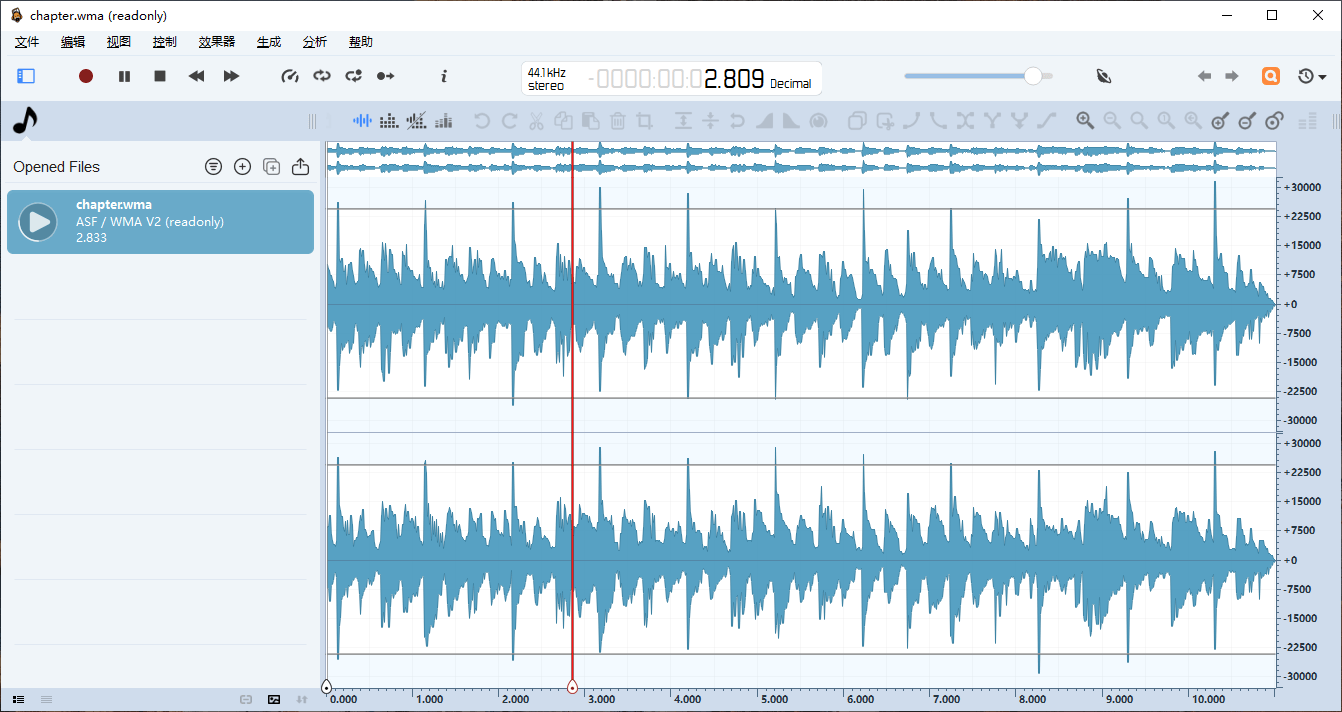
Ask someone who edits audio professionally what they spend their eyes on and the answer is not the cursor. It is the waveform, which shows where the speech starts, where a breath lands, where a consonant spikes, where a passage sits far quieter than the rest. Editing audio well is largely a matter of seeing these shapes and deciding what to do about them, and the quality of the picture is therefore not cosmetic — it is the working surface.
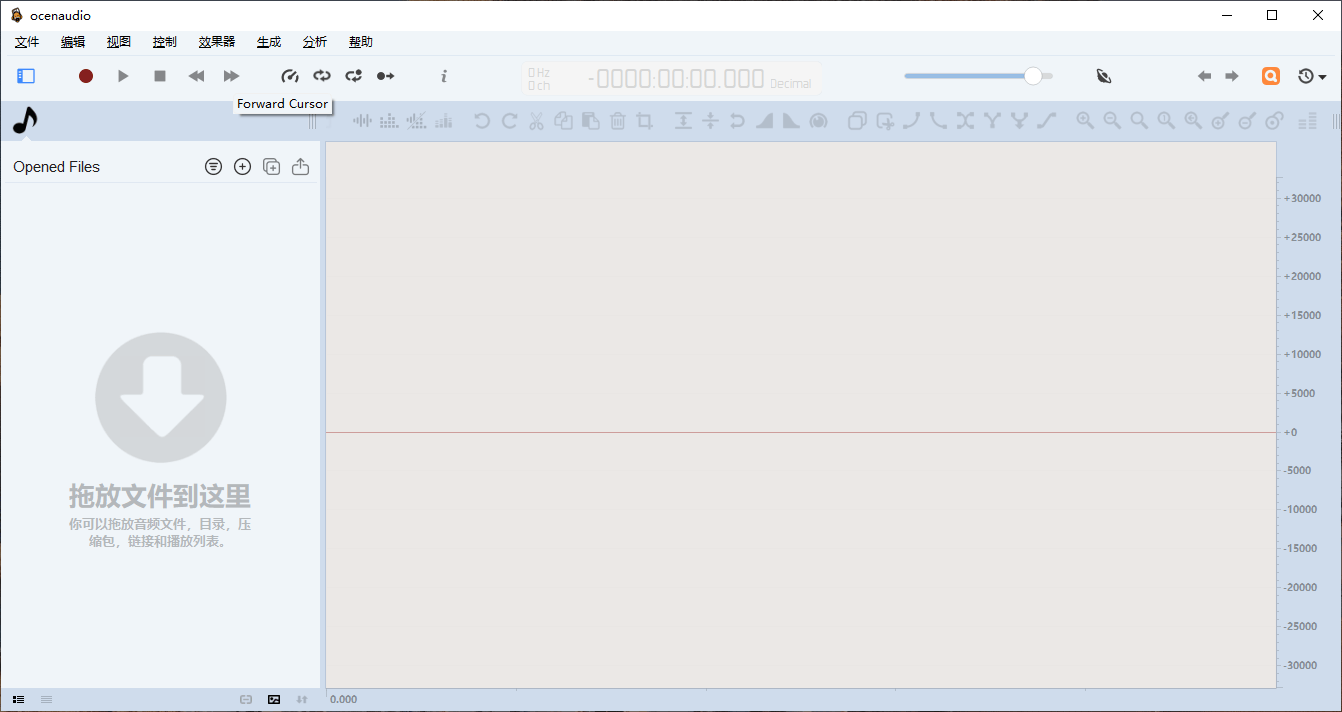
Ocenaudio is built with that priority visible. It is a free audio editor for Windows, macOS and Linux whose interface gives most of the window to the material, keeps the tools in a strip along the top, and offers two ways of looking at the same thing: the waveform, which answers questions about level over time, and the spectrogram, which answers questions about frequency content. Between them they cover nearly every judgement a person makes without listening twice.
The spectrogram is the tool that changes what you can hear
A waveform tells you how loud, and only how loud. A hum at the frequency of mains power and a hum from a nearby motor look identical in a waveform, and they need different responses. A spectrogram shows frequency against time against intensity, so the mains hum appears as a straight horizontal line at one height and the motor appears as a stack of lines at its harmonics. Suddenly the problem is identifiable rather than merely audible.
This is why the analysis view matters more than the effect list. Every filter in the program is a decision about which frequencies to reduce or emphasise, and making that decision without seeing the content is guesswork. Noise reduction that removes the hiss and takes the sibilants with it is the classic result of working blind, and the cure is not a better algorithm but a look at where the noise actually lives.
Hearing an effect before committing to it
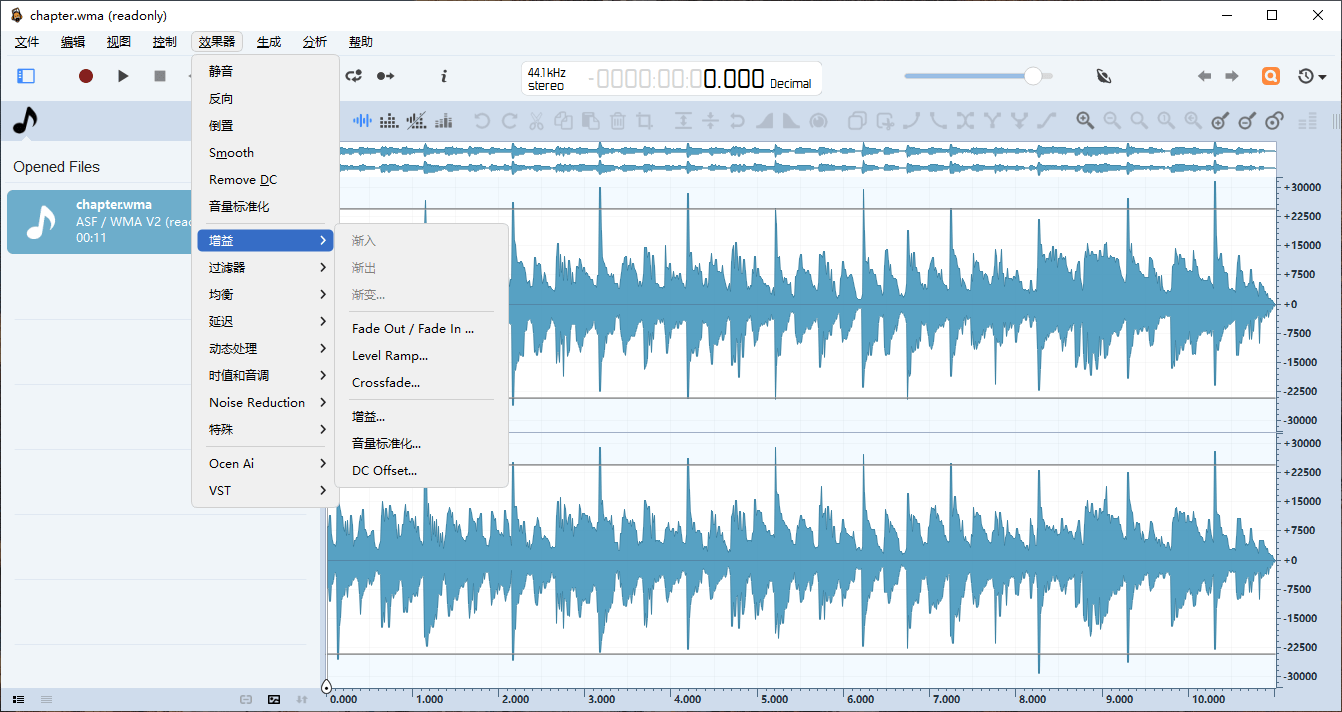
Real-time preview is the second thing that separates a working tool from a tedious one. Applying an effect, listening, undoing, adjusting and applying again is a loop that consumes an afternoon; hearing the result while the parameters move turns the same work into a few minutes of adjustment. The built-in effects — equalisation, reverb, delay — are the ordinary set, and their value here is not novelty but immediacy.
The honest caveat is that preview is a judgement made under a condition that will not hold later. Headphones flatter, laptop speakers lie, and a room adds its own acoustics to everything you approve. The professional habit of checking a mix on more than one system exists for exactly this reason, and it applies to a podcast episode as much as to a recording.
Multi-track without the ceremony
Multi-track editing here means several audio streams lined up against each other: a voice track, a music bed underneath it, a sound effect placed at a moment. For a podcast, a screen recording commentary or a simple piece of audio for a video, that is the whole requirement, and it is a different job from mixing a musical arrangement with dozens of tracks, automation curves and outboard routing.
Knowing which of those two jobs you have is the most useful thing to decide before choosing software. A full digital audio workstation will do this work and will also ask you to learn a vocabulary of buses and sends that this task never needs. An editor that stops at the simple case is faster to use and, for this work, more likely to be opened again tomorrow.
Formats, and the one rule worth remembering
Reading and writing the common compressed and uncompressed formats is expected and delivered. What matters more is knowing when to stay uncompressed: every save to a compressed format loses something, and a file that is decoded, edited and re-encoded a few times accumulates losses that were each individually acceptable. The working habit is to keep the original untouched, do the edit on an uncompressed copy, and compress once at the end for delivery.
This is the kind of advice that sounds like purism and is actually arithmetic. It is also the reason a simple editor is a safe place to work: there are fewer places to accidentally save over the source.
Being free, and being honest about scope
Free, cross-platform and not open source describes both an opportunity and a limit. The opportunity is that anyone can install it on whatever machine they have and start working in an afternoon. The limit is that it is an editor rather than a production environment: it will record, cut, clean and export, and it will not replace a workstation for music production, nor a dedicated restoration suite for salvaging a badly damaged recording.
Verdict
Ocenaudio is the right choice for work that has a spoken component and a deadline: podcast episodes, interview clean-up, narration for a video, trimming and levelling a recording that has to be sent to somebody. The waveform and spectrogram make the problems visible, the real-time preview makes the fixes quick, and the multi-track view covers the arrangement that this kind of work actually needs. If your work is music production, you will outgrow it. For everything else in the spoken-word category, it is a well-judged middle: more capable than a basic cutter, far less ceremonious than a studio tool.