
BongoCat Puts a Playful Cat Companion On Your Desktop
Summary
A cartoon cat that sits above whatever you are working on and answers every keystroke. BongoCat turns keyboard and mouse input into movement, expressions and even melody, with appearance and sensitivity you can tune. It is free, open source, and runs on Windows, macOS, Linux and in a browser tab.
Recommend- Name
- BongoCat Desktop Pet
- Version
- 1.1
- Pricing
- Free
- Open source
- Open source
- Operating system
- WindowsmacOSLinuxWeb
- Updated
- 2026-10-14 22:00
A small cat that lives on your desktop
BongoCat is a desktop pet built around a cartoon cat that sits above whatever you are doing and reacts to it. It does not take over the screen or demand a window of its own; the cat simply stays there, and every keystroke or click you make gives it something to answer. The idea is modest, and that is exactly why it holds up. A tool that asks nothing of you but still notices what you are doing fits into a working day far more easily than a widget that wants attention on its own schedule.
How the interaction actually works
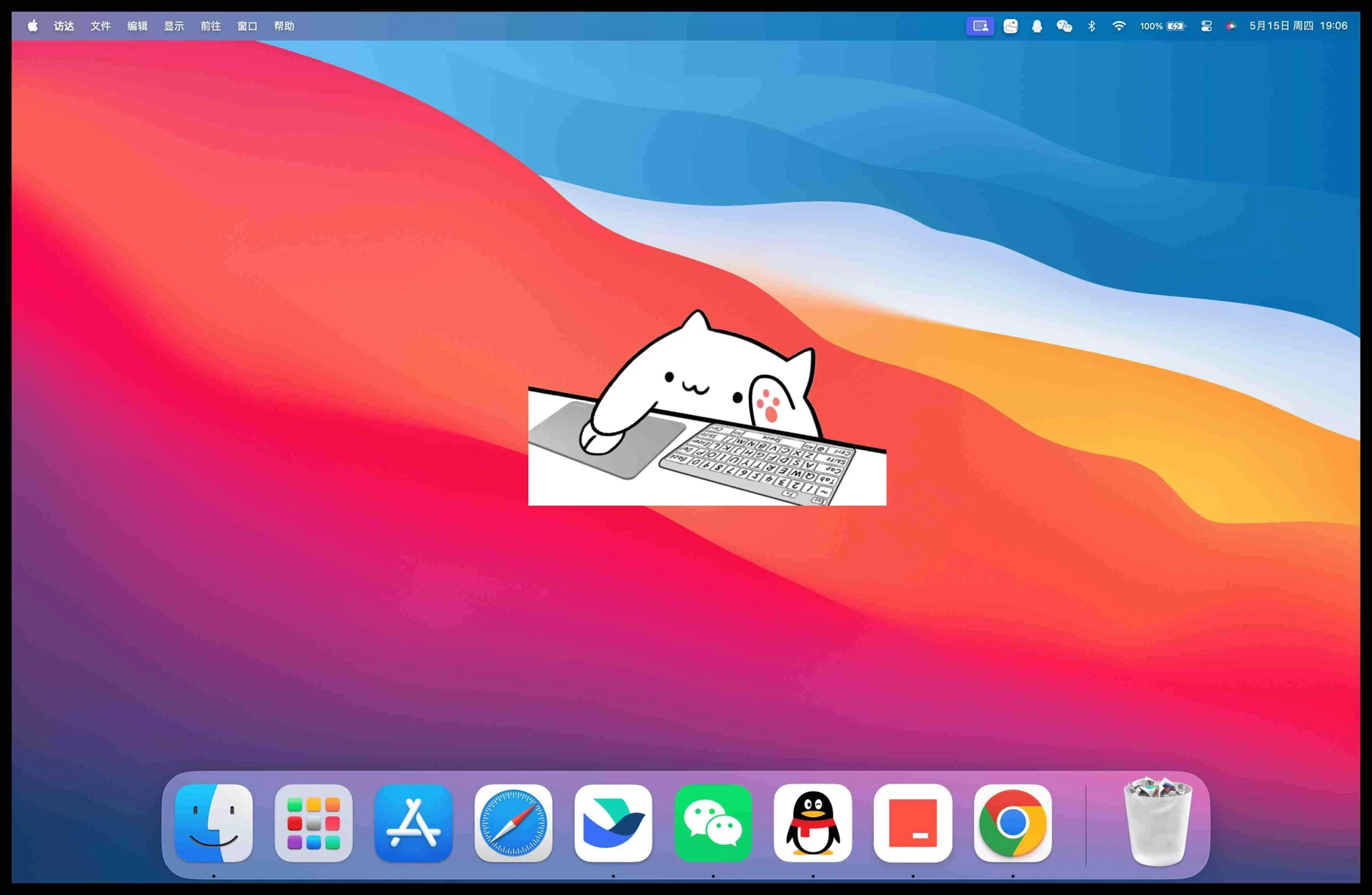
The cat watches two inputs: the mouse and the keyboard. Click somewhere and it reacts; type and the response is different. Because the reaction is tied to real activity rather than a timer, the pet feels connected to your work instead of running a loop beside it. Long stretches of typing turn into a small performance, and the pauses between tasks get an answer as well. Nothing about this is complicated underneath, but the timing is what makes the character feel alive rather than decorative.
Your typing turns into music
The feature that surprises people first is the musical one. BongoCat can turn your input into sound, so ordinary typing produces a melody instead of silence. You shape that melody through simple clicking, which means the pet doubles as a lightweight instrument for anyone who wants to poke at rhythm without opening a full music application. It is not a production tool and does not pretend to be one, but as a way to break the monotony of a long document it is surprisingly effective.
Expressions that follow your behaviour
The cat carries a set of expressions and switches between them according to what you are doing. Type quickly and it looks busy; go quiet and it settles down. This sounds like a small detail and it is, but it is the part that keeps the character from freezing. A static image on the desktop stops being interesting within a day; a character that visibly tracks your pace keeps earning the space it occupies.
Adjusting it to your own taste
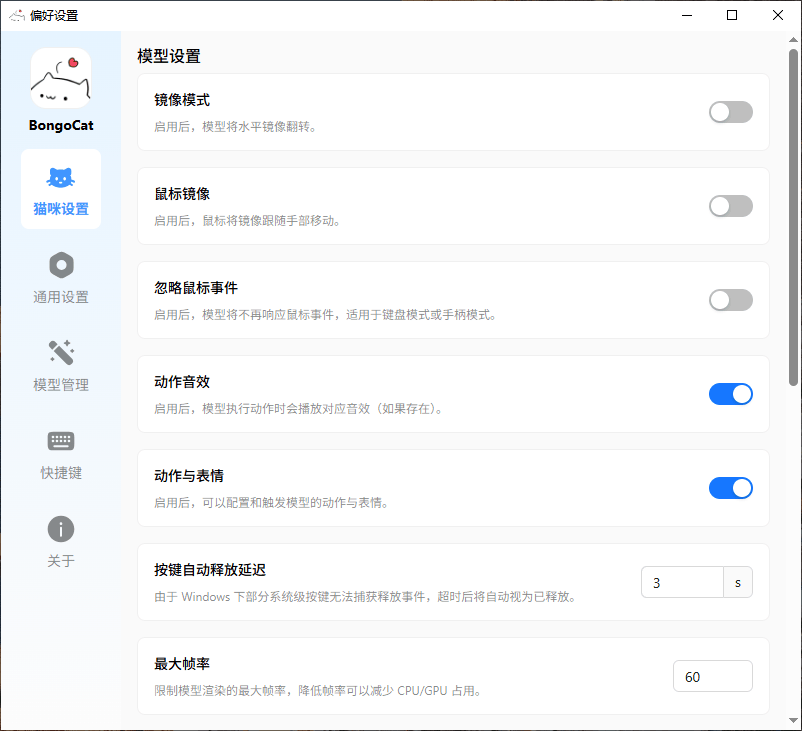
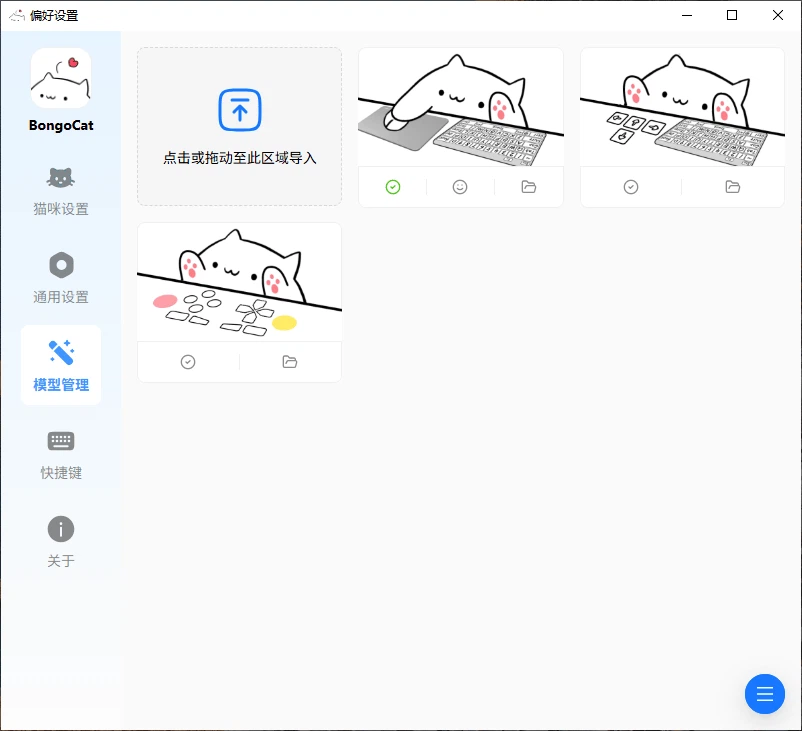
Both the appearance and the behaviour can be changed. You can pick the style of music it plays, tune how sensitive it is to your input, and alter how the cat looks. Those settings matter more than they appear to, because a desktop pet either fits your setup or becomes an irritation. Being able to turn the volume of the interaction down, or make the reactions subtler, is what allows the same software to suit both someone who wants constant company and someone who only wants a hint of movement in the corner.
Runs wherever you work
The project covers Windows, macOS and Linux, and there is a browser-based version as well. That spread matters for anyone who moves between machines during the day: the same pet follows you across operating systems instead of being locked to one. It is free and open source, so there is no licence to buy and no account to create before the cat appears. The source sits on a public code hosting platform, which means the behaviour can be inspected rather than taken on trust.
The part that is easy to dismiss
It is tempting to file a desktop pet under novelty and move on. The case for it is quieter than that. Long sessions at a screen erode attention, and the usual advice, to take breaks, is hard to follow because nothing in the environment suggests when. A cat that reacts to your typing gives the day a texture it otherwise lacks, and a short pause to watch it is a break you actually take. Users describe exactly this: the pet does not make work lighter, it makes the intervals between work more visible.
Creativity as a side effect
There is a second effect that shows up in the feedback. Interacting with something playful loosens the grip of a stalled problem. People report coming back to a task they were stuck on after a minute of watching the cat and finding the next step obvious. That is not something anyone can measure, and no vendor would put it on a specification sheet, but it is the reason desktop companions survive while more ambitious utilities get uninstalled.
A community around a cat
Since release the project has gathered a following that shares clips and screenshots of their cats reacting to particular moments. That kind of sharing is how a small open-source project stays alive: people post what they configured, others copy it, and the character accumulates variations no single developer planned. For a tool this light, the community is a larger part of the value than the code.
Who it suits
BongoCat fits anyone who spends most of the day at a keyboard and does not mind a small amount of movement on screen. It is a poor match for people who need an absolutely still display, and it is honest about that, because everything can be reduced. For everyone else it is a free, cross-platform companion that asks for no configuration and repays a few minutes of attention with a slightly less monotonous working day.