
Nextcloud Office Desktop: four editors that work offline
Summary
Nextcloud Office Desktop is a free, open-source suite that puts text, sheets, slides and PDF into one window and keeps editing alive when the network drops.
Recommend- Name
- Nextcloud Office Desktop
- Version
- 20261115
- Pricing
- Free
- Open source
- Open source
- Operating system
- WindowsmacOSLinux
- Website
- https://nextcloud.com/
- Updated
- 2026-11-15 12:09
Most office suites live inside a browser, and when the connection drops they turn into a read only filing cabinet. Nextcloud Office Desktop, released on November 13, attacks that: the same four editors, rebuilt as a program that installs on the machine, with builds for Windows, macOS and Linux, so files open, change and save without a network.
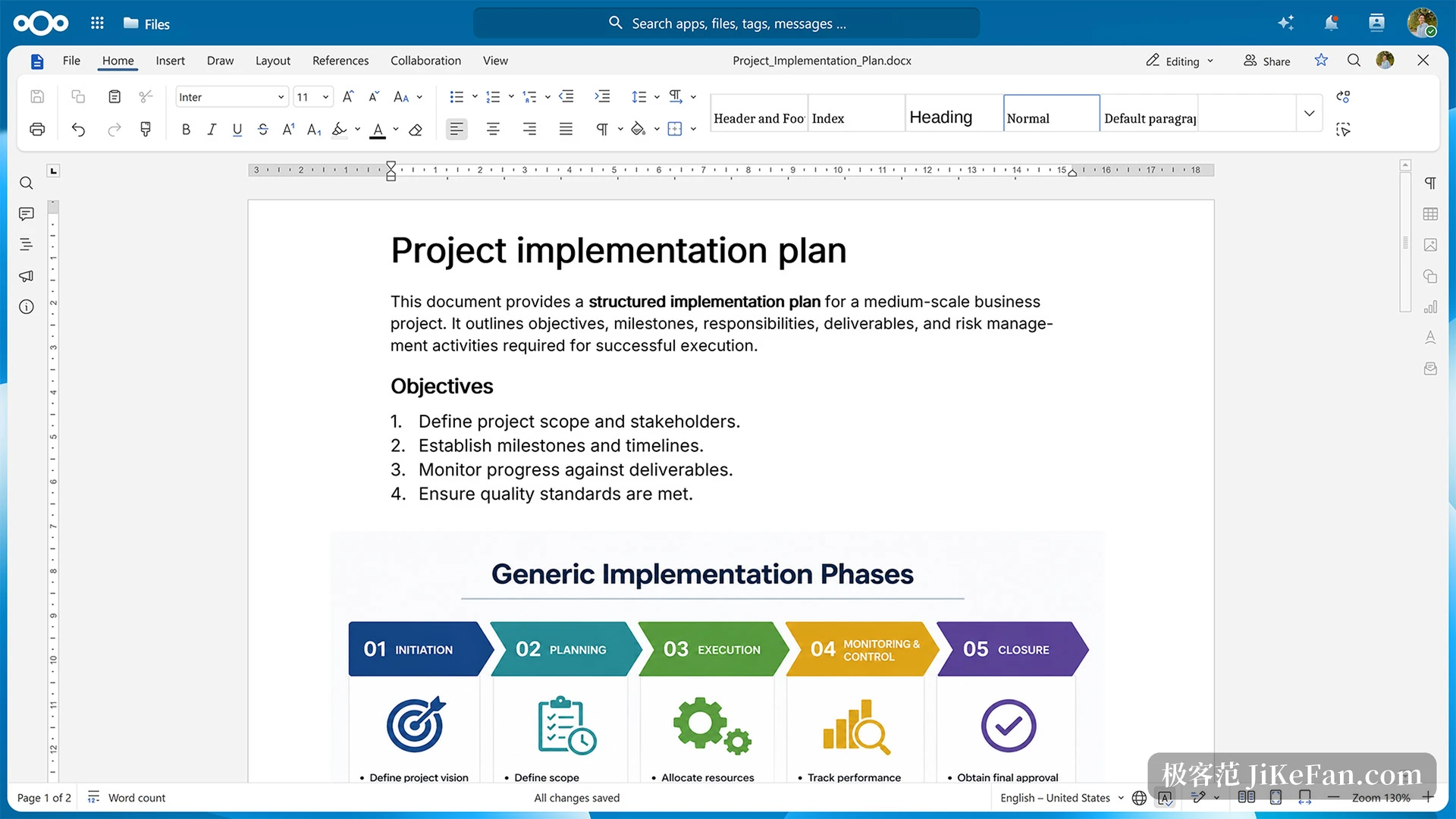
Four editors behind one window
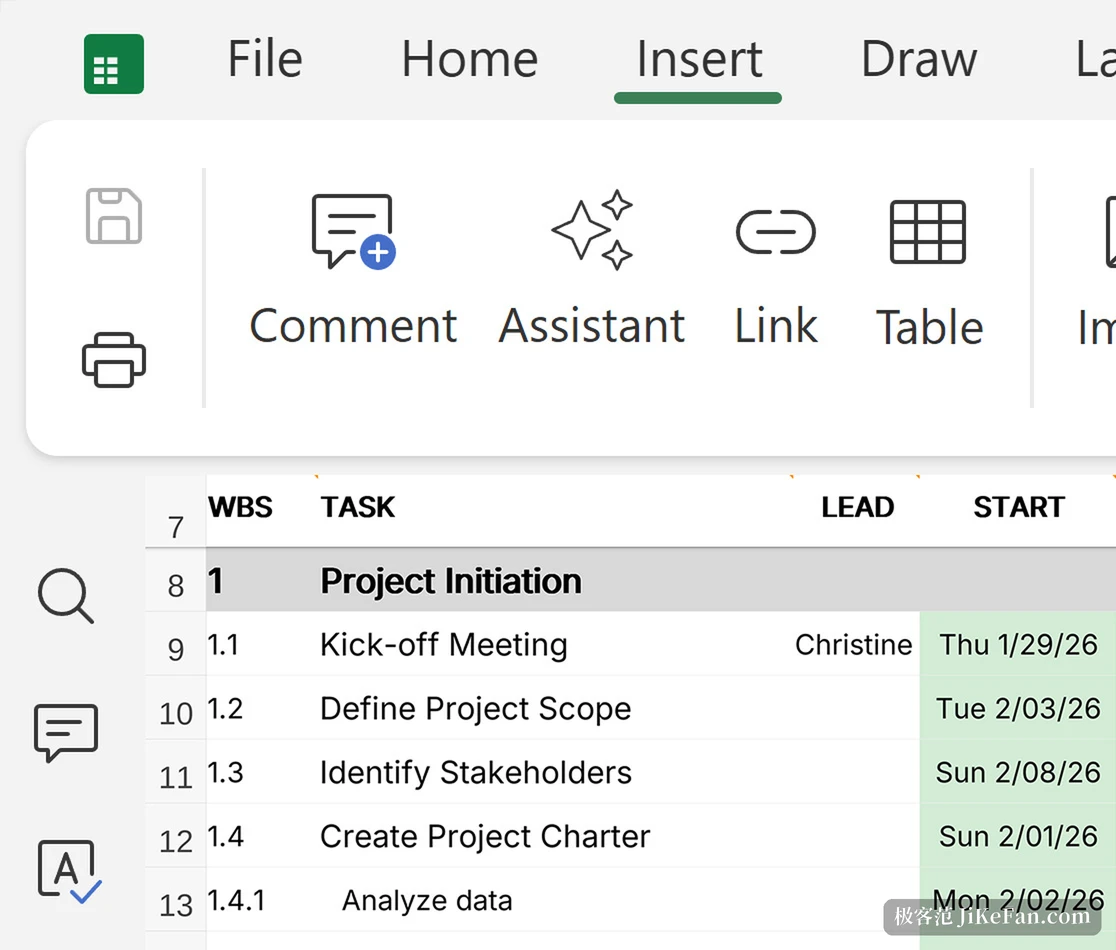
The program opens as a single window with tabs along the top: text document, spreadsheet, presentation, PDF. Each type carries its own ribbon, the familiar layout with groups for file, home, insert, draw and collaboration. Documents take comments and tracked changes and export to common formats, spreadsheets hold formulas, functions, sorting and filtering plus an entry point for charts, and presentations handle animation and embedded media with a presenter view and notes.
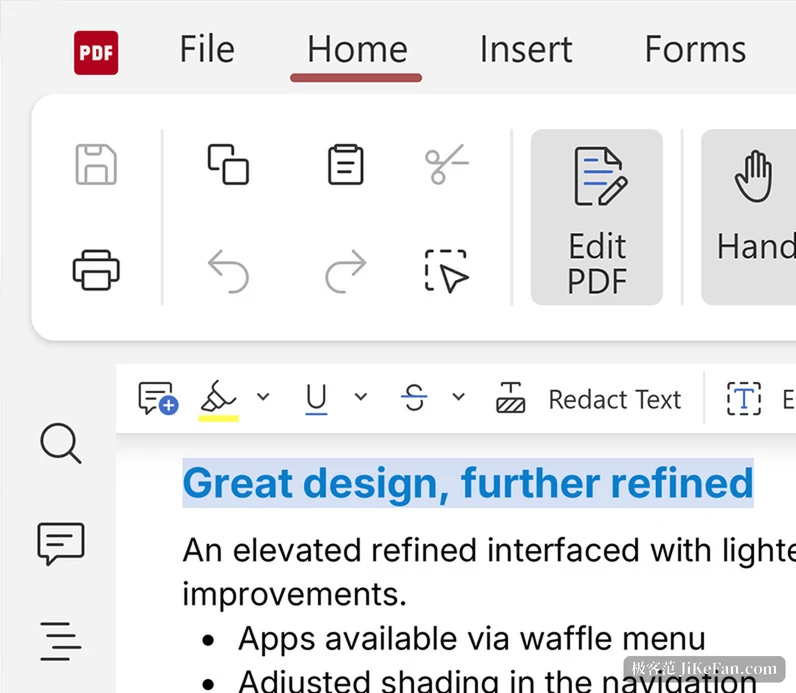
The PDF part goes further than expected. It is not only a viewer: forms can be filled, annotations added, and a sensitive passage boxed off and redacted. Format support is the usual hurdle for this class of tool, and it saves to DOCX, XLSX and PPTX by default while reading the open ODT, ODS and ODP families, with PDF and CSV on the list too.
Offline work is the real addition
Asked what the desktop build adds over the web version, the project names three things.
Work offline and keep files on the machine, use fonts already installed on the computer, and sign files digitally.
The first is easy to picture: the file sits on the disk, the network can fail, and editing continues without a spinner.
The second gets underestimated. An editor in a browser can only use the fonts installed on the server, so a document built on a special typeface looks right at home and gets swapped for something else on another desk, with line height and breaks shifting along. The desktop build reads the fonts the system already has, corporate font packs included, so the layout stays closer to what the author saw. A machine without the font still substitutes it, and the project does not pretend otherwise.
The third is the digital signature. Contracts and quotes have to prove where they came from after signing, and the desktop build puts certificate signing into the local flow, so nothing has to be uploaded to a service first.
Collaboration still runs through a server
Editing alone is only half of it. Changing one file with a colleague at the same time still needs a Nextcloud instance: add an entry to the cloud list on the home screen, type the instance address, log in with existing credentials, and files you may open appear with other cursors moving alongside your own. One installation can hold several instances, so work and private setups stay apart.
Before a server is connected it behaves as a competent local editor, with files on disk and changes written straight back. Only after connecting does it become a collaboration tool, and that line is drawn clearly. Tablets and phones get a separate mobile editing view, enough for a couple of sentences without opening a laptop.
Boundaries worth knowing first
This is not software you install and forget. There is no automatic update yet, so a new build means installing over the old one by hand; the plugin mechanism does not exist and waits for a later release; and spreadsheets that lean on macros may produce different results, which the project does not guarantee either way. All of it is stated in the open, which beats finding out later.
Pricing holds no twists. The software itself is free and open source, local files need no account, and the code is built with several European organisations and can be inspected in the repository. The enterprise edition is a separate subscription selling long term support, agreed response times and faster security updates.
The timeline makes the point. This office component only reached a production ready version on June 9, and at that point it lived in a browser and needed a server behind it. 4 months later the desktop build lands, closing the offline gap. For anyone who wants documents on their own machine without giving up shared editing, the choice just widened a little.