
CherryTree 1.7.3: notes as a tree, two holes closed
Summary
CherryTree 1.7.3 keeps a whole notebook in one tree file on disk and closes two holes a crafted note file could open, on Windows, Linux and macOS.
Recommend- Name
- CherryTree
- Version
- 1.7.3
- Pricing
- Free
- Open source
- Open source
- Operating system
- WindowsmacOSLinux
- Updated
- 2026-11-15 12:09
CherryTree is a desktop note-taking tool that keeps its notes as a tree, written by Giuseppe Penone and published under GPLv3 for Windows, Linux and macOS. Version 1.7.3 arrived on November 7, and it adds no new panel: the weight sits on closing two holes that a note file itself could open, with a few awkward corners of the interface moved around as well.
Note tools split roughly in two. One group hands the content to an account and a cloud, the other trusts a file on the disk. CherryTree belongs to the second, where the whole library is one file, so copying it away is the backup.
A tree, not a wall of tabs
Open CherryTree and the node tree sits on the left with the editor for the current node on the right. New nodes and child nodes come from the context menu, depth has no ceiling, and a drag reorders anything. Once the pile reaches a few hundred entries, that layering sits closer to how memory works than a long row of tabs does: first the category comes back, then two steps down and you are there.
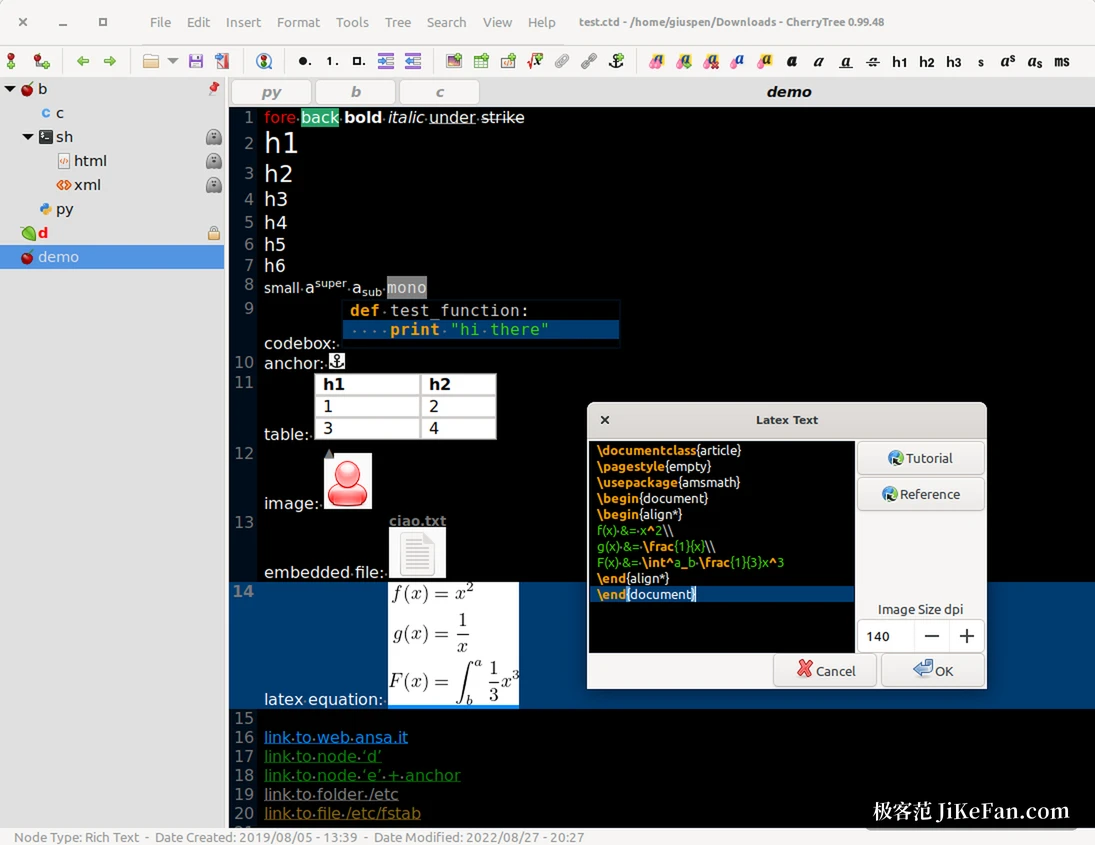
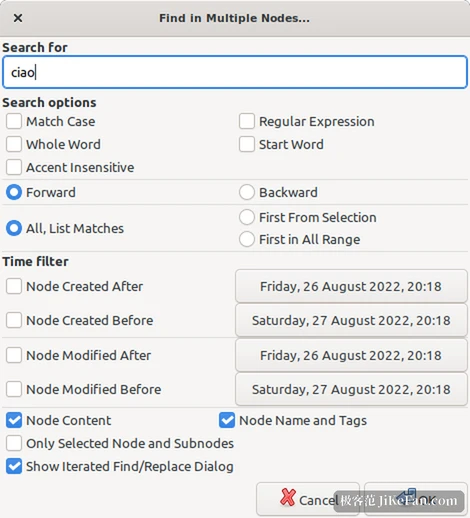
Eyeballing the tree gets slow as it grows, so search comes in three scopes: the current node alone, the current node with everything below it, and the whole library. Replace follows the same scopes, and the last search or replace can be walked further without typing the terms again.
The whole tree in a single file
The tree is stored as one file, SQLite in a .ctb by default and XML if you prefer. Backup then becomes plain work: copy that file and the job is done, and moving to another machine works the same way. A password can be set when saving, and a temporary copy is unpacked while the document is open and removed when the program closes.
The editor holds code and attachments
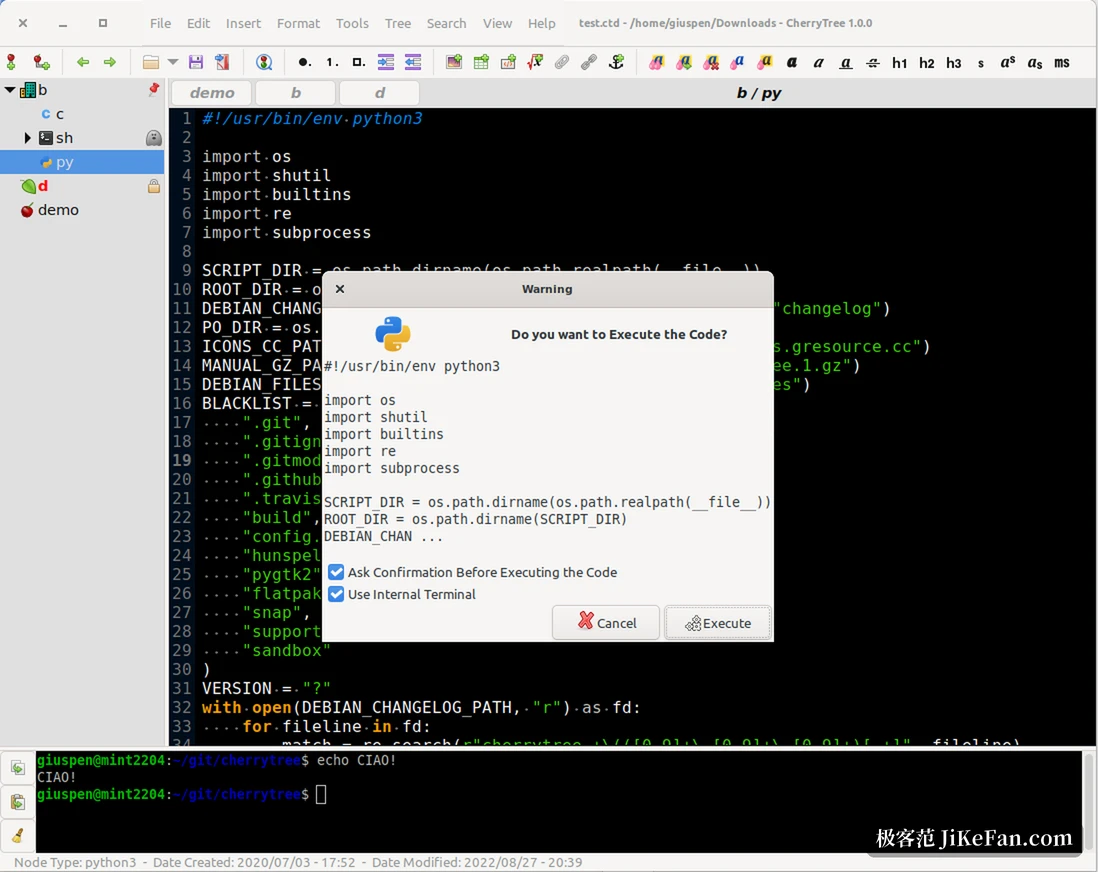
The editor is a rich text affair, with colour, headings, subscripts, superscripts and bullets on the toolbar. The code box is what separates it from other notebooks: drop one in, pick a language and pasted code arrives with syntax colour. With a terminal and a command set in the preferences, that snippet can also run from inside the note, using an embedded terminal on Linux and macOS.
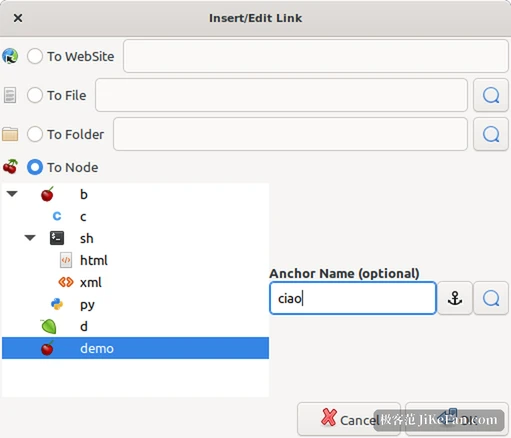
Formulas go through LaTeX, tables import and export CSV, attachments can sit inside the text, and a link can point at a web page or at another node in the same library, which opens with one click.
Taking it out, in one piece
Export routes are generous: a section, a node with its children, or the whole tree can leave as HTML or plain text, or be saved as PDF, and a table of contents built from heading levels helps on long documents. Old notebooks have a door as well. Libraries left behind by NoteCase, KeepNote, Tomboy and Zim import directly, and a folder of HTML or plain text files is swallowed the same way.
The two holes closed in 1.7.3
The release notes are blunt about it. The first is command injection in custom link actions, tracked as CVE-2026-118692; a second hole is arbitrary local file read triggered by a crafted embedded file name, tracked as CVE-2026-118693.
Fix command injection in custom link actions; fix arbitrary local file read via a crafted embedded file name; refuse symbolic links in multi-file node directories; reject empty tables when parsing XML. -- CherryTree 1.7.3 release notes
Both concern what a note file can carry. A .ctb of unknown origin, once someone has tampered with it, could step past the boundary of the program when opened. The same release refuses multi-file node directories built from symbolic links, so a cleanup pass no longer follows the link, and an empty table during XML parsing is rejected outright instead of travelling on into table building and the clipboard index.
Everyday changes make up the rest. Node title icons moved from the right edge to the left, next to the recently visited buttons, and images inside HTML pasted from a browser download more reliably.
A crash when an anchored widget was destroyed is gone, and Tamil joined the interface languages. The build moved to libxml++5, covering msys2 on Windows, Ubuntu 26.04 and later, and Flatpak.
Who it suits
Anyone who keeps reading notes, command fragments, to-dos and a few reference images in one tree, and wants that pile to live on their own disk, will find the shape right. The weak spots are just as clear: no cloud sync, no phone version, one editor at a time on a file, and two people saving at once will corrupt it. The interface still carries the density of a tool from fifteen years ago, so the first launch needs a look around before the entry points appear. None of that is what 1.7.3 set out to fix.
Update now or wait
Anyone on an older build should move this time: neither trigger is exotic, and the fix asks for no setting to change. A newcomer can treat it as a local, single-file notebook that happens to hold code, without expecting it to sync anything. Putting that .ctb into a synced folder or a version control repository is the steadier habit anyway.