
Money Manager 4.12: a decade of manual bookkeeping, with nothing cut from the free version
Summary
While other apps pull everything from the bank, Money Manager has been built around entering it yourself since 2012. Income lands in the right account and spending is deducted from it, so every line corresponds to a real change in what you own; budgets, charts and a calendar come with it, and the free version keeps the core intact.
Recommend- Name
- Money Manager
- Version
- 4.12.12
- Open source
- Proprietary
- Operating system
- AndroidiOS
- Website
- https://www.realbyteapps.com/
- Updated
- 2026-10-05 15:40
The one that stayed manual, from 2012 to now
At a time when automatic bank syncing is everywhere, Money Manager goes the other way: it is a finance app built around entering things by hand, published by a Korean studio, kept updated since 2012, with tens of millions of downloads across Android and iOS and a long run near the front of the finance charts. It thinks in double entry, which means income is credited to the account it belongs to and spending is deducted from it, so every line corresponds to a real change in what you actually own and the books stay arithmetically sound. As of September 2026 the current line is 4.12, and recent updates have refreshed the home screen widget and added three quick-entry widgets.
Seconds to record a transaction
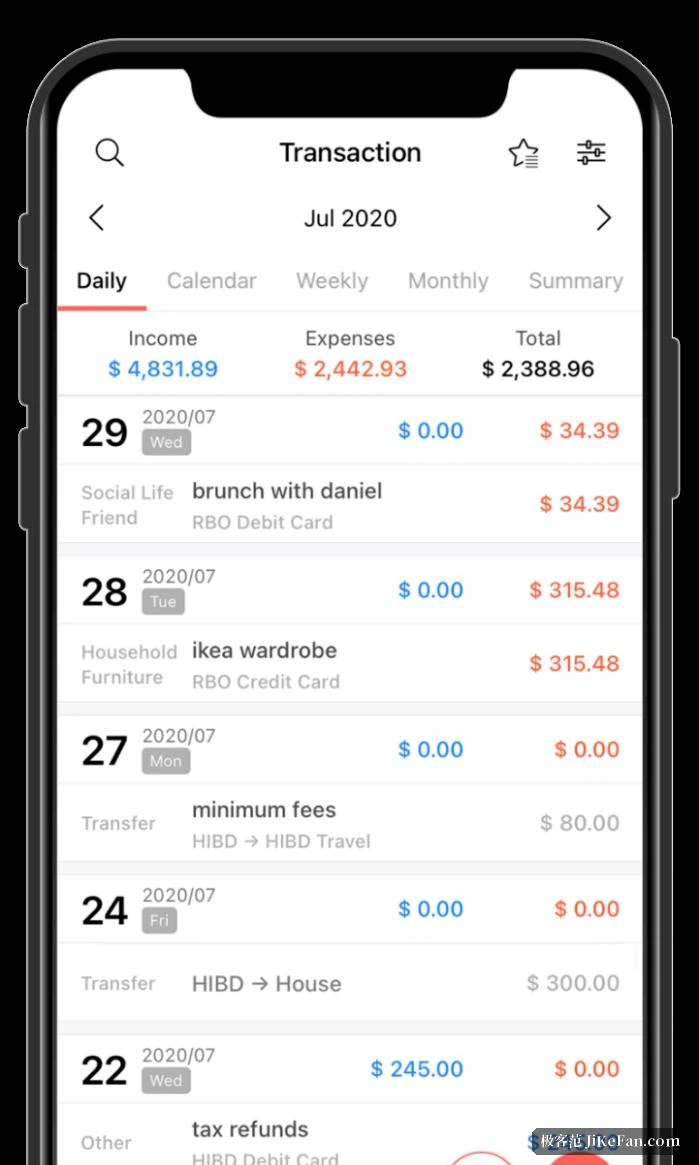
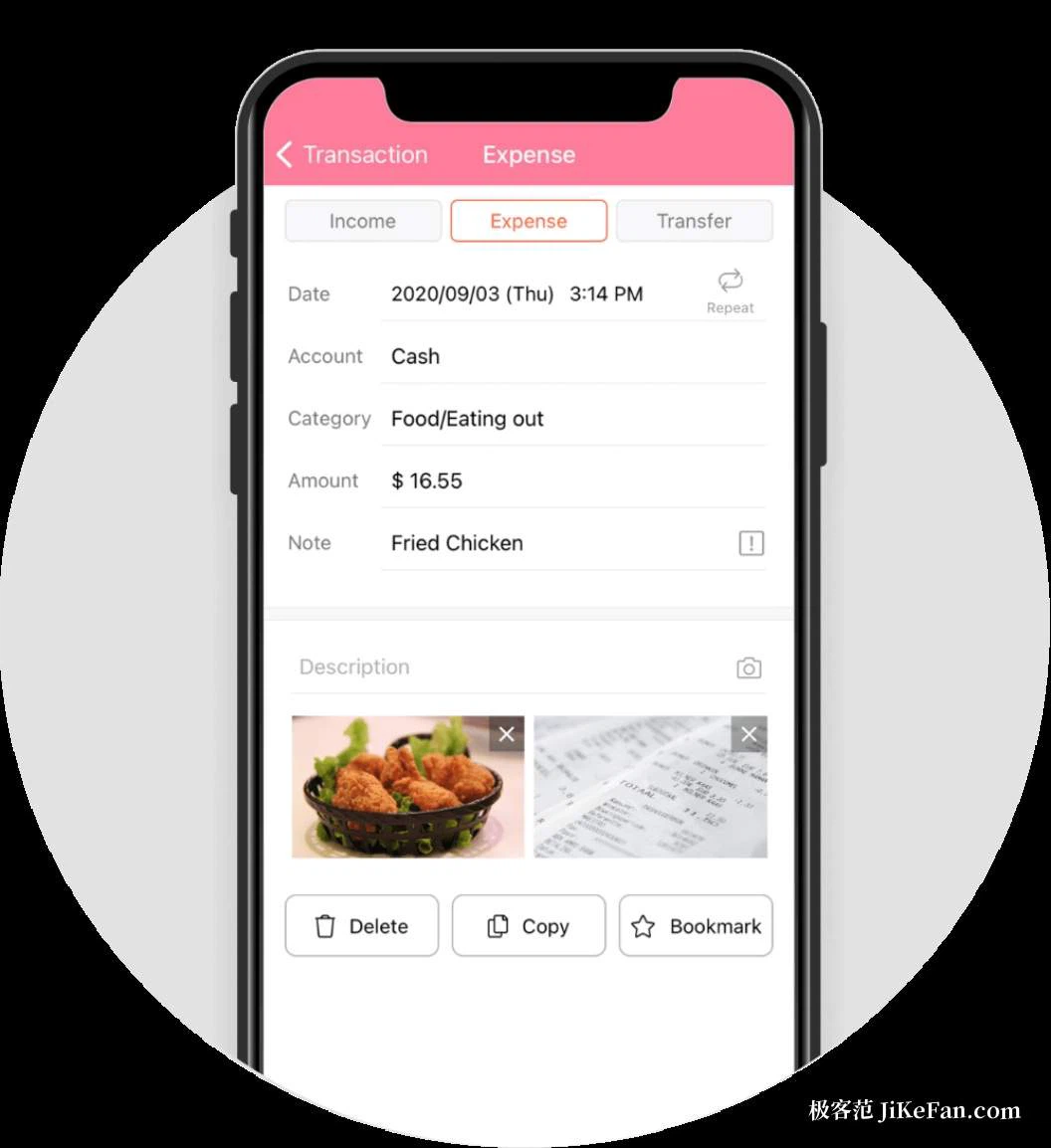
Open the app and the home screen shows this month's income and spending together with the balance of each asset. When a new entry is started, the built-in calculator works inside the amount field, so there is no switching between apps to do arithmetic; categories and subcategories form a two-level structure that can be defined from scratch, so the structure of the book follows your own habits rather than somebody else's template. Frequent expenses can be bookmarked for one-tap entry, and transfers, automatic deductions and recurring items each have an entry point of their own: set the salary, the rent or the subscription once and it generates itself on schedule, taking a large share of the mid-month work away.
Budget, statistics and calendar
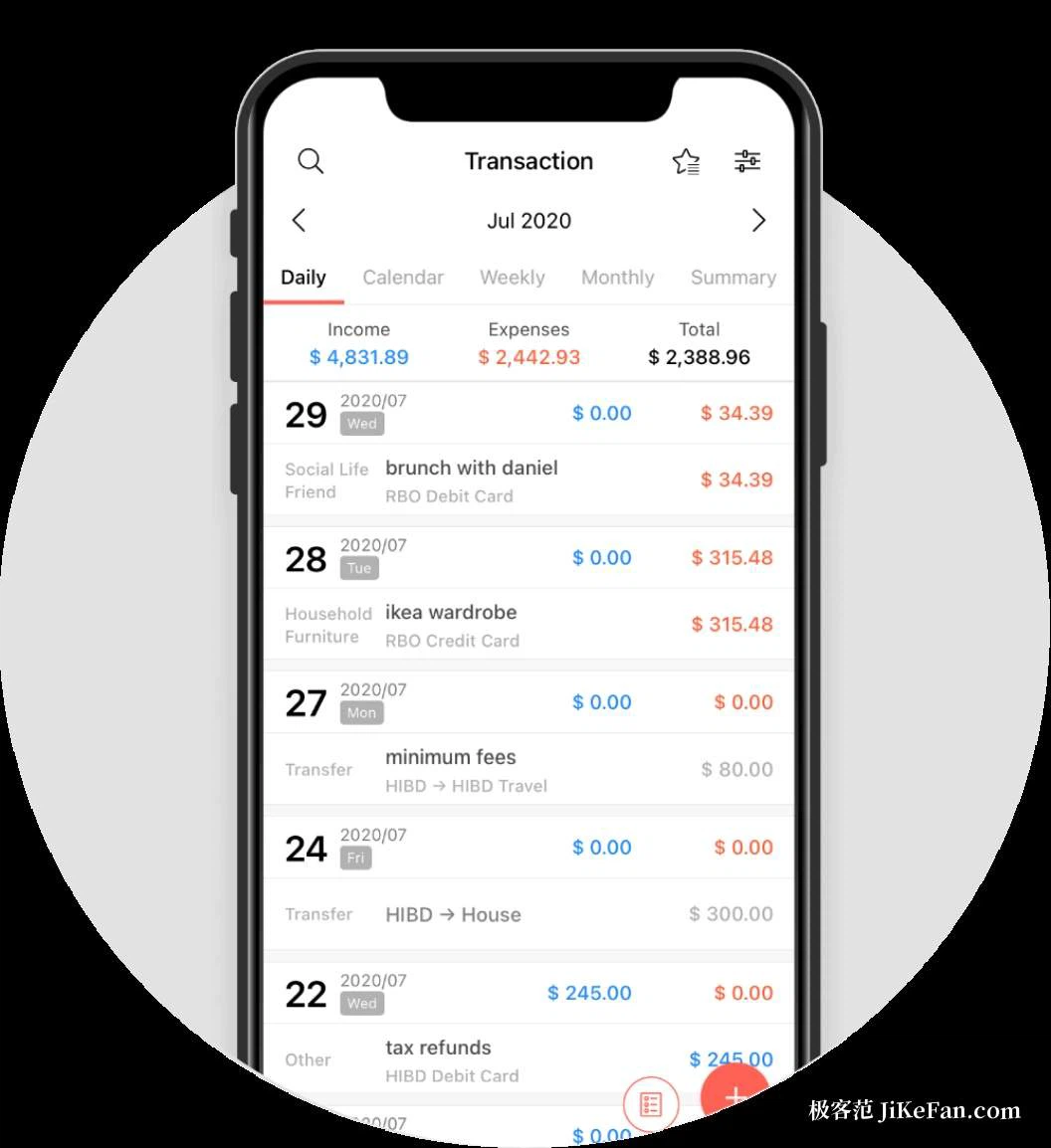
Budgets can be set weekly, monthly or yearly, separately for income and for spending, with overspending shown graphically so it is obvious which band has been reached. Live statistics draw the share of each category and its month-on-month movement as charts, so where the money went can be read without scrolling through the ledger, and the calendar lays income and spending out day by day, so reviewing a particular week is a matter of turning a few pages. Multi-currency support means someone who travels can keep foreign spending in the same book, with the exchange difference and the converted result shown automatically. The start of the month can be moved to payday, which makes the reporting period match the real rhythm of the money and makes reconciliation easier for anyone paid monthly.
Credit cards and assets are handled properly too
Credit card spending is where many people's books fall apart, and this app designs around the billing cycle: enter the statement date and a card purchase is held first, only leaving the account on the settlement date, with the unbilled total and the amount due shown plainly on the assets page, so the confusion of having spent money that does not match the book does not arise. The assets page also records deposits, insurance, fixed terms and loans, and liabilities feed into the change in total net worth, which is drawn as a curve, so years of accumulation and drawdown stay legible.
The data stays with you
No bank account has to be linked; everything is entered by hand and stays on the device behind a password, which reduces the privacy question to almost nothing. For backup, the whole book exports and imports as an Excel file, and can also be backed up and restored over mail or the cloud, so changing phones does not lose anything. There is also a genuinely useful viewing mode for a PC: with the phone and the computer on the same network, the books can be sorted and browsed on a large screen by date, category or account, which makes month-end reconciliation far more comfortable.
Free to use, paid to lift the limits
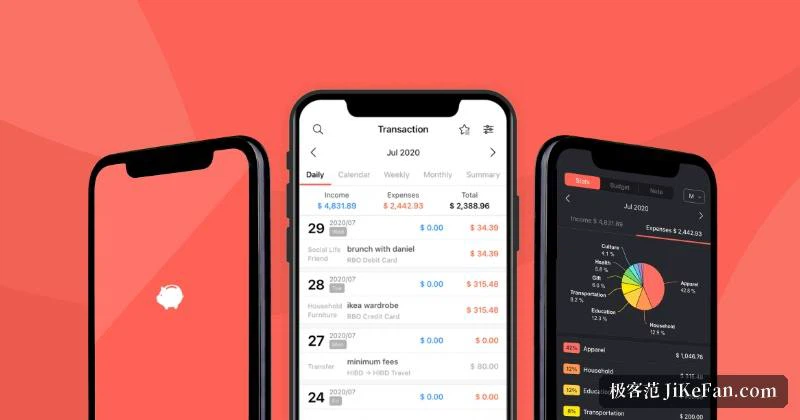
The free version is substantial: recording, budgets, statistics and backup all work, with accounts capped at fifteen, which covers most people with a single card. Anyone who needs no cap on accounts and wants the interruptions gone can buy the full version once. The interface is translated into many languages including Chinese, the data structure is the same on Android and on iOS, and two devices can keep separate books without interfering. The home screen widget takes custom themes and transparency, so an entry can be made without opening the app at all. If automatic syncing has left you unsure where the money actually goes, writing each line down by hand tends to restore a sense of what is being spent, and hundreds of thousands of ratings have kept it above four and a half stars for years.