
Wallet 5.7.5 puts 50 languages of bookkeeping into a free application
Summary
Wallet from BudgetBakers is a personal and household finance manager with automatic sync across more than 15000 banks, flexible budgets, planned bills and multi currency records. The free tier manages every account by hand.
Recommend- Name
- Wallet
- Version
- 5.7.5
- Open source
- Proprietary
- Operating system
- iOSAndroidWeb
- Updated
- 2026-10-17 16:12
Wallet splits bookkeeping into two roads. Anyone who wants to do the work enters entries by hand on the free tier, and anyone who would rather let go has a bank sync pour the transactions in. Budgets, bill reminders and cash flow charts sit on one account system, and a phone, a tablet and a browser share a single ledger.
Gathering scattered accounts in one place
The tool comes from a Czech team called BudgetBakers, which describes itself as a manager of personal and household finances. The starting point is plain. Money tends to sit across several banks, a few cards and some cash, and checking each balance takes time and invites oversights. Wallet registers those accounts into one ledger, and every budget, bill and report then works from that single set of data.
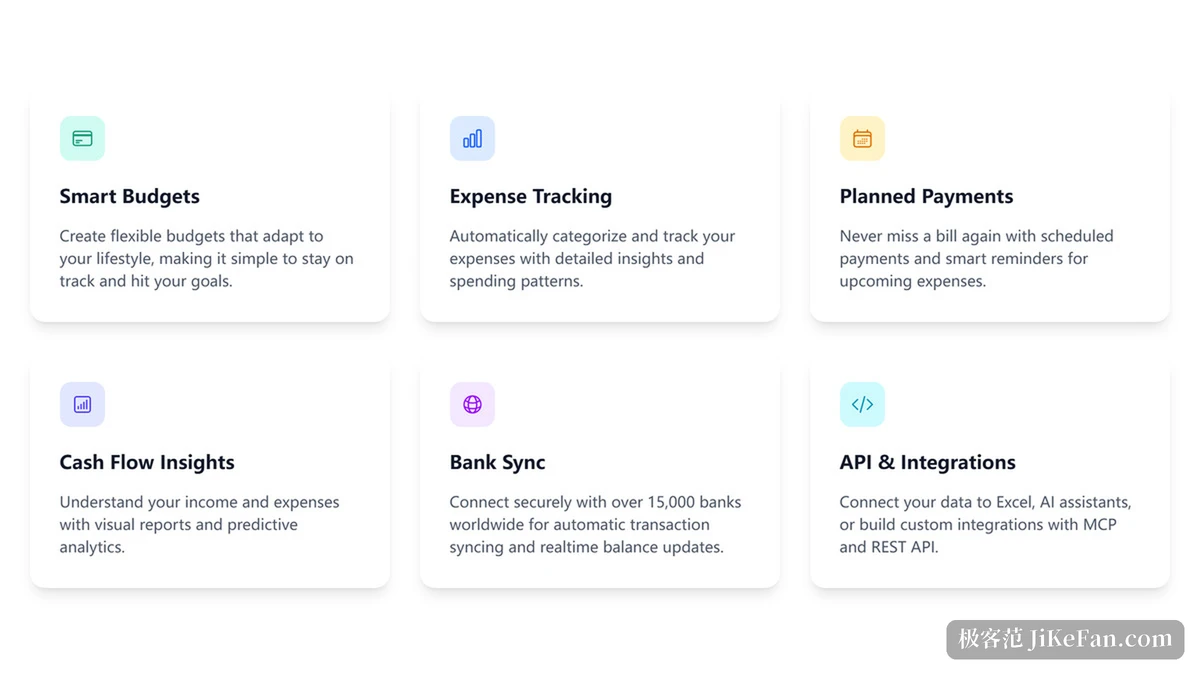
What actually saves the trouble is bank sync. The stated coverage is more than 15000 banks worldwide, and once connected the transactions are pulled in automatically and filed into the ledger while balances follow. Existing history can come across as well, through CSV, XLS or OFX files, which makes migration from a spreadsheet or an older tool straightforward. Phone and web share the same data, so a note jotted on the move and a session at the desk look at one and the same set of books.
Three tools for budgets, bills and cash flow
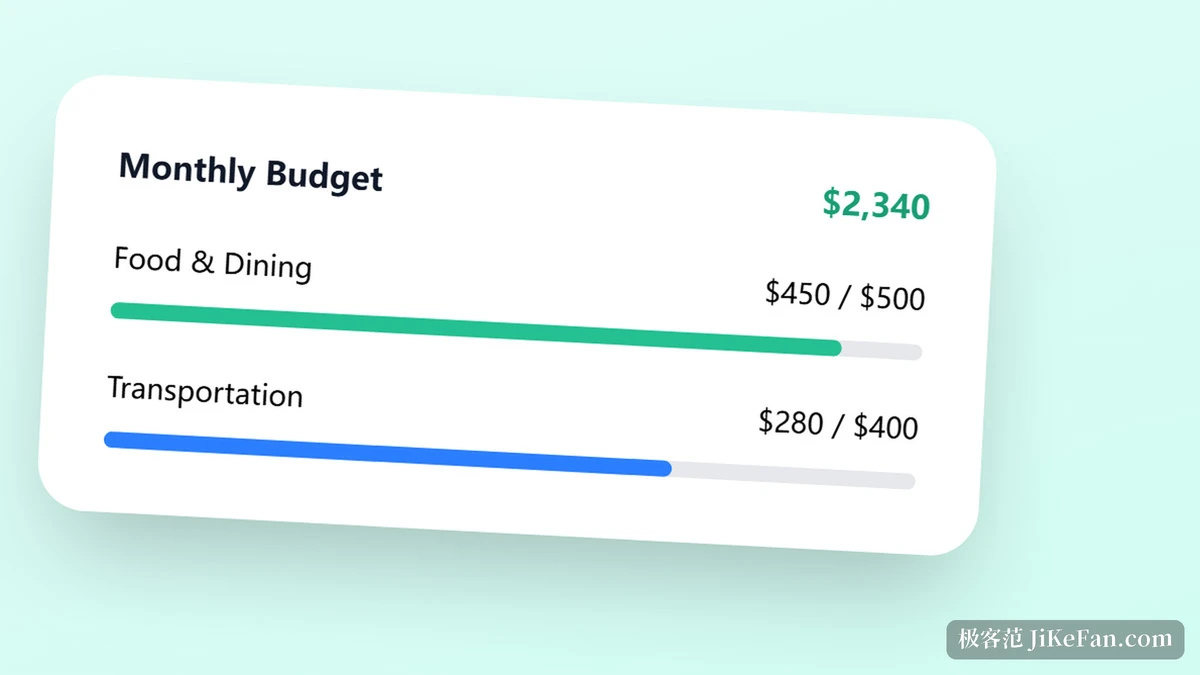
Once the entries are in order, three groups of tools turn them into a plan. The budget section sets limits that follow your own rhythm, and the point the company stresses is flexibility, meaning limits move with actual spending rather than being forced into a rigid template. Bill reminders cover regular outgoings, putting due dates on a schedule and warning as they approach. Cash flow charts draw income and spending into a readable report and add a projection, which is how you judge whether the coming weeks will feel comfortable.
Categories put each transaction in its place. The company describes the sorting as automatic, learning gradually from past habits, and the reports break spending down by category and period so it is clear where the money goes. Beyond daily income and spending, the ledger holds investment portfolios, shares and cryptocurrency balances and rolls them into a net worth view, and multi currency cases convert at live rates so a business trip or a cross border purchase lands in the same statistics. Households use group sharing: a partner or family member keeps their own books and the parts that should be seen together go into a shared ledger.
Free tier, Premium and a one time lifetime tier
The licensing structure is worth spelling out. The FAQ answers it directly: Wallet has a completely free tier for people willing to enter entries by hand, and anyone who wants automation such as bank sync needs Premium. On top of that there is a one time lifetime tier that opens the advanced features permanently, replacing a monthly charge with a single payment. Three lines for three rhythms of use, and the choice comes down to how much you want to do yourself.
For newcomers the official door is a free trial. Signing up allows the card details to be skipped and the trial can be cancelled at any time, with every feature open while it runs. The company repeats one piece of context, that the service is funded by subscriptions and that the ledger data itself is held carefully.
A data interface opened to developers
Wallet exposes its data for outside tools. One road is MCP, built on the open model context protocol standard: the service wraps the data into a set of tools bounded by permissions, and an AI assistant inside can read the records and, once allowed, create, change and tidy them. Permissions are split by data type, with reading, creating, changing and deleting controlled separately, read only by default, writing switched on deliberately and revocable at any time, and access granted through OAuth 2.0.
The other road is a REST interface with a more engineering shaped surface. Transactions, accounts, categories, budgets and savings goals can all be read, transaction records accept a rich set of filters and open creation, change and deletion on request, and the stated batch limits per request are 20 new transactions and 10 changes. Both roads are for Premium subscribers, meant for pulling the ledger into a spreadsheet tool, a home made dashboard or an automation script.
Security footing and how to start
For a tool that handles accounts, credentials cannot be skipped. The security page lists four: a licence from the Czech National Bank, ISO 27001 certification, compliance with the PCI DSS payment card industry data security standard, and a PSD2 licence, with data handling under GDPR. In practice the page states that data is encrypted in transit and at rest, that traffic runs over TLS, that system access requires multi factor authentication, and that account connections are read only, so the tool can read the ledger for display but cannot start a transfer or move money.
The path in is on the site as well, in three steps. First add the accounts in your name, choosing from more than 15000 institutions. In the first week gather the accounts together and tag transactions, and the system gradually learns the sorting habits. In the first month move into budgets and planning and start projecting the cash flow of the coming weeks. Phone and web lean different ways, the first towards quick entries and reminders, the second towards analysis, bulk operations and report export.
The trade Wallet makes is clear. Anyone with accounts spread around starts by letting more than 15000 banks pull the transactions together, then plans with flexible budgets, bill reminders and cash flow projections. Those who prefer to do it by hand stay on the free tier, those who want automation move to Premium, and those who dislike a monthly charge take the one time lifetime tier. The data interface and the security credentials decide whether it can be trusted inside your own toolchain.