
Carrot Weather 6.9.2: a desktop forecast app with a temper and real data
Summary
A weather app built around a sharp tongued narrator. It can switch between several forecast providers and offers custom widgets, Apple Watch complications and alerts for rain or lightning. Free to download with a subscription, currently at version 6.9.2.
Recommend- Name
- Carrot Weather
- Version
- 6.9.2
- Pricing
- Paid
- Open source
- Proprietary
- Operating system
- macOS
- Updated
- 2026-10-16 22:13
Most weather apps simply report the weather. Making a forecast entertaining has turned into something of a rarity.
A personality first, the forecast second
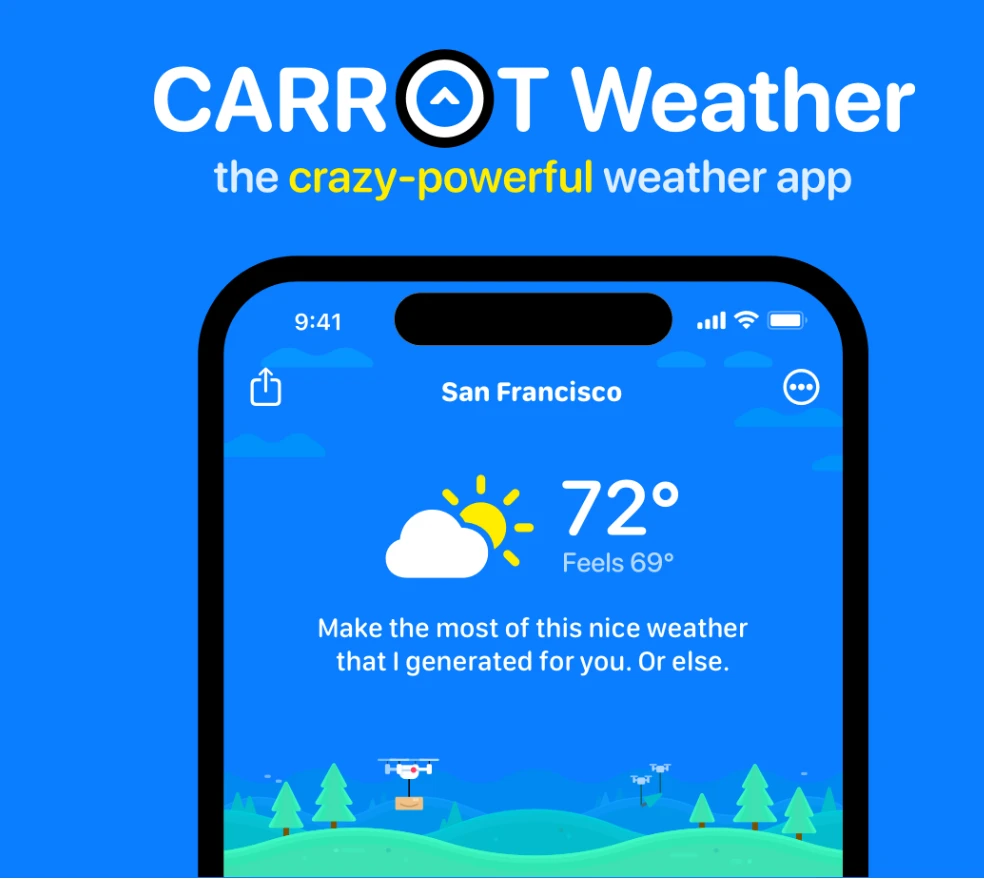
Checking the weather is frequent and flat. You glance at it before leaving in the morning, you look up a destination before a trip, and most sessions are over in seconds. Carrot Weather still calls itself a weather app, and the interface covers current, hourly and daily forecasts, with finer figures unfolding when you tap anywhere on the screen. What people remember it for is something else: the voice doing the talking.
The official support pages list five personalities to choose from, running from a straight faced professional through friendly and acerbic to two louder settings. Picking a tone sounds like a sideshow, but what it really changes is whether you feel like looking twice. Make a daily chore a bit more interesting and the frequency takes care of itself. The documentation even notes that one of them ships with its own word filter, which says something about how deliberately the character is treated as part of the product.
The substance underneath is not thin. The support pages explain that forecasts come from Foreca by default, and that a subscription opens up switching between Apple Weather, AccuWeather and others. The same day often reads differently depending on the provider, and being able to swap one for another on the spot leaves you more room than trusting a single source.
Putting the numbers where they are easiest to reach
With routine checks, one step saved is one step saved. Home screen and lock screen widgets can be styled and filled to your liking, so the key figures show up without opening anything, and on Apple Watch there is a full app that lets you place separate data points as complications across the watch face, putting the metric you care about a glance away. The value of that design is not the feature count but the way it pushes information into the place your eyes already land.
Notifications are unusually granular. Rain, lightning, severe weather and a daily summary each have their own alert, and you can build your own conditions. Their worth lies in lead time: a note about approaching rain before you head out beats scrolling through numbers afterwards. The interface itself is deeply customisable too, with a set of layout tools and presets from the official pages, adjustable from components down to individual data points.
There is also a layer of content meant for fun, such as hidden locations and achievements, which turns a quick check into a habit with a bit of exploring in it. That part stands apart from the forecast, and skipping it costs you nothing in the core features.
How it is licensed, and the current build
The model is a free download plus a subscription. According to the support pages, the app itself can be downloaded and used with basic features, while data sources, notifications, widgets and personalisation sit behind the subscription. A seven day trial comes first, so the capabilities can be tried in practice before you decide whether to renew. There are three tiers, differing in scope and in how family sharing works, and the store page lists yearly and monthly options for each.
The official explanation ties the subscription to the cost of weather data, which has to be bought continuously, so what you pay for is an ongoing supply rather than a one time purchase. That note is worth reading from the other side too: the yearly fee for advanced features is a recurring cost, and judging it against how often you actually look is the safer calculation. The current version is 6.9.2, published on 9 October 2026, and the standalone desktop edition carries a version number of its own.
Item | Official information |
|---|---|
Current version | 6.9.2 (2026-10-09) |
Licence | Proprietary, free download with subscription |
Platform | macOS, plus iOS, iPadOS, watchOS, visionOS and Android |
Forecasts | Current, hourly and daily |
Data sources | Foreca by default, switchable with a subscription |
Highlights | Five personalities, widgets, watch displays, several alerts |
Make the small thing you look at every day interesting, and the habit forms on its own.
Practical notes. Pick the personality that suits you first, then choose one or two figures you genuinely watch and put those in the widget. Before subscribing, use the seven day trial to try provider switching and the alerts for real, then decide about renewing. Keep only the few reminders you need, since too many push notices end up ignored. And because the desktop and phone builds are numbered separately, check each one when updating.