
Apple Calendar: the free macOS scheduler that arrives with the system
Summary
The calendar application that ships with macOS, gathering events from several accounts into one view. Events can be typed in ordinary language, reminders and meetings sit side by side, and calendars can be shared with other people. No separate purchase is required.
- Name
- Apple Calendar
- Version
- 20261013
- Pricing
- Free
- Open source
- Proprietary
- Operating system
- macOS
- Updated
- 2026-10-15 21:58
The calendar is the one app nobody installs and everybody depends on.
Already there, which changes how it is judged
Every Mac arrives with a calendar application, and that changes the standard it is held to. Nobody chose it from a comparison page, so the question is not whether it is the best option but whether it is good enough to keep, and whether adding another one would tell you anything you do not already know.
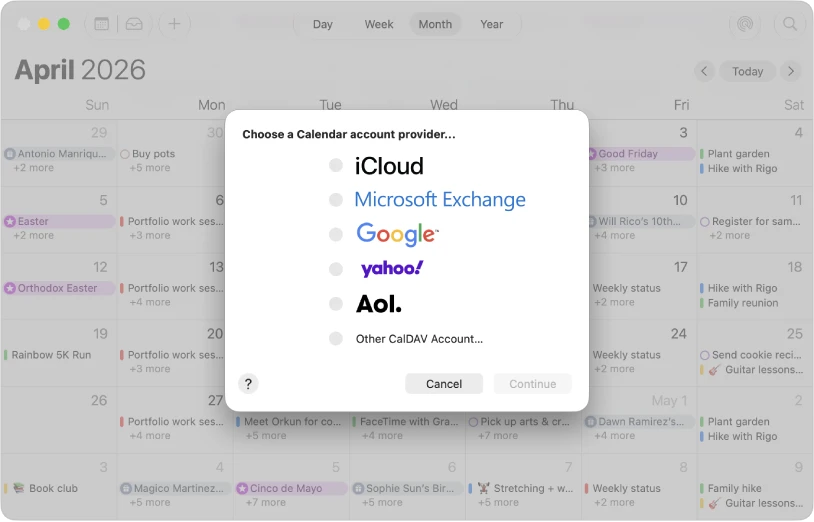
The official guide describes the application in modest terms: keep track of your schedule, in one place. The emphasis is on the one place. Most people end up with a work account, a personal account and possibly a shared family calendar, and the useful question is whether those can be read together without switching between three applications and mentally merging three timetables.
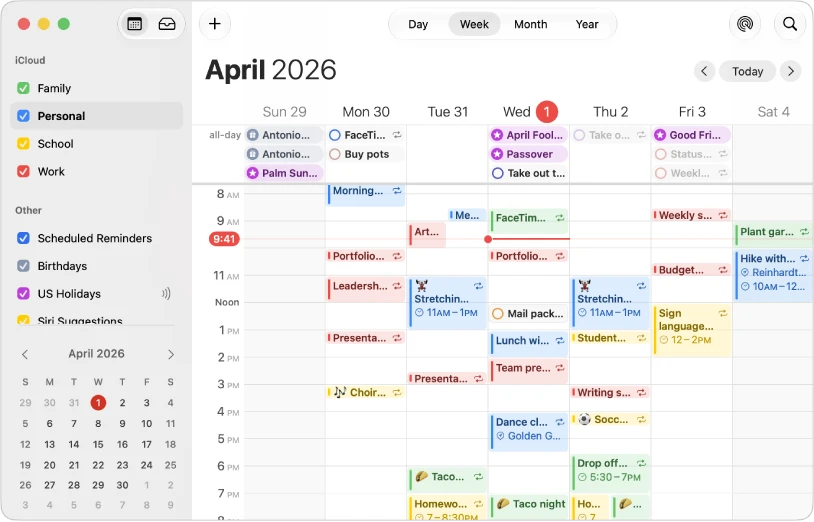
That merging is what the application does. Accounts are added once, then events from all of them appear on the same grid, distinguished by colour. A meeting sent to the work address and a dentist appointment on the personal one occupy the same Thursday, which is the only way to notice that they overlap.
Typing a sentence instead of filling a form
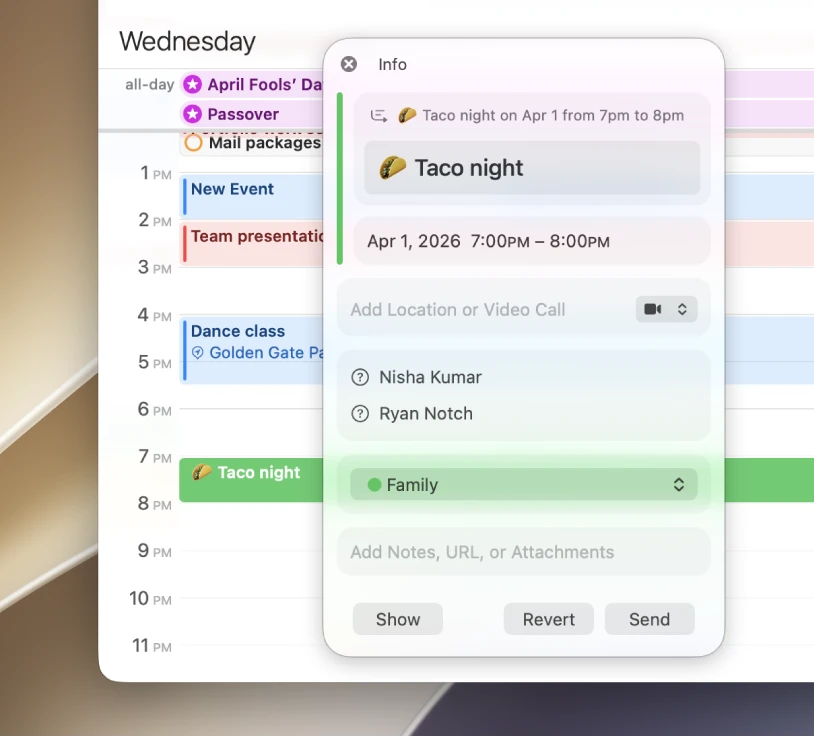
Creating an event by form means six fields: title, date, start, end, location, calendar. Creating it by sentence means typing something like lunch with Chen on Thursday at noon and letting the application work out the rest. The second is faster by a wide margin for the common case, where the details are fuzzy in your head but obvious once written down.
The parsing is not perfect and does not need to be. It gets the ordinary shapes right, and when it guesses wrong the fields are there to correct in a second. The design judgment behind it is worth noting: a scheduling tool that takes ten seconds to accept an entry is a tool people stop using, and an approximate entry fixed afterwards beats a perfect entry never made.
Reminders sit in the same window as events. The distinction is meaningful, because a reminder is something that has no fixed hour, like renewing a licence, while an event happens at a time whether or not you are ready. Keeping both visible means the undated obligations do not disappear into a separate list that nobody opens.
Sharing, and where the limits sit
Calendars can be shared with other people, with permissions ranging from view only to full editing. For a household that is the difference between asking what is on this weekend and simply looking. For a small team it serves as a lightweight way to publish availability without buying into a scheduling service.
The limits are worth knowing. This is a client for accounts, not a service of its own, so what syncs depends on the account behind it; a work account managed by an employer may restrict what can be shared outside. Notifications follow the system, which is convenient until a focus mode quietly suppresses the alert you were counting on.
Item
Official information
Cost
Included with macOS
Accounts
Several calendars from different accounts in one view
Entry
Ordinary language, or field by field
Alongside
Reminders shown together with events
Sharing
Calendars can be shared with permissions
Platforms
macOS, with matching apps on other Apple devices
A calendar earns its keep by being right about Thursday, not by having more views than the next one.
Practical notes: add every account once at the start rather than checking two apps out of habit; give each calendar a distinct colour, since colour is how the merged grid stays readable; put anything with a deadline but no hour into reminders rather than forcing a fake time; and check notification settings after any system update, because that is when quiet modes tend to change behaviour.