
GParted 1.8.1: redrawing a disk's borders from a bootable stick
Summary
GParted 1.8.1 is the stable release listed on the project page, with the live boot image numbered 1.8.1-6. Published as free software under the GNU GPL version 2 or later, it resizes, copies and moves partitions without losing data.
Recommend- Name
- GParted
- Version
- 1.8.1-6
- Pricing
- Free
- Open source
- Open source
- Operating system
- LinuxWindowsmacOS
- Website
- https://gparted.org/
- Updated
- 2026-10-06 18:46
Redrawing the borders on a hard disk does not have to mean installing a program that then stays on the system. GParted, short for GNOME Partition Editor, describes itself as a free partition editor for graphically managing disk partitions. The stable release is 1.8.1, and the live boot image that goes with it is numbered 1.8.1-6. The way it is used differs from an ordinary installed tool: write the image to a medium, start the machine from that medium, and only then touch the disk.
What it does
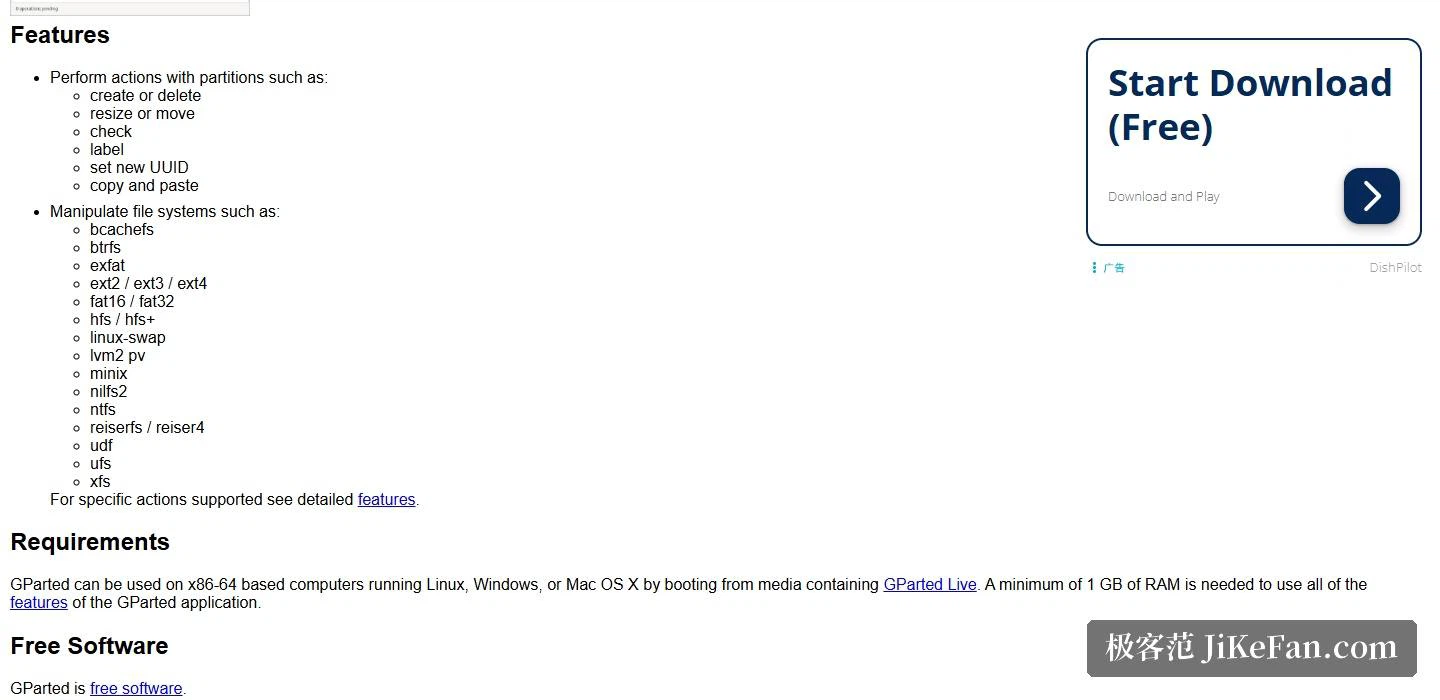
The central promise on the project page fits in one sentence: partitions can be resized, copied and moved without losing data. The three examples offered around that sentence are all everyday ones, namely enlarging or shrinking the C drive, clearing space for a new operating system, and creating a partition so that data can be shared between different systems.
Down at the level of individual actions, the partition side covers creating and deleting, resizing and moving, checking, setting a volume label, assigning a new UUID, and copying and pasting. The file-system side is where the coverage really shows. The list on the project page runs through bcachefs, btrfs, exFAT, ext2, ext3 and ext4, FAT16 and FAT32, HFS and HFS+, linux-swap, lvm2 pv, minix, nilfs2, NTFS, reiserfs and reiser4, udf, ufs and xfs.
Put differently, taking space from an NTFS volume that Windows uses and tidying up ext4 or btrfs on a Linux machine are the same tool working in the same window. That is worth spelling out, because the alternative is a shelf of utilities that each cover one family of file systems, plus the question of which of them is safe to point at the partition holding the system that is currently running.
Free software, stated without hedging
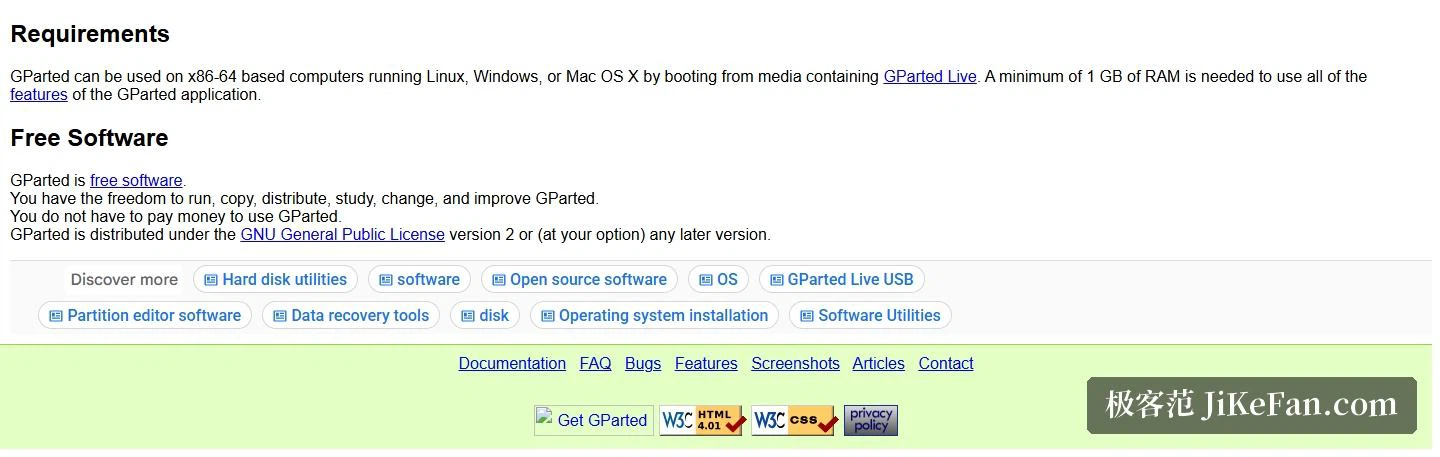
The wording in the Free Software section leaves very little room. GParted is free software: you may run it, copy it, distribute it, study it, modify it and improve it, and using it costs nothing. The licence is named as the GNU General Public License, version 2, or at your option any later version. For anyone who does not want to pay for a partitioning tool and does not want to be tied up by licence terms, that single clause is worth more than any feature table.
How to use it: build the boot medium first
The recommended way to reach the full feature set is the GParted Live boot image. The project page states that on x86-64 hardware, whether the machine normally runs Linux, Windows or Mac OS X, the tool can be used by booting from media that contains GParted Live, and that at least 1GB of memory is needed for all of the features. One architecture detail deserves attention: from GParted Live 1.7.0-1 onward only 64-bit images are offered, and only the earlier 1.6.0-10 release and lower additionally provided a 32-bit image.
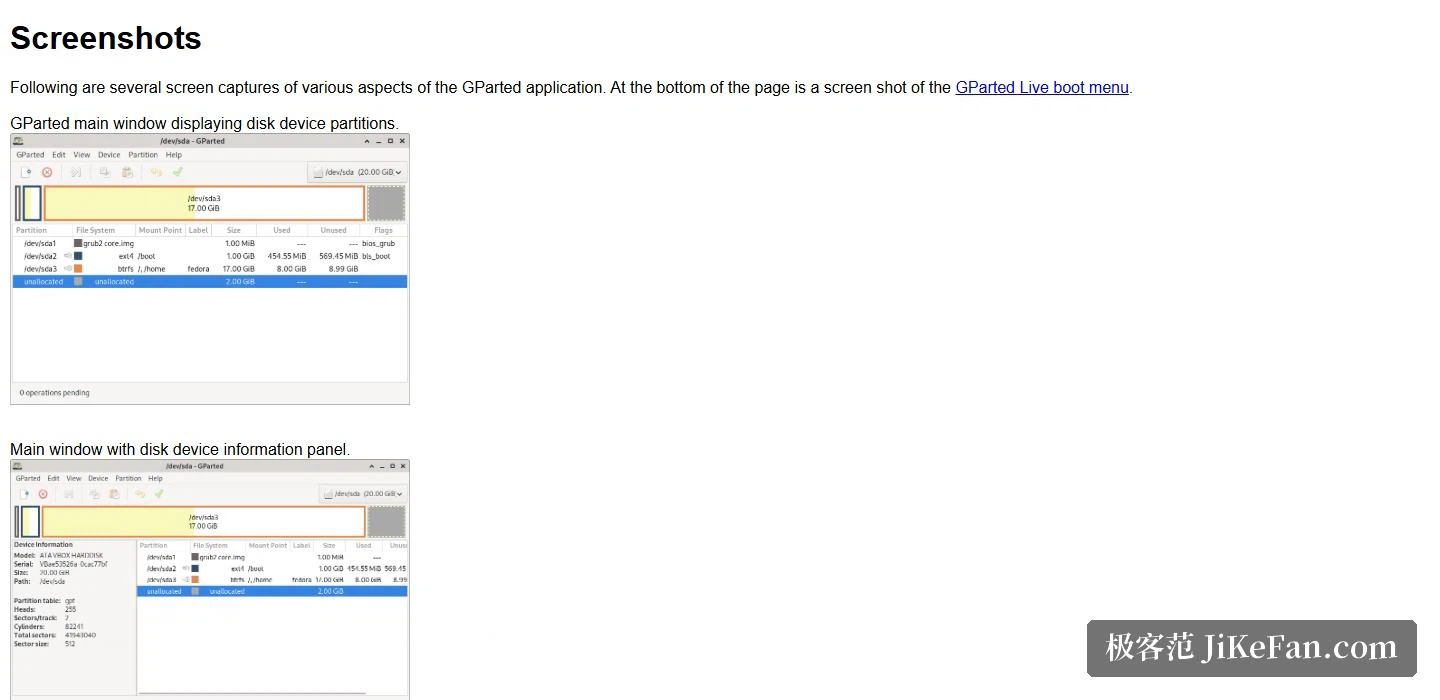
Before starting, the download page carries a warning in large type: editing partitions can cause data loss, so back up before use. The sentence is not there for effect. Resizing a partition really does mean rewriting the partition table, and the arithmetic a tool performs on that table is not something a backup can be replaced by. Storing the important files somewhere else first and only then lighting the fuse is a step that belongs in every run, not only in the ones that look risky.
Putting the system on a stick, booting from outside and only then working on the disk sounds more bother than installing a program. What it buys back is complete control over the whole disk: the running system no longer holds the partition that is about to change, and NTFS alongside ext4 and btrfs can all be handled in a single window. For people who deal with disks regularly, it remains one of the safest choices when the drive needs tidying up.