
EaseUS Partition Master 20: one click partitions, and exFAT grown up
Summary
EaseUS Partition Master 20 was released on 2026-03-03, adding one click partitioning and full exFAT support. The free edition covers resizing space, creating and merging partitions, and cloning a solid state drive.
Recommend- Name
- EaseUS Partition Master
- Version
- 20
- Open source
- Proprietary
- Operating system
- Windows
- Updated
- 2026-10-06 00:41
Redrawing the borders on a hard drive is a task where the gap between tools is rarely about how many features a menu holds, and almost always about whether the software makes you comfortable pressing the execute button. EaseUS Partition Master introduces itself as a partition tool that makes creating and modifying partitions easy, and the first screen names Windows 11, 10, 8 and 7 along with several generations of Windows Server as its territory. The current version in the official history is 20, released on 2026-03-03.
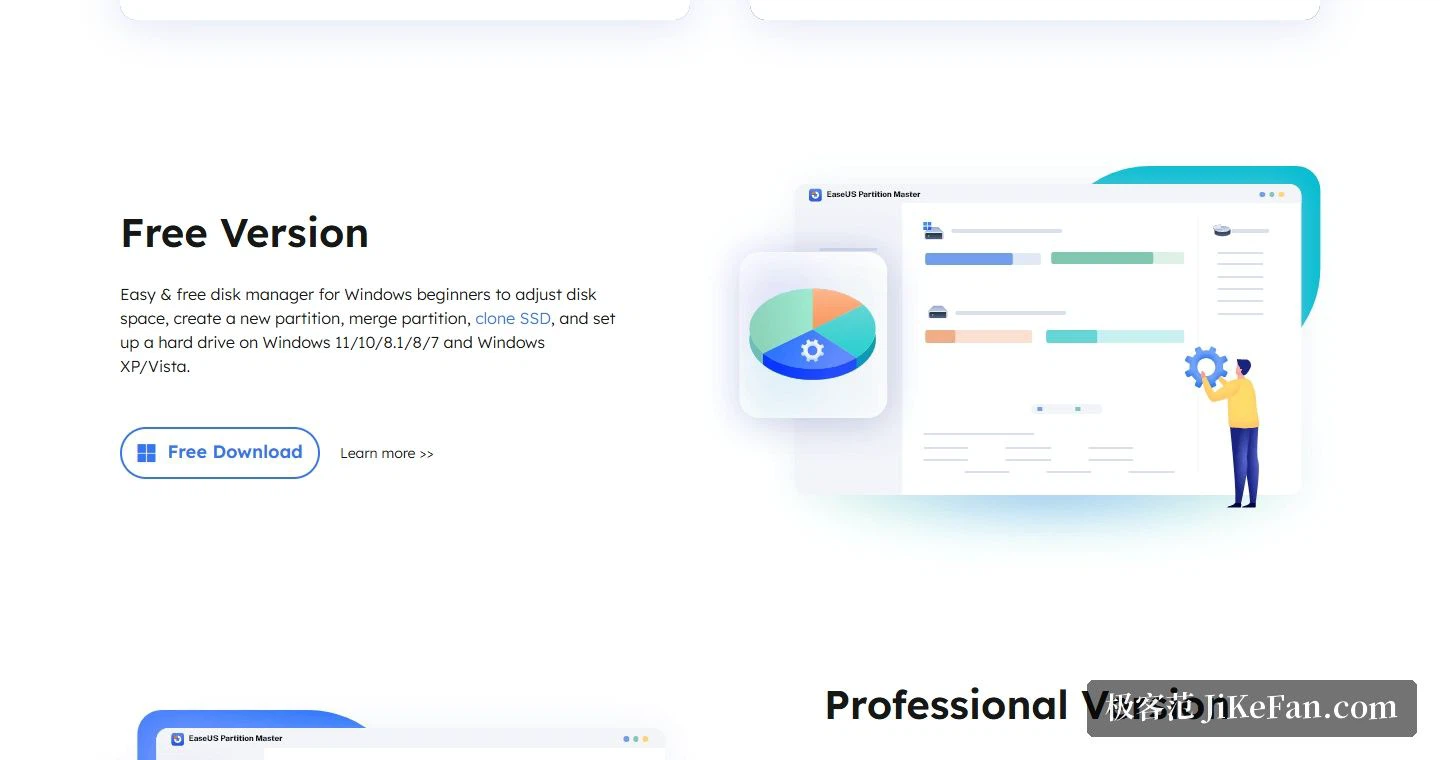
What the free edition actually does
The page positions the free edition as a simple and free disk manager for people new to Windows, and the actions it lists are adjusting disk space, creating a partition, merging partitions, cloning a solid state drive and initialising a new drive. The supported systems run from Windows 11, 10, 8.1, 8 and 7 all the way back to XP and Vista. In practical terms, the everyday jobs, freeing up room on the system drive or joining two adjacent partitions into one, are already inside the free scope.
Structurally the product is built from three parts: partition management, a partition recovery wizard, and copying of disks and partitions. The feature list on the page is more specific still, naming migration of the system to a solid state drive, conversion between the older and newer disk schemes, building a bootable rescue medium, FAT32 to NTFS conversion, conversion between primary and logical partitions, and creation and formatting of partitions.
The two keywords of version 20
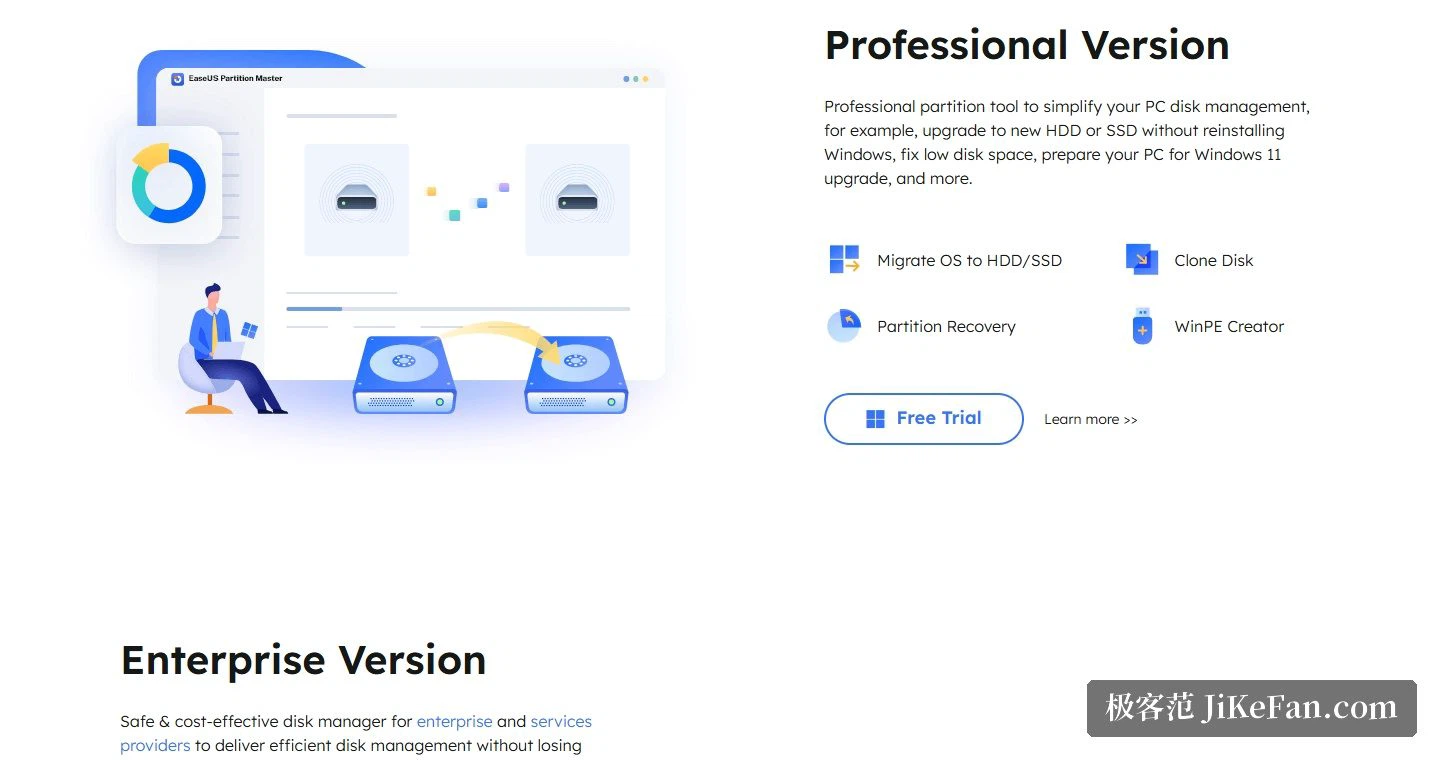
Against the official history, the improvement list for version 20 holds only three entries, and the first two deserve their own paragraph. The first is one click partitioning: when a disk is empty or holds unallocated space, a single click produces the partition. The second is complete support for exFAT. That one matters more to anyone who regularly carries large files between Windows, macOS, cameras and game consoles, because exFAT is now treated at the same operational depth as NTFS, with resizing, cloning and safe conversion all available, and a FAT32 partition can be converted to exFAT, which is what makes single files larger than 4GB possible. The difference is worth spelling out: FAT32 stops at single files of 4GB, so moving a partition to exFAT settles the transport of large files in one go, and the same operational depth as NTFS means no second tool has to be found afterwards for resizing or cloning.
The AI assistant arrived one release earlier, listed in the notes for 19.9 as the addition of an assistant and smart recommendations. Before that, 19.5 strengthened support for resizing encrypted partitions and could unlock them automatically when running from a preinstallation environment.
Professional and enterprise editions
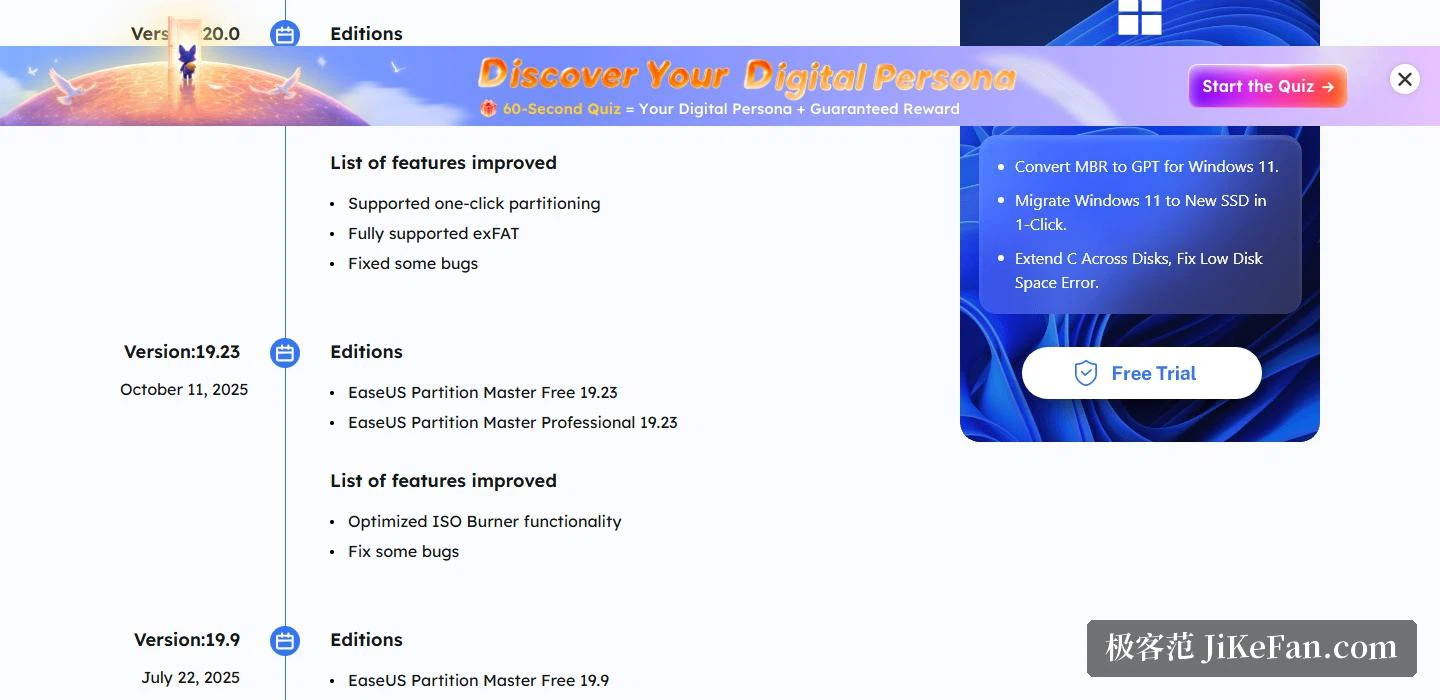
The editions split by audience. Household users get the free and the professional edition, and the professional pitch is stated plainly: upgrade to a new mechanical or solid state drive without reinstalling Windows, alongside scenarios such as running out of disk space or preparing a machine for a Windows 11 upgrade. Commercial users get the enterprise edition, where the page emphasises completing disk management while keeping data safe and cutting the downtime of Windows Server as short as possible.
The standard for choosing a partition tool is in the end a plain one: before the operation you can see what will happen, and after it the data is still where it was. With one click partitioning and full exFAT support filled in, the free edition already handles the everyday majority, which makes installing it first the cheapest way to learn whether anything more is needed.
The criterion for a partition tool is plain: see clearly what will happen before pressing, and find the data still in place afterwards. Having added one click partitioning and full exFAT support, EaseUS Partition Master 20 leaves the free edition covering resizing, creating and merging, which is most of daily use. Trying the free edition first costs the least.