
Google Calendar: the cloud diary that quietly holds everything
Summary
Google Calendar is the shared ground of online scheduling: a free account carries the full core, the web and both mobile systems stay in sync, bookings that arrive by mail become entries on their own, invitations land with one reply, and time zones line up side by side.
Recommend- Name
- Google Calendar
- Version
- 20260922
- Pricing
- Free
- Open source
- Proprietary
- Operating system
- WebAndroidiOS
- Website
- https://calendar.google.com/
- Updated
- 2026-10-06 06:07
The plumbing of schedule keeping
Some tools earn their place not by being clever but by being everywhere. Nobody has to agree in advance which application the meeting will live in, and nobody has to teach a relative which screen to open before asking what is planned for Saturday. Google Calendar sits in that layer. A free account carries the whole core, the web version and both mobile systems cover the same ground, and the data moves between them in real time. Fifteen years of steady iteration have sanded off most of the rough edges, which is exactly what you want from something you never think about.
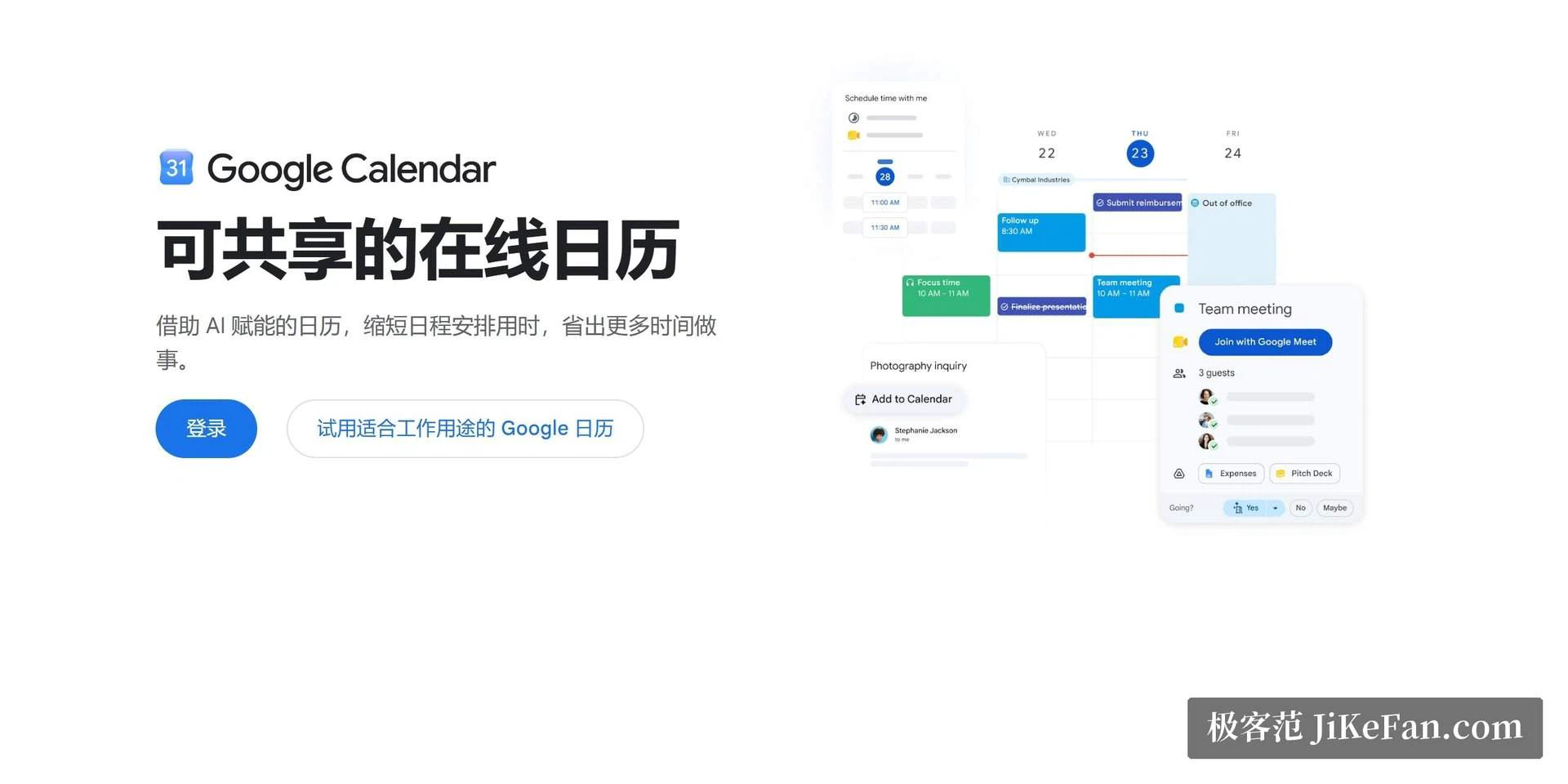
The mail link is the most underrated piece
A flight confirmation lands in the inbox and the flight is already on the calendar, with a check-in link attached. Hotel bookings, concert tickets and restaurant reservations behave the same way: the booking details inside the mail are read and turned into an entry, and the person who booked does nothing at all. Business use goes further. When a meeting invitation arrives by mail, one reply writes it into the schedule, and when the hour comes the same entry opens the video call. The update shipped in 2026 brought a conversational assistant into this flow: say that the design team needs an hour on Wednesday afternoon, and the meeting, the attendees and the room are all arranged. Scheduling turns from filling in forms into saying a sentence.
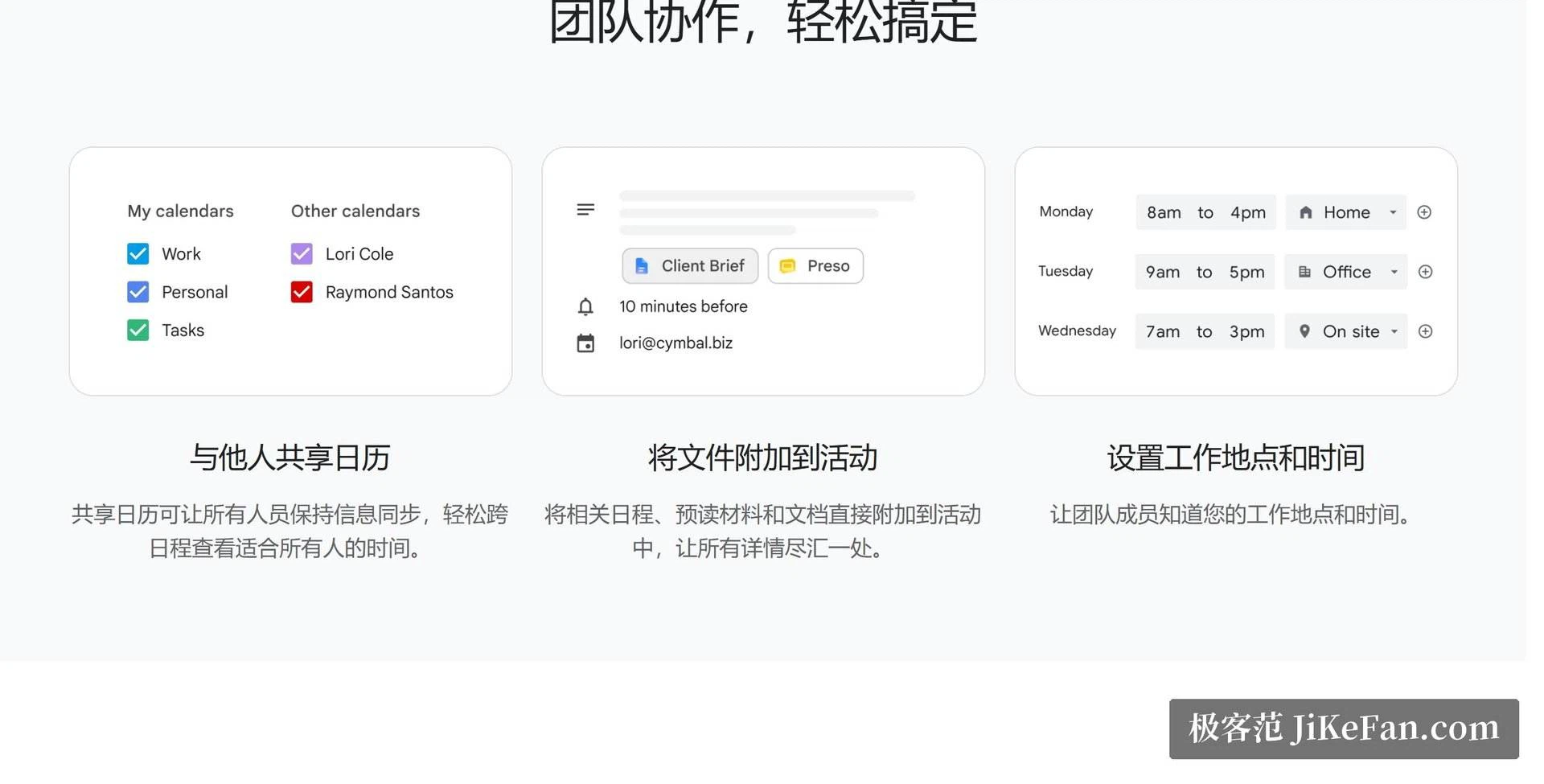
Sharing, time zones, and the honest limits
The collaborative side is just as solid. Shared calendars give a family holiday plan, a team rota and a venue booking each their own place, so the same account holds several separate worlds without mixing them. The multiple time zone view is the small mercy frequent travellers ask for: Beijing time and the destination side by side, so a call across an ocean stops being arithmetic. Tasks and reminders keep a clear border from events, which leaves a light line of things to do next to the fixed points of the day.
The limits are worth naming too. Links to calendars built by other vendors are workable but not deep, and the ability to customise views lags behind tools built specifically for shift planning. For a personal or a small team calendar that is rarely a problem. For an organisation that schedules by rule rather than by agreement, it can be.
What ubiquity actually saves
The visible cost of a calendar is the minutes spent typing entries. The quiet cost is coordination: agreeing on which tool to use, sending a screenshot because someone cannot open the invitation, entering the same appointment twice because two groups picked different software. A calendar that most people already have deletes that whole layer. An invitation arrives and simply opens, a shared plan appears in the same view as the private one, and nobody installs anything in order to answer a question about Saturday. None of this is a feature anyone can point at, and all of it is why the tool survives.
Two rhythms inside one day
Fixed points and loose intentions are different animals, and mixing them is how a calendar turns into a list of things you failed to do. An event has a start, an end and other people attached. A task has none of that until it is finished. Keeping the two in separate lanes means the day can be read at a glance for the parts that cannot move, while everything that can wait sits in a lighter line beside them. That separation looks like a small design decision. In daily use it decides whether the thing gets opened at all.
Google Calendar catches the whole business of remembering: bookings from the mail go up on their own, meetings open with one click, time zones convert without mental arithmetic. It is quiet and reliable, and all it really does is remove the sentence I forgot what was planned today from ordinary life.