
GIMP Keeps Serious Image Work Free of Charge
Summary
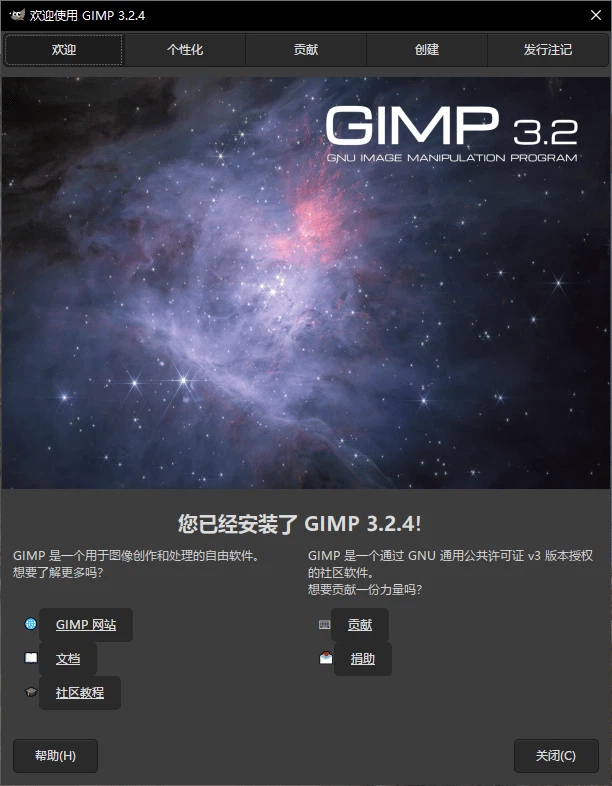
A full image editor that costs nothing and holds nothing back: layers, precise selection tools, drawing instruments, wide format support and a plugin system. Designers, photographers and illustrators use it for retouching, digital painting and interface mock-ups.
Recommend- Name
- GIMP Image Editor
- Version
- 3.2
- Pricing
- Free
- Open source
- Open source
- Operating system
- WindowsmacOSLinux
- Website
- https://www.gimp.org/
- Updated
- 2026-10-14 22:00
What a free editor has to prove
Anyone arriving at a free image editor carries a reasonable suspicion: that it will handle the easy tasks and stall on the real ones, that the interface will be an afterthought, that the format you need will be the one it cannot read. GIMP has spent decades answering that suspicion in public. It is not a cut-down tool kept alive as a demonstration. It is a working editor used by photographers, illustrators and designers for paid work, and that is the standard it should be judged by.
Layers, and why they decide everything
Layers are the first thing to check because they determine how much control the rest of the tool can offer. GIMP treats every element of an image as something that can be moved, hidden, blended and adjusted on its own. A retouch stays reversible because the original stays underneath. A composition can be rethought at the end of an afternoon because nothing was flattened into a single surface. For anyone who has worked without layers, the point does not need arguing; for anyone who has not, this is the feature that turns an editor from a paint program into a workspace.
Selection with an edge to it
The second pillar is selection, and it is where free tools usually show their limits. Isolating an object from its background is not a matter of drawing a rough outline; it is a matter of getting an edge that survives a second look. GIMP carries a set of selection instruments that reach different degrees of precision, from a quick geometric grab to work along the boundary of a shape. That range is what makes the difference between a cut-out that looks done and one that looks attempted.
The drawing side, not only the editing side
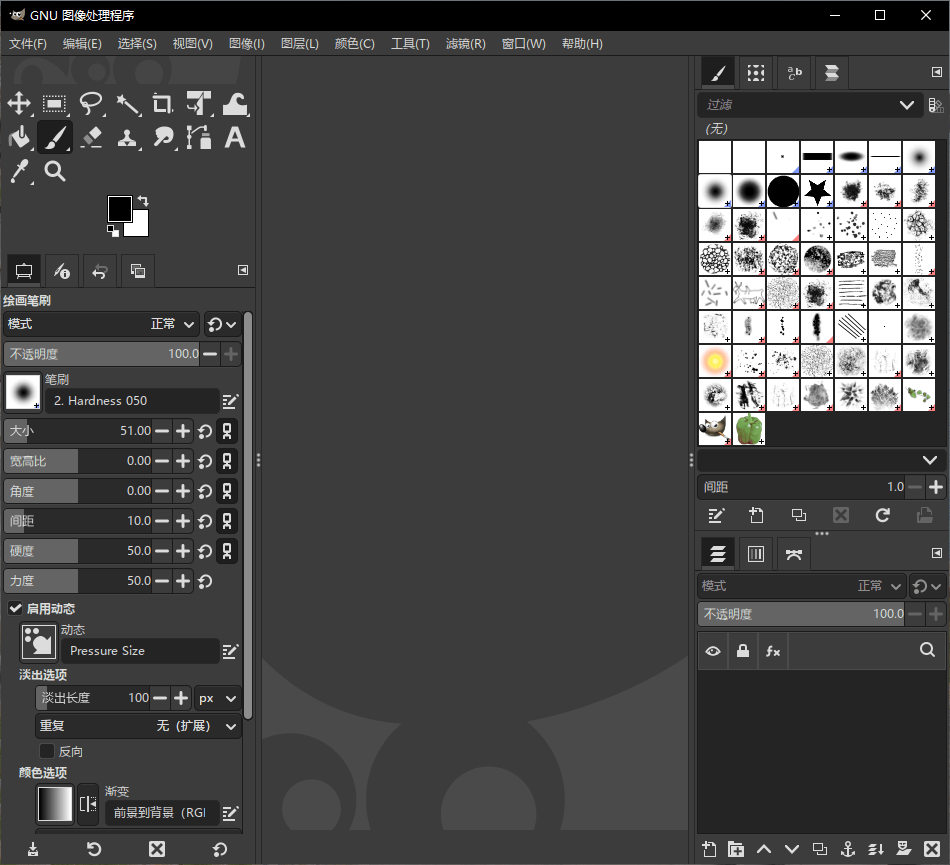
It would be easy to treat GIMP as a photo tool with brushes bolted on. The brushes, pencils and erasers are proper instruments with adjustable behaviour, which means the application covers illustration as well as correction. Someone drawing from scratch and someone repairing a photograph are using the same canvas with different tools in hand, and both are legitimate use. That breadth is unusual at this price, which is to say at no price at all.
Formats as a working requirement
An editor that cannot open the file you were given is not an editor for that job. GIMP reads and writes the formats that ordinary work produces, including the compressed photographs, the flat graphics with transparency and the print-oriented files that arrive from clients. Import and export both work, so a file can come in, be altered and go back out in the shape the recipient expects. That sounds mundane and is in fact the difference between fitting into a workflow and interrupting it.
Panels that can be rearranged
The interface is built from dockable panels, and that flexibility matters more than it first appears. A photographer wants the layers and history within reach; an illustrator wants brushes and colour close by; someone doing interface mock-ups wants a grid and guides permanently visible. Rather than forcing one arrangement, the editor lets each of them build the workspace their work implies. Keyboard shortcuts go further, because a tool used daily is used faster than menus allow. The interface is available in many languages, which is a small thing until you are the person who needs it.
Extensions from the community
No single team can anticipate every need, and GIMP does not pretend to. Extensions add capabilities that the core does not ship, from specialised filters to routine automation, and the community around the project produces tutorials and resources alongside them. The practical effect is that an editor installed today can do more next year without being replaced. That is the advantage of an application maintained by many hands rather than one company: the direction is not decided by a roadmap someone else controls.
Where it fits in a working day
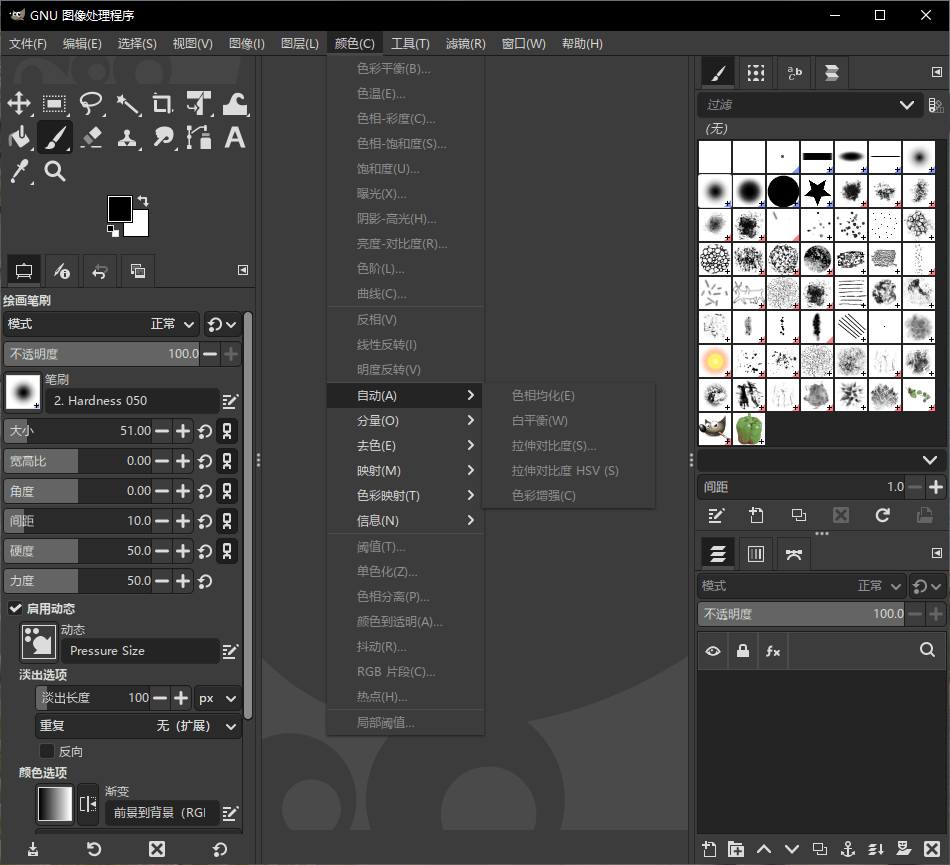
Retouching photographs is the obvious case: colour adjustment, removing what should not be there, adding light where there was none. Digital painting is the second, and the one people underestimate, because illustration work needs brush control rather than correction tools. Interface design is the third, since mock-ups and assets have to be produced somewhere before anyone builds them. Web graphics are the fourth, and the one that benefits most from good format handling, because a page needs images in shapes and sizes that the source material never arrived in.
The honest limits
It is worth saying what GIMP is not. It is not a page layout application, so multi-page print work belongs elsewhere. It is not a video editor, and treating it as one will disappoint. Its colour management, while present, assumes a user who knows what the settings mean. None of that is a defect; it is the shape of the tool. The people who get the most out of it are the ones who decided what they needed before installing it, and it happens to cover a great deal of what studios and freelancers actually need.
Who it is for
Photographers who want control without a subscription, illustrators who want brushes and layers, designers producing assets for screens, and anyone who needs to open a file, change it and hand it back. It runs on Windows, macOS and Linux, costs nothing, and its source is open for inspection. For a tool that carries this much capability, the absence of a price is not the headline. The headline is that the capability is real.