
Free HD Video Converter Factory Handles the Format Nobody Supports
Summary
A converter that reads and writes several hundred video and audio formats, takes batches of files at once, and lets you trim, join, add a watermark or burn in subtitles before the conversion runs. It is free, and it runs on Windows.
Recommend- Name
- Free HD Video Converter Factory Video Converter
- Version
- 20260421
- Pricing
- Free
- Open source
- Proprietary
- Operating system
- Windows
- Updated
- 2026-10-14 22:00
The format problem nobody escapes
Sooner or later a file arrives in a shape that will not play. A camera writes something proprietary, a download comes in a container the television rejects, a phone records in a codec the editing software will not import. The person holding that file has three options: find another source, ask someone else to deal with it, or convert. The third option is the only one that scales, and it is what a tool like this exists for. The premise is unexciting and unavoidable, because formats multiply faster than the players that support them.
Several hundred formats in one place
The claim here is breadth: several hundred video and audio formats in and out, with the common containers such as MP4, AVI, MOV and MKV sitting alongside the less common ones that appear whenever a device or a platform gets creative. The practical value is not the size of the list. It is that you stop checking lists. When the answer to whether a file can be handled is almost always yes, the format stops being a decision and becomes a detail, which is where it belonged in the first place.
High definition without a lecture
Converting a high definition file used to mean choosing between a large file and a damaged one. The tool handles current high resolution material and keeps the result usable, which for most people means the picture still looks right on a large screen and the file still fits where it has to go. That balance, quality against size, is the actual work of a converter, and it is the part worth judging rather than the interface.

Drag, choose, convert
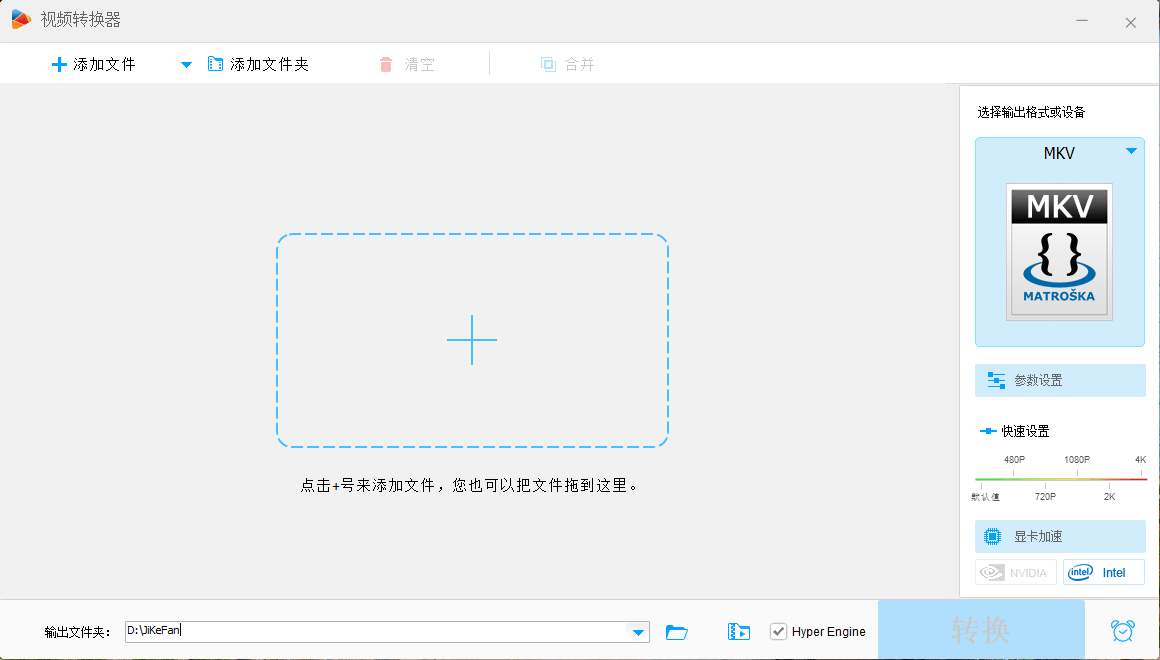
The interaction is deliberately short. Files are dropped into the window, an output format is chosen, and the conversion starts. There is guidance available for the parts that are not obvious, and it is the kind of guidance that helps rather than delays. This matters more than it sounds: a converter is a tool people reach for in the middle of another task, and every additional screen between the file and the result is a reason to look for a different approach.
Batches, because nobody converts one file
Real conversion work arrives in piles. A folder of recordings from a session, a set of clips to be prepared for one destination, an archive that has to be brought into a single format for storage. Batch handling means adding many files at once and letting the queue run, which converts an evening of repetitive clicking into a single start and a wait. Speed matters too, and the conversion engine is built to finish in the time the task should reasonably take rather than the time a naive implementation would need.
Editing that saves a second pass
The reason this feature deserves attention is not that the editor is powerful, but that it is in the right place. Trimming a clip, joining two pieces, placing a watermark, adding subtitles: these are the adjustments that otherwise force a separate trip through editing software before the conversion. Doing them during the conversion removes a whole stage. For anyone assembling short videos for a feed, the difference is not convenience but whether the task fits into the time available at all.
Free, and honest about what that means
It costs nothing to use, all the described functions included, with no payment step in the middle of the work. It also carries no bundled advertising modules or third party components that install themselves alongside, which is worth stating plainly because free software for video work has a reputation it earned. Updates arrive regularly to keep compatibility and stability in shape, which matters for a tool whose whole job is reading formats produced by other software.
Where it fits
It is a Windows application, so the machine at work or at home is the setting. Someone preparing a video for a specific device, someone collecting recordings into one format, someone who needs a quick trim and a subtitle burn before sending a clip on: all of those are the same short job repeated. It is not a production suite and does not try to be one. It is the tool that makes the file playable so that the real work can continue.
What makes it worth keeping
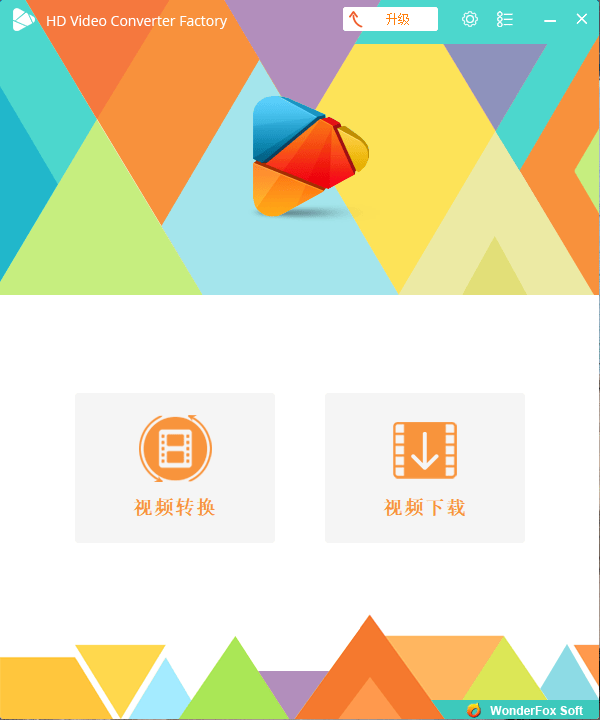
Most people install a converter for one urgent file and then forget it exists until the next urgent file. Whether a converter earns a permanent place depends on how often that second occasion arrives and how little friction the tool puts in the way. Breadth of formats, batches, a short path from file to result, and no cost: that combination answers the question in favour of keeping it. For anyone who handles video files more than rarely, the tool pays for the space it takes by being the one you do not have to think about.