
DBeaver Community: One Window for Every Database You Touch
Summary
A single client that connects to relational and non-relational databases alike, with a browser, a SQL editor and a result pane in one window. Import and export handle spreadsheets and flat files, and visual modelling lets you drag tables and relations into place.
Recommend- Name
- DBeaver Community Database Manager
- Version
- 26.2.1
- Pricing
- Free
- Open source
- Open source
- Operating system
- WindowsmacOSLinux
- Website
- https://dbeaver.io/
- Updated
- 2026-10-14 22:00
The problem is rarely one database
Anyone who works with data for a living ends up with a small collection of them. A production system on one engine, a local copy on another, a client project on a third, plus a spreadsheet someone sent that has to be loaded somewhere before it can be questioned. The usual answer is a different client per engine, each with its own shortcuts and its own idea of where results belong. DBeaver Community takes the opposite route: one application that speaks to all of them, so the muscle memory built on one database transfers to the next.
A window organised like a database
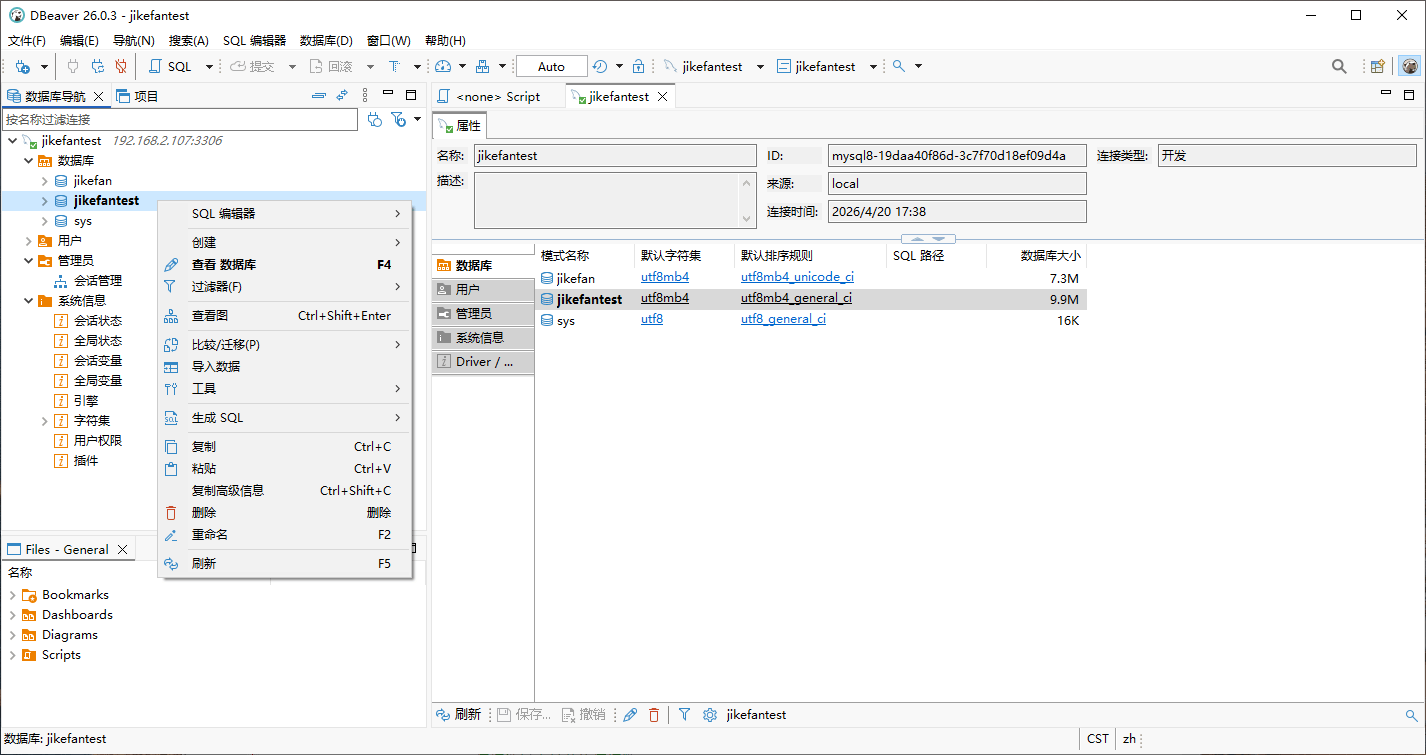
The main window is laid out along the logic of the work. On one side sits a browser that shows connections, schemas and tables as a tree, so the shape of the data is visible without a query. In the middle is the SQL editor. Below or beside it comes the result pane. Switching between those three is constant while working, and keeping them together means the answer appears next to the question rather than in another window that has to be arranged first. Context menus and a toolbar carry the operations that get repeated most: opening a table, filtering rows, updating a value, removing data that should not be there.
Relational and non-relational in the same place
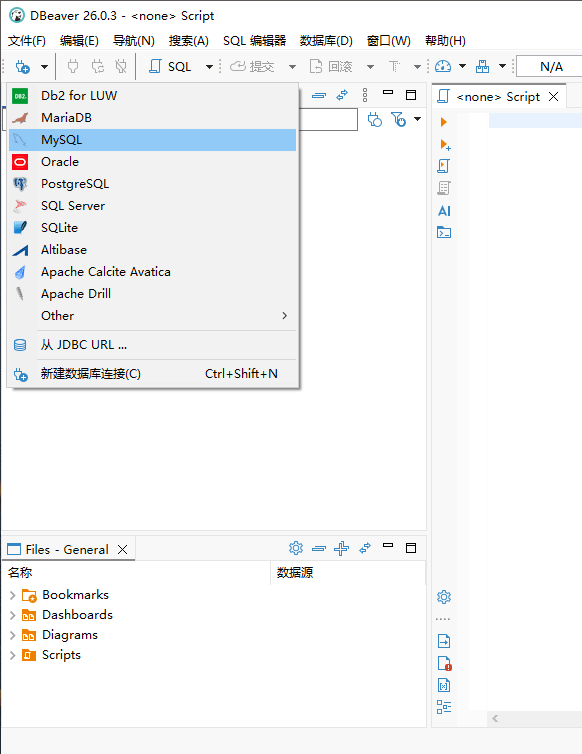
The list of supported engines is the reason many people install it. Relational systems such as MySQL, PostgreSQL and Oracle are covered, and so are non-relational stores such as MongoDB and Cassandra. That mix matters in practice because modern systems rarely stay inside one category. A migration reads from the old engine and writes to the new one; a design review compares a relational schema with a document store that will hold the flexible part. Having both reachable from one client turns those tasks from a session of context switching into a pair of tabs.

An editor built for people who write queries all day
Syntax highlighting is the minimum and it is there. More useful is completion that knows the schema, so table and column names arrive without being memorised. Formatting tidies a query that grew sideways during debugging, which makes it readable again the next morning. Each engine has its own dialect, and the editor follows the one in use instead of pretending they are interchangeable. For anyone whose day is a sequence of queries, these are not luxuries; they are the difference between a query written once and a query rewritten because a name was misspelled.
Getting data in and out
Import and export are where a database tool either earns its place or becomes a chore. DBeaver reads from CSV and spreadsheet formats and writes back into them, mapping columns as it goes. That covers the two directions data usually travels: a file from someone else becomes rows, and rows become a file for someone else. For anyone handling large sets, doing this inside the client rather than through a script means the mapping can be checked before it runs, which is the part that saves an afternoon.
Drawing the schema instead of describing it
Visual modelling is the feature people discover late and then use constantly. Tables, relations and constraints can be placed by dragging, so a schema becomes something you look at rather than something you read as text. Designing a new area of a database this way surfaces problems early: a missing foreign key is obvious in a diagram and invisible in a list of statements. The same diagram is useful in conversation, because pointing at a box settles a disagreement faster than quoting a definition.
Extending it when the built-in list runs out
Openness is not only a licence question here. Because the application is open source, its connection layer can be extended, and a driver for a database that is not covered out of the box can be added. Teams that run an unusual engine, or a version of one that changed its protocol, are not stuck waiting for a vendor to notice them. The same applies to the smaller extensions: a tool that fits into a particular workflow can be plugged in instead of requested.
Why it ends up installed everywhere
The claim that millions of people use it is easy to check in the sense that matters: it appears on the machines of developers, database administrators and analysts alike, three groups with quite different jobs. A developer wants the editor and the result grid. An administrator wants connections, permissions and a way to see what is actually in the tables. An analyst wants to pull a slice of data out into something else. One client serving all three is why it spreads through an organisation without anyone issuing a mandate.
Free, cross-platform, and honest about scope
It costs nothing and runs on Windows, macOS and Linux. The community edition is the one described here; heavier editions exist for teams that need them, and the fact that a free version remains genuinely usable is what keeps the tool in the hands of individuals. It is not a replacement for a full business intelligence stack and does not try to be. What it does is narrower and more frequently needed: connect to whatever database you have, let you write and check a query, move data in and out, and show you the shape of the schema.
Where to start
The sensible first move is to connect one database you already know and use only the browser for a day, then open the editor and write a query you would normally write elsewhere. The second move is to try the modelling view on a schema you understand, because that is where the tool feels different from a plain query console. Everything else follows from those two habits.