
Format Factory: A Free Converter That Grew Into a Small Media Toolkit
Summary
Format Factory converts video, audio and image files between formats, works in batches, and carries the small operations that usually force a second program: cutting, joining, watermarks and repair.
Recommend- Name
- Format Factory
- Version
- 20250617
- Pricing
- Free
- Open source
- Open source
- Updated
- 2026-10-05 22:49
The hard part of converting is never the encoding
Format Factory is a free converter for video, audio and image files, and it has been around long enough that its name is often the first one people reach for. The interesting question about a converter is where the difficulty actually sits. It is not in the transcoding: that is a mechanical operation, solved years ago, and every tool does it with the same handful of libraries underneath. The difficulty is the parameter set — which container, which codec inside it, what bitrate, which resolution, whether the audio is copied untouched or decoded and encoded again. A tool that hides those choices makes the first conversion easy and the tenth conversion wrong, and the difference between a good converter and a mediocre one is mostly in how it exposes them.
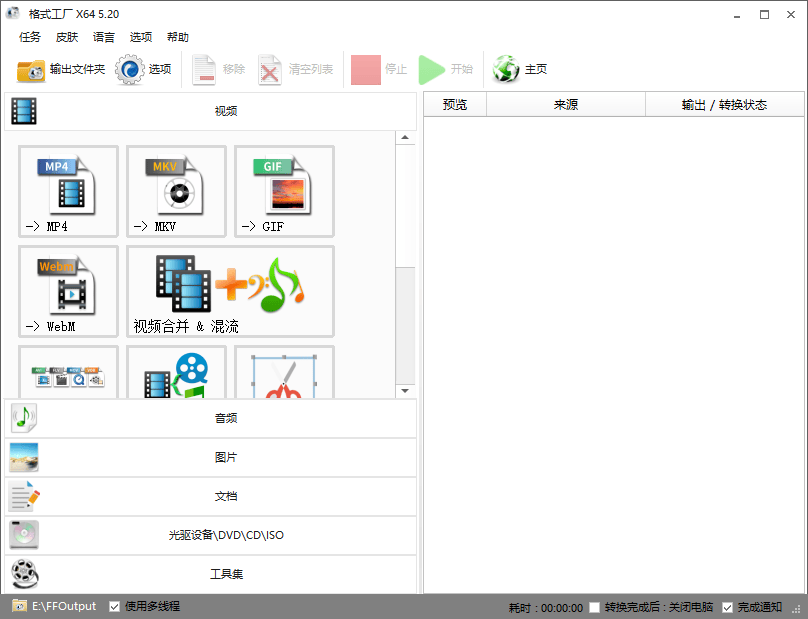
A file is a box with a stream inside
The single most useful idea for anyone working with media is that the extension on a file name describes a container, not the contents. MP4 is a box; what sits inside it can be one of several video codecs and one of several audio codecs, at any bitrate and any size. This is why the instruction convert it to MP4 is incomplete, and why two files with identical extensions can differ in size by a factor of five and play on completely different devices. The practical rule is to match the container to the destination — a phone, a website, a television, an editing program — and then let the tool pick a codec that the destination can actually decode, rather than the one with the best numbers on paper.
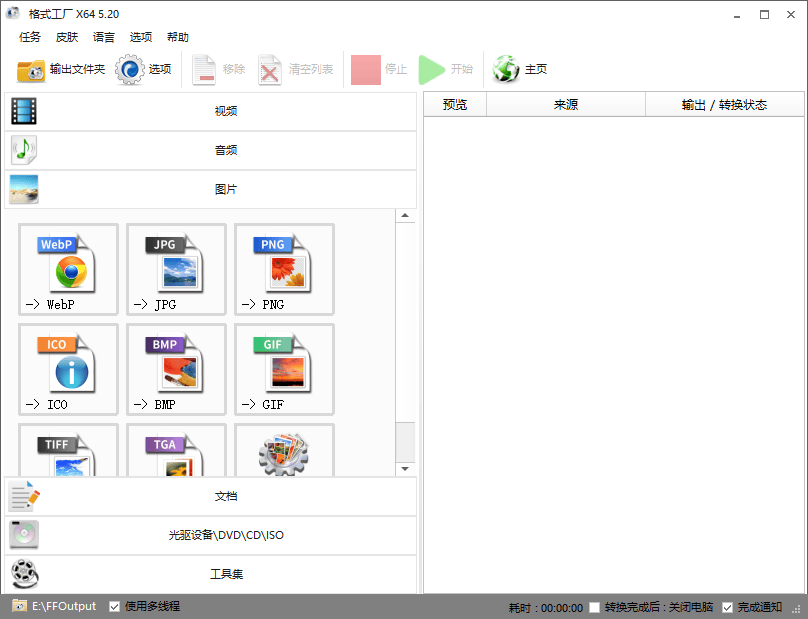
Images have the same structure one level down, and the practical consequences are easier to see. A photograph saved as a lossless format is large and exact; the same photograph saved as a compressed format is small and very slightly different, and each additional round of saving makes it slightly worse. Converting a folder of screenshots to a compressed format is therefore a sensible thing to do once, and a bad thing to do repeatedly. That rule of thumb matters more than any particular setting, because it predicts the failure before it happens.
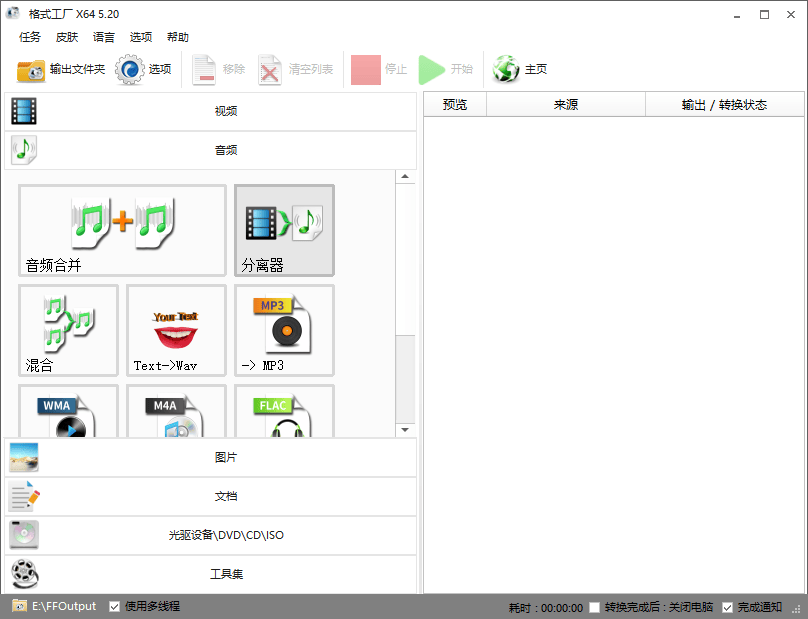
Batch processing is where the saving actually happens
One conversion saves nothing worth measuring: the clicking cost is about the same either way. The saving begins at the second file, and it compounds. Twenty files at four minutes of machine time each is over an hour of computing, and the part worth optimising is not that hour — it is the human attention that would otherwise be spent watching it. Batch processing is the one feature in this category that genuinely moves that number.
It also has an uncomfortable corollary. A batch rewards a good preset and punishes a bad one twenty times over, and the punishment arrives an hour later, when all twenty files are finished. The discipline that follows is simple and rarely followed: convert one file, watch the result, and only then queue the rest. The tool cannot enforce that, and a converter that made it easy to preview a single output before committing the batch would be a better converter than one that does not.
Cutting, joining, watermarks: a converter that grew editing
The program also cuts clips, joins them, adds a watermark, adjusts resolution and quality, and pulls the audio track out of a video. None of this makes it an editor; it makes it a converter with the small operations attached, and the attachment is the point. Most people who need to trim thirty seconds off a recording do not want an editing timeline, they want the thirty seconds gone. The general rules of video work apply and are worth knowing before trusting any tool with them: a cut made on a keyframe costs nothing, a cut between keyframes forces a re-encode of the surrounding seconds, and joining two clips that were encoded with different parameters forces a re-encode of everything.
Repair and compression, described without magic
Two of the added capabilities deserve a plain description, because both sound like more than they are. Repair is not recovery of lost data; it is a reconstruction of the container's index, and it works when the media stream itself survived and only the map to it was damaged. A file that was truncated mid-write is a different problem. Compression is re-encoding with fewer bits, which means throwing information away, and how much can be thrown away depends entirely on the content: a static talking-head recording survives a rate that would turn a fast-moving game capture into mud. The tool will accept almost any number you give it; the content decides whether the result is watchable.
The older utilities, and the archives they serve
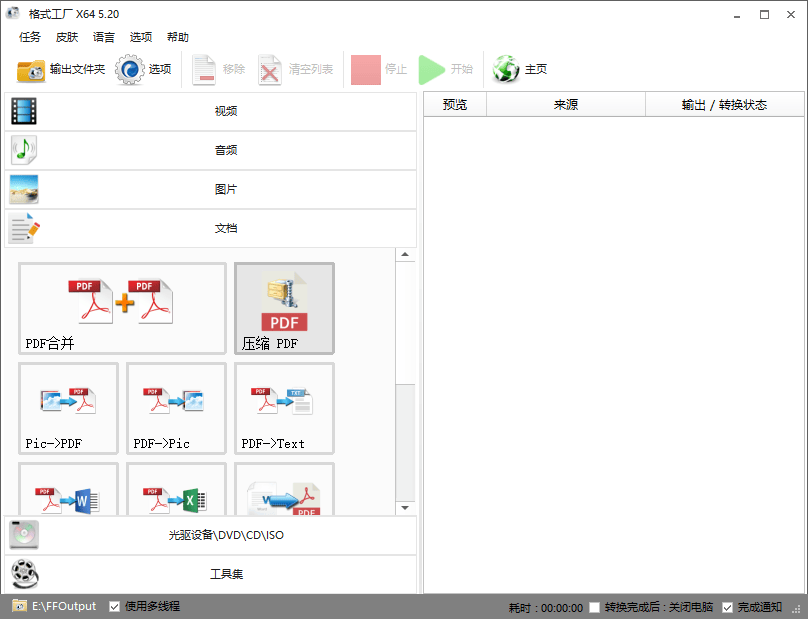
Ripping audio from a disc is still in the toolbox, and it is worth being honest about that feature's place in time. The format it was built for is no longer how most people obtain music, so the capability reads as a leftover — but leftovers are exactly what archives are made of, and a person with a shelf of discs and a hard drive has one specific job that nothing else in the current software landscape is eager to do. The same is true of the document conversions: turning a PDF into text, or merging several short files into one, is not glamorous work, and it is work that a converter sitting on the machine already can do without another account and another subscription.
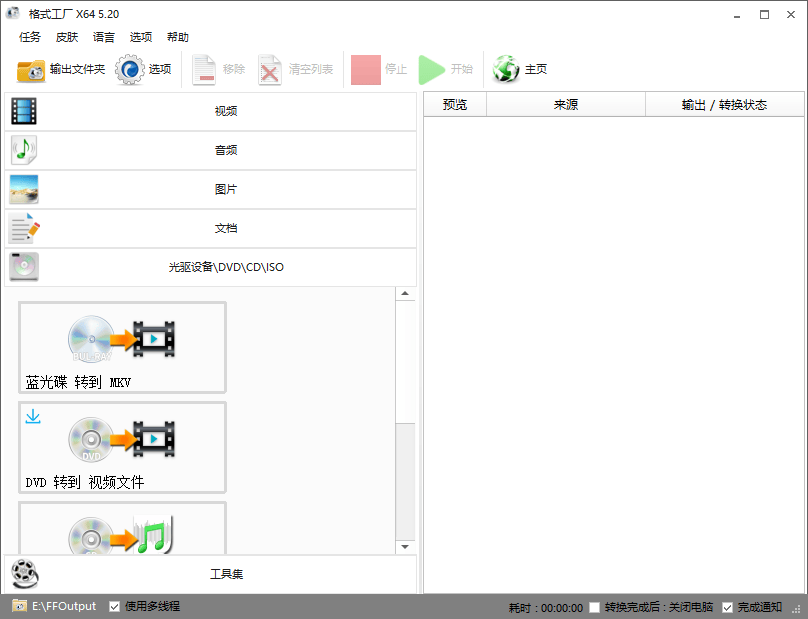
Interface, languages, and the economics of free
The interface is a grid of task buttons rather than a workspace, which tells you who it was designed for: someone who knows what they want to end up with, not someone who wants to understand what is happening. That is a defensible choice for a utility, and the multilingual interface extends the same logic to people who would otherwise be reading menu labels in a second language. Free, however, is never free; it means the cost has moved somewhere else, and the honest way to hold that is to notice where. A program that has lasted this long in this category has usually found a model that does not depend on irritating the person using it, which is itself a form of quality signal.
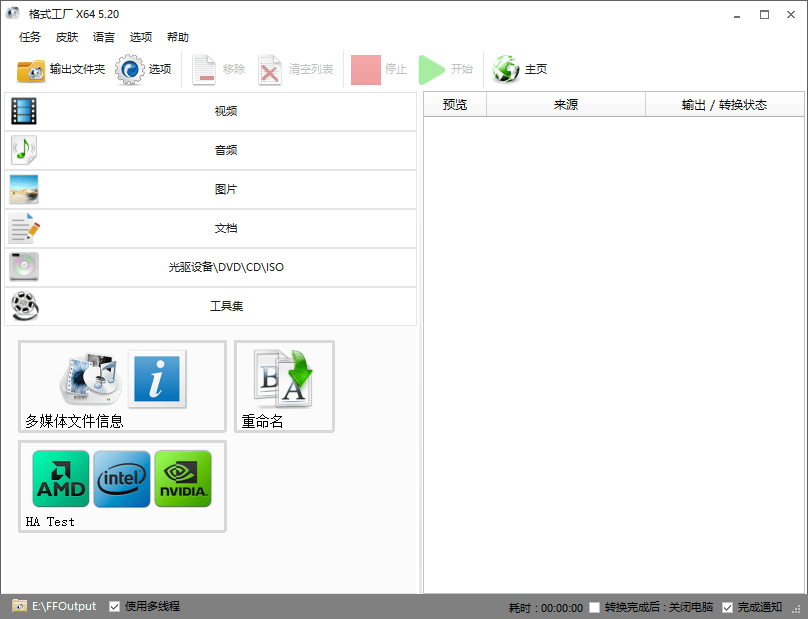
Where it sits
This is not a professional transcoding workstation and does not pretend to be one. It is the tool for the ordinary case: a phone video that has to become a file a website will accept, an album that has to become a smaller album, a recording that has to lose its first thirty seconds, a folder of images that has to stop being enormous. Those jobs are frequent, uninteresting and badly served by software built for professionals. Judged on that ground, the measure of such a program is not how many formats it lists but whether it lets you get the parameters right the first time — and whether it tells you, before the batch runs, what you are about to do to twenty files at once.