
CLion: What the Free Non-Commercial Licence Actually Changes
Summary
CLion is JetBrains' cross-platform IDE for C and C++, built around a real code model, deep CMake integration and a working debugger. Since May 2025 the non-commercial use of it is free, under conditions worth reading.
Recommend- Name
- CLion
- Version
- 20250622
- Pricing
- Free
- Open source
- Open source
- Updated
- 2026-10-06 21:28
Read the terms before celebrating the price
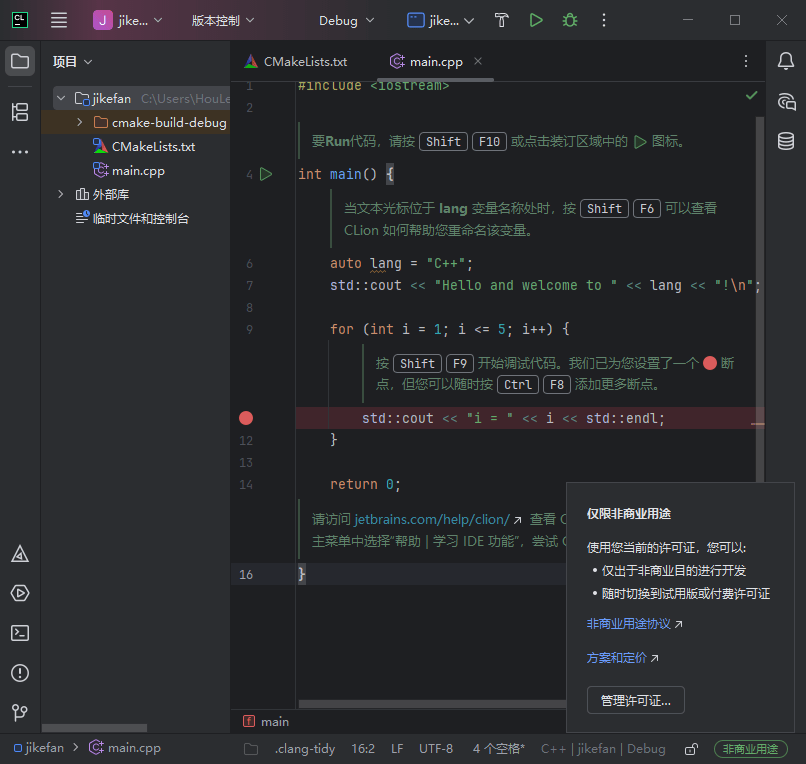
In May 2025 JetBrains made CLion, its cross-platform IDE for C and C++, free for non-commercial use, and the announcement was easy to read as a discount. It is more interesting than that, and the interesting part is in the conditions. Non-commercial means study, open-source work done without commercial gain, content creation and hobby projects. It does not mean a project that might one day be a product, and it does not mean work done for an employer. The line between the two is the one that matters, and it is drawn by intent and by who benefits from the result rather than by the size of the codebase.
The other conditions are small but real. Free use requires agreeing to anonymous usage statistics, which the vendor describes as covering feature usage only and not code or personal information. A non-commercial subscription runs for a year and renews itself provided the IDE was used at least once in the last six months of the term; if it was not, it can be requested again by hand. And the licence is per product: the policy covers this IDE and does not extend to the company's other tools, which is the sort of detail that decides whether an arrangement is a strategy or a promotion.
What you are actually paying for, when you do pay
The reason an IDE in this category costs money at all is that the hard part is not the text editor. It is the model of the program underneath it: which symbols exist, what types they have, which call sites would break if a signature changed. Building that model for C and C++ is unusually difficult, because the language's compilation model is textual and configuration-dependent — the same header can mean different things under different flags. An editor that guesses from syntax will complete a member that does not exist; an editor with a real index will not. Everything else in the program, from navigation to refactoring, is downstream of that index.
That is also why the useful question about such a tool is not how many features it lists but how often it is wrong. A completion that is right four times out of five is worse than no completion, because the fifth time costs more attention than the four saved. Refactoring is the same argument at a higher price: a rename that misses one call site compiles and fails in production, so a refactoring command is only worth having if it is reliable enough to stop checking by hand.
CMake is not a plug-in here, it is the skeleton
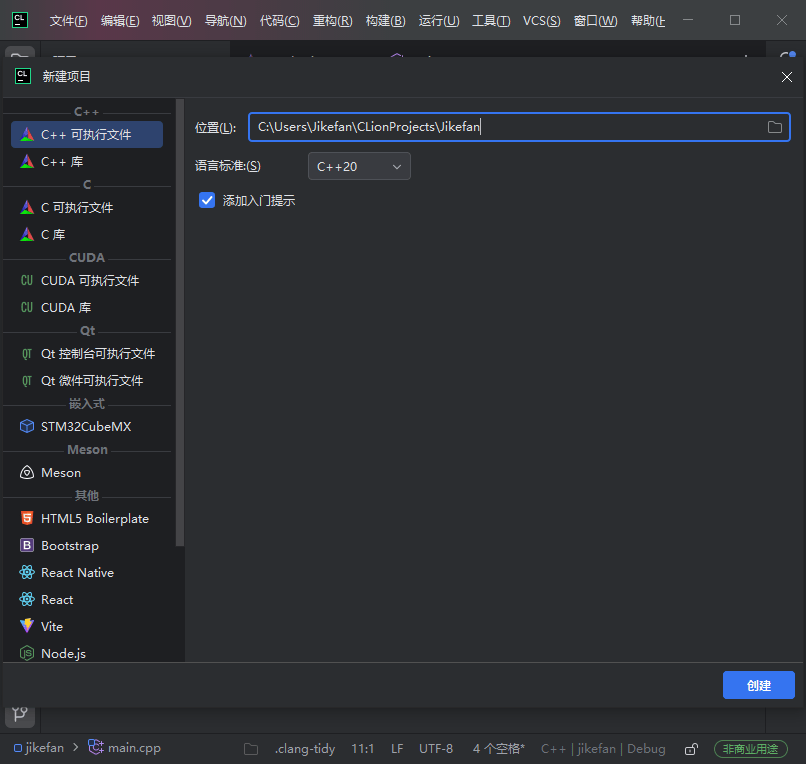
The integration with CMake goes deeper than syntax highlighting of build files. The IDE reads the build description to know which files belong to the project, which targets exist and which compiler flags apply — the same information the compiler gets, which is the only way the index can be right about conditional code. Changes to the build description are picked up and the relevant parts are regenerated, and there is an editor for the CMake cache for the settings that are normally edited by hand and remembered wrongly.
Around that skeleton sits the toolchain: several compilers are supported, and the debugger integration covers the usual one for this platform family. This matters more than it sounds. C and C++ projects are not a single environment; they are a family of environments that disagree about flags, about standard library versions and about how warnings are spelled. A tool that assumes one of them is useful to the people who live in that one and an obstacle to everyone else.
From source to hardware
Embedded work is where the distance between an editor and an IDE becomes obvious. The program has support for device tree files — recognising them and offering the same kind of assistance it gives ordinary source — and templates for the debug servers that sit between the IDE and a physical board. None of that is glamorous; all of it removes the part of embedded work that consists of copying configuration from a tutorial and hoping the spelling is right.
The debugger side has been extended in ways that matter to people debugging real programs rather than samples: the ability to choose a custom debugger build when the bundled one does not match the toolchain, better rendering of framework-specific variables so that a container can be read instead of a pointer graph, and simpler handling of debugger visualiser files with their own location. Each is a small thing that is enormous on the afternoon it is needed.
Remote work, containers, and the collaboration feature that is not free
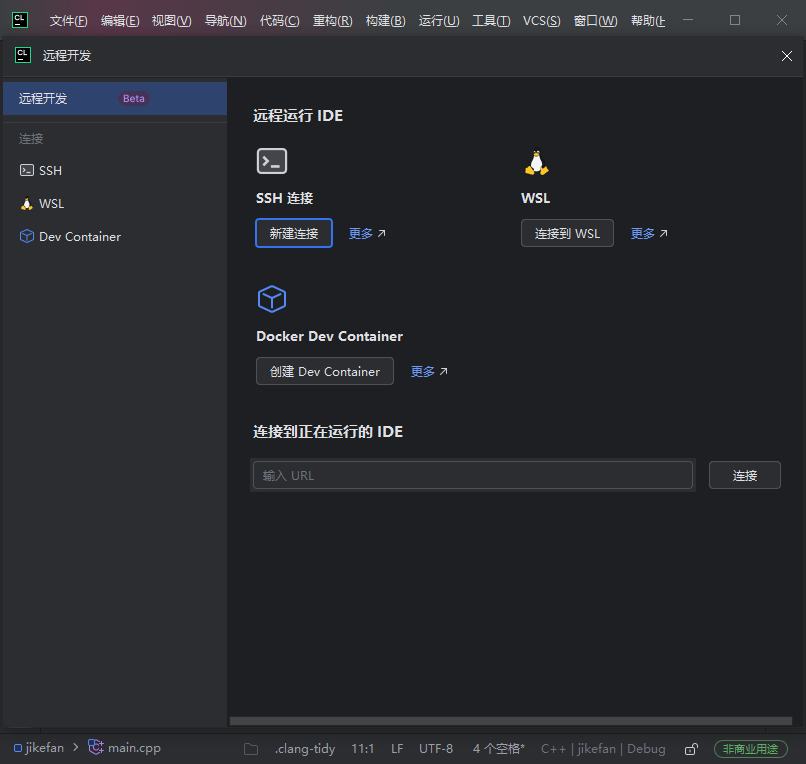
Running, building and debugging against a remote environment is supported, as is a remote container toolchain reached over a secure shell connection. For a team whose code runs on a machine that is not the laptop, this stops being a convenience and becomes the difference between working and not. Live collaboration is present too, in the form of shared sessions for review and debugging — and this is exactly the feature where the free licence is narrower than the paid one, since the non-commercial arrangement provides the community edition of that collaboration service rather than the full one. It is a fair trade and an honest one; it is simply worth knowing which half of a feature you have.
AI assistance, placed where it can be checked
An assistant is built in: explaining a piece of code, answering a question about it, generating documentation. The placement is the interesting decision. Assistance that produces a diff inside a file the developer is already reading can be reviewed in the same glance as the code around it; assistance that produces a chat message in a side panel has to be copied, pasted and then reviewed, which is where most of the trust gets spent. Whether the suggestions are good is a separate question from whether they are checkable, and the second one is the one that decides whether a feature survives a month of use.
The boundaries, stated plainly
Three of them. The free licence is for non-commercial work, which excludes the project that pays you. The policy applies to this one product and not to the vendor's other tools, so it is not a change of business model across the board. And free is not the same as without obligation: the statistics agreement and the annual renewal are the price of admission, and they are small enough that most people will accept them without reading, which is precisely why they are worth reading.
Who it is for
For a student learning the language, the calculation is easy: the tool that shows you what the compiler sees is the tool that teaches you why the error message says what it says. For someone maintaining an open-source C or C++ project, a real index over a large codebase changes how confidently a rename can be made. For a hobbyist writing firmware for a board on the desk, the embedded support and the debug server templates are the difference between a weekend and three of them. And for professional work, the honest summary is that the arrangement has not changed: the tool is worth its price where the codebase is large enough that being wrong about a symbol is expensive, and not worth it where a text editor and a build script already do the job.