
Cherry Studio: Several Models in One Window, With a Knowledge Base Beside Them
Summary
Cherry Studio is a cross-platform desktop client for AI conversation: ask several models at once and compare, keep your own material in a local knowledge base, and generate images or translations beside it.
Recommend- Name
- Cherry Studio
- Version
- 20250525
- Pricing
- Free
- Open source
- Open source
- Website
- https://www.cherry-ai.com/
- Updated
- 2026-10-06 18:47
Asking the same question twice is a method, not a gimmick
Cherry Studio is a cross-platform desktop client for AI conversation that also keeps a knowledge base, running on Windows, macOS and Linux. Its organising idea is simple enough to be missed: one question can be sent to several models at once, and the answers arrive side by side. Read as a feature list, that sounds like a novelty. Read as a method, it is the cheapest quality control available to anyone who uses these models for real work — not because one model is better, but because disagreement between them is information.
The disagreement has a shape worth learning. When several models converge on the same answer that is weak evidence, but it is evidence. When they diverge, the divergence usually points at the part of the question that was ambiguous, and the ambiguity tends to sit in the asker's framing rather than in the models. Using the feature well means reading the differences instead of counting votes; four answers with no way to compare them would only multiply noise.
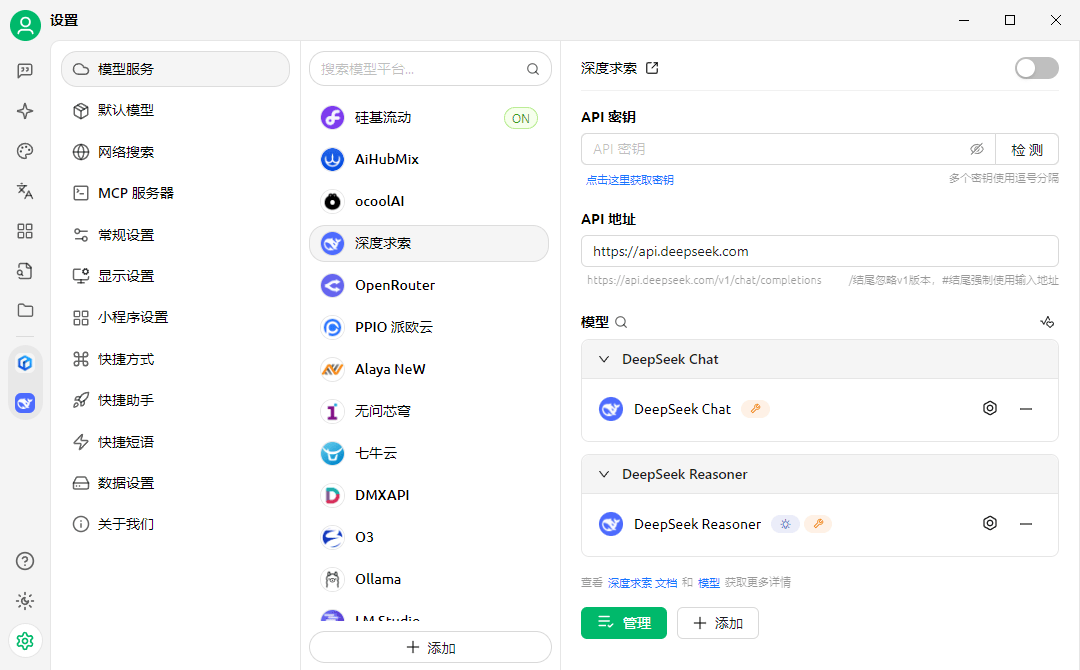
The knowledge base is where the real work happens
The other half of the program is a knowledge base: import material, let it be split into passages and indexed, then ask questions whose answers are drawn from that material. Inputs include PDF, plain text, presentation and word-processing files, plus pages captured from the web. The interesting part is not the import but the cutting. How a long text is divided determines what can be retrieved later, and a division in the wrong place produces a system that answers from half a paragraph with complete confidence.
Semantic retrieval is the other half of that. Keyword search fails when the question and the passage share no vocabulary — the classic case of asking about accounts that expire when the text says sessions that time out. Semantic retrieval narrows that gap and brings its own failure: passages that are close in meaning but not on the point, returned with great assurance. The practical response is to read the sources rather than the answer, which is why a client that shows which passages were used is doing the honest thing.
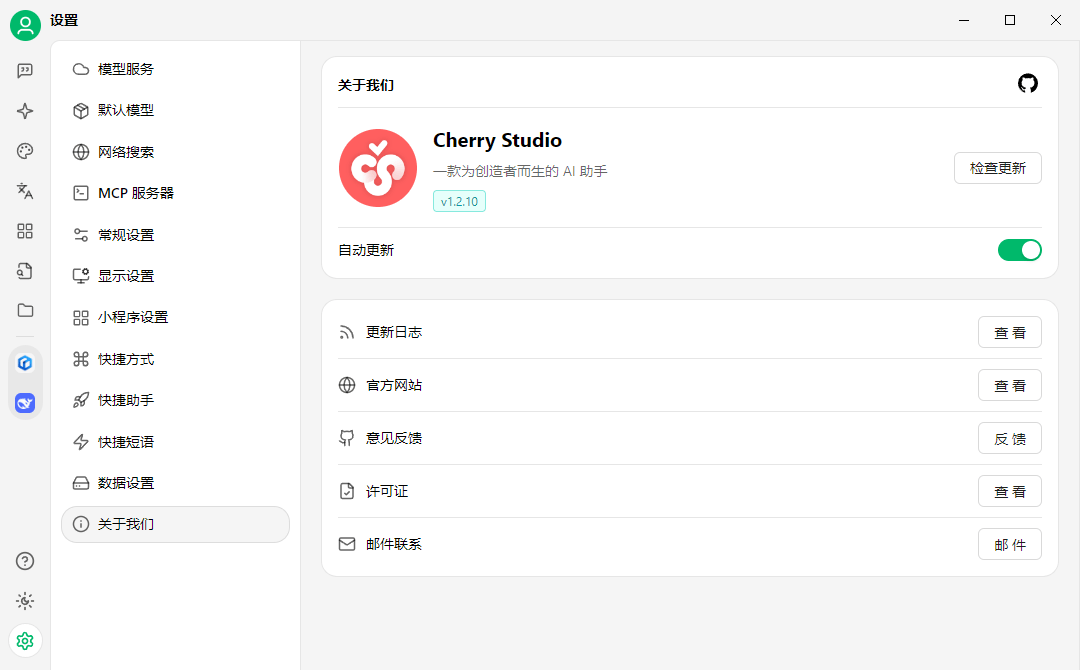
Local storage, and what the promise actually covers
Keeping data on the machine is the claim, and it is worth examining, because the word covers several arrangements. Conversation history and imported material sitting in a local store is one. A model running on the same machine is another, and that is the arrangement in which nothing leaves at all. A cloud model reached from a local client is a third, and there the text of your question does travel. All three are legitimate; conflating them is not. The honest way to use a tool like this is to know which of the three is in play for the conversation in front of you.
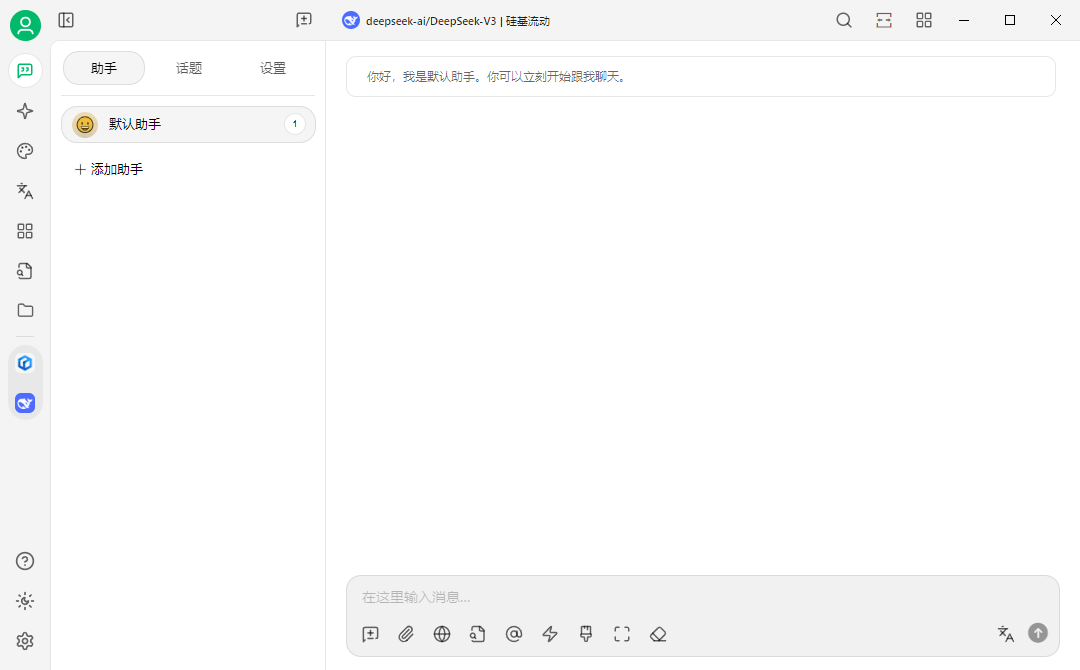
Images and translation, as attached conveniences
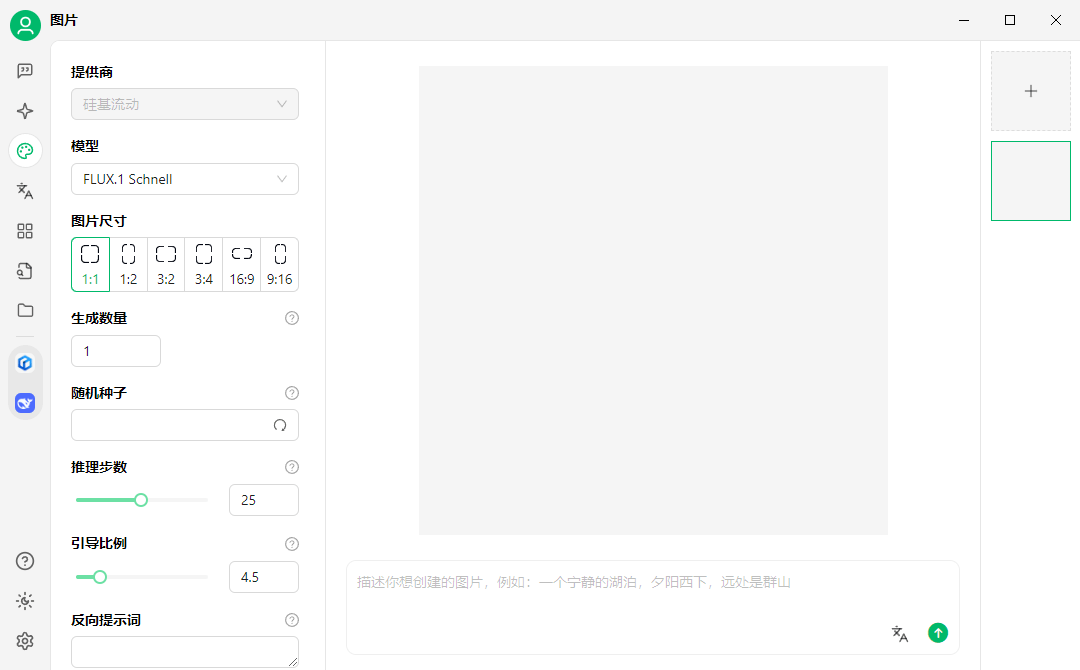
Generating an image from a description, and translating between languages, are both present, and both are better understood as conveniences attached to the main workspace than as reasons to choose it. Their quality is the quality of whichever service is behind them, which is exactly the argument for putting them in the same window: the alternative is a second program, a second account and a second set of habits for something used a few times a week.
When the answer has to be current
A model's training has an end date, and questions about prices, releases or events after that date tend to be answered from the model's imagination. Recent versions of the program add web search, routed through third-party search services, which puts current pages in front of the model before it answers. This is genuinely useful for research and for market work, and it changes the failure mode rather than removing it: the answer is now only as good as the pages that were retrieved, and a wrong page produces a confident wrong answer with a citation attached.
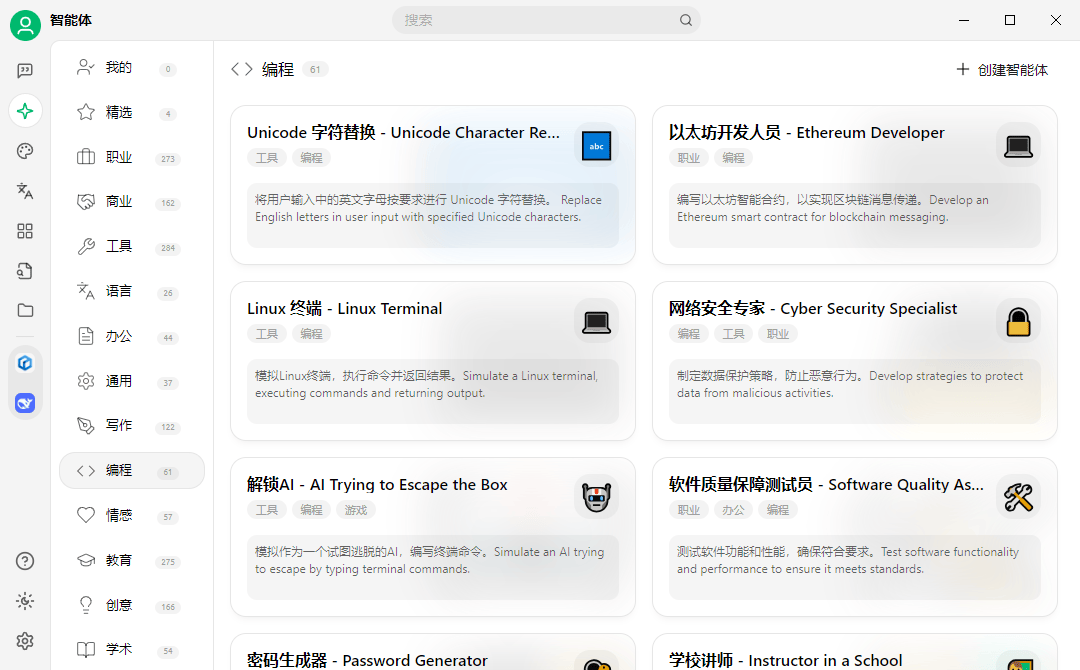
Who it is for
Four audiences, four different uses of the same window. Someone building with these models wants to compare outputs and keep the prompts that worked. A researcher wants a folder of papers that can be questioned instead of skimmed. A designer or a writer wants generated images and text sitting next to the reference material rather than in another application. A team wants an internal library with one interface in front of it. What the four have in common is that the value comes from accumulation — the archived conversations, the indexed material — and not from any single exchange.
The costs that are not on the box
Three are worth naming. Model access is usually billed by whoever provides it, so a client that makes it easy to try four models also makes it easy to spend four times as much. A knowledge base is only as good as its maintenance: imports age, and an answer built on a stale passage is worse than no answer, because it arrives with a source attached and looks settled. And the convenience of one window is a mild form of attachment, since conversations and indexed material accumulate inside a particular program — worth remembering whenever that program is the thing about to change.
Mobility, promised rather than shipped
The three desktop platforms are covered now; a mobile version is stated as a direction rather than a present feature. That is worth saying plainly, because it defines what the tool is: a workspace that lives on one machine and may later have a companion, not a service you reach from anywhere. Everything the program is good at depends on that local accumulation, and that is also what limits it.
Where it fits
Taken as a whole this is a workspace rather than a tool: a place where several models, a body of documents and the output of both are kept together. Judged that way the question is not whether the interface is pleasant — it is whether the accumulation is worth more than the switching it replaces. For anyone who puts more than a handful of questions a week to these models, and who has material of their own to place beside them, the answer tends to be yes.