
foobar2000 Is Still the Player for People Who Actually Own Their Music
Summary
A free audio player that started in 2002 when a developer left a well-known player team to write his own, and is still being updated today. Nearly every format plays, gapless playback is standard, and a component architecture covers ripping, conversion, tagging and streaming.
- Name
- foobar2000
- Version
- 2.25.10
- Pricing
- Free
- Open source
- Proprietary
- Operating system
- WindowsmacOSAndroidiOS
- Website
- https://www.foobar2000.org/
- Updated
- 2026-10-19 22:00
It started as an argument about plugins
In 2002 a developer left the company behind one of the most installed media players of the era, having decided its plugin system had become a mess, and wrote a player of his own instead. The name he chose is about as programmer-flavoured as names get. More than twenty years later the original product has stopped and restarted several times over, while this one keeps shipping updates, and has grown from a single platform to four: Windows, macOS, Android and iOS.
Almost everything plays
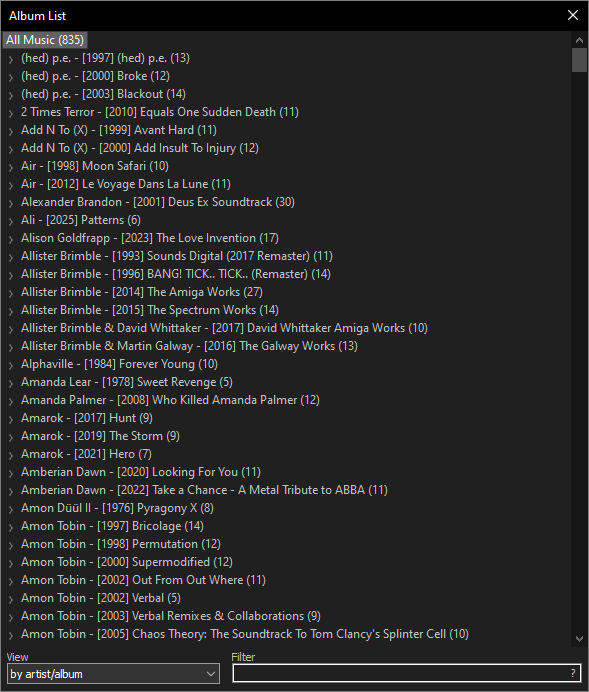
Out of the box it handles MP3, MP4 and AAC, FLAC, WavPack, WAV, AIFF, Vorbis, Opus and Musepack, which covers the mainstream. Install third-party decoder components and the narrower formats come in too: DSD, APE, TTA, SACD. Gapless playback is standard rather than a feature to look up, so an album mixed to run continuously does not get a hole punched between tracks. Internet radio is there as well, with a built-in station directory that handles searching and favourites in one place.
Not only a player
Put a disc in and it can be ripped directly, with the output format left to you and a component available for accurate verification against a database of disc signatures. Conversion handles every format the player reads, in any direction: something lossless reduced for a phone, or something large recompressed to save space, dropped onto the converter and left to run.
Volume normalisation is the feature that quietly improves a library. Albums mastered in different decades do not agree on loudness, and the result is that one record makes you reach for the dial and the next makes you reach for it again. Scan once and the correction is stored, so it applies permanently rather than per session.
Tag editing goes past editing one file at a time: bulk changes across a selection, importing tags from filenames, and generating filenames from tags. Full Unicode support matters here more than it sounds, because a library with Chinese, Japanese or Korean titles breaks in editors that assume a single byte encoding, and mojibake is the kind of damage that is tedious to undo.
Streaming over a local network is included too, which makes the phone build a remote control for the library on the desktop, or the other way around.
The component ecosystem is the actual product
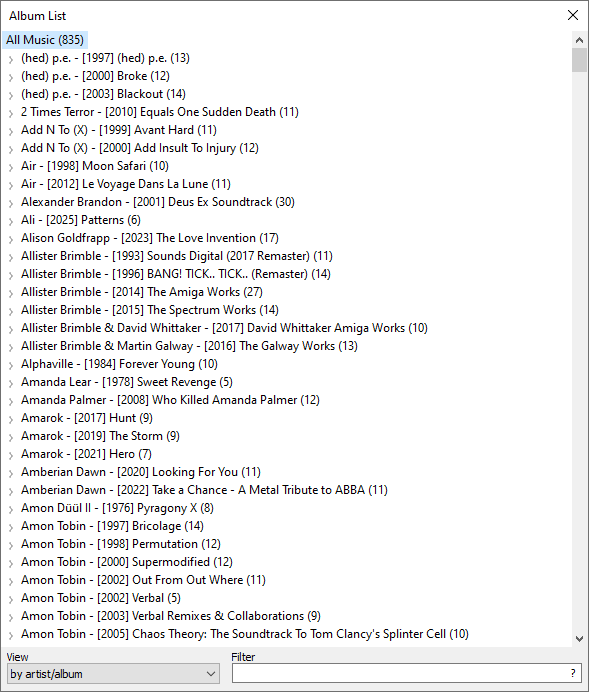
The player itself is closed source, but its component architecture is fully open: the developer supplies a kit and anyone can write against it. The catalogue that results covers decoders, audio effects, visualisations, interface skins, lyric display and library management. On Windows a component bridges to a widely used plugin format for audio effects, and on macOS the system's own audio unit format is supported. Want lyrics scrolling beside the playlist? A component exists. Want the interface rearranged? A component exists. Want the library mirrored to a phone automatically? The developer ships a companion tool for exactly that.
The interface is yours to arrange
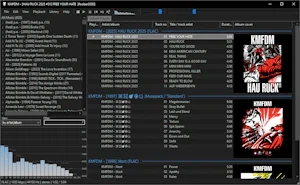
The default layout looks about as plain as a text editor, and that is misleading. Every panel can be moved: spectrum analysis, lyrics, playlists, album art, dragged anywhere on the canvas. Keyboard shortcuts are remappable too, and once they are set the whole program can be driven without the mouse. Dark themes exist, minimal ones exist, and the community has produced a large number of third-party skins in styles borrowed from every other player of the last two decades.
Put those pieces in a row and a working method appears. Rip the disc, correct the tags once so the album lands where it belongs in the library, measure the loudness so it plays at the same level as everything else, then convert a copy for the phone while the lossless original stays on the drive. None of those steps needs a second program, and none of them needs a connection.
Free, small, and extended by its own users for over twenty years. It does not stream, it does not recommend anything, and it does not try to sell a subscription; it plays the files on your disk, which for a library measured in terabytes is still the whole job.