
Tabby Puts SSH, SFTP and a Serial Console Inside One Open Source Terminal
Version 1.0.234
Summary
An open source terminal emulator for Windows, macOS and Linux that also runs in a browser. SSH, SFTP and serial connections live in the same window, panes split in any direction, and eighteen built-in plugins extend it without leaving the app.
- Name
- Tabby
- Version
- 1.0.234
- Pricing
- Free
- Open source
- Open source
- Operating system
- WindowsmacOSLinuxWeb
- Website
- https://tabby.sh/
- Updated
- 2026-10-19 22:00
The terminal setup is usually a patchwork
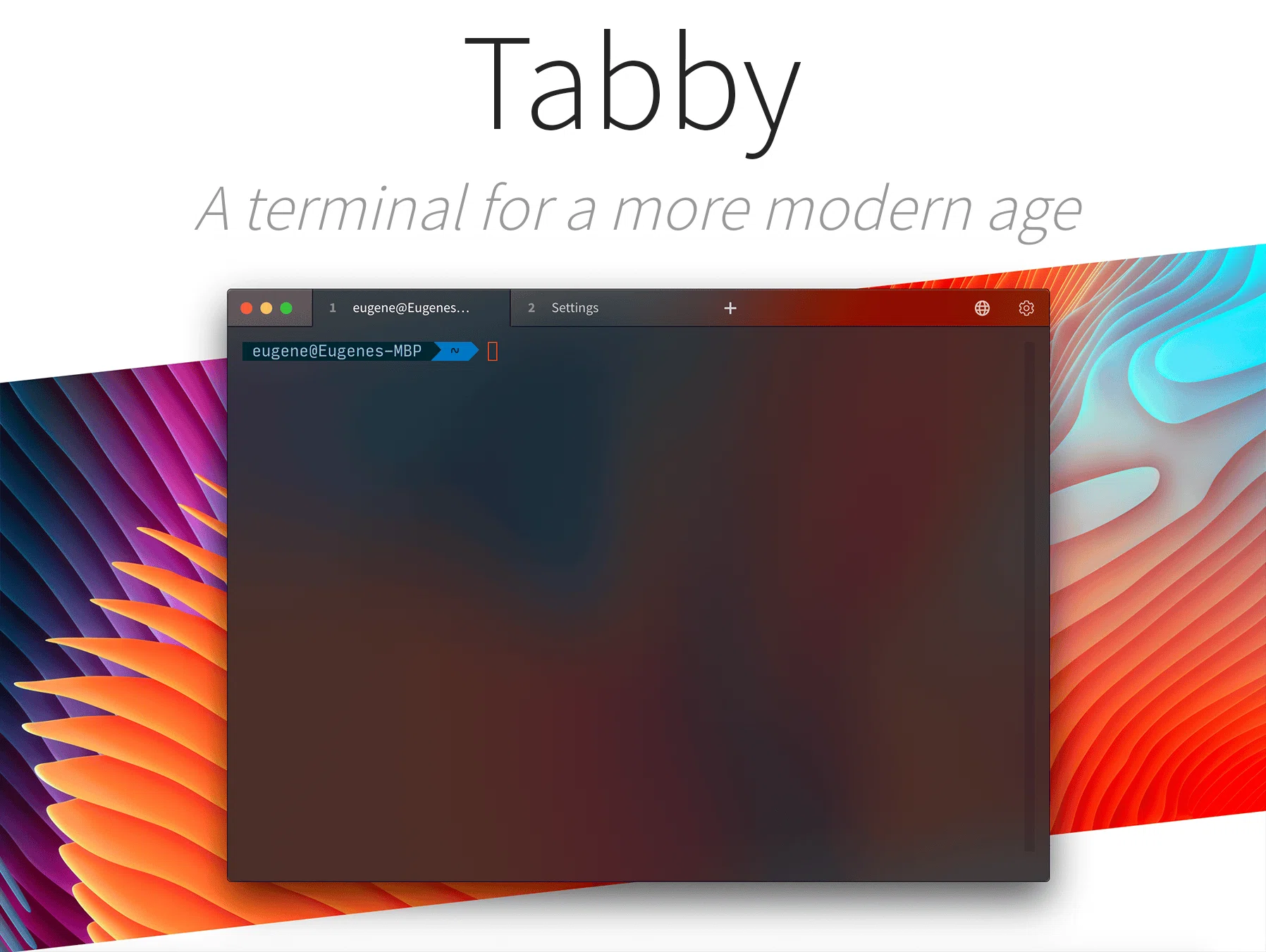
Ask a developer which terminal they use and the answer often splits by operating system: one program on Windows, a different one on the Mac, and a third mental list of connection profiles kept somewhere between them. Every machine ends up with its own configuration, and none of them know about the others. Tabby is an attempt to collapse that into one program: an open source terminal that runs on Windows, macOS and Linux, also ships as a web application, and keeps SSH, SFTP and serial connections in the same window.
Splits, tabs and a console that drops from the top
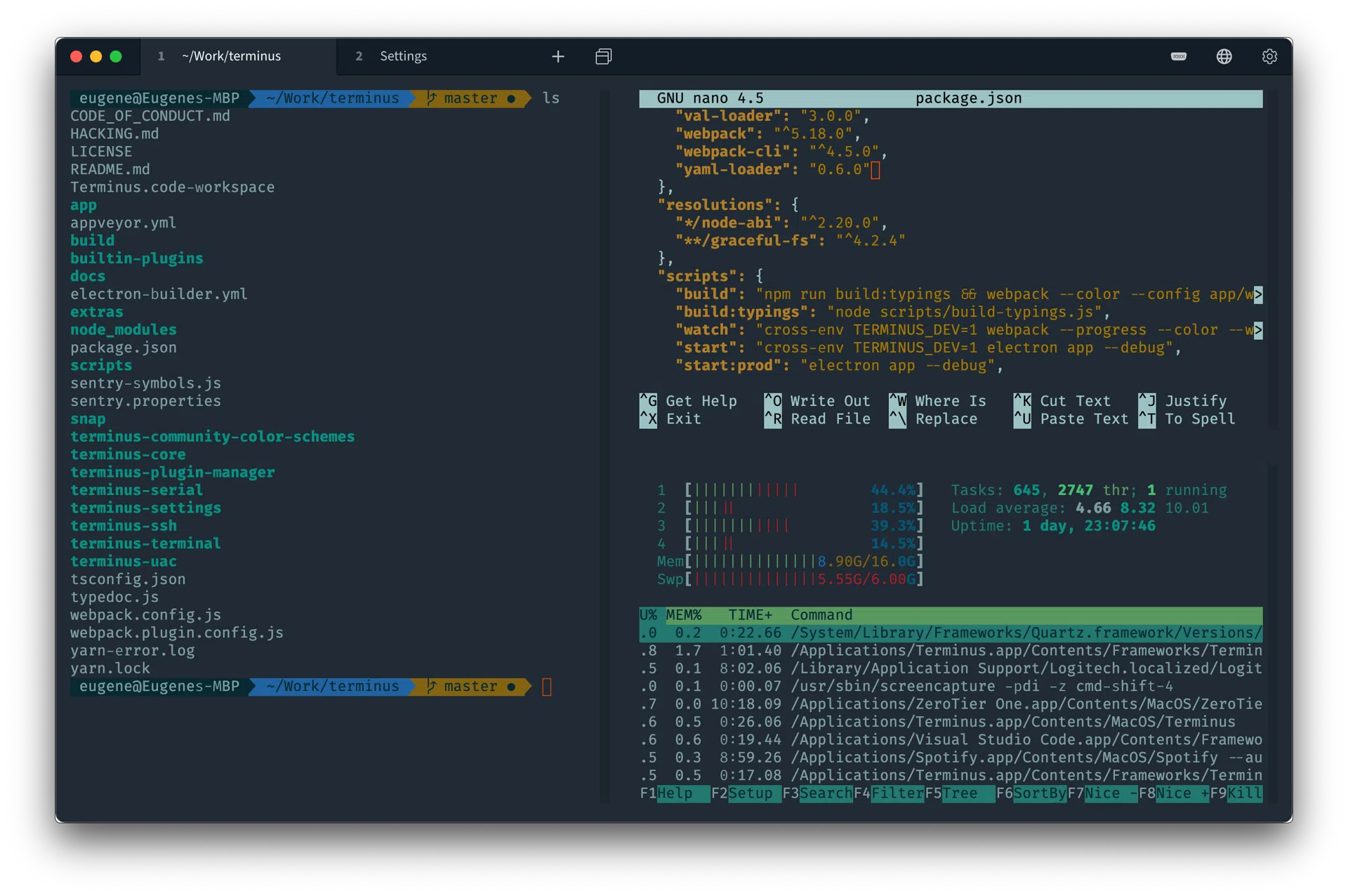
Panes split in any direction, horizontally or vertically, and a tab can be dragged out into the sidebar so a dozen SSH sessions stay reachable instead of buried. The feature people tend to keep once they find it is a drop-down console: a global shortcut slides a terminal down from the top of the screen over whatever is running, and the same shortcut sends it away again. It is the behaviour games have had for decades, and it turns out to be exactly right for a shell you want for ten seconds.
The program is built on web technology rather than as a native toolkit application, which is the honest thing to say up front because it decides who will be happy with it. In exchange for the memory that costs, output stays smooth under heavy scrolling and keystroke response does not lag behind the echo.
SSH, SFTP and a serial port, without a second program
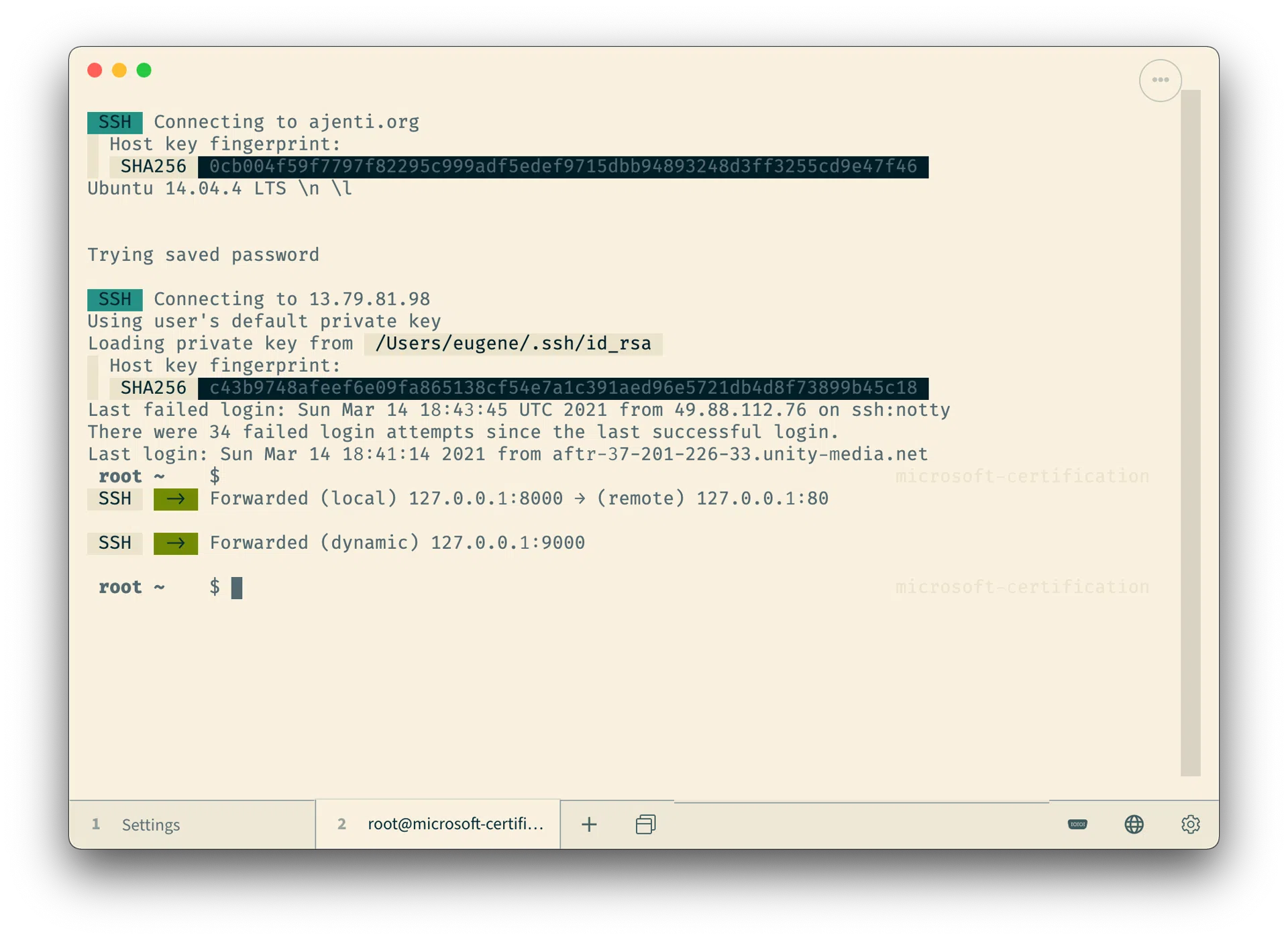
The SSH side is a connection manager rather than a command line: key authentication, jump hosts handled automatically, agent forwarding, X11 forwarding and Zmodem transfers between hops. Profiles are stored encrypted inside the application's own container, so the credentials are not sitting in a plain file waiting to be read.
SFTP is a tab rather than a separate application. Once an SSH session is up, one click opens a file browser on the far side, with uploads and downloads following the usual drag and drop expectations. That single decision removes the second program most people otherwise keep open next to their terminal all day.
Serial connections get the same treatment: readline-style input, hex dump output, line ending conversion and automatic reconnection when a board resets. For embedded work, where a device disappears and comes back several times an hour, the reconnection alone is worth the tab.
Eighteen plugins, installed from inside
The plugin catalogue is reachable without leaving the application, and eighteen come built in. What they cover is mostly the gap between a terminal and the rest of a working day: connecting to and managing containers from the same window, syncing the configuration to a code hosting service so a new machine is not a fresh start, opening an SFTP browser on the current session, broadcasting one command to every open tab at once, saving a workspace so that a set of tabs and directories can be restored in one step, and changing the background image or transparency of the terminal itself.
The one worth calling out is an MCP interface: it lets an AI assistant read what is in the terminal through a defined protocol, which is a different proposition from pasting output into a chat window. Themes are a separate matter and there are plenty, in light and dark variants, which is the kind of feature nobody needs and everybody adjusts on the first day.
The web version is the surprise
There is a browser build. Open it and you have a working terminal with SSH, no installation, on a machine you do not administer. More useful for the people who need it: the web build can be self-hosted on your own server, which is precisely what a jump-host scenario asks for. A browser tab becomes a complete terminal and SSH client, and nothing has to be installed on the machine in front of you.
Windows also gets a portable mode in which all configuration and keys stay in a folder beside the executable, so the whole setup travels on a removable drive and works on whichever machine it is plugged into.
One open source program covering SSH management, split panes, SFTP browsing and a terminal in a browser tab. If the terminal on Windows and the terminal on the Mac have been two separate worlds with two separate configuration files, this is the shortest way to end that.