
Fantastical 4.2: a calendar you type into, with tasks beside events
Summary
Fantastical turns a typed sentence into an event with time, place and reminder, and sentences that start with a task word into dated to-dos. Calendar sets decide what is visible, booking links fill slots, and the whole thing syncs between Mac, Windows and Apple devices.
Recommend- Name
- Fantastical
- Version
- 4.2
- Pricing
- Paid
- Open source
- Proprietary
- Operating system
- WindowsmacOS
- Updated
- 2026-10-06 13:31
Start with the difference from the calendar you already have
A built-in calendar records an event by clicking a date and a time. Fantastical asks you to type instead: a sentence such as "Thursday three in the afternoon, meeting with Zhang" is parsed into an event that already carries its time, its place and its reminder. A sentence that begins with a task word becomes a to-do with a due date, in the same gesture.
What is saved is the handful of steps that every new event otherwise costs. That sounds trivial until the schedule gets dense, and then it stops being trivial: the reason people stop recording small commitments is rarely that the calendar cannot hold them, it is that entering them costs more attention than the commitment deserved at that moment.
Calendar sets: deciding what is visible
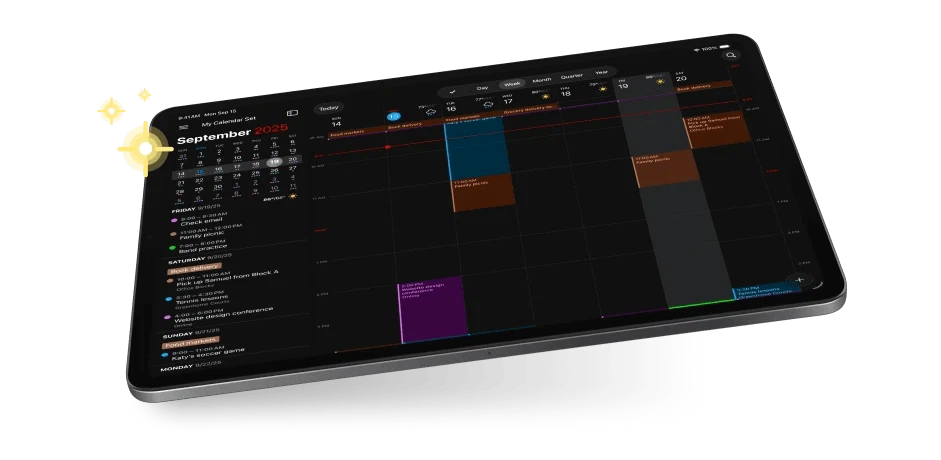
Most people carry several calendars at once — work, family, a subscription for public holidays — and showing all of them turns the week into a pile. Calendar sets group them, so one click decides what appears and what stays hidden, and a set can switch automatically when you arrive at or leave a place.
The task side follows the same logic of putting related things in one view. Dated to-dos and events share a single list, and several common reminder and task services can be connected to it, so the list reflects the commitments rather than the app they happen to live in.
Booking, meetings, weather
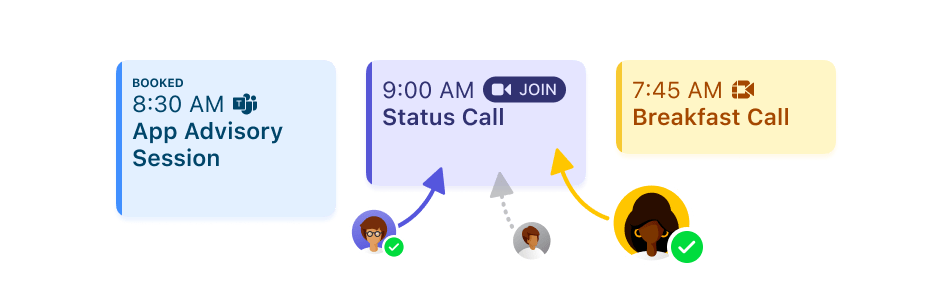
For anyone whose time other people need to claim, there are booking links and meeting polls: publish the slots you can offer, the other side picks one, and the event lands in the calendar without a round of messages. It is a small feature that removes an entire category of correspondence.
Inside an event, video meeting links are recognised and gathered in one place instead of being pasted by hand, and the location opens in a map. Weather sits in the calendar too, and for rain or snow that is close, the forecast is given at minute-level precision — which is the only resolution that helps when the question is whether to leave now.
Platforms and editions
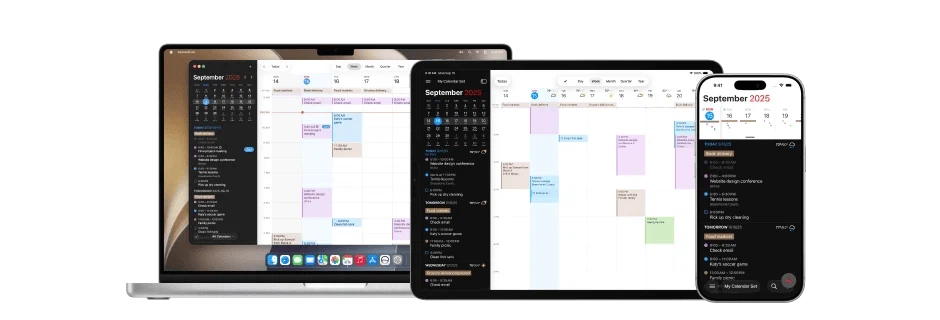
It runs on Mac, Windows, iPhone, iPad and Apple Watch, and a change made anywhere appears everywhere in real time. The free tier covers basic recording and the natural-language input; the paid tier unlocks sets, booking and polls, full task support, longer weather forecasts and attachments, with the current price on the official site.
One limitation should be faced before falling in love with the typing: there is no Android version. Anyone who does not live inside the Apple ecosystem has to decide whether a Mac or a browser-adjacent machine is enough of a home for their calendar, and that is a bigger question than any single feature.
It is also worth being clear about what the tool does not do. It is a calendar with tasks attached, not a task manager with calendars attached; people who need dependencies, boards or long project structures will find the task list deliberately thin, and that thinness is the price of the speed it buys.
One caution follows from the speed itself. A sentence parsed in an instant can also be parsed wrongly, so the habit worth forming is a glance at what was actually created before the panel closes — the time, the calendar it landed in, the reminder. Speed that produces a wrong entry costs more than the steps it saved.
Fantastical's strength is not the number of features but how quickly one thing can be recorded. If your schedule is already dense enough that things get missed, the experience of typing a sentence is probably the reason you would stay.