
LastPass: one encrypted vault instead of a memory full of passwords
Summary
LastPass keeps logins, payment details and private notes in one encrypted vault unlocked by a single master password, fills login fields from the browser extension, and marks weak or repeated credentials in the vault.
Recommend- Name
- LastPass
- Version
- 4.155
- Pricing
- Paid
- Open source
- Proprietary
- Operating system
- WindowsmacOSLinux
- Website
- https://www.lastpass.com/
- Updated
- 2026-10-05 14:51
Trading many remembered passwords for one
Once the number of accounts passes a certain point, two habits appear. One is to reuse a handful of passwords that are easy to recall; the other is to let each browser keep its own separate store. A password manager changes the allocation of memory: every credential goes into one encrypted vault, and the only thing left to remember is the master password that unlocks it.
LastPass is one of the earlier tools of this kind. The browser extension is the main entrance — once it is in place, saving and filling happen inside the login fields of ordinary web pages, which is where the work actually is.
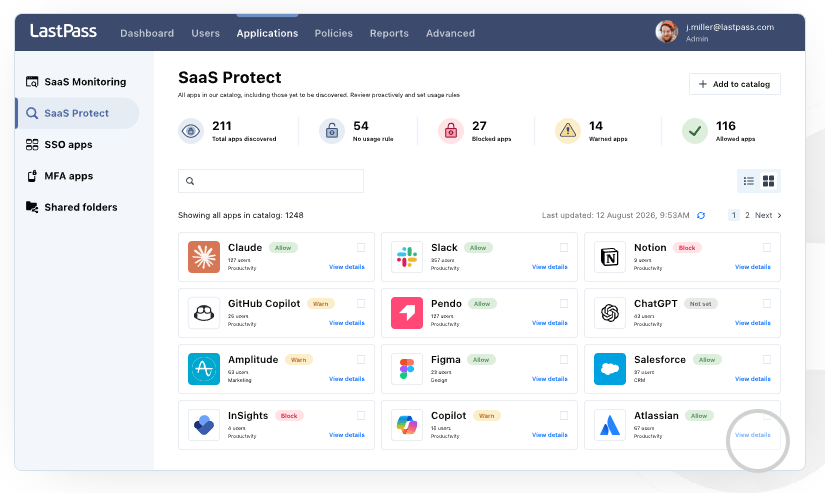
What the vault holds besides passwords
Beyond logins, it stores payment details and addresses, identification and membership numbers, and plain notes — the Wi-Fi password that never appears in a login box needs somewhere to live too. Everything sits in one searchable vault, entries can be added, edited and deleted, and folders do the tidying.
It works on a zero-knowledge model: encryption and decryption happen locally, the server holds ciphertext, and the master password itself is never kept on the server side. That is the claim the whole design rests on, and it is also the claim worth understanding before trusting any tool of this class — if the master password were stored, the vault would be a database with better manners.
Generating, checking, verifying
The built-in generator exists to replace the old passphrases that have been reused for years. It produces random strings by length and character type, and while registering at a new site the string is generated and saved inside the extension, so the password never passes through a clipboard or a note on the desk.
There is also a check that marks the weak or repeated credentials in the vault, which turns an abstract resolution into a list of items with names on them. The account itself can carry a second factor: besides the master password, one dynamic code or a hardware key. Sharing serves a narrower purpose — handing a single credential to a family member or a colleague without sending it in plain text through a chat window.
What the free edition covers
The free edition covers the core: unlimited stored passwords, saving and autofill, the generator and multi-factor verification, with one restriction — it is limited to a single type of device. Syncing across every device, sharing, encrypted file storage and emergency access belong to the subscription.
Two pieces of advice have nothing to do with the software. Make the master password long and unlike anything used elsewhere, and set up the account recovery route in advance, because the model that makes the vault safe is the same model that will keep you out if you forget the one password that matters.
The tool is only half of the arrangement. The other half is the few minutes spent choosing a master password properly and attaching a second factor, and those few minutes are what separate a vault from a slightly tidier version of the same old habits.
If the free edition limits you to one type of device, the choice is not really about the tool. Pick the type you actually sign in from most often — usually the phone — and accept that the others stay a manual exercise until you decide the subscription earns its place.
One habit is worth naming, because it is the usual way this arrangement comes apart: never put the master password, or the recovery codes, into the vault itself. Those belong on a sheet of paper in a drawer, or in a place that does not depend on the thing they are protecting.
The value of a password manager is that it moves remembering out of a human head and into an encrypted vault, while letting every site have a password unlike the others. The tool is half of that; the other half is the patience you are willing to spend on the master password and the second factor.