
DaVinci Resolve: a whole post-production chain in an edition that costs nothing
Summary
DaVinci Resolve keeps media handling, editing, colour grading, visual effects and audio inside one application, divided into pages so nothing has to be exported in between. The free edition is complete enough for most individual work.
Recommend- Name
- DaVinci Resolve
- Version
- 21
- Pricing
- Free
- Open source
- Proprietary
- Operating system
- WindowsmacOSLinux
- Updated
- 2026-10-06 06:08
One workflow, several pages
DaVinci Resolve puts the main stages of video production into a single application: organising media, editing, colour grading, visual effects and audio. It divides them into pages, and the pages are meant to be walked through in order — bring the footage in and choose what to use, arrange the cut on the timeline, move to grading to make the image consistent, then deal with sound and subtitles and finally output.
The point of doing it in one place is what does not happen in between. Nothing has to be exported and re-imported at each stage, so image quality and metadata survive the whole journey intact. Anyone who has worked the other way — render, open elsewhere, render again — knows that the exports are not just time, they are also the places where a version quietly diverges from the one you meant to keep.
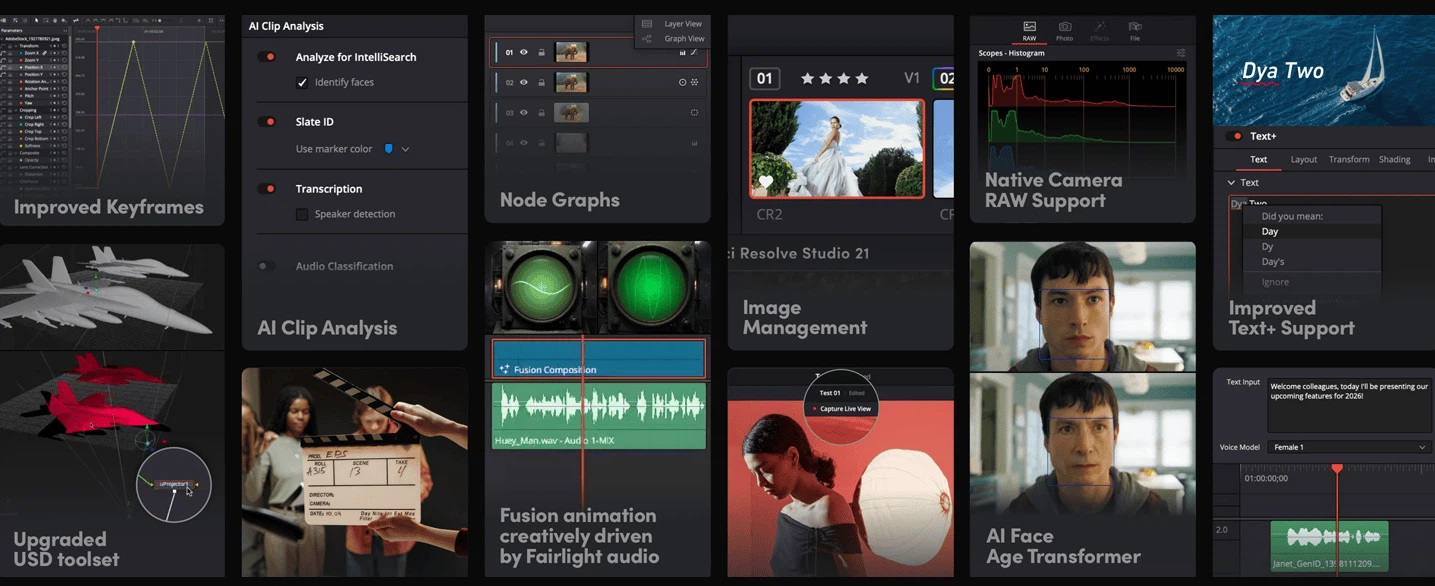
Grading is what it was built for
The software began life as a professional grading system, and that origin is still visible in how it handles colour. Grading is node-based: brightness, colour and local adjustments can be split into separate steps and then combined, instead of being forced into one stack of sliders. The structure sounds technical and pays off in a simple way — each correction stays editable on its own, so a change late in the chain does not require undoing everything before it.
For an ordinary user the most immediate benefit is a unified look. When one scene is covered by several shots, consistent adjustments can make them read as one batch of filming rather than three occasions. Presets are there for the impatient, noise reduction is there for footage shot in poor light, and both live in the same page as the manual controls.
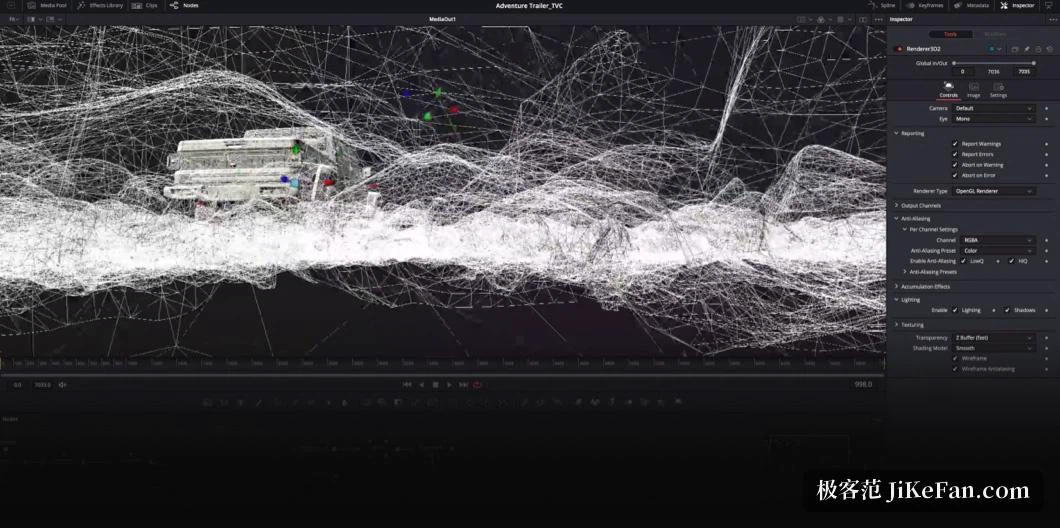
Free edition, Studio edition
The free edition is genuinely complete, and for most individual creators it is enough. The paid Studio edition opens capabilities aimed at professional workflows: deeper processor and rendering features, some assisted tools, and higher-specification output options. Whether to upgrade is a question about the delivery requirements of a project, not about whether the free edition can produce a finished piece — it can.
That distinction is worth keeping straight, because the usual mistake is to assume the free version is a demo. It is not a demo; it is a full tool with a few doors kept closed, and most people never need to open them.
Hardware, and how to start
It runs on Windows, macOS and Linux and it does ask something of the machine, particularly the graphics card and its memory — grading and effects draw heavily on that resource. A machine that edits comfortably may still struggle once nodes and effects accumulate, and that is a hardware limit rather than a fault in the software.
For a first project, the advice that saves the most frustration is to take one short piece of footage through the entire chain instead of learning each page in isolation. Two habits are worth acquiring early: switching pages as the work demands, and editing through proxy media, which substitutes lighter copies for the originals and makes the timeline responsive on modest hardware. The interface is dense and the professional functions are numerous, but there is no requirement to use them all at once.
One more thing is worth knowing before starting: the pages are not separate programs. What is done on one page is visible on the others, and moving between them is a change of view rather than a change of file. That is what makes the workflow feel continuous, and it is also why the first hour feels heavy — every page is in front of you at once, while the work you actually need is usually confined to two or three of them.
DaVinci Resolve's distinguishing feature is that it puts a professional post-production chain inside an application anyone can use for free. The learning curve is real, and what it buys is the disappearance of repeated exports between editing, grading, effects and audio — which, for anyone who makes video over months rather than once, is a multiple of the time saved.