
CrystalDiskInfo 9.9.2: turning SMART figures into a colour
Summary
CrystalDiskInfo 9.9.2 is a free open source drive health monitor that reads S.M.A.R.T. data and reduces it to four states, good, caution, bad and unknown, with USB, RAID and NVMe support.
Recommend- Name
- CrystalDiskInfo
- Version
- 9.9.2
- Pricing
- Free
- Open source
- Open source
- Operating system
- Windows
- Updated
- 2026-10-05 21:21
CrystalDiskInfo is a free open source drive health monitor, currently at 9.9.2 with a date of 2026-07-25, released under the MIT licence. What it does is not complicated: read the S.M.A.R.T. information a drive already records, and translate those parameters into a state anybody can read at a glance. It works for mechanical drives and for solid state drives, and it also covers some external USB drives, chipset-based RAID arrays and NVMe drives.
What it reads, and how it shows it
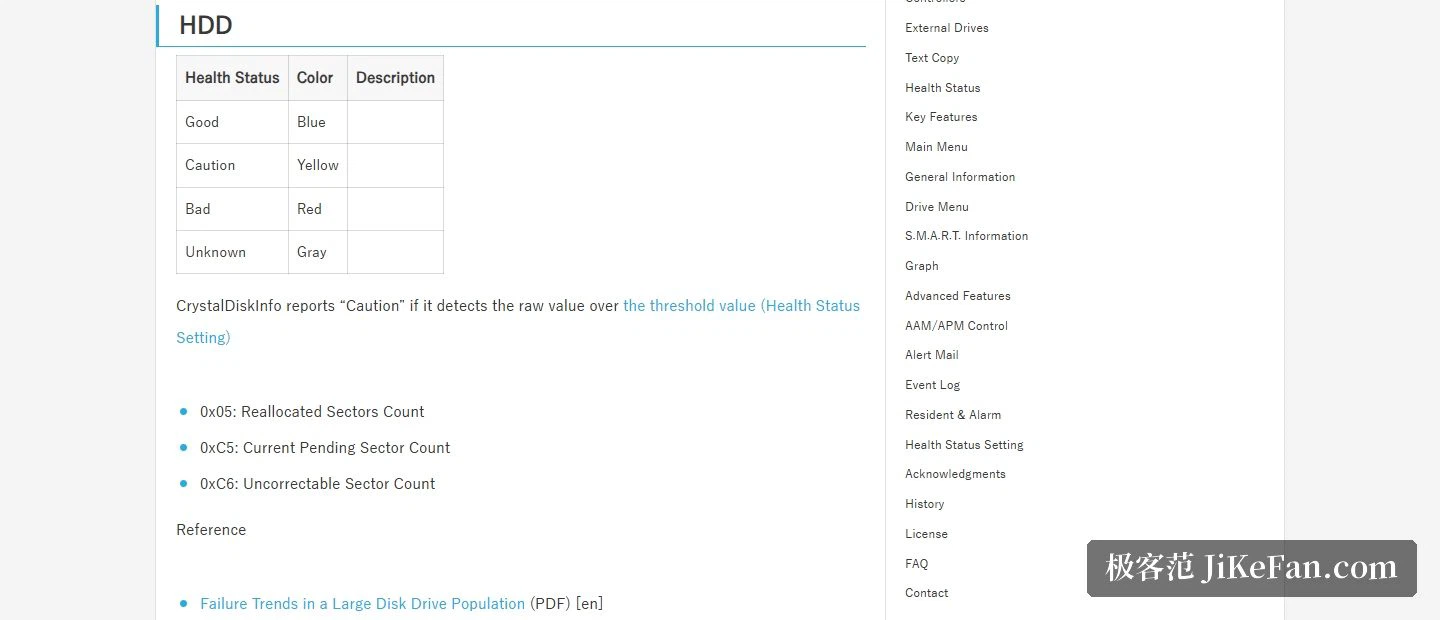
The official description calls it a storage health monitoring application, and the supported range names USB, RAID and NVMe explicitly. Open it and each drive reports its basic information, its list of SMART attributes, and the one line that matters: a status in four levels. Good is blue, caution is yellow, danger is red and unknown is grey. Once a machine holds several drives, a sweep of colour says which one deserves attention without reading a single parameter table line by line.
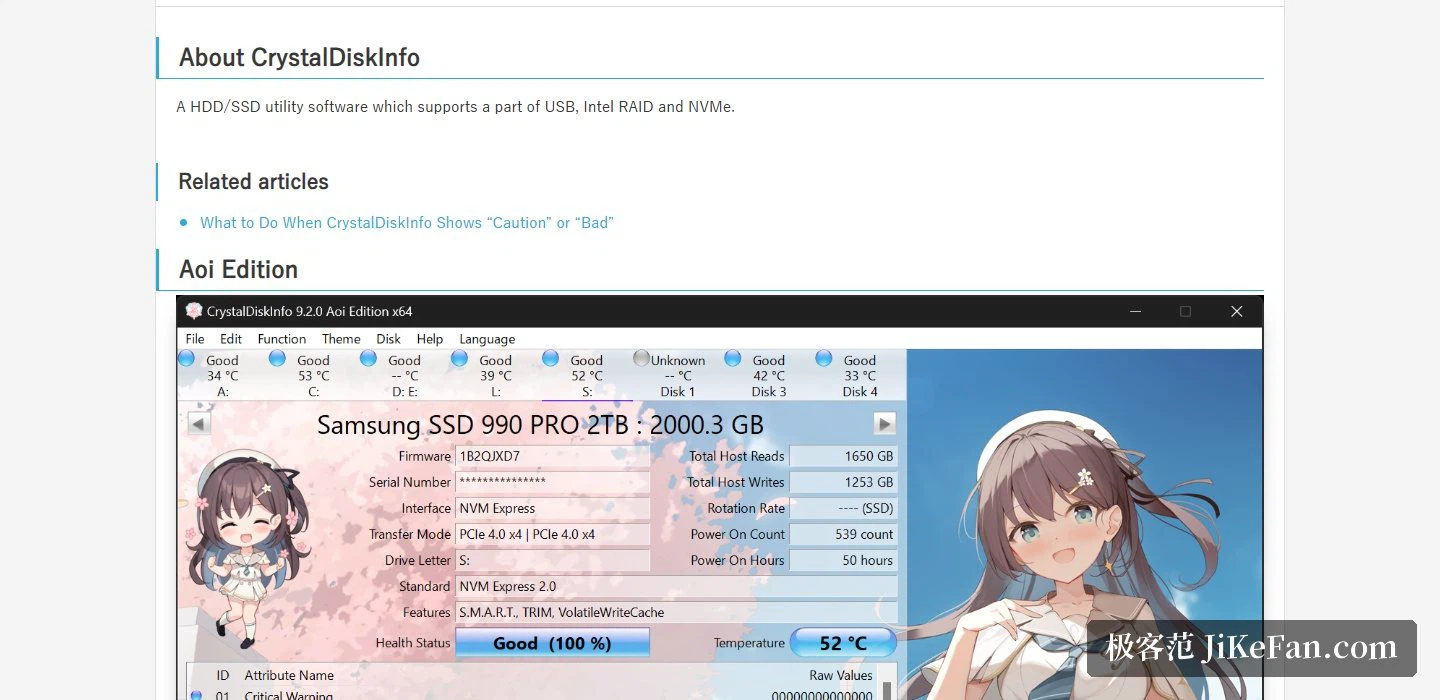
How the status is decided
The rule is stated transparently. For a mechanical drive, caution is reported when a detected raw value passes a configured threshold, and the attributes consulted include the reallocated sector count, the current pending sector count and the uncorrectable sector count. In other words it does not judge on how many hours the drive has run, but on how many anomalies the drive itself has recorded.
Solid state drives are measured on a different scale, by remaining life: a remaining life at or below 10% brings a caution, and below the threshold the manufacturer defines brings a danger. The site lists the attribute numbers that apply to each controller family, covering the several families that have dominated the market. The thresholds themselves can be adjusted, loosened for an old drive that is only expected to hold scratch files, tightened for a drive holding data that matters, so that the warning arrives earlier.
Open source, and a surprising number of editions
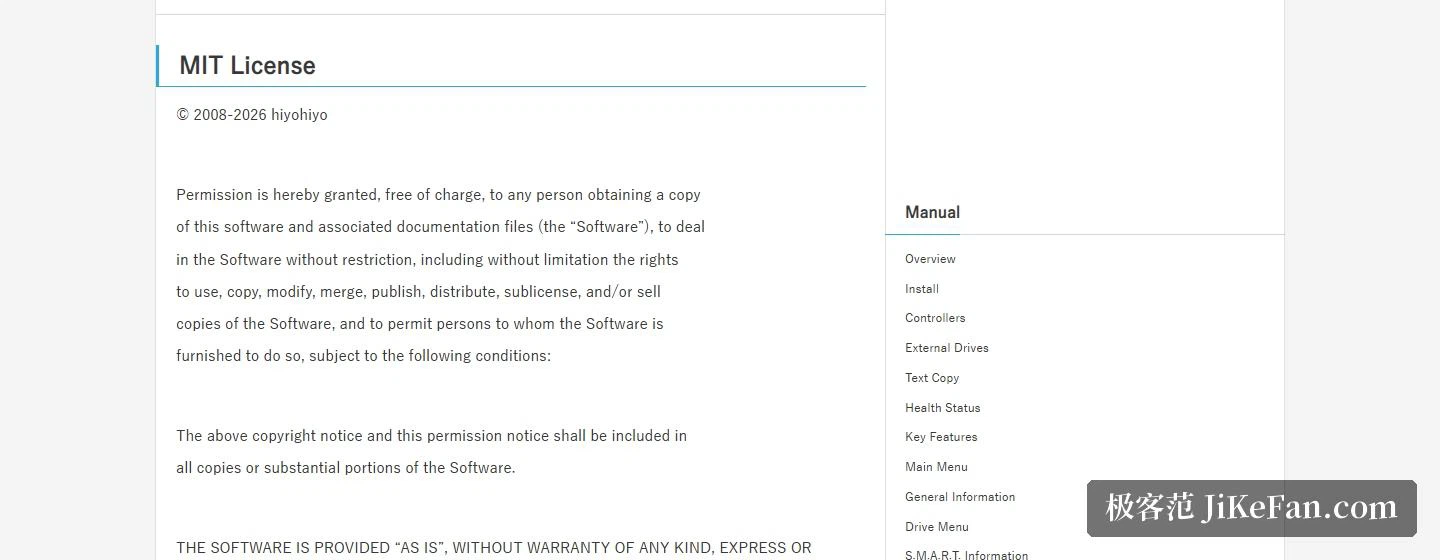
It is released under the MIT licence, the copyright line names a single author and the starting year reaches back to 2008. That licence is generous: use, copy, modify, merge, publish, distribute and even sell are all permitted, provided the copyright and licence notice are kept. For anyone who cares whether the provenance can be checked and the code audited, that matters more than the feature list.
The download page files it under open source software, and the editions are finer grained than one would expect: besides the standard build there are three character-themed builds, Shizuku, Aoi and Kurei Kei, plus a special edition. The standard build offers an installer, an archive and the source code, and a separate sound pack is available, which is what the spoken announcement of drive status uses. Some editions are also sold through an app store.
Requirements and reminders
Compatibility is stated widely: Windows XP, Vista, 7, 8, 8.1, 10 and 11 are all supported, the server line runs from Windows Server 2003 through to 2025, and 32-bit, 64-bit and ARM64 are all covered. A few caveats are worth noting. The installer does not support XP or Server 2003, nor Windows 95, 98, Me, NT4, 2000 or the Server Core installation option. NVMe support needs Windows 10 or Server 2016 and newer. The mail notification feature needs .NET Framework 4.8 or above.
Beyond reading the status, it will copy the whole report as text so it can be pasted into a forum when a diagnosis is wanted, keep itself resident and raise an alarm when a temperature or a status goes wrong, and send an alert by mail so a machine left running can report trouble while nobody is sitting in front of it. The manual covers installation, controllers, external drives, text copying, health status, graphs and advanced options, and a separate article addresses the practical question of what to do once a caution or a danger does appear.
A drive rarely fails without warning, and the S.M.A.R.T. figures are that warning. What CrystalDiskInfo is worth is that it turns those figures into four colours and one sentence, and does it while staying free, open source and compatible with very old systems. Glancing at the status when a drive goes in costs nothing; recovering data afterwards costs a great deal.