
Coolors: press space, get a palette, and pull colours out of a photo
Version 4.6.9
Summary
Coolors turns colour choice into one keystroke: space generates a palette, a lock holds the swatch that works, an image can supply the colours, and a contrast check keeps the result readable.
- Name
- Coolors
- Version
- 4.6.9
- Open source
- Proprietary
- Operating system
- Web
- Website
- https://coolors.co
- Updated
- 2026-10-06 22:35
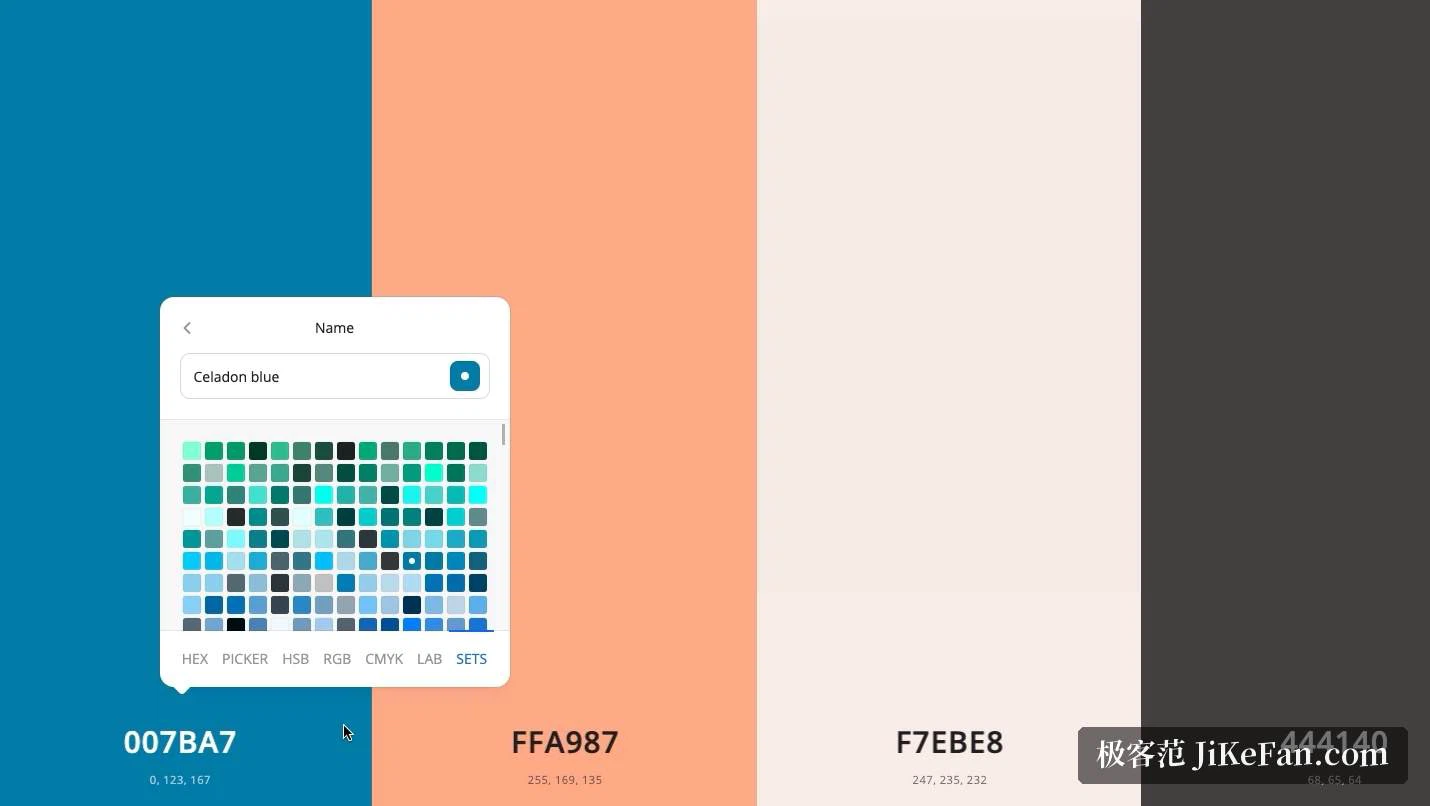
Colour is the step where design work most often stalls. An interface, a poster, a set of brand materials all need a scheme, and assembling one by feel can swallow an afternoon of nudging a hue a few degrees and still leaving it wrong. Coolors turns that into a single keystroke: press the space bar and a new set of colours appears; find the one swatch that works, lock it, press space again, and the tool explores around the locked colour instead of starting from nothing. Locking and regenerating in a loop turns the work from brooding into browsing, and the difference in tempo is obvious at once, because the whole cycle takes a second: in the time a hand-picked scheme used to cost, twenty directions can be run through.
Pulling a palette out of a picture
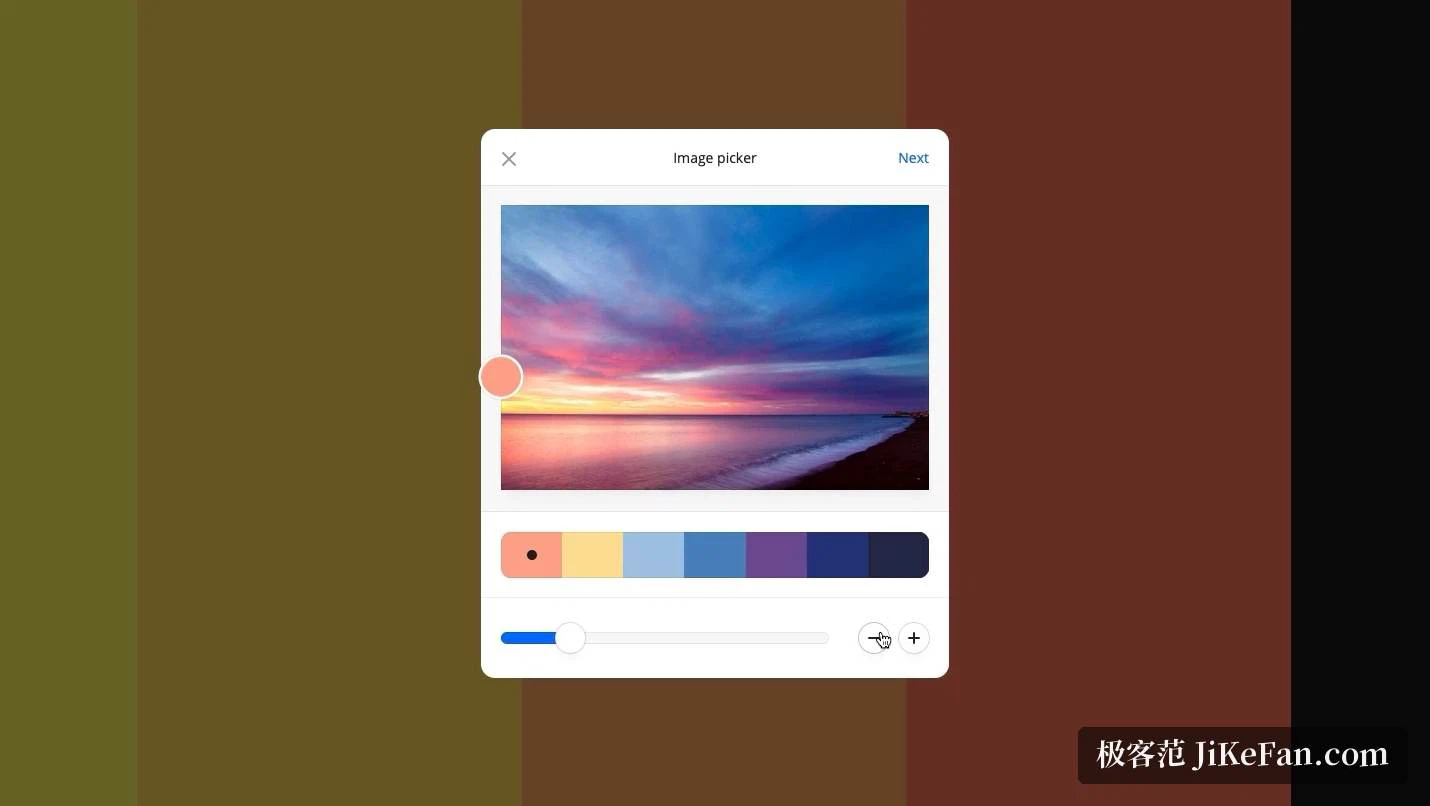
Random exploration is only one way in. An image can also be handed to the tool, and it will analyse the picture, work out which colours carry it and which support them, and produce a palette that matches the mood of the source. A brand photograph, a landscape, a product shot: each becomes a set of swatches that already belong together. When an existing visual system has to be extended, whether the anchor is a logo or the tone of a photographer work, this replaces the manual routine of sampling colours one at a time and then pushing them into agreement. What used to be a slow correction loop becomes a single starting point that is already close.
Contrast that survives a check
A palette has to be usable, not merely pleasant. When the contrast between text and background is too low, reading suffers and the result fails the requirements of accessible design, and the failure is usually discovered late, once development has already been built on it. A contrast checker is built in and computes the ratio between foreground and background as the colours are chosen, so a problem surfaces while a change is still cheap. A colour-blindness preview sits alongside it, showing whether the palette still carries its information under other visual conditions. Arguing for a scheme stops being a matter of taste and becomes a matter of numbers.
Borrowing from a community library
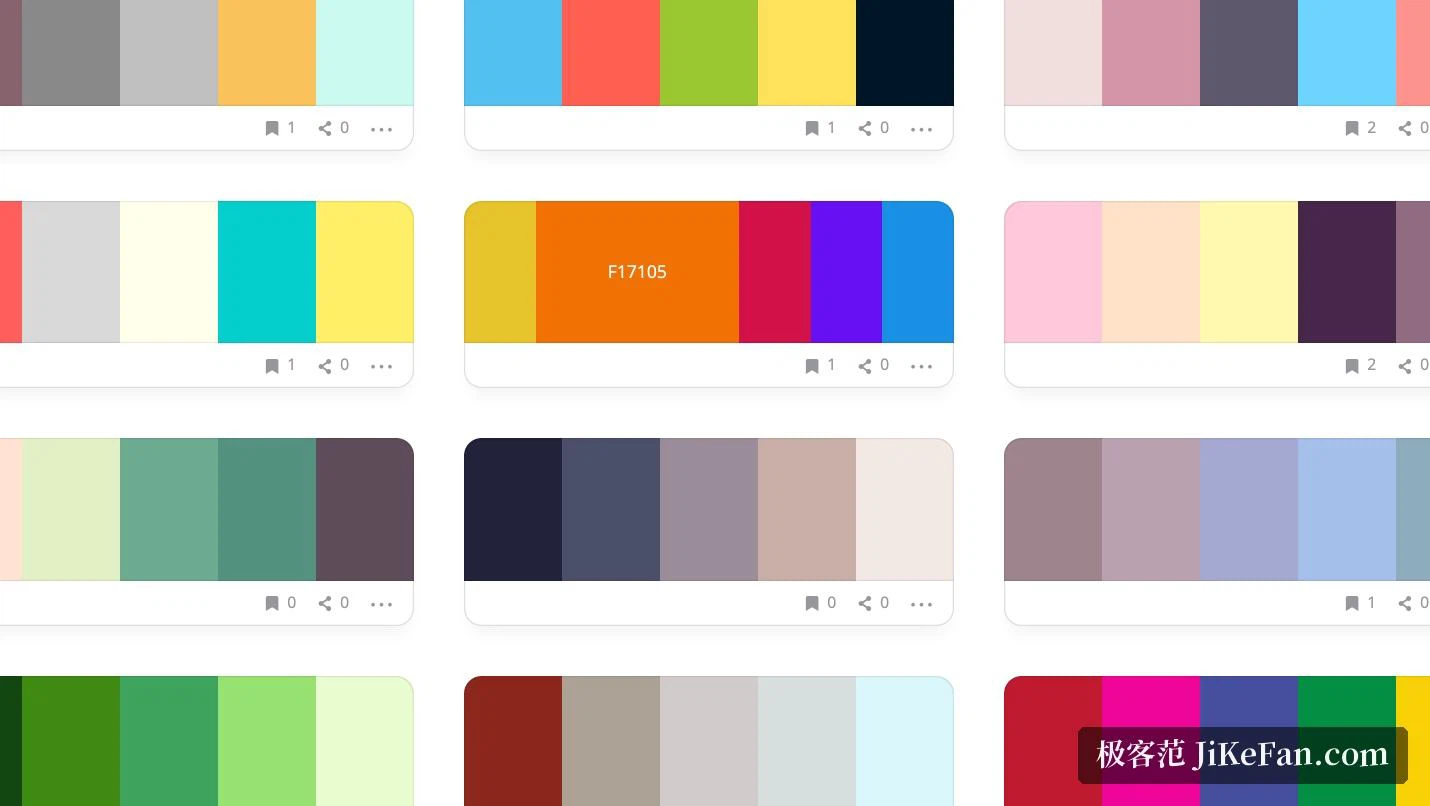
When there is no starting point at all, browsing finished palettes is a reasonable way to begin. A very large collection created by other users can be searched and filtered by colour, style and theme, and a scheme that fits can be saved, copied, or taken as the base for further adjustment. For someone new to colour work there is a second benefit: watching how a mature palette distributes its main colour, its supporting colours and its accents teaches faster than any rule about proportions written down in a book. The library also runs in both directions, since what gets built here can be put back into the same pool.
Handing the palette over
Once the palette is settled, getting it to whoever builds or prints the thing matters as much as choosing it. Several export formats are supported, including the style code front-end work consumes, image files and a PDF document, so colour values and shade information travel to a collaborator in one piece rather than as a screenshot with numbers typed underneath. A browser extension and plugins for design tools put the sampling and generating actions inside the workflow, which removes the constant switching of windows that otherwise breaks the work into fragments.
What it costs
As of 2026-09 Coolors can be used free of charge by an individual, and the core of it, generating palettes, sampling from images and keeping favourites, sits inside that free tier. More colour slots, more room to hold a collection and extras such as assisted palette suggestions belong to the paid Pro subscription. Mobile apps and several plugin forms carry the same tool across a browser, a phone and the design software already in use. It runs in a browser tab, which is why the cost of beginning is close to nothing, while the depth is enough for designers, developers and content people who deal with colour every day to keep working inside it.