
Coolors: press space, keep the colour you like
Version 20260919
Summary
Coolors is an online palette generator: press space for a harmony, lock the colours you like, take a palette from a photo, check contrast and export in several formats.
- Name
- Coolors
- Version
- 20260919
- Open source
- Proprietary
- Operating system
- Web
- Website
- https://coolors.co/
- Updated
- 2026-10-06 15:38
Coolors is an online colour palette generator with a remarkably small core loop. Open the page, press the space bar, and a harmonious set of colours appears. If one of them is right and the rest are wrong, lock that one in place and press again, and again, until the whole row works. As of 2026-09, more than 8000000 designers and developers were using it as an everyday colour assistant. There is a free tier that personal users can rely on for as long as they like, alongside a paid plan that carries more of everything.
Space to refresh, a lock to keep
Mixing colours the traditional way means trial and error inside a colour picker. This tool turns that into a cycle of generate, judge and lock. Each press of the space bar replaces all five swatches at once; when one of them pleases you, a single click on the padlock icon pins it down while the rest keep drifting. The interaction makes the hunt for a direction far lighter, and it suits the sketch stage of a project, where a primary colour and its supporting cast have to be settled quickly.
Underneath that simplicity the individual colours stay adjustable: hue, lightness and saturation can all be nudged once a swatch is close, so the rough find can be tuned into something exact. What began as a lucky press ends up as a specification.
A palette taken from a photograph
When there is already a reference image in hand, the extraction feature analyses the dominant colours in a photo and builds a matching palette from them, which can then be adjusted swatch by swatch. For brand identity work, a poster or an interface, this turns a piece of the real world into a usable colour rule quickly, and saves the business of holding a swatch against the screen and guessing at values by eye.
Browsing what everybody else made
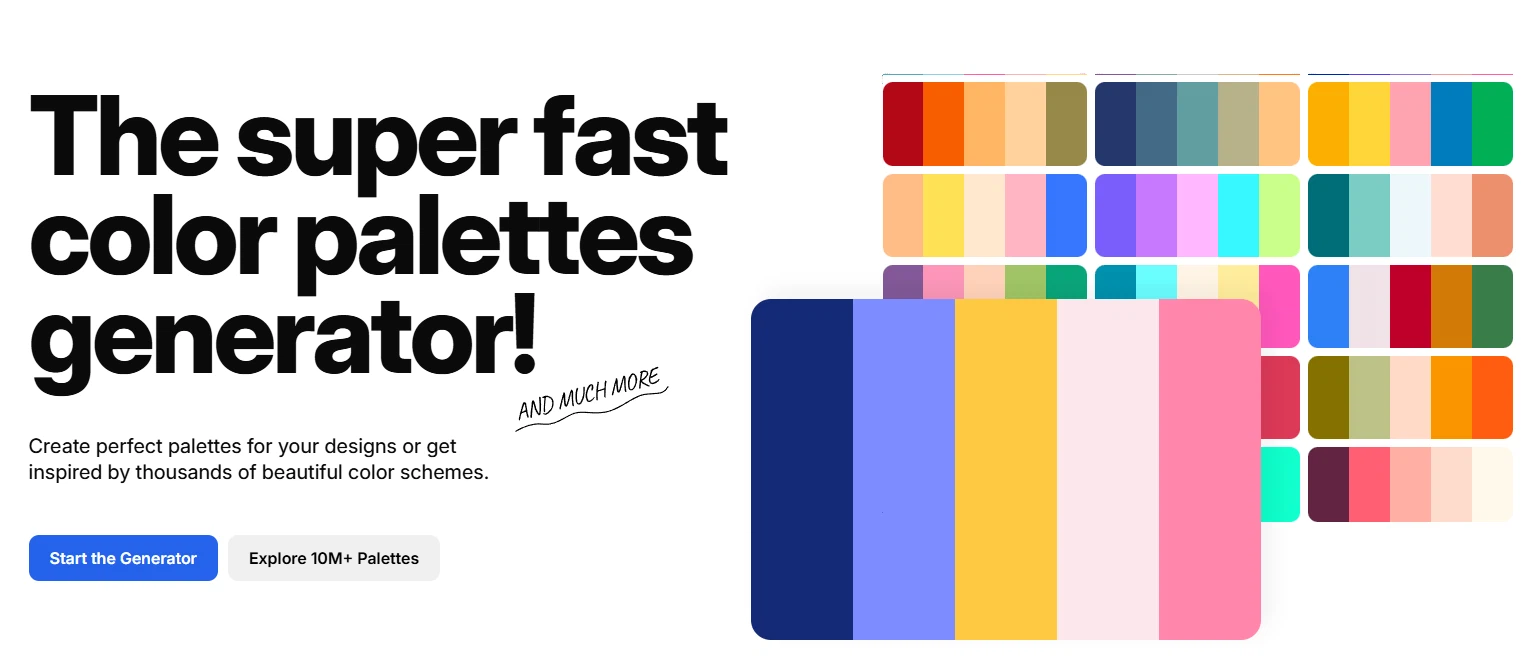
Beyond generating your own, the site collects a very large number of palettes shared by its users. They can be browsed by theme, by style or by colour, and searched by keyword. When a project needs a particular mood, softer, more retro or brighter, finding the direction inside that sea of palettes and then refining it in the generator is usually faster than starting from an empty row. The public palettes double as design references, which helps a team settle on a visual style without arguing about taste from scratch.
Checking contrast, not just taste
Whether a palette looks good is only half of it. The other half is whether text on top of it can actually be read. A built in checker computes the contrast ratio between foreground and background according to the usual accessibility guidance, which keeps a layout away from combinations that look fine at a glance and are illegible in practice. Beauty and legibility end up in the same conversation.
Exporting, and working with others
Once a palette is settled it can be exported in several common formats, which is what makes it usable inside a real workflow. A front end developer can copy the values straight into style sheet variables, and a designer can produce a document describing the palette. Some of the richer export options belong to the paid plan. The free tier already covers ordinary choosing and extracting; removing advertising, unlocking the fuller exports and getting a personal profile page needs a subscription. When the colours have to go into a project, copying the right format saves the manual conversion.
Extensions and other devices
Being a web tool, it opens in a browser with nothing to install, and a signed in account keeps the same palettes visible across devices. A browser extension and a plugin for design software put the palette generator directly inside the window where drawing or coding happens, and there is a phone application for noting an idea down while out of the house.
Who it is for
An independent developer, an interface designer, or somebody who merely wants a pleasant set of colours for a slide deck all get going at the same speed. The public library that has grown around the tool is large enough that browsing the popular palettes is itself a source of ideas. For a beginner, copying something good and then adjusting it is a gentler way to learn than memorising a colour wheel.
Whether you have been doing this for years or started last week, the next time you are stuck on whether two colours belong together, open the site and press the space bar a few times and let the harmony arrive on its own. The colour theory is hidden behind an interaction simple enough to explain in one sentence, which is exactly why it earns a place in the everyday kit.