
Quark Drive: storage that also plays what you stored
Version 20260919
Summary
Quark Drive stores files, plays video and shares resources from one place, keeps playback positions, previews documents without downloading and backs photos up from the phone.
Recommend- Name
- Quark Drive
- Version
- 20260919
- Open source
- Proprietary
- Operating system
- WindowsmacOS
- Website
- https://pan.myquark.cn/
- Updated
- 2026-10-06 17:41
Quark Drive is a storage service from the same vendor as a well known mobile browser, and the two are joined closely together. What that means in practice is that file storage, video playback and resource sharing sit behind a single entry point rather than in three separate products. A free user can already finish most of the transferring and backing up that ordinary life asks for, which makes it reasonable as a central place to keep personal material, and it can also take a file received in a chat and put it away in one step, so that documents stop scattering across conversations and desktops.
Transfer and storage
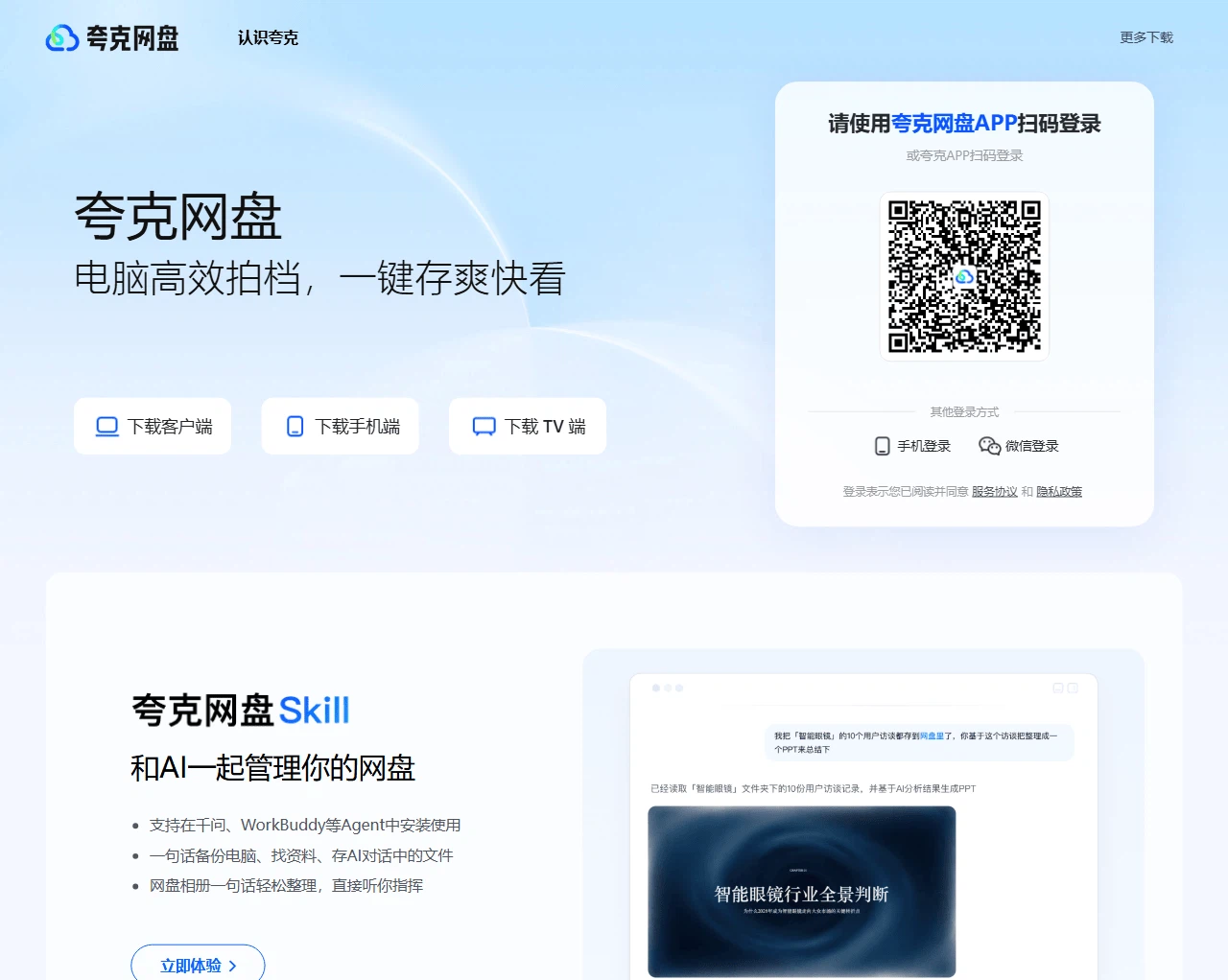
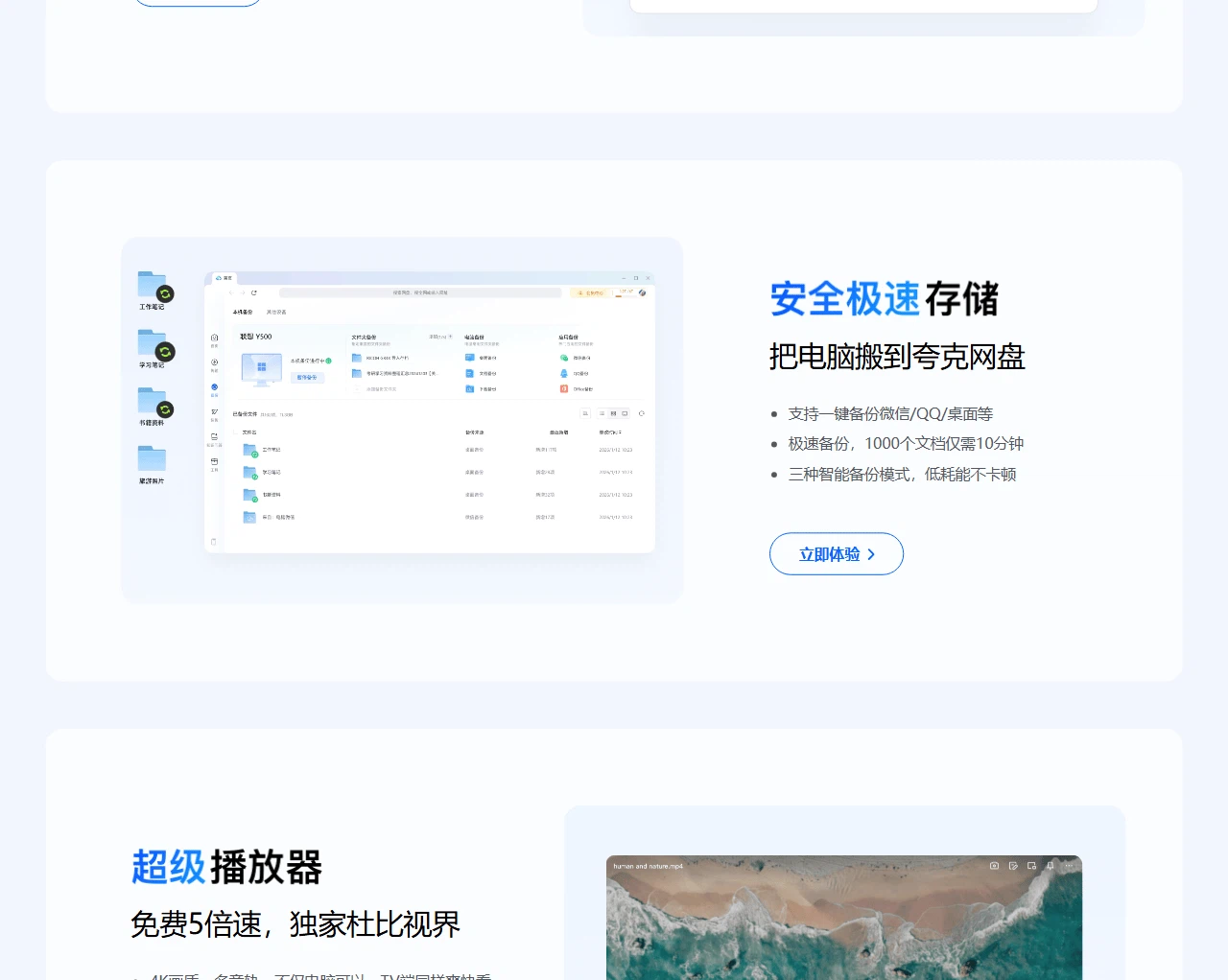
Inside the service, files are organised by folder and by transfer list, and uploading and downloading happen in the same window. The free tier handles everyday transfers smoothly enough, a single large file can be dragged straight in, and photographs, documents and video can be kept in one place instead of being shuttled between several storage services. The transfer list is the part that does the quiet work: what is moving, what has finished and what failed all sit in one column, so a batch of files does not have to be chased through a file manager.
Playing video without fetching it first
Playback is built in. Common video formats can be watched without downloading anything first, and the position in a film is remembered, so a return visit resumes where the last one stopped. For someone following a long series or keeping lecture recordings, skipping the step of transferring a file before watching makes the whole thing lighter; when an offline copy is genuinely needed, it can be downloaded to the device on demand. Playback speed and subtitles can be switched as well, which puts the viewer in control of the experience rather than the file.
Documents and archives, previewed in place
Documents, spreadsheets and compressed archives all preview online, so nothing has to be downloaded and opened locally just to see what it is. Sharing produces a link that the other person can open to view or save, which suits sending material to a colleague or a friend, and also suits assembling a collection of public resources into one place to hand out.
The same files on every device
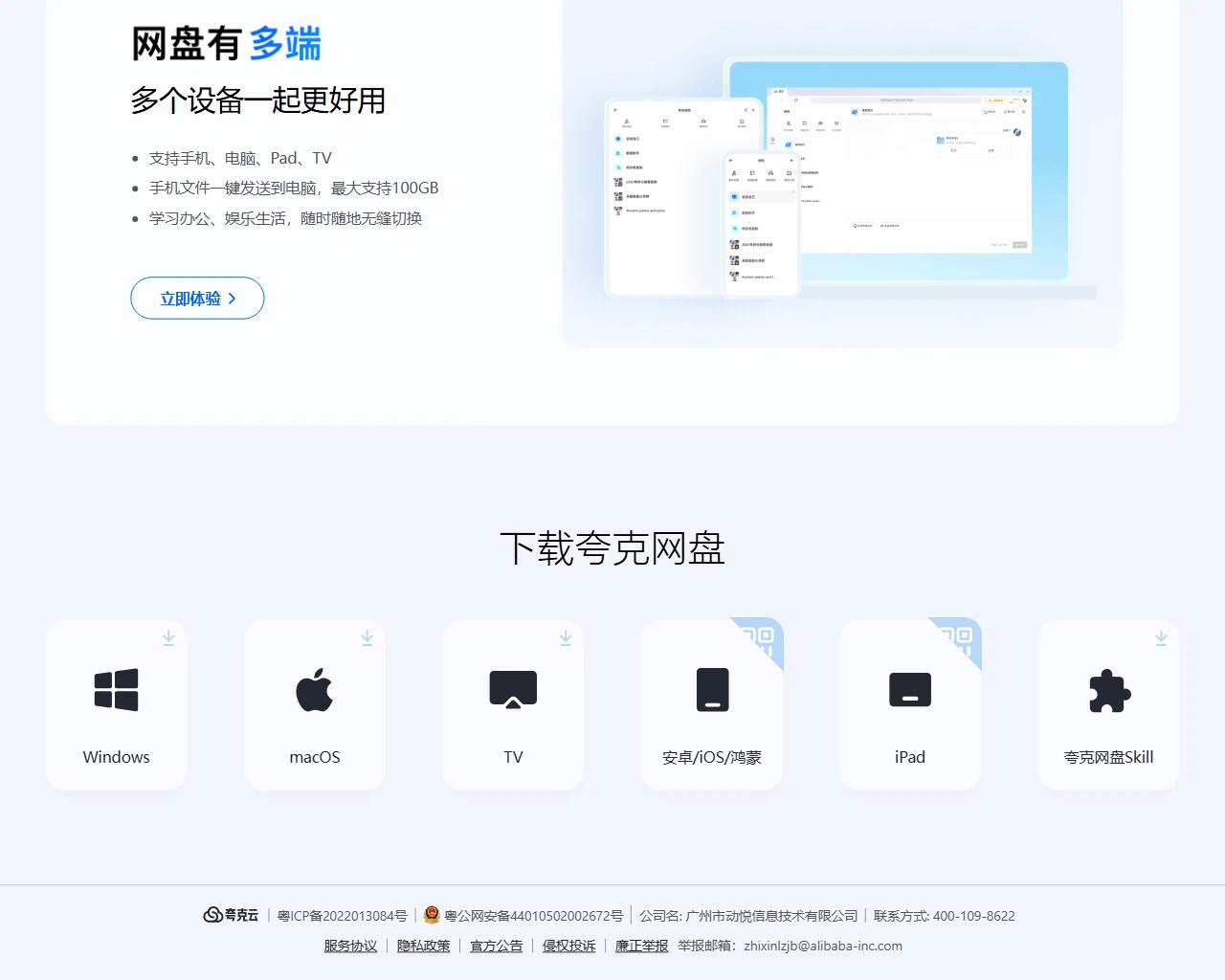
The service covers both computer and phone, and files stay consistent in the cloud, so a change of device does not interrupt the work. Tied to the account system of that browser, a single login reaches the same material from several places: reading on the phone during a commute and continuing to tidy things up at the desk becomes one continuous process rather than two separate ones.
Automatic backup and keeping things private
On the phone, album backup can be switched on so that new photographs upload themselves, which reduces the damage done by losing a handset. Files are private by default, and a share link can be given an expiry date and an access code, which keeps the spread of a link under control; when it is no longer wanted, the share can be cancelled in one action. A recycle bin is provided as well, so something deleted by mistake can be recovered within a set period.
Who it suits
Anyone already using that browser, or anyone who wants a light storage service where watching and keeping sit side by side, will find the free tier broadly sufficient, and only needs to think about a paid membership when space or speed becomes the constraint. The reasonable approach is to measure it against your own habits rather than against a feature list.
The appeal is not the size of the storage but the shortness of the path. A file arrives, it is put away, and it can be watched or previewed without a second trip through the downloads folder. For a personal library of photographs, course material and the occasional series, that is most of what is actually needed, and the free tier covers it.