
Color Hunt: a free library of colour palettes with the hex values one click away
Summary
Color Hunt shows community palettes four colours at a time, sorted by popularity or freshness and filtered by style, mood and colour family. Every palette carries its hex values, one click copies them, and browsing needs no account.
Recommend- Name
- Color Hunt
- Version
- 2026
- Pricing
- Free
- Open source
- Proprietary
- Operating system
- WindowsmacOSLinux
- Website
- https://colorhunt.co/
- Updated
- 2026-10-06 21:35
Outsource the search for a palette
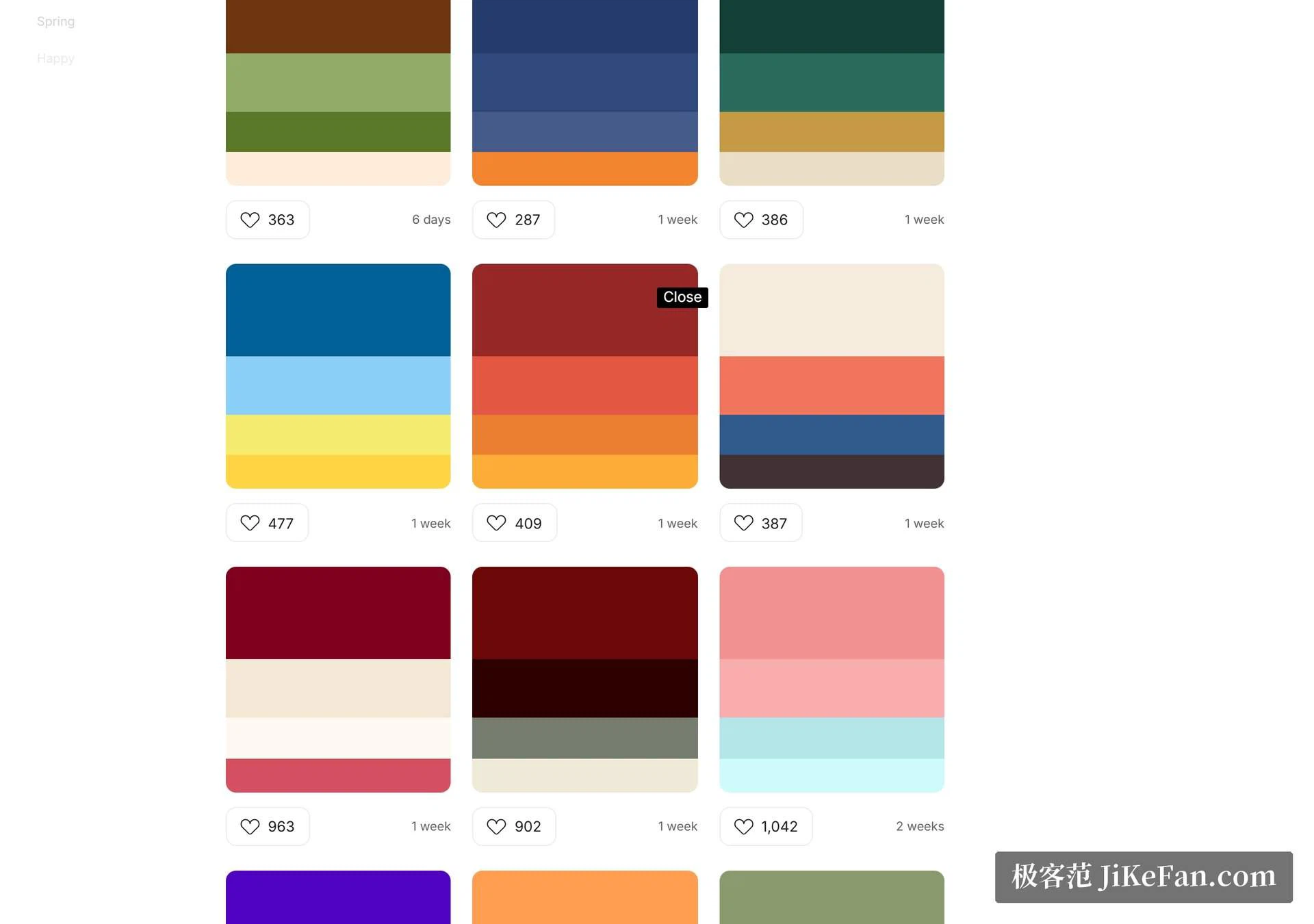
Building a page, a poster, a slide deck: the colour scheme is often the first place the work stops. It is not enough to pick a few colours that look pleasant next to each other; they have to hold together once the text and the layout arrive. Color Hunt takes a direct approach to that stall — it turns the question into browsing other people's finished results. Palettes are shown four colours at a time, and the home page is a list to scroll until something fits.
That framing is worth noticing. The site does not help you invent a palette; it helps you recognise one, which is a much easier task and a much faster one. Recognition is also the part people are actually good at, and admitting that is most of the value.
Narrowing with tags rather than searching
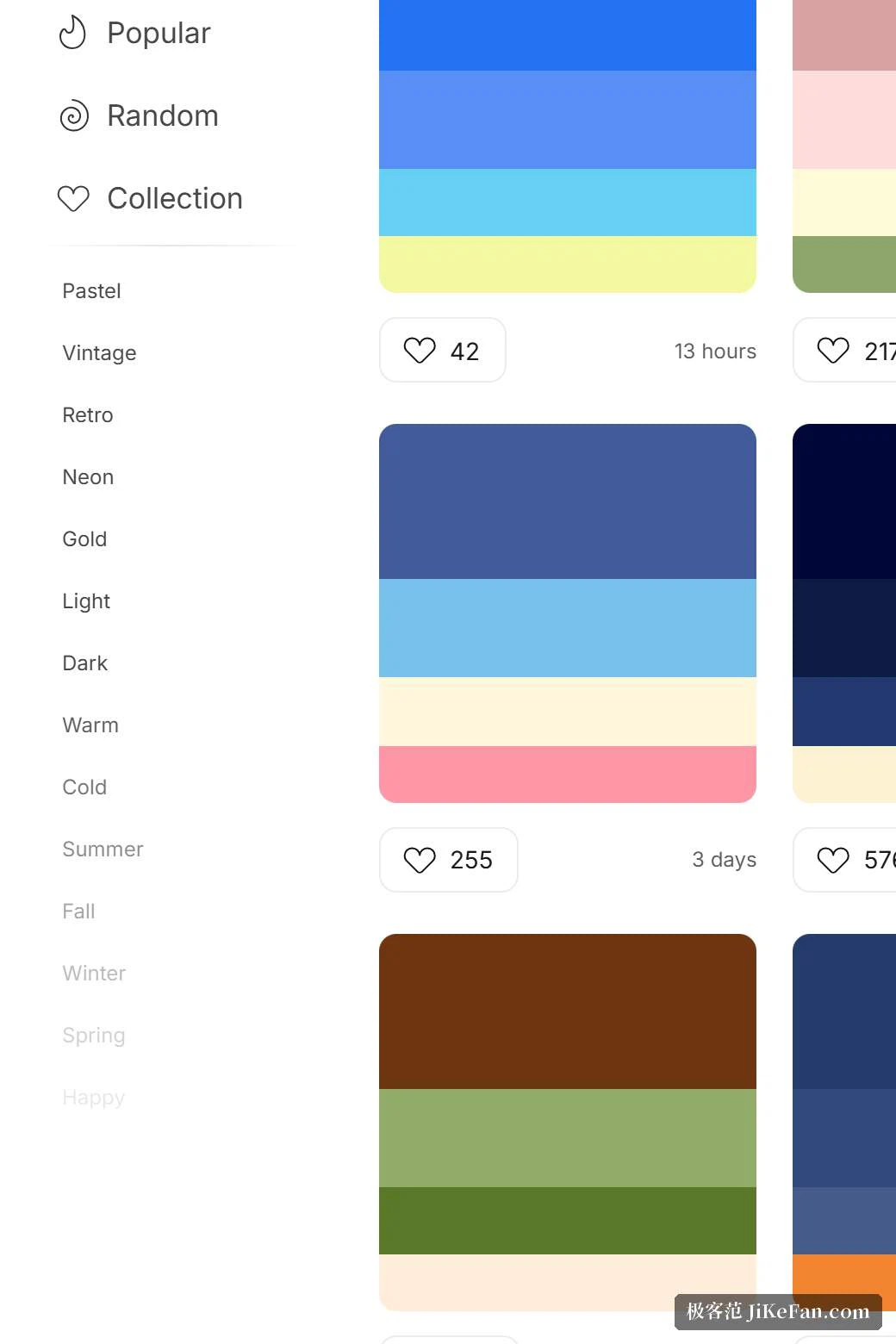
The filtering does not rely on a search box but on tags. There are styles — pastel, retro, neon, gold among them — and groups for mood and theme such as warm, cold, nature and holiday, plus a way to pick by colour family such as blue, cyan, green, orange or pink. The site assumes that people arrive with a direction rather than a keyword.
That assumption matches how the problem usually presents itself. Nobody thinks "I need the hexadecimal value of a mid-tone teal"; they think "something cool and light". Two clicks along the tags turn that vague sentence into a quantity of palettes small enough to look at properly, which is the whole job of a filter.
Take the values and get back to work
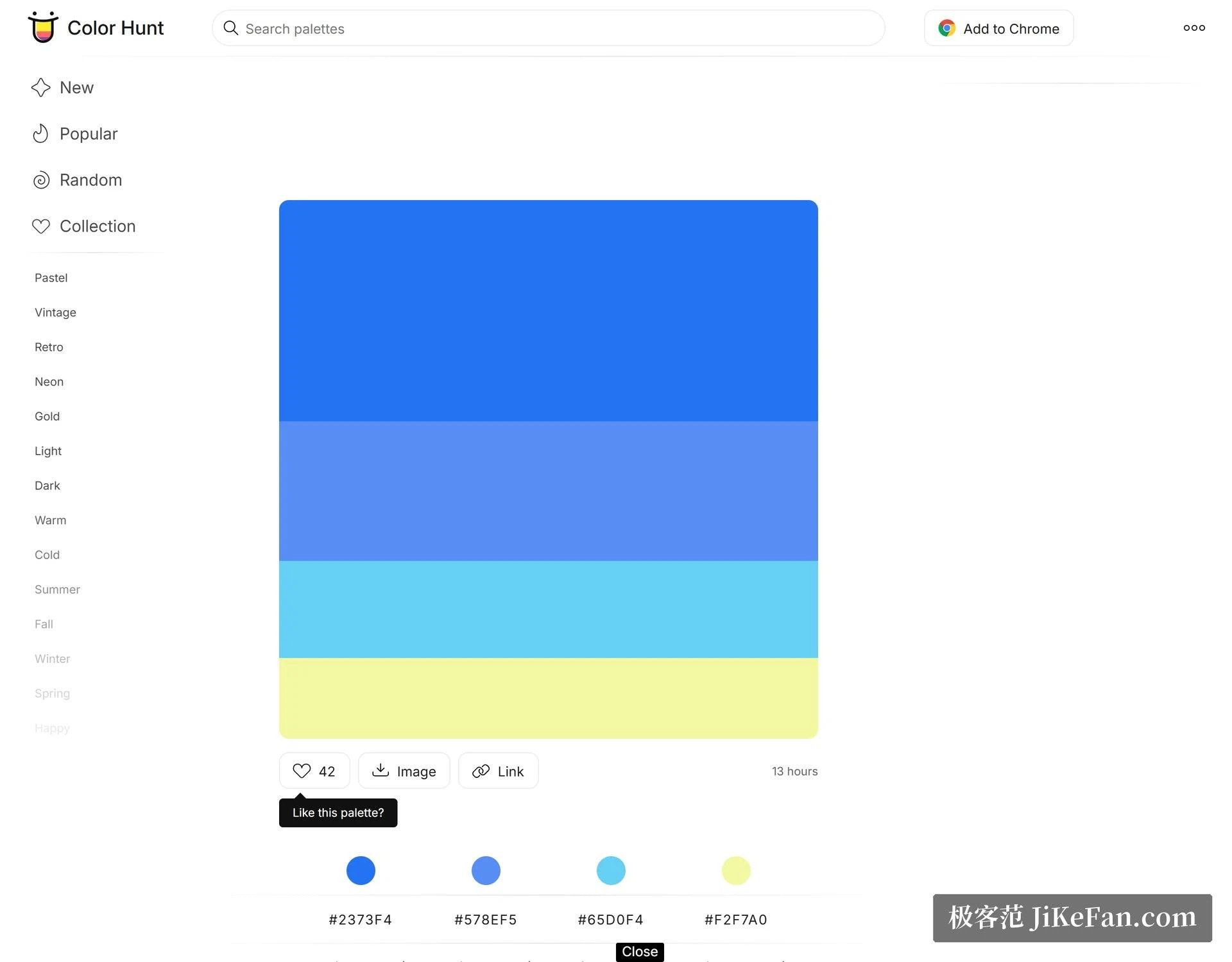
Each colour block in a palette carries its hex value, and a click puts it on the clipboard, ready to paste into a design tool or a stylesheet. There is a browser extension as well, so working elsewhere does not require switching tabs to fetch a colour.
Alongside popular and latest there is a random entry, which is the right tool for the moments when you have no direction at all and simply want to be shown something. Palettes that appeal can be collected into your own set, and the collection is what turns the site from a place you visit into a place you return to.
The trade-off to know before relying on it
Its position is an inspiration library, not a colour tool. The palettes are ready-made groups of four; there is no extraction from an image, and there is no check of contrast or readability. Those are deliberate limits rather than oversights, and they define what the site is for.
So the sound way to use it is as the first half of the job. Find a direction here, then go back to your own tools and verify that the text actually reads against the background at the sizes you will use. A palette that looks lovely as four squares can fail as an interface, and the failure usually shows up in the pair with the least contrast, which is the pair nobody looked at.
It is free and needs no account to browse, which matters more than it sounds. A tool you can consult for thirty seconds without a sign-up wall is a tool you will actually consult; anything that asks for an account first gets skipped in the middle of a task.
Color Hunt solves the part of colour work that consumes the most time: getting from having no idea to having a few candidates. The remaining judgement is still yours to make, but
There is one more reason the site keeps being useful, and it has nothing to do with colour theory. Working alone on a design, the reference pool is whatever you happen to remember, which is a small and repetitive set. Looking at a few hundred palettes made by other people widens that pool without requiring a course, and it does so in an afternoon rather than a month.