
Cinebench 2026: a free processor and graphics benchmark
Summary
Cinebench 2026 is a free benchmark that drives a real GPU render engine to score processor and graphics performance, runs on Windows and macOS including Arm machines, and needs no paid licence.
Recommend- Name
- Cinebench
- Version
- 2026
- Pricing
- Free
- Open source
- Proprietary
- Operating system
- Windows
- Updated
- 2026-10-04 19:00
Cinebench 2026 is a free benchmark from the studio behind a well known modelling and animation package, and it does one thing: tell you how much creative throughput a machine actually has. It is not a synthetic score-and-done affair. The official description says plainly that it drives the computing power of the render engine built into that studio suite, so what gets stressed is a real production workload rather than a loop of arithmetic.
What it measures, and how
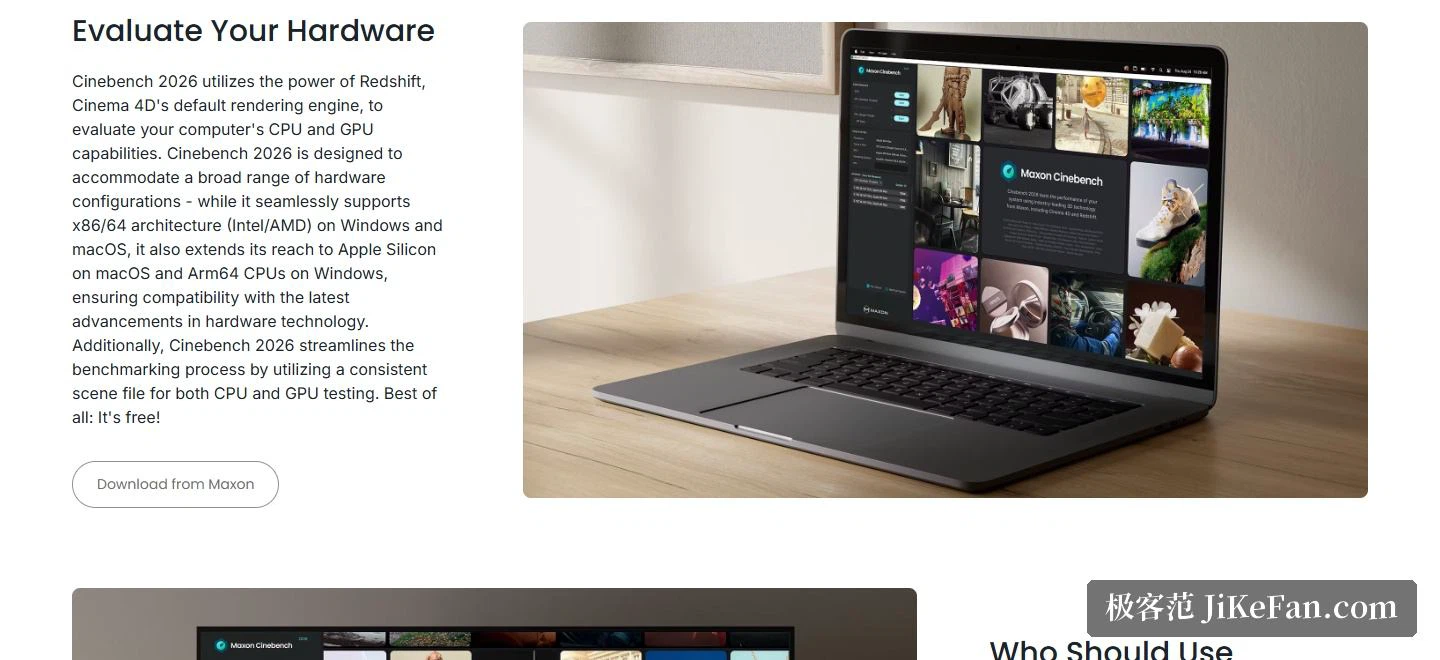
The useful change in this generation is that the processor test and the graphics test share one scene file. According to the documentation that makes the whole benchmarking routine cleaner: there is no switching between two sets of tests and comparing settings on either side, and the scores of the two core components can be read side by side in the same scene. The processor figure reflects raw computing capacity during rendering, the graphics figure reflects how the render engine behaves on the GPU, and the two are scored separately without influencing each other.
Platform coverage
Compatibility is generous. On Windows and macOS the x86/64 architecture is supported, meaning the long standing desktop processor families, and the same build covers the Arm based processors Apple puts in its own machines as well as the Arm64 chips appearing in Windows laptops. The vendor states that this is deliberate, to stay in step with current hardware. The practical result is that a tower on a desk and a thin Arm notebook released this year can run the identical test.
Who actually uses it
The intended audiences are spelled out clearly. An individual can assess their own system. An administrator can lean on it for purchasing decisions, comparing a batch of machines before rolling them out. Hardware publications can drop the score into a review. Device makers can use the feedback to tune their products. What those four have in common is the need for a reproducible reference, not a number that stands alone.

Why the scores are worth trusting
The site devotes a section to a development programme that explains the point. It works with processor and graphics vendors and with the platform maker, gathering feedback and validation on an ongoing basis, so the benchmark stays accurate and transparent, reflects real creative workloads and produces consistent, reproducible results across a wide range of hardware. It also tracks the evolution of processor, graphics and neural processing architectures. For an ordinary user the meaning is immediate: move the same test to another machine and the numbers can be compared.
How it relates to the paid suite
The benchmark and the studio subscription use the same rendering technology. The modelling application, the motion graphics tools, the GPU renderer and the sculpting application are bundled in that subscription, so the rendering performance available while working and the performance visible during the test are the same thing. Anyone who wants to go deeper can start a 14 day free trial of the full suite through the vendor launcher, which also handles installing, running and trying every product in it. For scoring alone, none of that is required: the benchmark asks for no paid licence at all.

Versions still offered
The download section splits the tool into three tracks: the current 2026 release, the 2024 release still available for Windows on x86_64, Windows on arm64 and macOS, and the much older R23. The old builds remain useful when a historical score from an ageing machine has to be matched. A machine being set up today can simply start with 2026, and a dedicated technical information page lists the supported systems and the detailed parameters.
The positioning is clear enough: answer the question of whether a machine has enough creative headroom, using a real rendering load rather than a proxy. Free of charge, cross platform, one shared scene for processor and graphics, plus a development programme with hardware vendors behind it, and the comparability of the scores is reasonably well defended. Checking a new purchase or ranking a row of workstations, it deserves a first run.