
System Informer 4.0.26241: what the task manager left out
Summary
System Informer 4.0.26241 is a free open source system tool that watches resources, debugs software and hunts malicious behaviour, with charts you can rewind and handles you can search.
Recommend- Name
- System Informer
- Version
- 4.0.26241
- Pricing
- Free
- Open source
- Open source
- Operating system
- Windows
- Website
- https://systeminformer.io/
- Updated
- 2026-10-06 22:28
System Informer is a free open source system tool for Windows, currently built as 4.0.26241 and released under the MIT licence. The official description calls it a free, powerful multi purpose tool for monitoring system resources, debugging software and investigating malicious behaviour. Its lineage is stated just as directly: the project was started in 2008 and the documentation says outright that it is an open source replacement for the sort of task manager and process viewer that ship with the system or circulate as separate utilities.
Getting the process picture straight
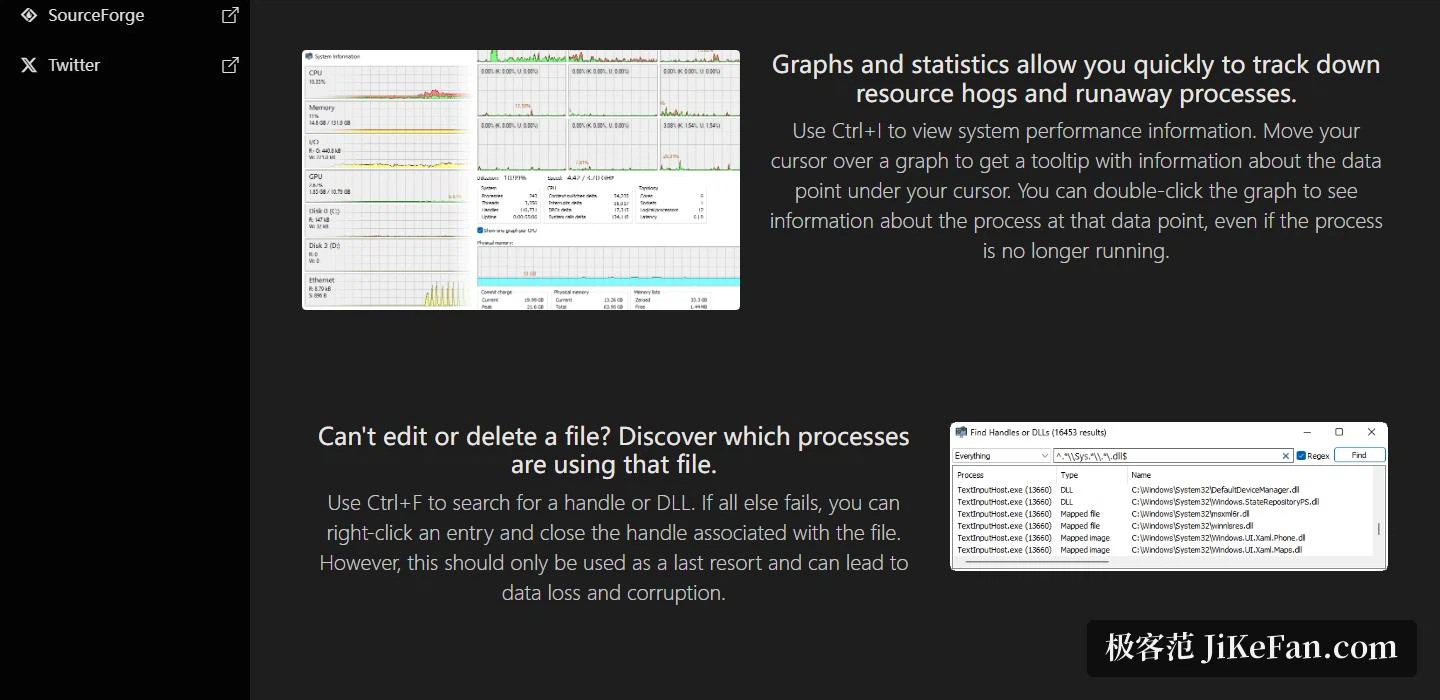
The most basic use is simply looking at processes. Charts and statistics let you pick out the process eating resources and the one that has run away; the system performance view is one keystroke away. Hovering over a chart raises a tooltip that names the exact value at that data point, and double clicking opens the detail of the processes that existed at that moment, even ones that have already exited. That rewind is what makes the tool useful when the question is what exactly froze the machine a minute ago.
The process list itself is configurable. Extra columns can be added so that more system activity and more detail sits directly in the table, and with highlighting switched on the overview of what the machine is doing becomes remarkably dense.
File locks, handles and services
One classic annoyance is a file that refuses to be deleted because something holds it. The tool names the processes using that file, and a search jumps straight to a handle or a loaded DLL. The documentation adds a warning worth repeating: closing a handle from the context menu should be the last resort, because it can lose or corrupt data.
Service management is extended rather than merely present. The official phrasing is that it goes beyond the services console that comes with the system, since services can be created, edited and controlled from inside the tool, and driver entries are listed by default, with a switch in the view menu to hide them. On the debugging side it shows detailed stack traces, covering kernel mode, the 32-bit subsystem on a 64-bit system and managed runtimes, and hovering the first column reveals parameters and line numbers.
Disks, network and graphics
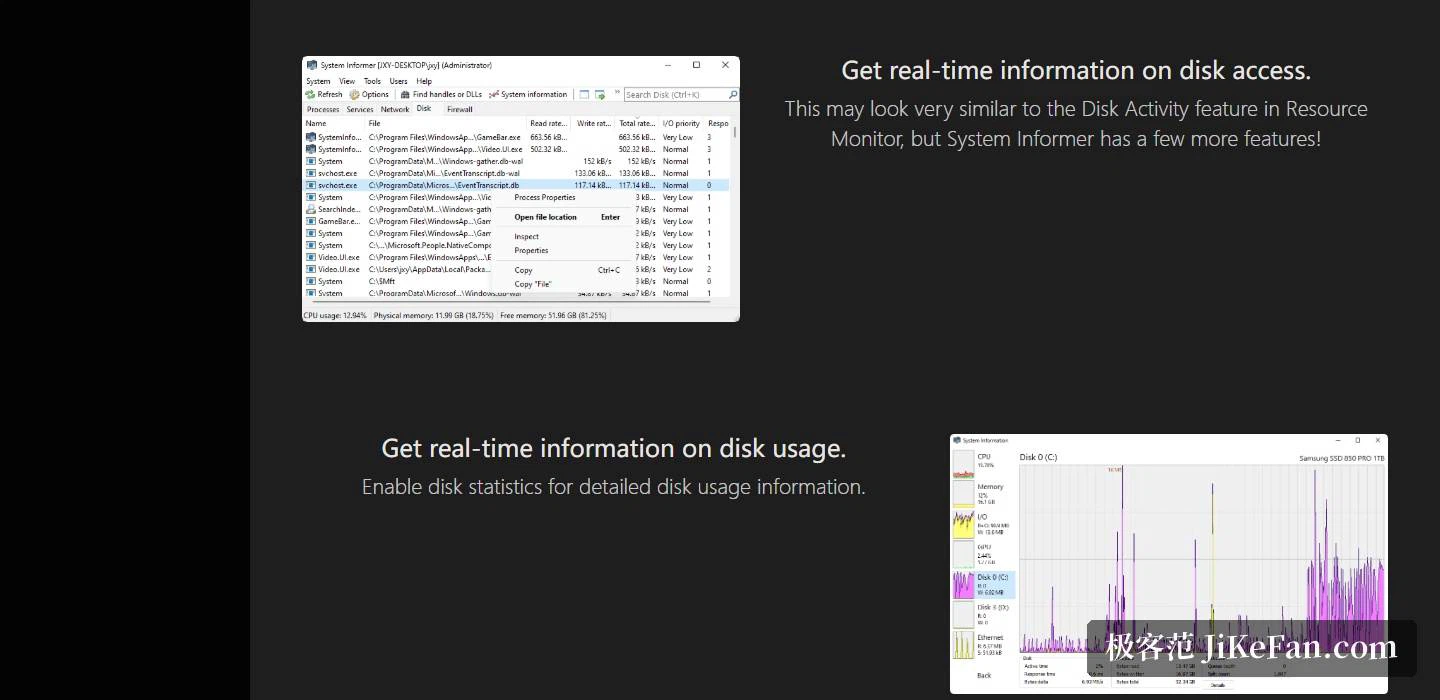
Live information covers three directions at once: disk access, disk usage and network usage can all be watched as they happen, and disk and adapter statistics can be switched on in the settings for finer figures. The documentation offers one aside of its own, that this looks a great deal like the disk activity panel in the system resource monitor but carries rather more. On the graphics side, GPU usage is shown for every process by default and hovering over a graph reveals the details. The tool also lists which programs hold active network connections, and can close them when needed.
Builds and channels
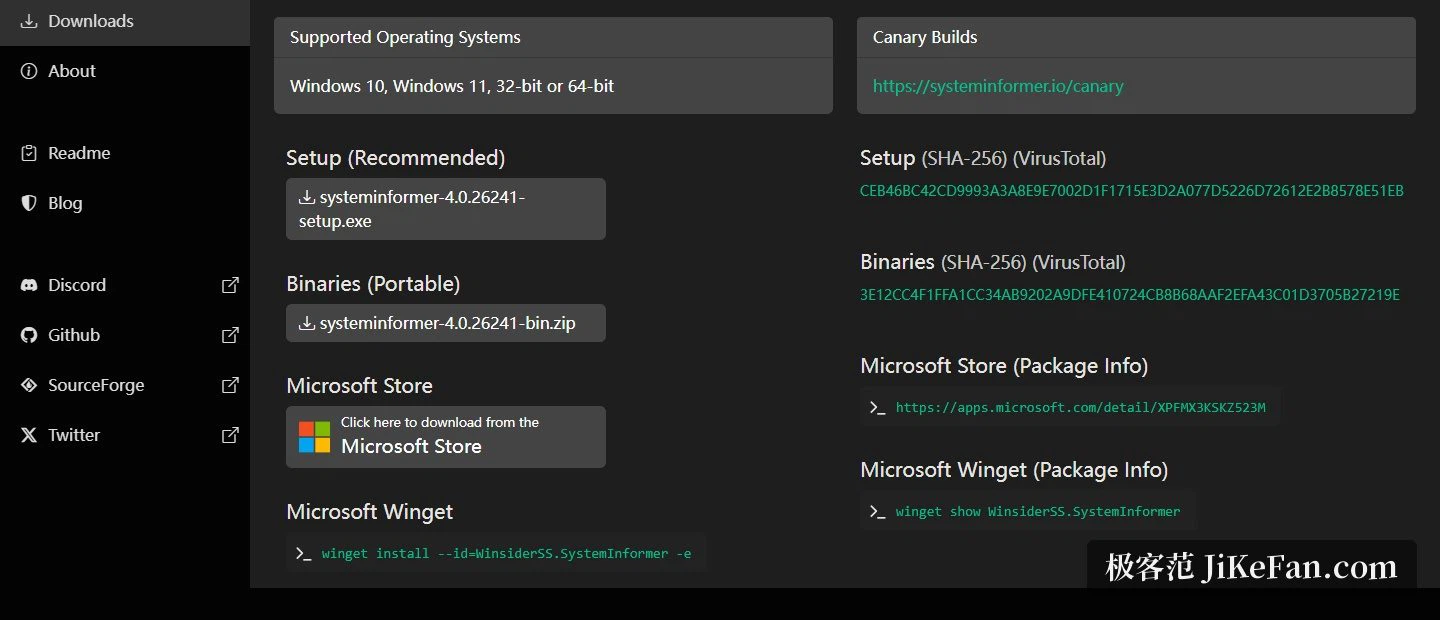
The supported systems are stated plainly: Windows 10 and Windows 11, in 32-bit or 64-bit form. Two shapes are offered, an installer which is the recommended one and a portable archive, and both come with a SHA-256 checksum and a link to an online scanning service so the file can be verified before use. Beyond the direct download there is also an entry in the system application store and an option to pull it in with a single command from a command line package manager; anyone who wants to live ahead of the release can opt into a Canary channel that carries test builds.
Source and appearance
The project page spells the rest out. It is under the MIT licence, written in C, aimed at advanced users and developers, with a first commit dated 16 October 2008, operated by a small company, and the source hosted on two code hosting platforms at once. The interface offers light and dark themes and an optional modern icon set, which for something that stays open all day counts as a genuine requirement rather than a decoration.
The reason to install it is simple: it fills in what the built-in task manager should have offered all along but never did, from charts that can be rewound to handle and DLL search, live detail on disks and network, service editing and stack traces. Free, open source and small, it makes the stock task manager largely redundant once it is running.