
Tuboshu: Driving Web Applications From the Keyboard Instead of the Mouse
Summary
Tuboshu is an open-source Electron tool that binds global keyboard shortcuts to actions inside web applications and gives a web service its own window, with simple scripted automation on top.
- Name
- Tuboshu
- Version
- 2.0.8
- Pricing
- Free
- Open source
- Open source
- Updated
- 2026-10-06 19:23
A shortcut saves a switch, not a click
Tuboshu is an open-source desktop tool, built on Electron, that lets a web application be operated through keyboard shortcuts instead of through the path the browser expects: find the window, find the tab, move to the button, click it. Framed that way the saving sounds trivial, and its arithmetic is trivial — a click is about a second. What the tool actually sells is a different unit. The expensive part of a repeated action is never the action itself; it is the re-entry into the state of mind that produced it, and a keystroke that fires before the thought has finished forming is the cheapest way to keep that state intact.
That distinction decides whether a set of shortcuts is good or merely large. Forty bindings that each save a click are worse than six that each save a change of context, because the forty have to be remembered and the six become reflexes. The tool does not enforce that discipline — it only makes it possible, which is the honest description of most productivity software.

Web applications are keyboard-hostile in one specific place
A modern web app can have excellent shortcuts inside its own page and still be awkward to drive from outside, because the browser holds the keyboard at the level above the document. The keys that matter for acting on a page as a whole — reload it, move to the next one, submit what is in it — belong to the window, not to the application that happens to be rendered inside it. The result is a small but permanent tax: the more of your work lives in browser tabs, the more often your hands leave the keyboard for something the keyboard could have done.
What a global binding is actually asking for
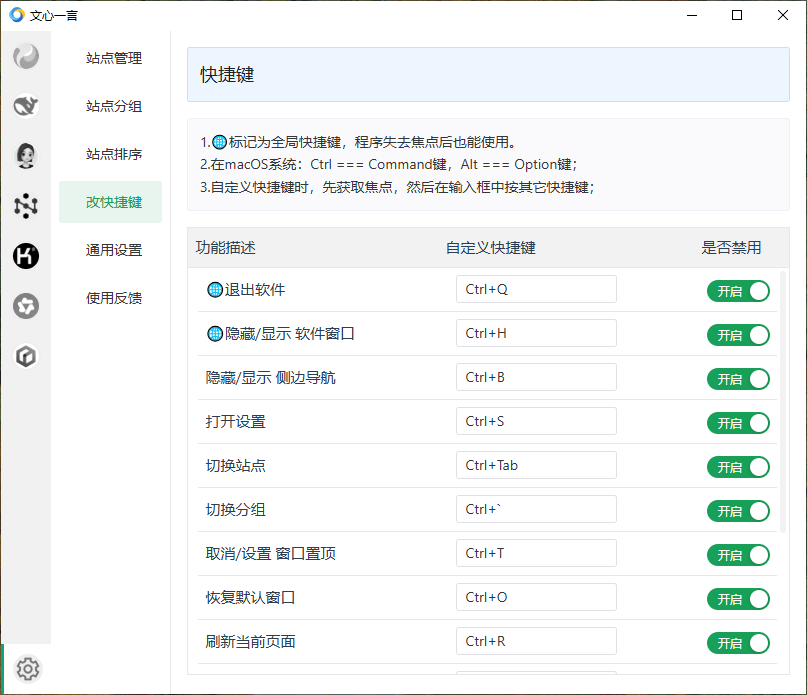
A shortcut that works regardless of which window is focused is asking for something specific: the tool receives the key before the operating system hands it to the focused application. That is a privileged position, and pretending otherwise would be dishonest. The rule that follows is about the user rather than the software: choose keys you are willing to lose everywhere else, keep the list short enough to remember without a reference card, and treat a binding that collides with a system function as a decision rather than an accident.
A window that behaves like a place
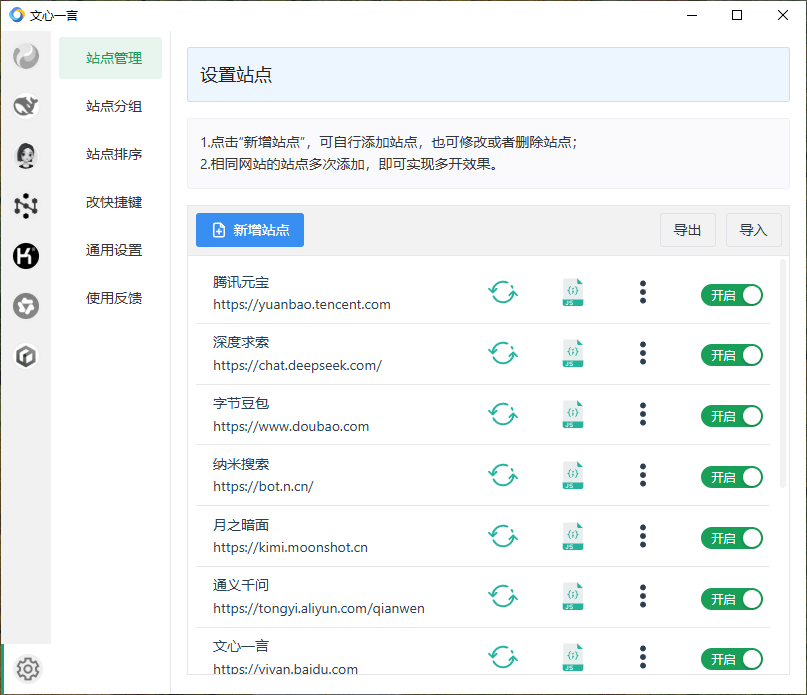
Wrapping a web service in its own window looks like a cosmetic change and is not one. Three things follow from it, and all three are about attention rather than features. The task switcher starts to show the service by name, so returning to it stops being a hunt through tabs. The window can be sized and placed once, so the layout of the work survives the session. And closing it means something, which a tab never quite does. None of this makes the web application native; what it does is give the service the same standing on the desktop that the other tools already have.
Automation, and where it stops being useful
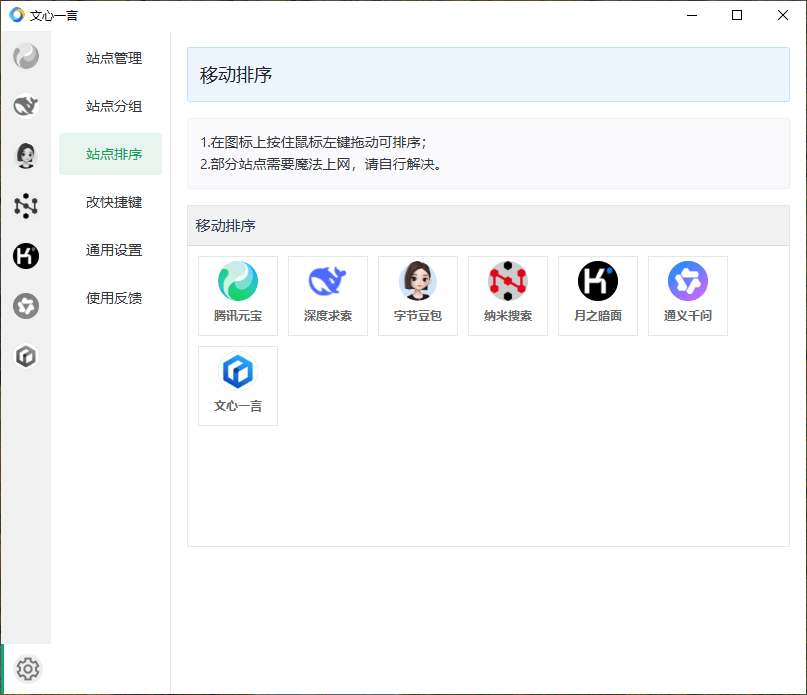
The tool also runs simple scripted automation: signing in, refreshing on a schedule, pulling a value off a page. This is the part of the description that is easiest to overstate. Automation is excellent at the same thing happening twice and poor at the thing that is almost the same — the field that moved, the dialog that appeared once, the session that expired in a new way. Its value is proportional to how stable the page is. Where the flow is stable a script removes an entire class of small interruptions; where it is not, the script becomes one more thing to check, which is why the useful scripts are short and the long ones become a maintenance job.
Electron, described without the sales language
Being built on Electron explains both what the tool can do and what it costs. Chromium and Node share one runtime, so the rendered page and the system-level calls — keyboard bindings, window management — live in the same program. That is precisely why a keystroke can reach out of the page and why a separate window is not an illusion. The cost is the familiar one: every such tool carries a browser engine and pays for it in memory. Whether that is a good trade depends on the machine in front of you.
Three platforms, one intention
Running on Windows, macOS and Linux is a promise about intent rather than about keys. Modifier conventions differ between the three, so the same configuration cannot mean the same chords everywhere; what it can mean is the same gesture. That is the right target, and it is also the reason a shortcut file copied between machines often needs one round of adjustment before it feels native again.
Who it is for, and who it is not for
The four audiences usually named for a tool like this are not marketing categories; they are four different reasons to want the same thing. A developer who keeps a web console open all day wants the reload key to belong to the tool rather than to whichever window has focus. Someone rotating between mail, documents and a project board wants those three to be three places with three keys. A designer working in a browser-based editor wants the handful of commands used a hundred times a day to be one keystroke. And anyone who already writes scripts wants the loop to close without reaching for a mouse. What it is not for is equally worth saying: it will not make a slow web application fast, and it is not a replacement for a native program that does the job properly. It is a bridge, and a bridge is worth building only where the traffic is heavy.
The directions it is heading in
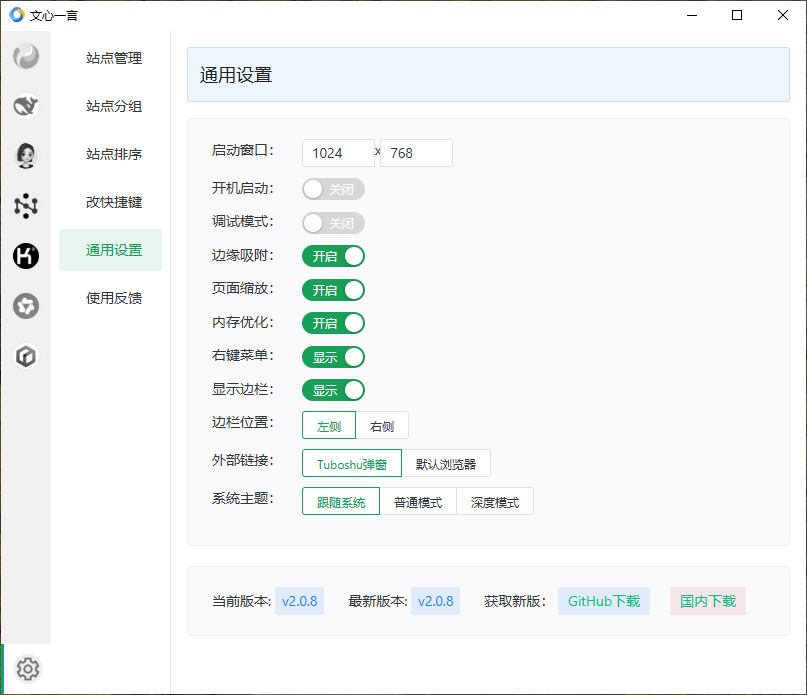
The project is still in development, and its stated directions — a plugin system for deeper integration with particular sites, synchronising shortcut profiles across machines, and some form of prediction that suggests bindings from observed behaviour — are plans rather than features you can use today. The first is the one worth watching, because a plugin surface is what turns a general key-binding tool into something that understands a specific application. Until then the honest summary is the one at the top: a small program that removes a specific, repeating, measurable cost, and asks of the person using it only that they choose their keys with some care.