
ChatGPT in three roles at once: the one that talks, the one that does the job and the one that writes code
Summary
The desktop application now holds three different ways of working in one window: one answers and writes, one takes a goal and returns a finished spreadsheet, deck or page, one works inside code repositories. Files, projects and context are shared between them, and all three are open on the free plan.
Recommend- Name
- ChatGPT
- Version
- 26.901.6511
- Open source
- Proprietary
- Operating system
- WindowsmacOSWebiOSAndroid
- Website
- https://github.com/openai/codex
- Updated
- 2026-10-26 22:00
If your picture of this assistant is still a box that answers one question at a time, the picture is about a year out of date. Since July 2026 it has packed three quite different ways of working into the same application: one answers questions and writes, one takes a piece of work from beginning to end, one deals with code repositories. All three share a single set of files, projects and context.
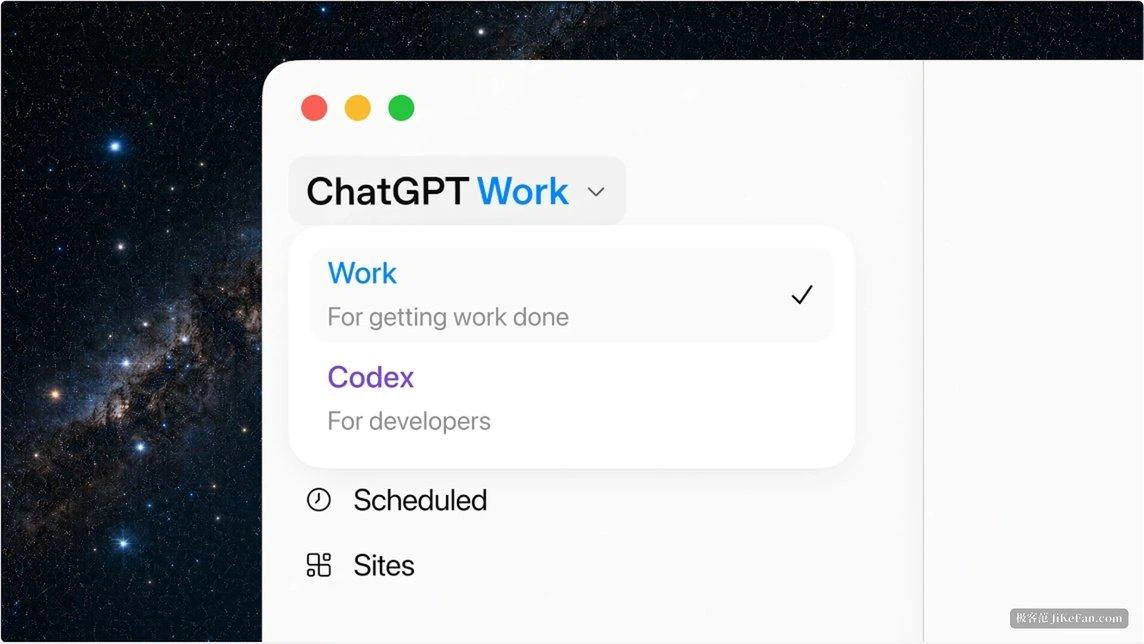
What Work is actually working on
Work is driven by a current flagship model, and its purpose is not answering questions but handing things over. Give it a goal and it gathers information across applications and files, breaks a complicated project into smaller steps and executes them one by one, finishing with something you can edit: a spreadsheet, a presentation, a document, or a shareable web application.
It can also be hung up and left running. Scheduled jobs support a single run, a repeating plan, or a start triggered by a specific event — an email landing in a mailbox, a message arriving in a channel, feedback appearing on a pull request. Nobody has to sit and watch; it stops at the points where your agreement is needed.
Plugins are the hands it reaches out with. Once the tools of daily work are connected, it draws context straight from those systems, generates documents and decks, and keeps polishing a draft in the background.
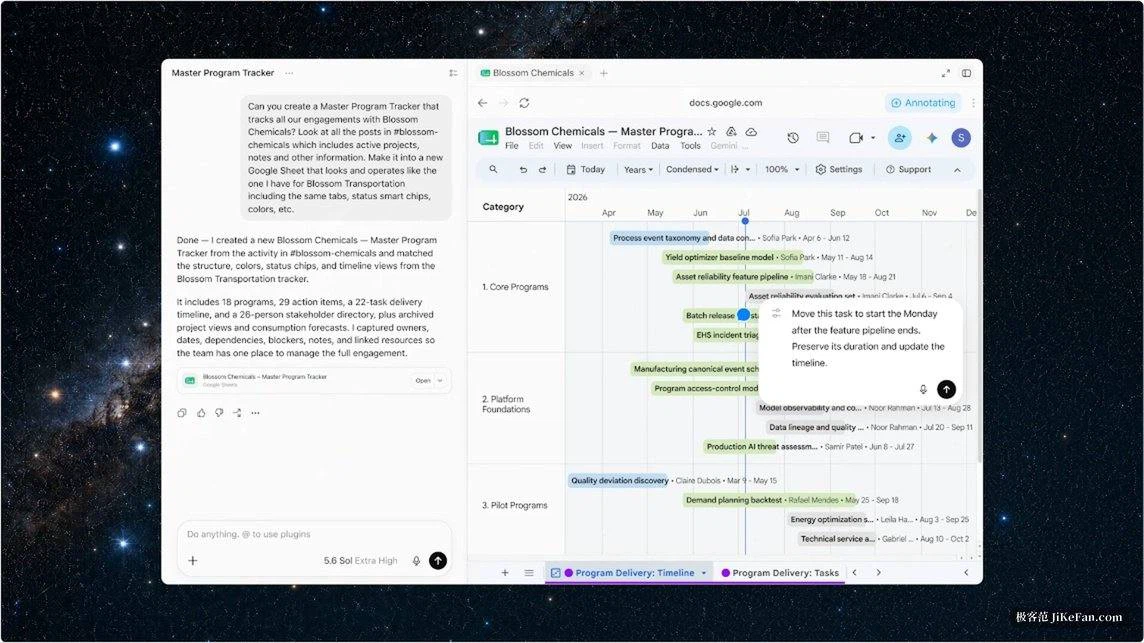
Codex is no longer a separate application
On the ninth of July 2026 the standalone coding application was merged into the desktop one. This is not two models fused into one; it is two workflows placed side by side in the same window. The coding experience survives intact: editing inline inside a code difference, reviewing a pull request in the sidebar, handling several repositories inside one project, and computer use driven by the same model. For existing users one update is enough — earlier tasks and projects are preserved, and the coding view can be made the default on opening.
The more interesting part is how far it reaches. On the desktop, all three modes are open on every plan including the free one, on Windows and macOS both. Nobody has to pay first to find out what the three modes look like. On the web and on mobile, Work begins with the higher tiers and extends downwards to the mid-range ones afterwards.
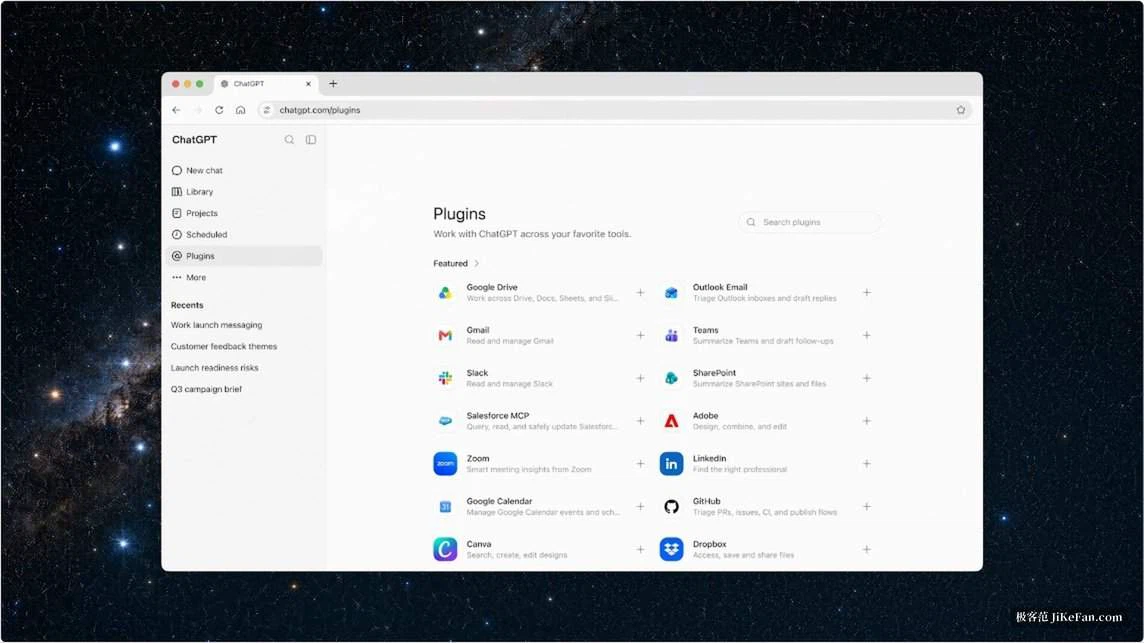
The desktop can do a few local things the web cannot
With authorisation it can read local files and desktop applications on your machine, and the output stays on the machine. A built-in browser pulls tabs you are already signed into into the conversation as context, which removes the copying and pasting of page contents. Computer use lets it operate the machine in the background — clicking, typing and moving files across applications and across browsers. On Windows, the screenshot and available text of the current window can be sent into the conversation in one go, to ask a question about it or describe what should happen next.
Models, and a rhythm that keeps moving
Three variants of the current family are recommended: a flagship for complex coding, computer use, research and security work; a balanced one for everyday use; and a fast, cheap one. The rhythm has not slowed. On the third of September 2026 a newer model arrived with improvements in coding, research, computer use and long multi-step tasks, able to power both Work and the coding mode, and it is being opened to organisations in stages.
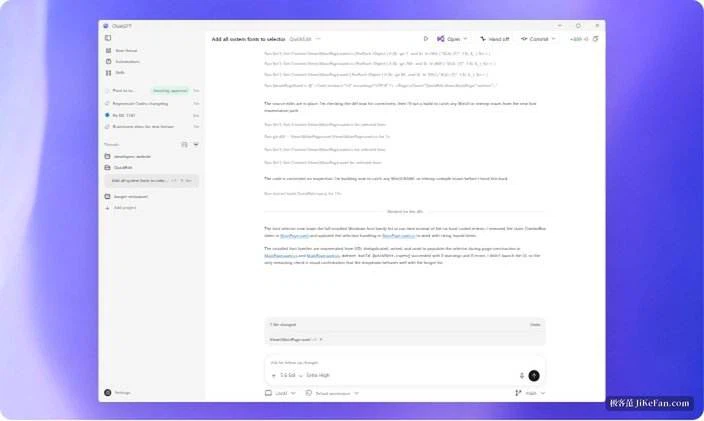
What to watch
Usage works the way it does in the coding mode: the more complicated the task and the longer it runs, the faster the allowance within a plan is consumed. For a long job, start with something small and reversible, and state clearly what counts as finished before setting it going. A model still produces wrong content that reads as though it were right, and anything irreversible — a formula, an amount of money, something sent outside — deserves to be read line by line before it is released. Some of that is covered: key operations ask you first, and automatic review runs before an action happens.
What has changed is not whether it can hold a conversation. It is that in one window you can use it purely to write, or let it carry a whole piece of work to the end — and trying that does not require paying in advance, because all three desktop modes are open on the free plan.