
AMD Adrenalin puts the driver, the game shelf and frame generation behind one door
Summary
The official driver and game suite for Radeon cards, installed in one pass: a game shelf, the one click HYPR-RX preset, frame generation, upscaling, recording and streaming, plus creator tools. Version 26.9.1.
Recommend- Name
- AMD Software: Adrenalin Edition
- Version
- 26.9.1
- Pricing
- Free
- Open source
- Proprietary
- Operating system
- Windows
- Updated
- 2026-10-06 22:48
One door for the driver and for the games
Adrenalin is the official client for Radeon cards, and once it is on the machine the driver updates, the game shelf and every enhancement sit in the same window. The Gaming page at the top lists what is installed locally and starts or configures it from there. A chat assistant that runs on the machine itself sits alongside, and it can generate images as well as answer questions. A media and capture section collects recordings and screenshots. For anyone who does not want to learn where each switch hides, having the common actions on the front page removes a good deal of menu hunting, and the layout is the same whether the card is a year old or brand new.
Performance: one click presets and generated frames
The performance side now leads with HYPR-RX. A single click on the front page turns on a group of settings that raise the frame rate and cut input latency together, and a second profile aimed at laptops, HYPR-RX Eco, leans the other way and saves power instead. Part of that bundle is frame generation, which inserts new frames between the ones the game actually rendered to make motion look smoother. Several more can be switched on separately. Anti-Lag trims latency by managing the queue between processor and graphics card in DirectX 9, 11 and 12 titles; Boost drops resolution while the camera turns, trading detail for frames; Chill varies the frame rate with how much is happening in order to save power; and FRTC sets a ceiling in exclusive fullscreen. A tuning panel inside the driver handles overclocking and fan behaviour without a third party utility.
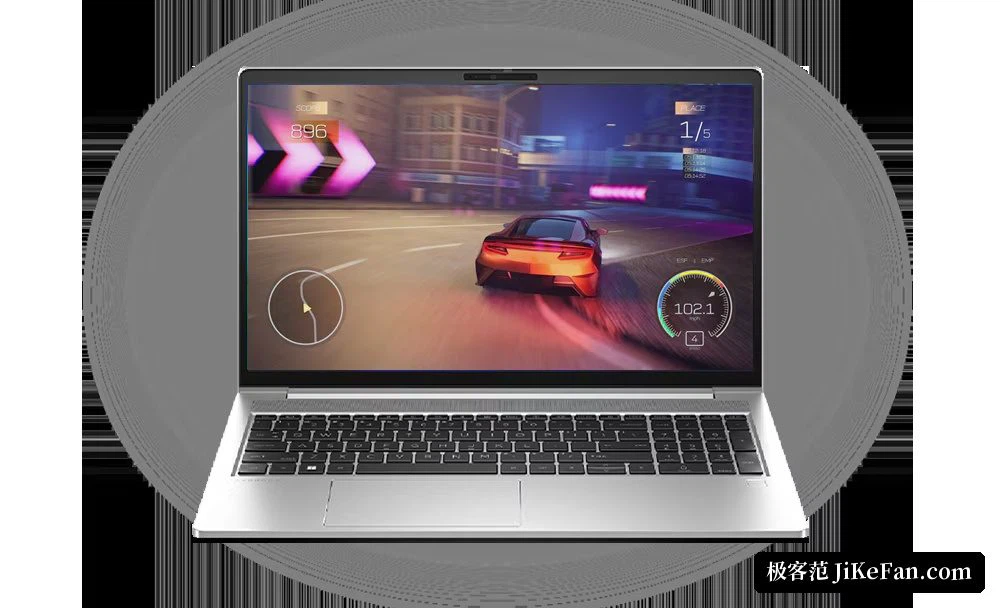
Image quality and upscaling
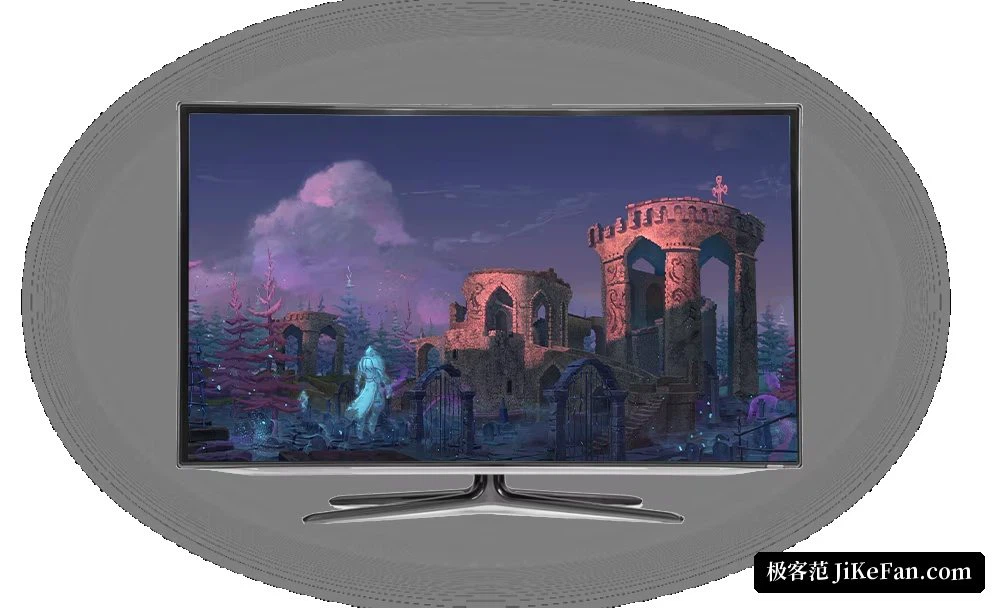
Most of the picture quality options live in the driver too. Radeon Super Resolution works at driver level, so compatible games gain performance without being patched. FSR depends on support inside the game, and the newer version of it is built on machine learning and is available in a good number of DirectX 12 titles. For synchronisation there is FreeSync and Enhanced Sync, aimed at tearing and at stutter from mismatched frame delivery. Image sharpening now also covers desktop applications and video playback, and integer scaling gives older games a clean pixel for pixel enlargement. Every one of these switches can be set per game rather than globally, which is the difference between a useful option and a nuisance.
Recording, streaming and making things
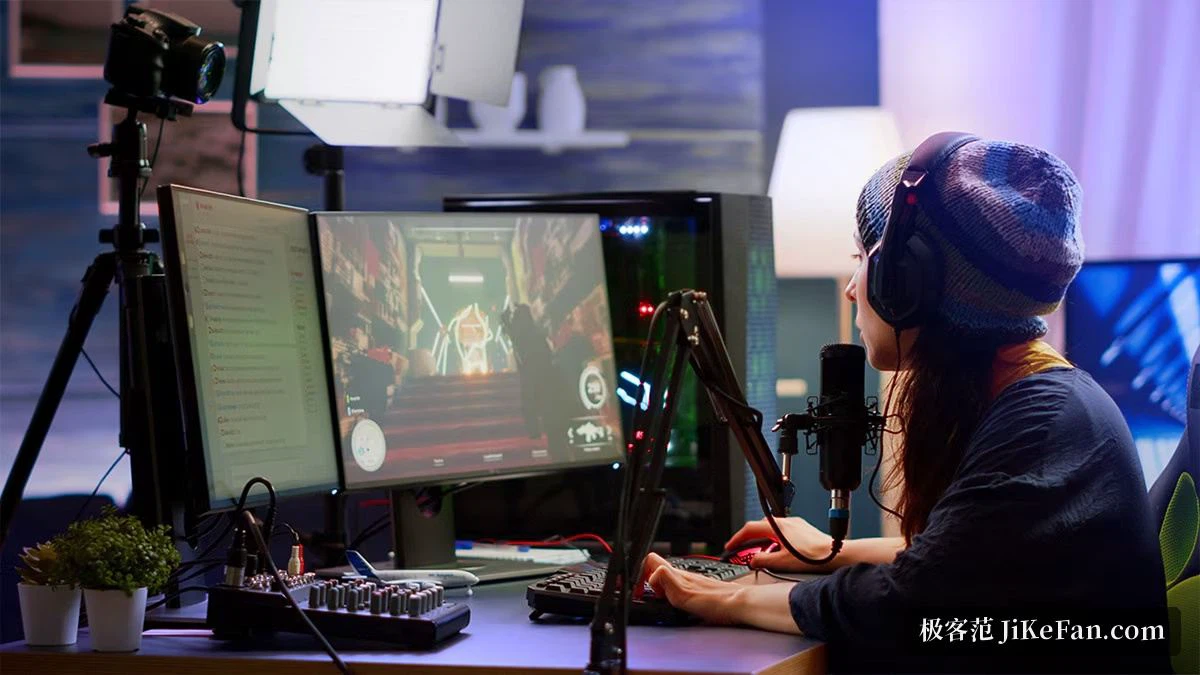
Capture has been part of Adrenalin for a long time. The media section grabs highlight moments from a game, and the streaming side pushes the picture to a platform using the card's encoder. For people who produce rather than play, the creator profile accelerates a range of editing and rendering applications, noise suppression pulls down background hiss and room rumble, and a privacy view helps mask sensitive areas while a screen is being shared. Recent builds added a bundle that installs a local AI development environment as an optional one click item, so models can be run on the card through the open compute stack.
Versions and installation
The newest build is Adrenalin 26.9.1, marked WHQL Optional and published on 2026-09-03, and the previous one, Adrenalin 26.8.1 from 2026-08-20, is still offered as the recommended WHQL build. Both are downloadable from the support page for the specific card. The system requirement is a 64 bit build of Windows 10 or Windows 11, and the installer weighs around 850 MB. The software comes with the card and costs nothing extra; anyone who would rather not pick a model by hand can use the detection tool on the site, which identifies the card and installs the matching package.
Where the driver ends and the game begins
The two upscalers make the split plain. Scaling at driver level applies to any compatible game without the developer doing anything, which is why it reaches older titles that will never be patched again; the in-game variant needs the game to implement it, and in exchange it usually knows more about the scene and produces a better picture. Because every switch is set per game rather than once for everything, the sensible arrangement is to leave the driver level option for the backlog and the in-game one for anything that supports it. That habit does more for the experience than any single preset.