
reWASD turns a gamepad into a keyboard and mouse, with layers, macros and gyro mapping
Summary
A Windows tool that reassigns every input on a pad to keyboard and mouse actions, with shift layers, combo and rapid fire macros, a radial menu and gyro aiming. More than 100 controllers are covered, version 9.5, 7 day trial.
Recommend- Name
- reWASD
- Version
- 9.5
- Open source
- Proprietary
- Operating system
- Windows
- Website
- https://rewasd.com/
- Updated
- 2026-10-06 22:52
Buttons, triggers and sticks all get reassigned
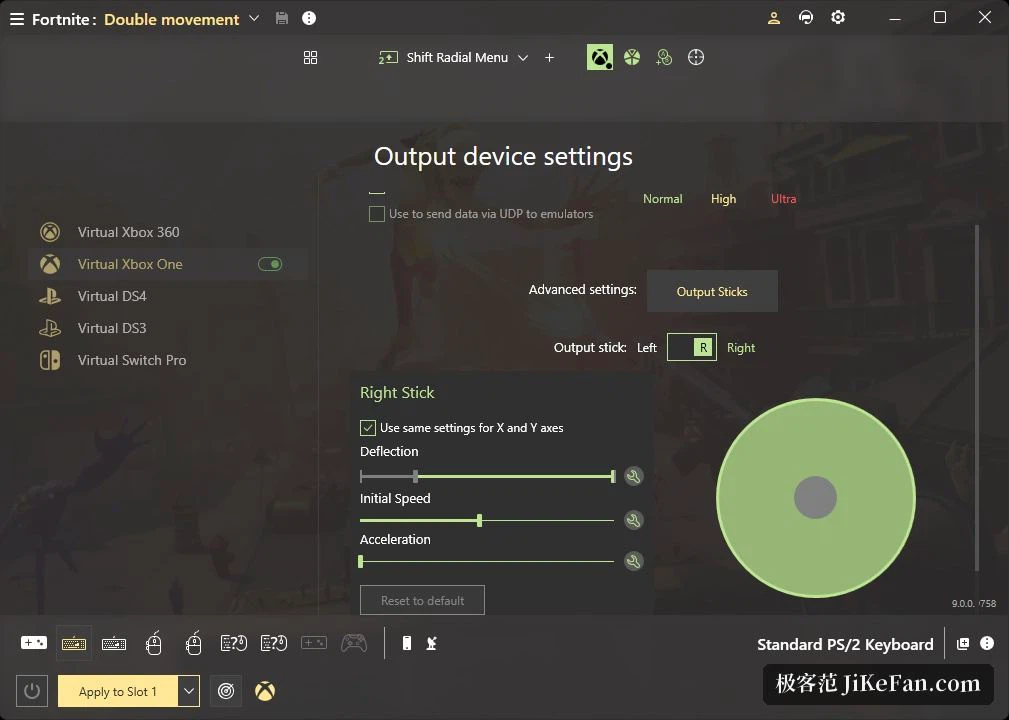
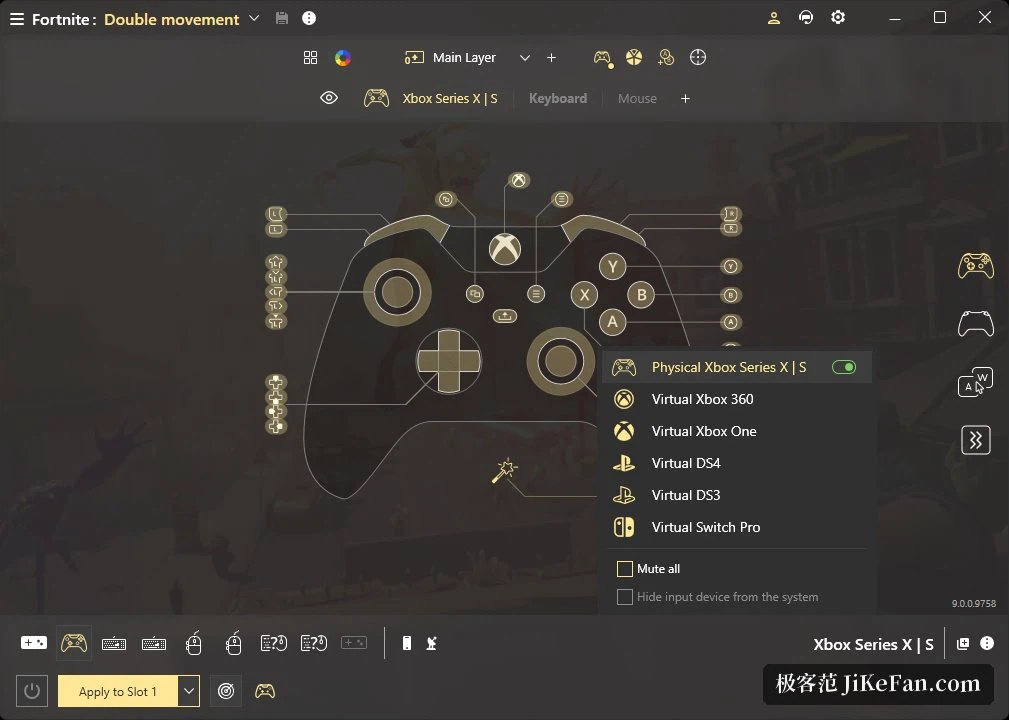
The job reWASD does is to hand out every input on a pad a second time. A face button becomes a keyboard key, a direction on the stick becomes mouse movement, the two triggers become the left and right mouse buttons, and the reverse also works: keyboard and mouse can imitate a pad. More than 100 controllers are supported, and the official pages single out the major families by name, from the first party console pads and the current flagship models to retro and handheld ones. On the two most recent PlayStation pads the touch surface can be divided into zones, each carrying its own mapping, up to four of them at once. Under the surface the physical pad is turned into a virtual device and handed to the game, which is why a title with no native pad support still plays properly through the keyboard and mouse or the virtual pad that the mapping produces.
Shift layers, and four configuration slots
Beyond reassigning one key at a time, there is a shift layer: hold the shift button and the same physical input points at a second set of actions, which is how a pad with very few buttons grows more of them. Up to four configuration sets can be loaded at once, and together with the advanced mapping mode that is how the control scheme changes from one game to the next. Back paddles and extra buttons on the elite style pads can carry individual actions even when a game never heard of them, and the vendor ships presets for the newer hardware so that the starting point is a working configuration rather than a blank page.
Macros, a radial menu, and a phone as the remote
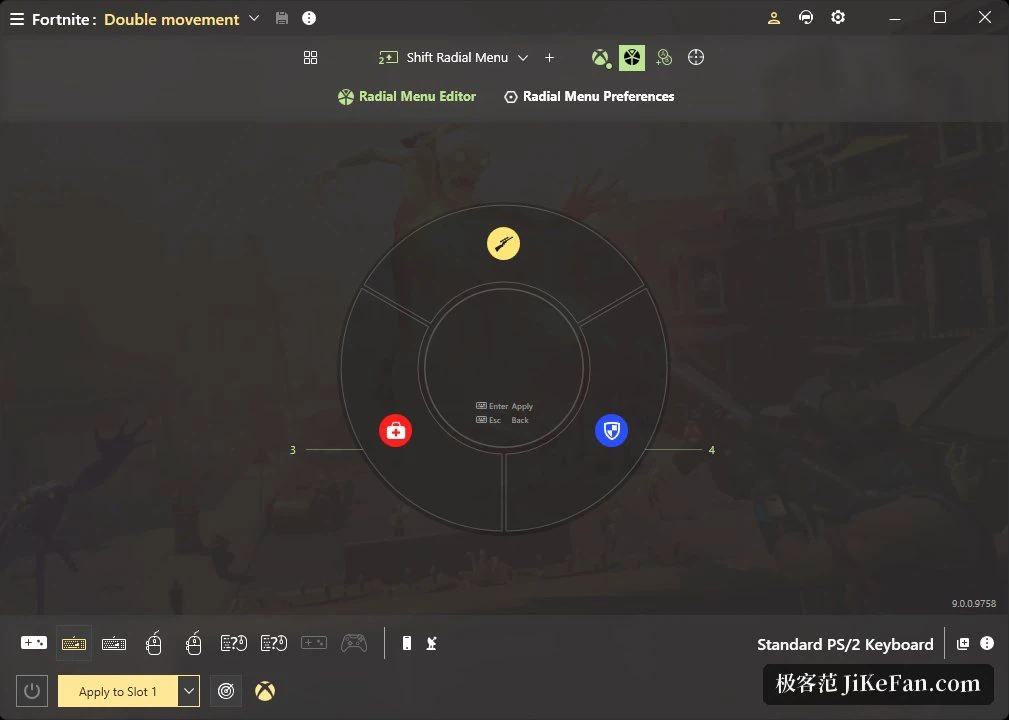
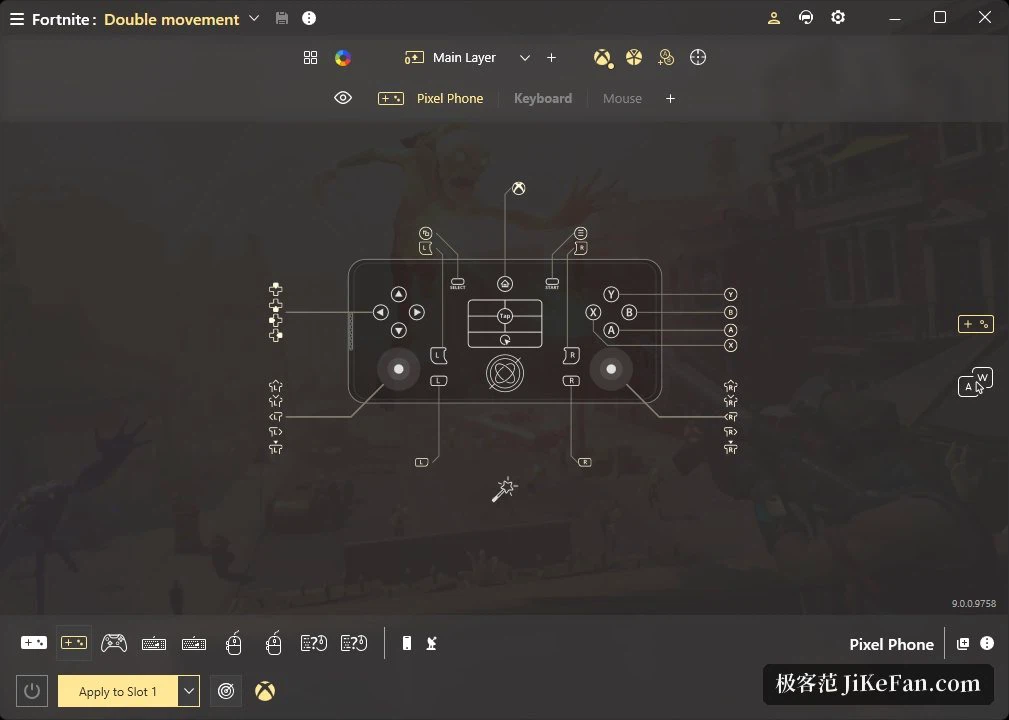
The more elaborate tricks live in the paid tier. A combo folds a sequence of keys into one action, rapid fire repeats a button, a radial menu brings a ring of options up from the stick, and the touch surface or the stick can stand in for the mouse. A companion app on a phone or tablet becomes a remote control, so a configuration can be created, edited and applied while the game is running without dropping back to the desktop. The vendor also supports wiring a pad to a console for use there. The community keeps a large library of ready made configurations sorted by game, where popular titles run into hundreds and sometimes thousands of public entries, usable as they are or as something to adjust.
Version, licensing and installation
The current build is 9.5, published in 2026-08. That release completed support for the 2026 model of a well known handheld maker's controller, and a separate build targets Windows on ARM. The software runs on Windows, and beyond remapping it includes mapping the gyroscope onto mouse aim. Licensing splits in two: a basic line concentrates on remapping and still covers more than 100 pads and nearly every keyboard and mouse, while the full version is sold as a one time purchase, usable on several computers at once, and comes with a 7 day trial that asks for no card. The vendor also notes that a cheap ESP32 bluetooth adapter will carry a pad wirelessly to the machine, and that PlayStation or Xbox pads can be used on a Switch.
Why a virtual device changes the outcome
The consequence of that swap is easy to miss. A game that was written for a keyboard and a mouse never has to learn what a pad is, because it is not talking to one: it is talking to the virtual device the tool presents, with the keys and the mouse it already expects. The same mechanism works the other way round for older titles that only know about pads and refuse to see a keyboard at all. In practice the four configuration slots and the shift layer do the rest of the work: the same physical pad serves several games, and switching between them is a selection rather than a rebuild. Anyone who has ever kept a note of which profile belongs to which game knows what that is worth.
Two editions, and how to decide
The split is worth understanding before paying. The basic line already covers more than 100 pads and almost every keyboard and mouse, which is enough for someone who only wants a console pad to drive a shooter or a strategy game. The macros, the radial menu, the touchpad zones and the phone remote belong to the full edition, and so does the wider set of things a shift layer can be pointed at. That edition is a single payment rather than a subscription, it runs on several machines at once, and the 7 day trial is long enough to answer the only question that matters, whether the mapping feels right in the games actually being played.