
Sumatra PDF opens a document without making you wait, and reads far more than PDF
Summary
A free open source reader for Windows that also opens EPUB and MOBI books, comic archives and DjVu, comes as a single file portable build, and weighs about 10.6 MB for the 64 bit installer. Version 3.6.1.
Recommend- Name
- Sumatra PDF
- Version
- 3.6.1
- Pricing
- Free
- Open source
- Open source
- Operating system
- Windows
- Updated
- 2026-10-06 15:41
Start with the size and the start-up time
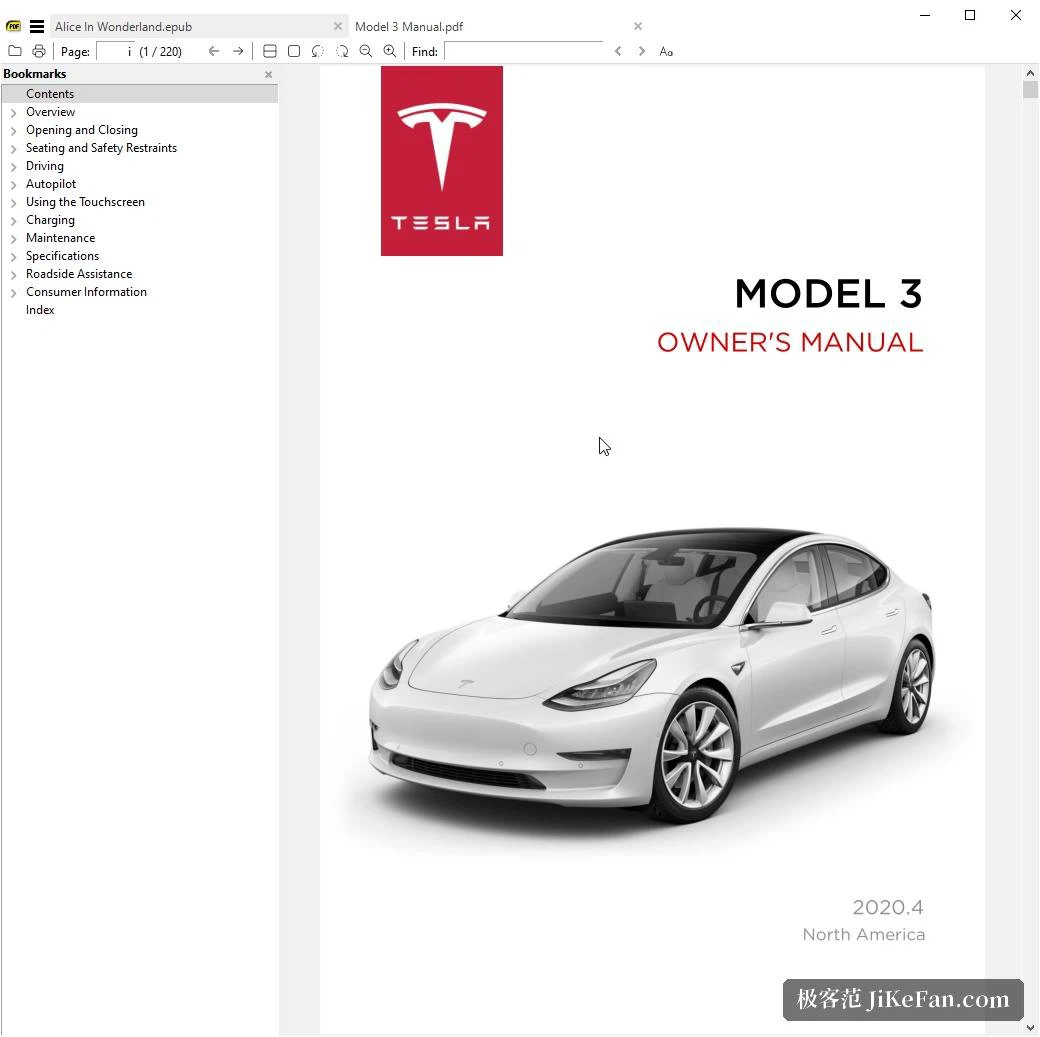
The brief is narrow on purpose: reading should be fast. The author describes it as light, quick and small, a document appears almost without waiting, and the memory it holds while running is modest. Compared with readers that carry accounts, online services and background processes, this one has no sign-in, no notifications and no tray icon doing mysterious work; what gets installed is a plain reading window. For someone who keeps a dozen PDFs open side by side for comparison, that behaviour counts for more than feature piled on feature. The project is written in C, the whole source sits in a public repository, and the build instructions and the list of dependencies are published with it.
More formats than the name suggests
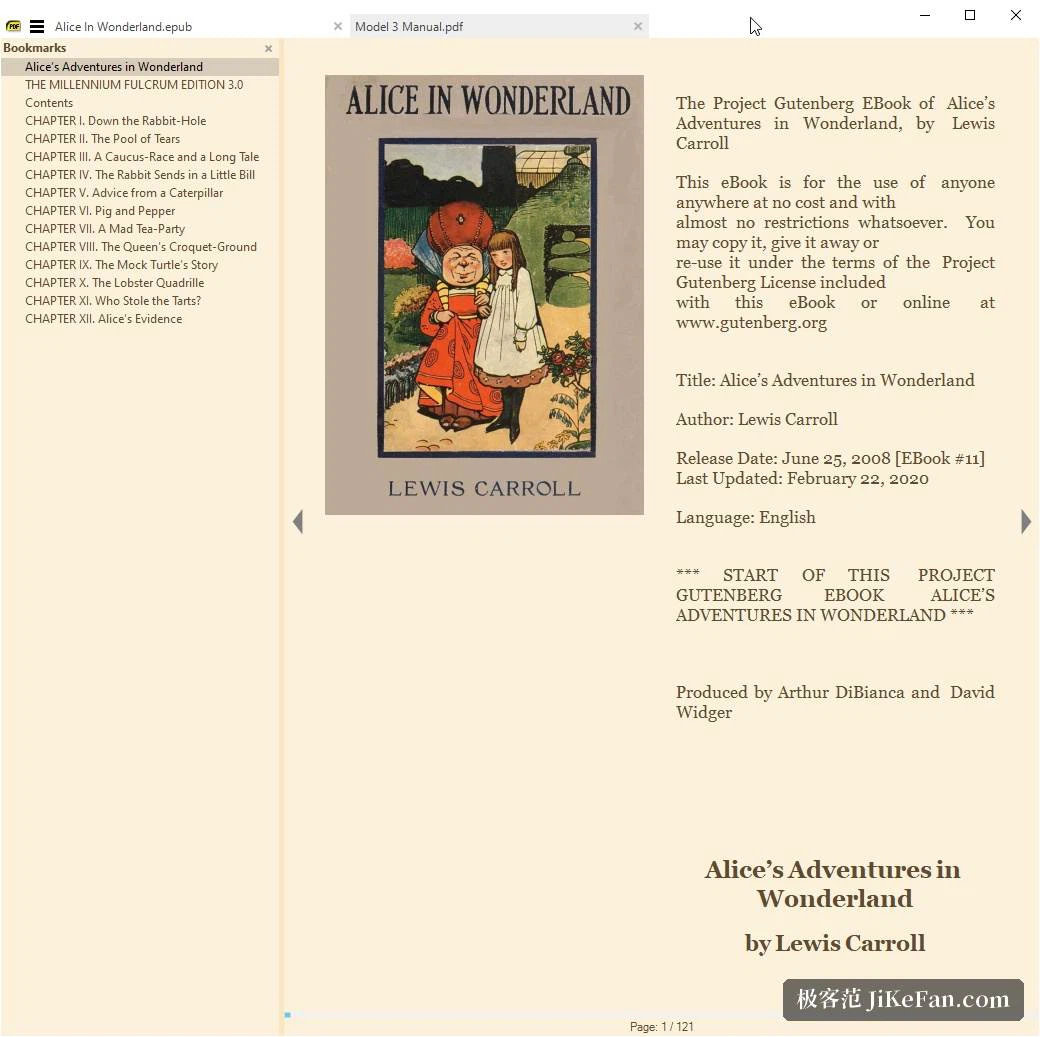
Beyond PDF it opens EPUB and MOBI books, CBZ and CBR comic archives, DjVu, XPS, CHM and ordinary image files. A comic archive is read page by page in order, a book turns like a book, a scanned PDF scrolls smoothly, and a plain picture opens as a document, which means a folder of scans can be walked through without any conversion. Multi format support is one of the three headline claims, and the practical effect is that one reader covers everything instead of a handful of programs taking turns. The manual also documents the keyboard shortcuts and the command line arguments, so opening a document can be wired into a script or an automation.
Installed, or carried on a stick
Both an installer and a portable build are offered. The portable one is a single executable, runs from a memory stick, and writes nothing to the registry, which makes it the obvious choice for reading something on somebody else's machine. The download area lists several builds per platform: a 64 bit installer and portable package, the same pair for ARM64, and a 32 bit build kept for older hardware. Windows 7 through Windows 11 is the supported range, and anyone who still needs XP or Vista has to step back to an older release. The current 64 bit installer is about 10.6 MB, the portable archive about 9.6 MB.
A plain face over adjustable parts
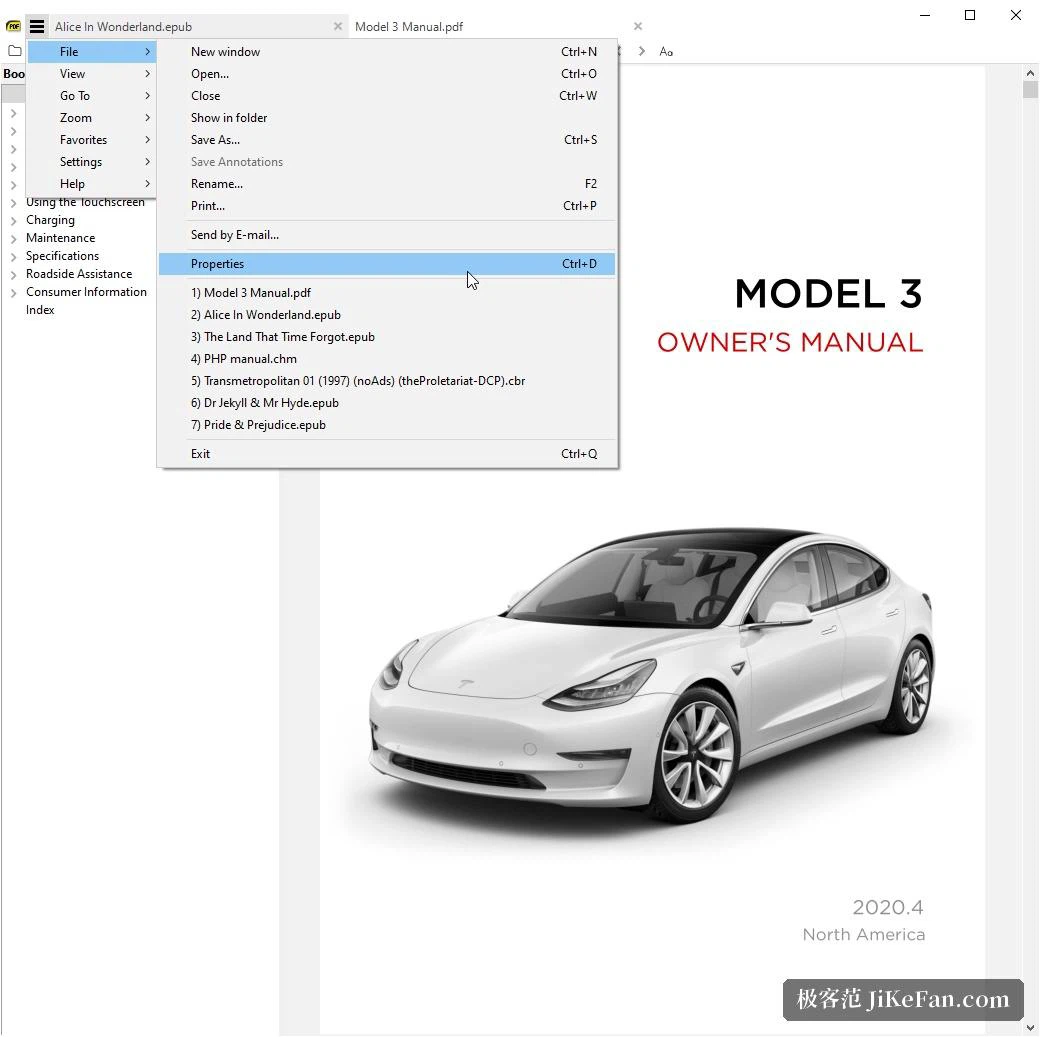
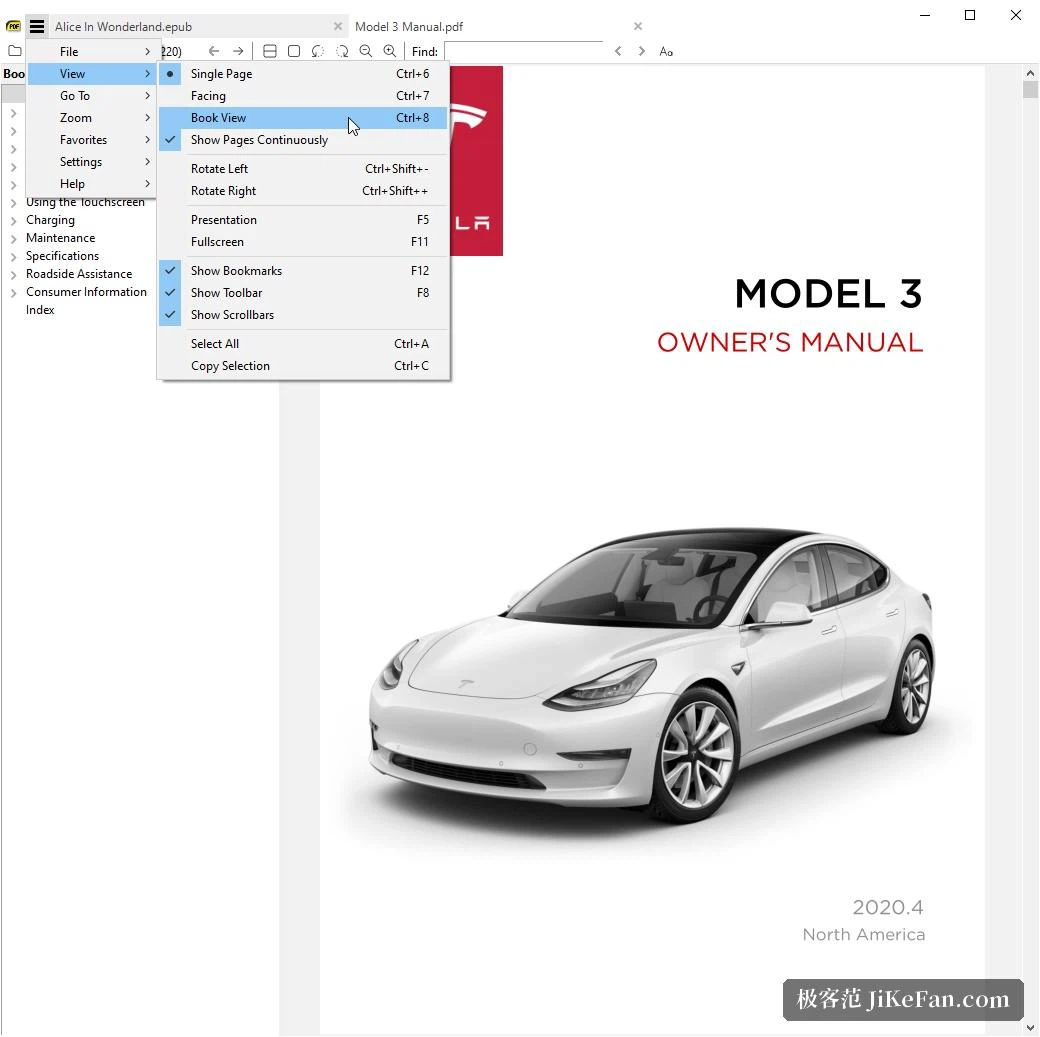
Simple as the window looks, the adjustable pieces are all there in the settings and the menus. Shortcuts can be reassigned, themes swapped, and the toolbar arranged to taste. The file menu gathers the common actions of opening, saving, printing and exporting, while the view menu handles zoom, page layout and full screen reading. There is no subscription and no paid tier; the project states that it is free and open source, the code sits in a public repository, and forks and second lives have a clear basis. Settings live in a configuration file, so moving to another machine is a matter of carrying that file along.
Command line and manual
The manual gives command line arguments a chapter of their own, which says this is not only a window: hand the main program a path or a set of switches and it will open a document at a given page with the display options asked for, which is what makes it usable from a batch file or from another program's open with external tool action. The same manual keeps the shortcut list and a full account of the file menu, and the change log records what each release touched, so a behaviour can be traced back to the version that introduced it.
Version and licence
The current stable build is 3.6.1, published in 2026-04 and mainly a round of fixes; a pre-release of the next line is offered for anyone who wants to try it early. The project ships under the GPLv3 with the source open, and individuals and companies alike may use it. A manual, a change log and a forum sit alongside, where earlier discussions can be searched before asking. For anyone who simply wants a document reader that does not make itself noticed, this belongs to the category that is installed and then forgotten.