
Affinity Photo: Professional Retouching Without a Subscription
Summary
Affinity Photo is a professional grade photo editor: layers, masks and RAW handling are all present, PSD files are supported natively, and after joining a unified creative suite the basic features are free to use, which makes it the value pick for anyone who retouches images.
Recommend- Name
- Affinity Photo
- Version
- 20260922
- Pricing
- Free
- Open source
- Proprietary
- Operating system
- WindowsmacOSiPad
- Updated
- 2026-10-06 20:21
Professional Retouching Without a Subscription Attached
Image editing software has long been governed by two models. Either you buy a licence once and pay dearly for each upgrade, or you subscribe and are billed every month for as long as you keep working. Affinity Photo arrived years ago with a third position, buy once and keep using it, and earned its place in professional circles on the strength of the editing itself: layer blending, mask based cutouts, colour adjustments, RAW development and liquify retouching are all there, and performance stays smooth even on large files.
Having joined a unified creative suite, the current version folds photo, vector and layout work into one place and opens the basic features for free, which lowers the entry price of serious retouching by a noticeable step. For anyone who edits photographs as a hobby, or as part of a job that is not primarily about photographs, that change is the difference between a tool you admire and a tool you actually install.
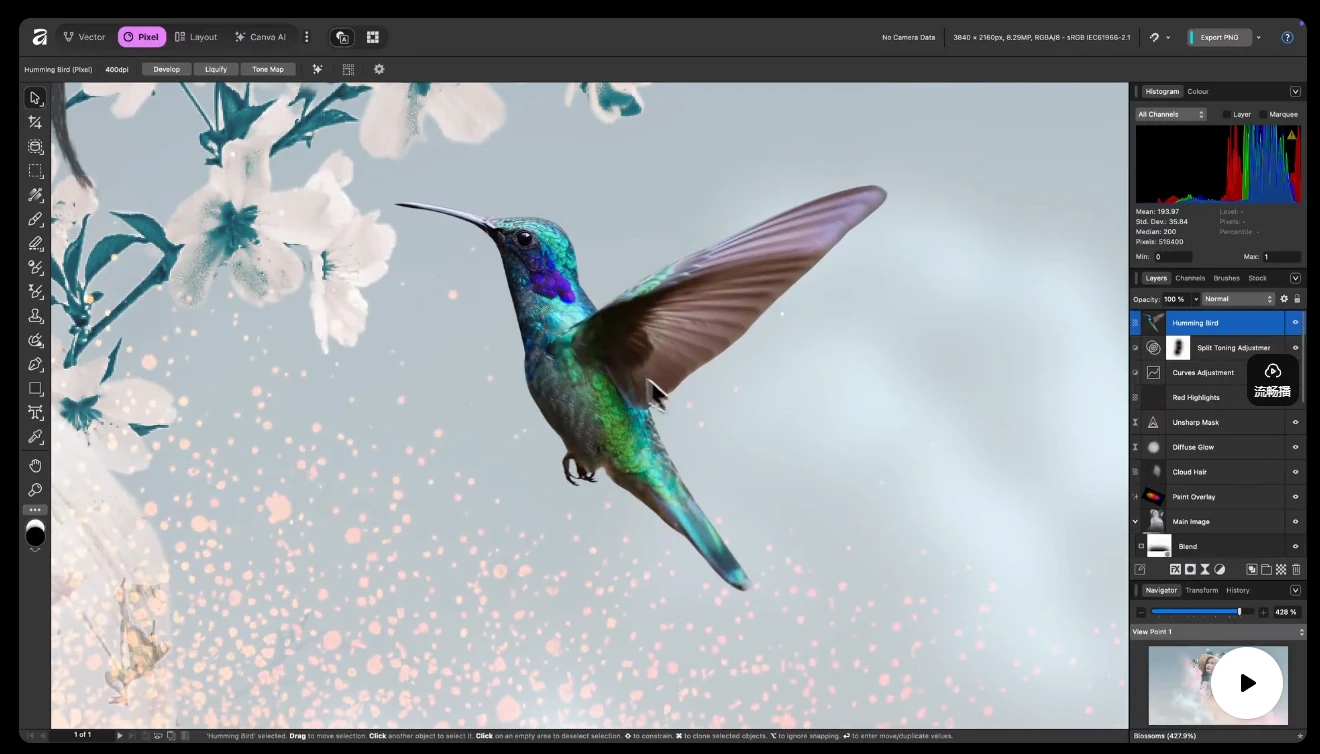
The pricing model matters more than it first appears. A subscription turns every quiet month into a small loss, and it makes the decision to keep a skill alive depend on a budget line rather than on whether the work is still worth doing. A tool you own sits on the disk until you need it, which suits the way most people actually edit: intensively for a week, then not at all for two months.
A Smooth Workflow, Collaboration Without Friction
The engineering behind it is just as solid. PSD files are read and written natively, so handing work to a colleague who uses a different editor no longer requires a chain of exports and reimports that quietly degrades the document. Non-destructive editing keeps every adjustment reversible, so a decision made in the first hour can be revisited in the fourth without rebuilding anything.
The vector design and layout tools in the same family share one file logic, which means a whole set of visual material, from a retouched photograph to the page it sits on, can be produced inside a single application. For independent designers and photography enthusiasts, that combination covers the path from RAW correction to finished output without requiring a second purchase halfway through.
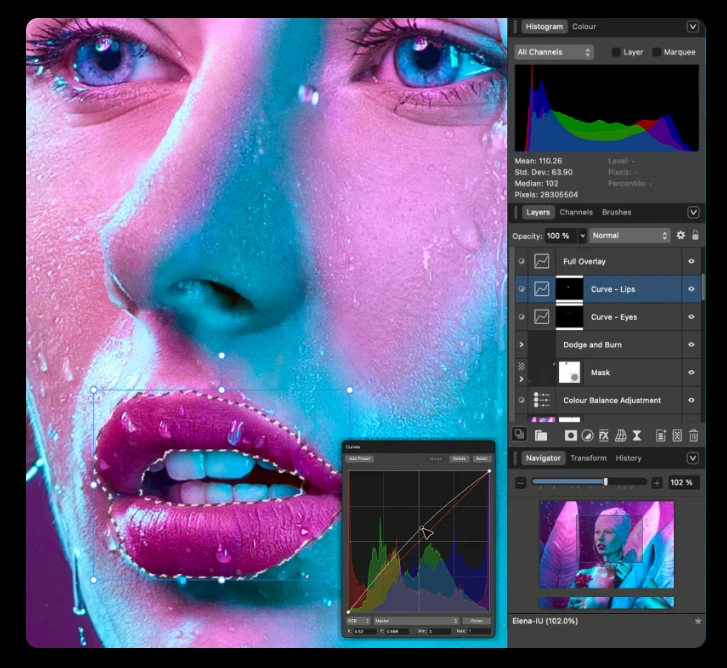
The two features that carry most of the real work are the ones worth naming. RAW development decides how much of the sensor data survives into the edit, and a photograph that starts there keeps highlight and shadow detail that a compressed file has already thrown away. Masks are the other half of the craft: they are how a correction is applied to one region and withheld from the rest, and doing them well is most of what separates a retouched image from a filtered one. Both are present here without a subscription standing in front of them.
The story of Affinity is a sample of what sincerity in a product looks like: make the professional capability solid, and bring the price barrier down. The value of a creative tool has to return to the creating in the end.
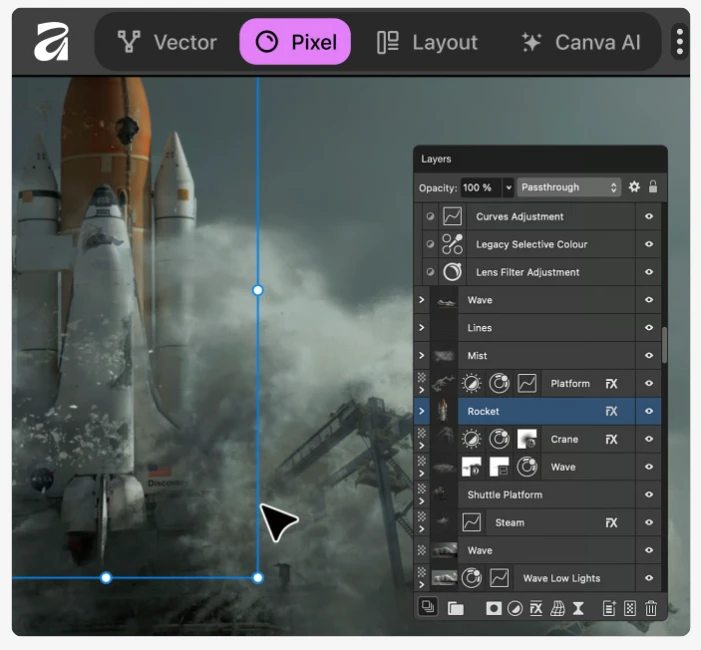
The present situation should be stated clearly. After joining the unified suite, some advanced intelligent features have become subscription add-ons, and the perpetual licence that long time users cared about is in transition, with the exact policy best read on the official pages. Anyone used to a traditional retouching workflow will need half a day to settle into the new version.
Judged on capability alone, though, the free basic version already carries most retouching work. For anyone who wants professional grade photo editing inside a limited budget, it remains a candidate that is hard to route around.
What that means in practice is simple enough. The file you were going to send out for a small fix can be handled at home, and the skill you built up years ago does not expire because a billing cycle ended.
It is worth saying that a tool like this rewards patience more than enthusiasm. The first session produces something ordinary, the tenth produces something you would show someone, and nothing about that curve depends on a licence tier. What a fair price really buys is the number of sessions you are willing to have.