
Google Chrome stays the default choice for everyday browsing
Summary
For most people the first browser they install is still Google Chrome. Pages are tested against it before anywhere else, startup and rendering stay fast, and the extension store is the largest of its kind. Sign in and bookmarks, passwords and settings follow you to every device, while the old extension format finally left the store at the end of August 2026.
Recommend- Name
- Google Chrome
- Version
- 154
- Pricing
- Free
- Open source
- Proprietary
- Operating system
- WindowsmacOSLinuxAndroidiOS
- Website
- https://www.google.com/chrome/
- Updated
- 2026-10-06 20:24
Why it is still the default answer
Ask a room full of people which browser to install and the most common answer has been Google Chrome for years. The reason is not mysterious. Web compatibility is the foundation of the product: sites and online services test against it first, so a page that breaks elsewhere usually works here. Startup and rendering speed have stayed in the top tier release after release, which matters more than any single benchmark because the difference is felt every time a tab opens. The extension store is the largest and busiest of its kind, covering everything from inline translation to productivity panels. And once an account is signed in, bookmarks, passwords, extensions and preferences follow across desktop and phone, so changing machines feels almost seamless.
That combination explains a habit rather than a feature. People do not pick Chrome because of one headline capability. They pick it because the sum of small conveniences removes friction from ordinary browsing: a page that renders correctly, a password already filled in, an extension that survived the last migration. None of these is dramatic on its own, and together they are very hard to give up.
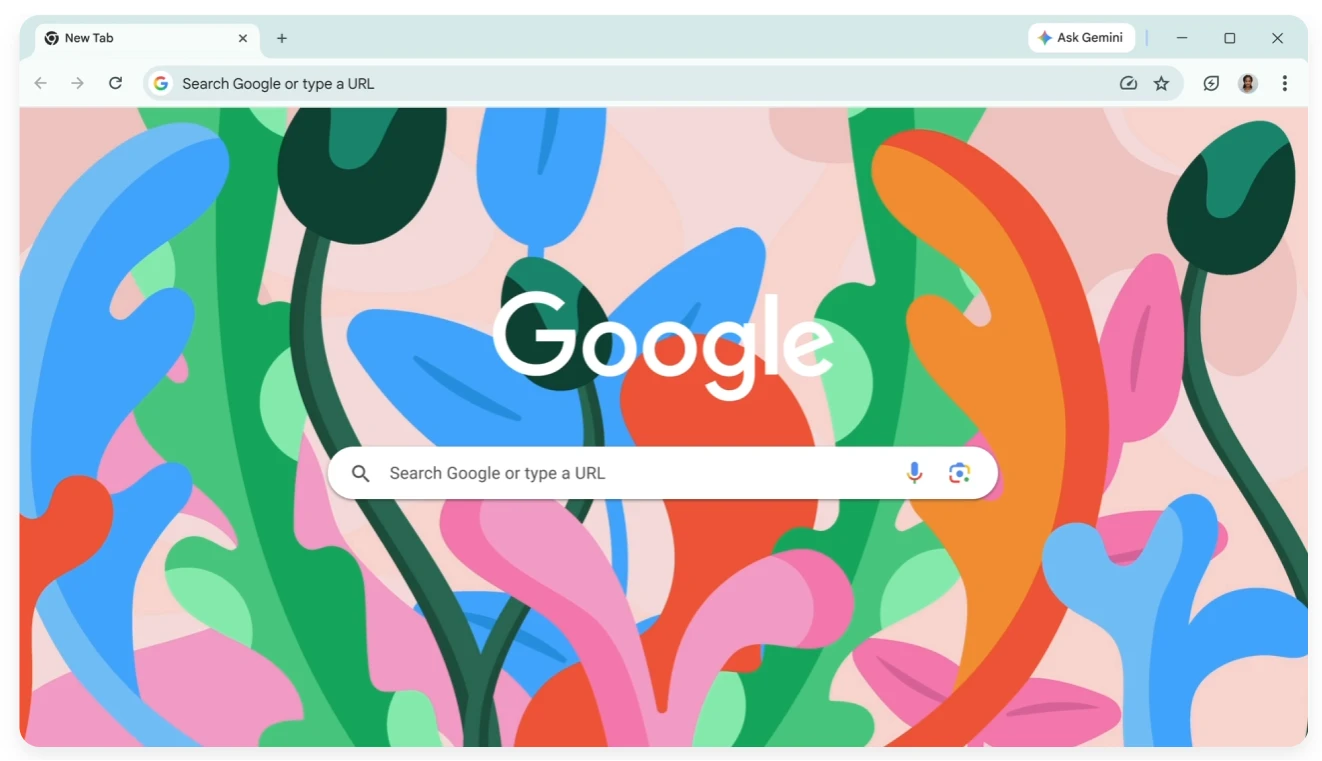
The extension format handover is finished
On 2026-08-31 the Chrome Web Store closed a migration that had been running for years. Every remaining extension built on the older specification, Manifest V2, was removed from the store, and Chrome 138 is the last version that still supports them. The newer specification handles permissions and background execution in a far more modern way. What users actually notice is quieter than the headlines suggested: extensions ask for less, and background behaviour is more restrained. For most people the change is invisible. For anyone still depending on a particular legacy extension, this is the moment to look for a replacement.
Developer tools are another signature of the product. The element inspector, the performance panel and device emulation inside DevTools are the everyday baseline for front end engineers, and they ship with the browser instead of arriving as an add on. Build 154 continues that line with the same emphasis on stability rather than spectacle, which is exactly what a tool used eight hours a day should optimize for.
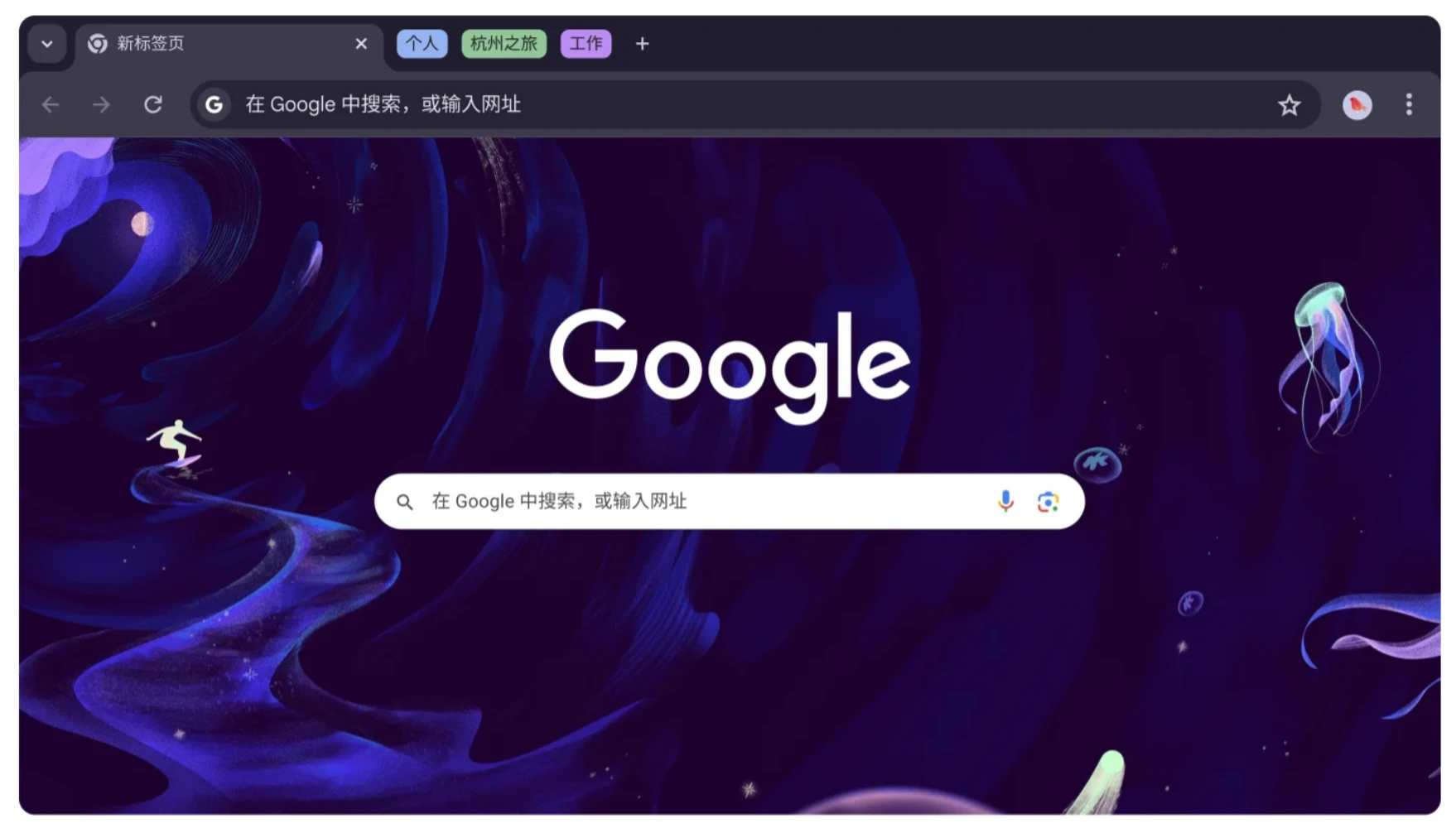
There is a practical side to the transition worth spelling out. Extensions that survived had to restate what they access and how they run in the background, so the permission prompts you see today are shorter and more specific than the ones from a few years ago. Fewer blanket requests, more narrow scopes. That is a quiet improvement in everyday safety, and it costs nothing to the user beyond the occasional re approval of a favourite add on.
None of this means the browser is beyond criticism. With many tabs open it takes a generous share of memory, and the account sync that makes switching machines effortless also means a large amount of personal data sits in one place. The point is narrower than praise: as a general purpose window on the web it is the option that needs the least explaining, which is why it keeps winning at first install.
Chrome does not dominate because of any single feature. It dominates through a common denominator kind of stability: compatibility, speed, ecosystem and sync, each held above the passing line. Do four ordinary things well enough and you become the default.
The advice that follows is unglamorous. Regular users can treat it as the main browser and simply leave automatic updates on, so security patches arrive without anyone thinking about them. Anyone running dozens of tabs and watching memory can lean on the built in memory saver. Extensions are best kept few and chosen carefully, with permissions granted one at a time rather than in bulk.
It costs nothing on every major platform and installs straight from the official site, which is why it remains the safest door into the web for a first time user. The trade off is that the browser is also a gateway into one company ecosystem, and that is a reasonable thing to keep in mind while enjoying the convenience.